ModsJava
Enhanced Overlay Mod (26.2, 1.21.11) – Remove Screen Clutter
Enhanced Overlay Mod gives you total control over the text and menus on your screen. It lets you change how the scoreboard, chat box, subtitles, and…
⬇ Download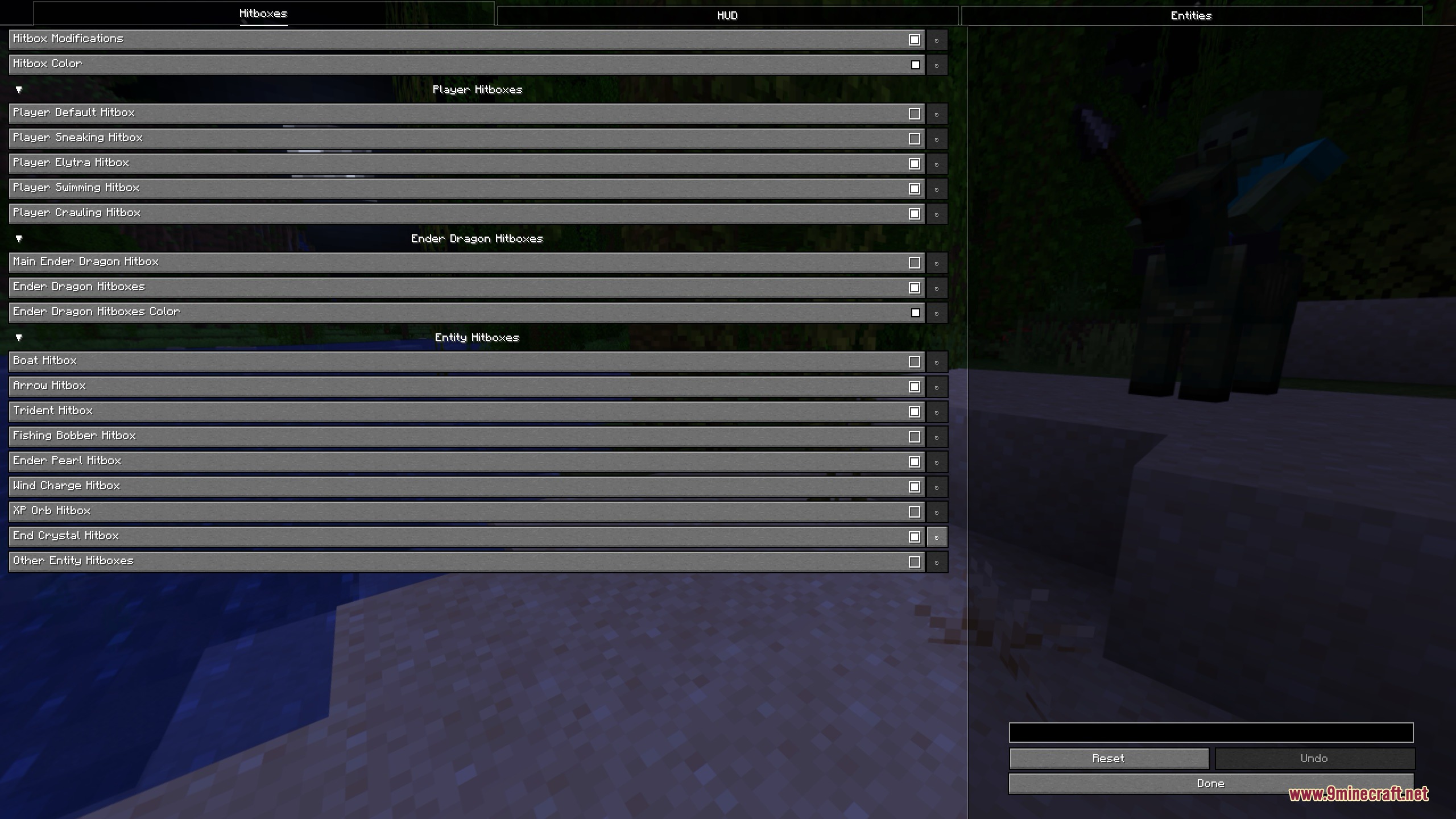
Enhanced Overlay Mod gives you total control over the text and menus on your screen. It lets you change how the scoreboard, chat box, subtitles, and player names look while you play. You can turn off annoying potion particles in first-person view and even add a shiny, fake enchantment glow to your items. This mod helps you clean up your screen so you can focus on the game.
Features:
- Lets you change the settings for hitboxes around mobs and blocks.
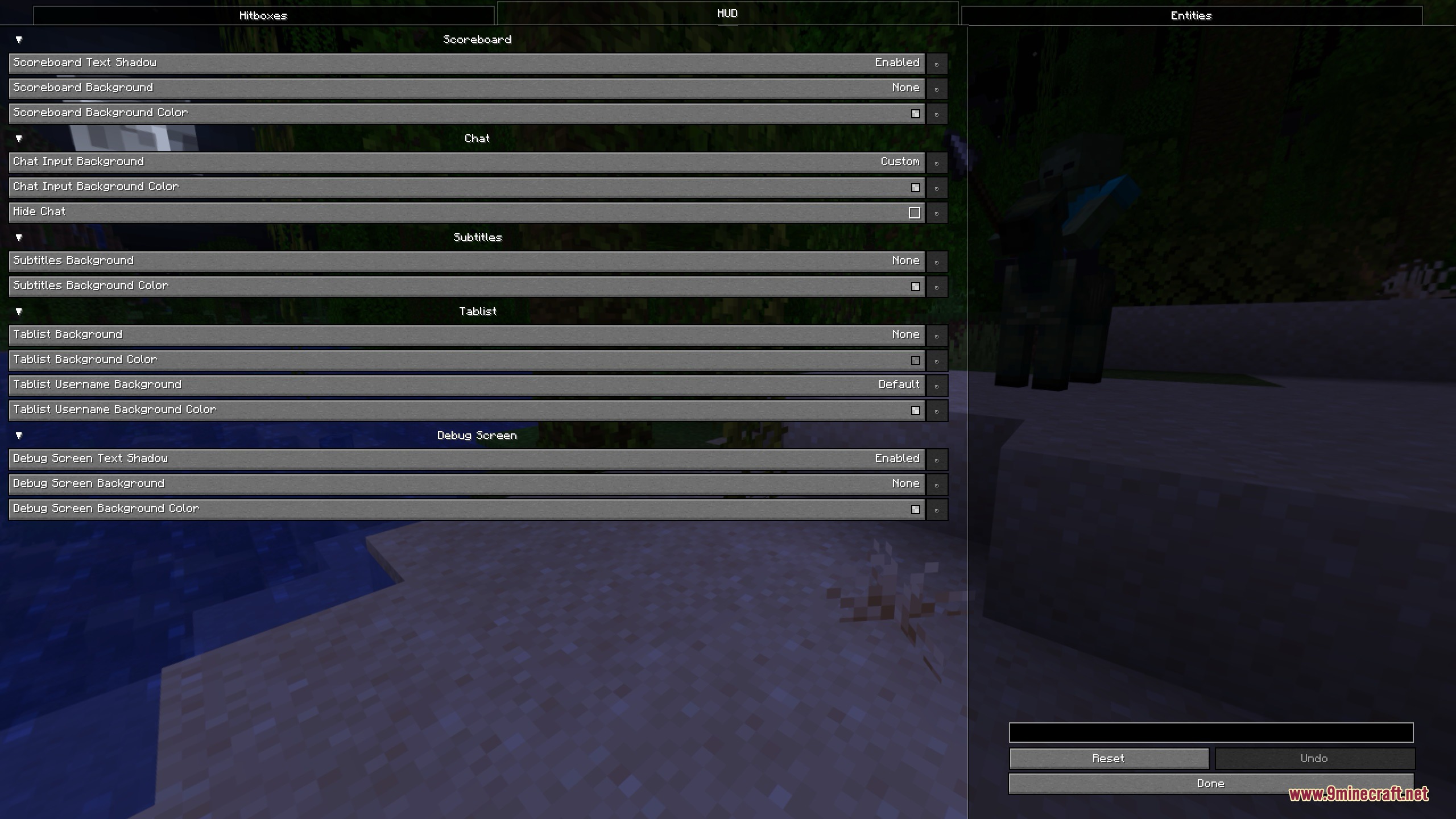
- Gives you options to adjust the scoreboard, player tab list, and the debug screen.
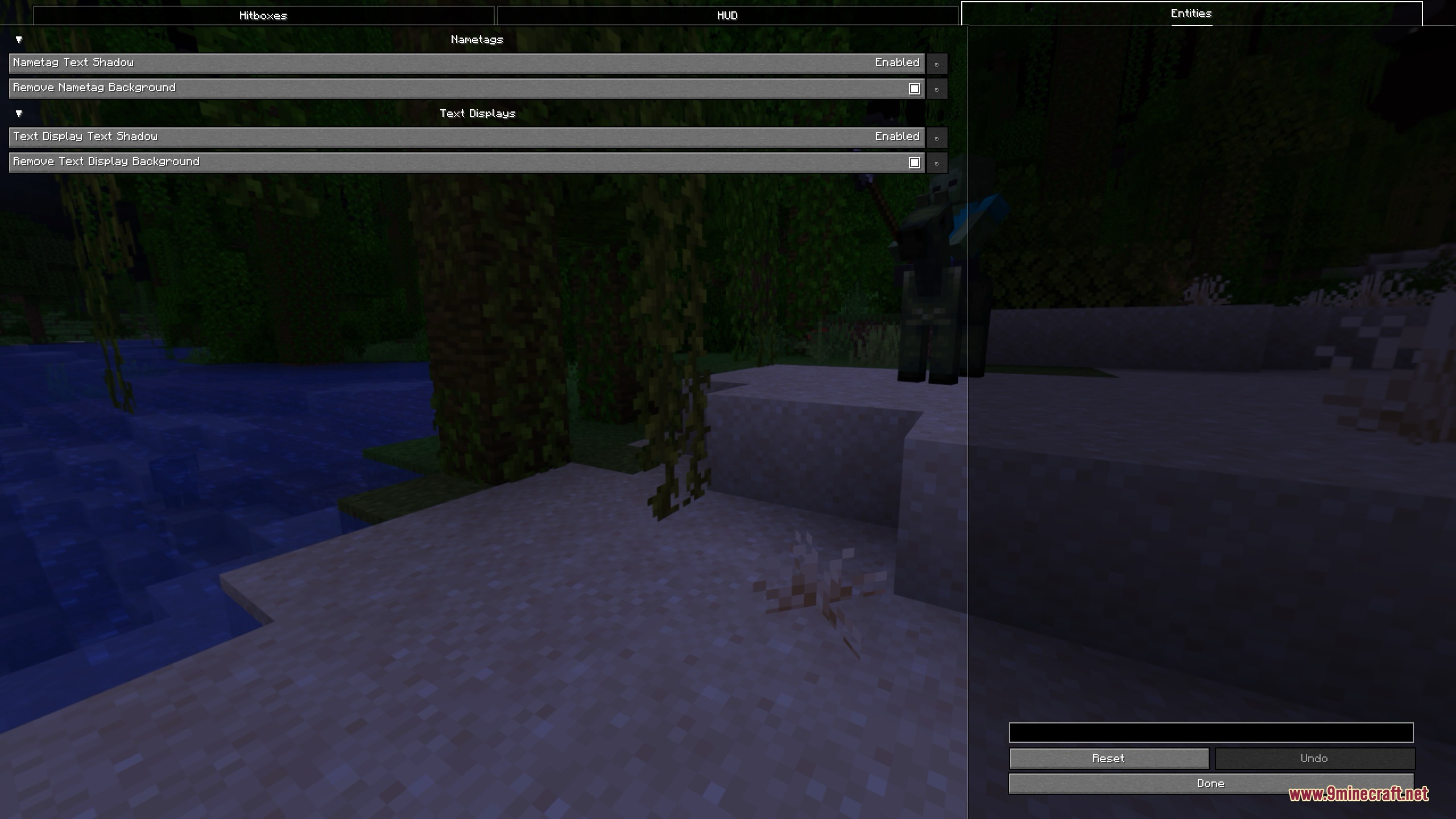
- You can change how chat messages, subtitles, and floating name tags look on your screen.
- Hides your own potion effect bubbles when you play in first-person view.
- Adds a fake magic glow to items that uses the exact same texture as a real enchantment.
- Changes floating text displays in the world to show a shadow without a background box.
How to Use:
- Open your game menu and go to the Minecraft Accessibility Settings.
- Find the text background opacity slider.
- Set the opacity to 0 to completely hide the dark box behind your chat messages.
Screenshots:
Enhanced Overlay Mod Download Links
Enhanced Overlay Mod (26.2, 1.21.11) – Remove Screen Clutter is a free Minecraft Java mod. Compatible with Minecraft 1.21.11. Download it and open it directly in the game.