ModsJava
Omega Flashlight Mod (1.21.1, 1.20.1) – Explore the Dark with a Real Tactical
Java mod listed for Minecraft 1.20–1.21. Downloads from the MC Java Mods app on Android.
⬇ Download
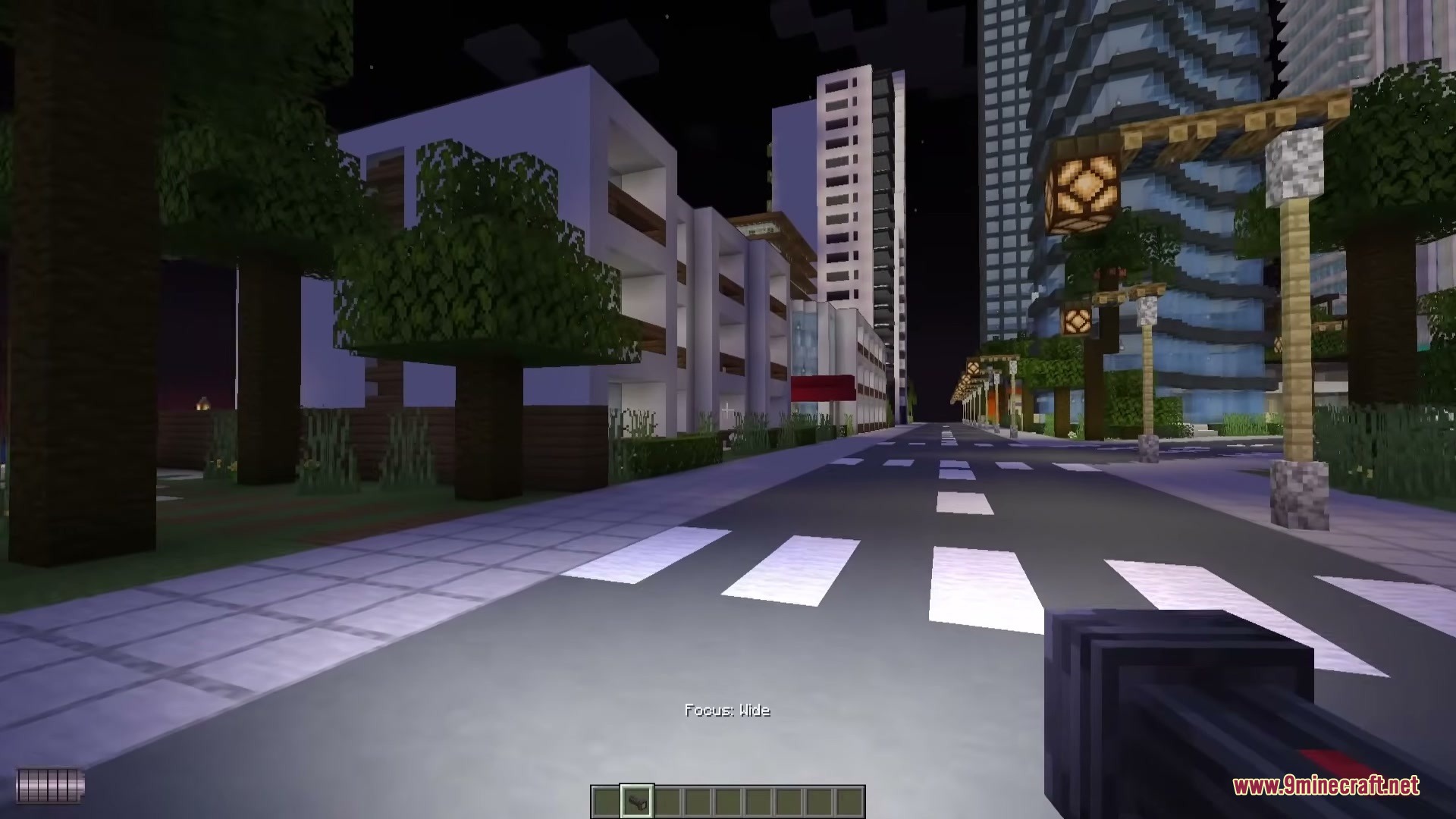
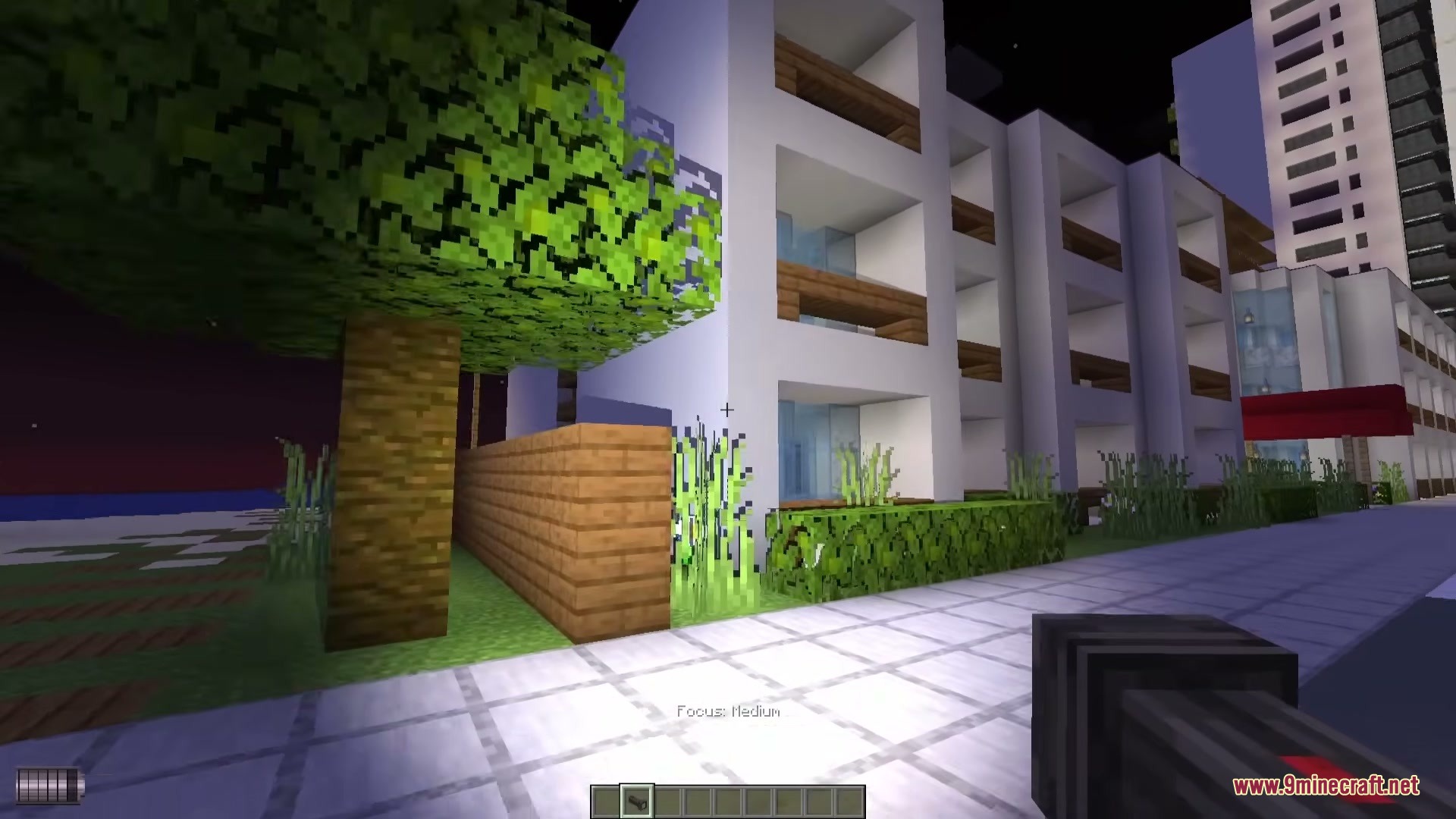
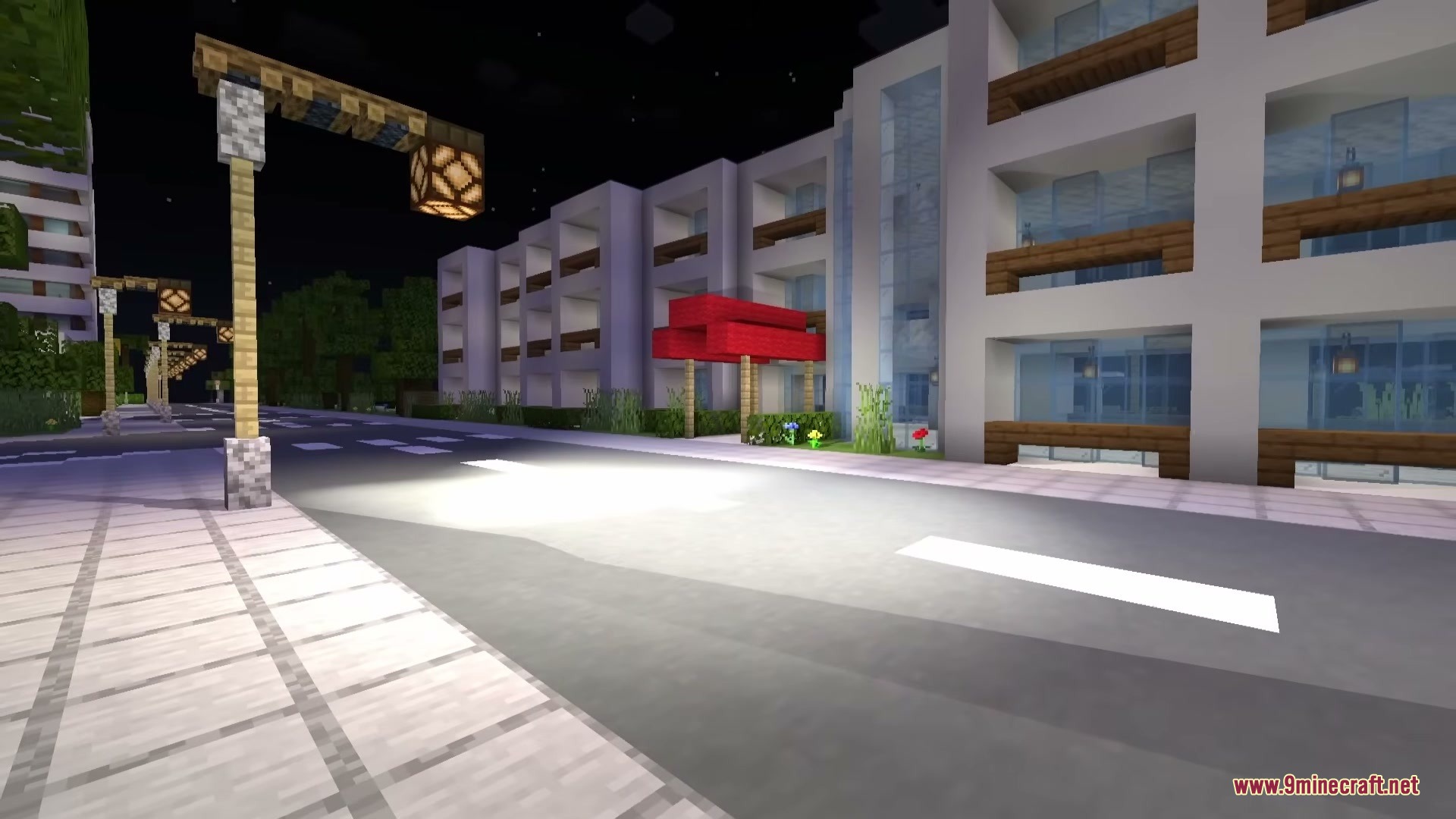
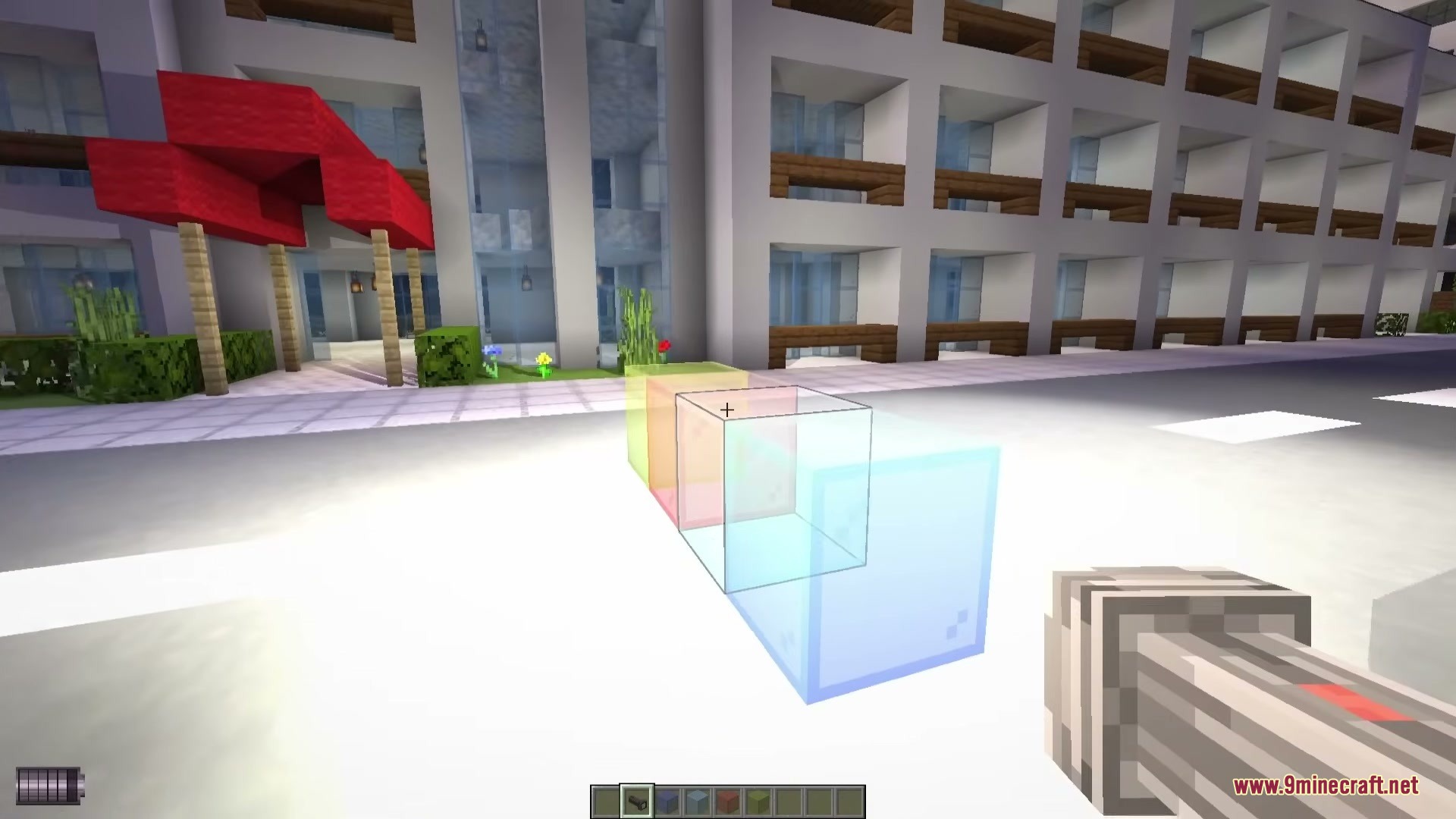
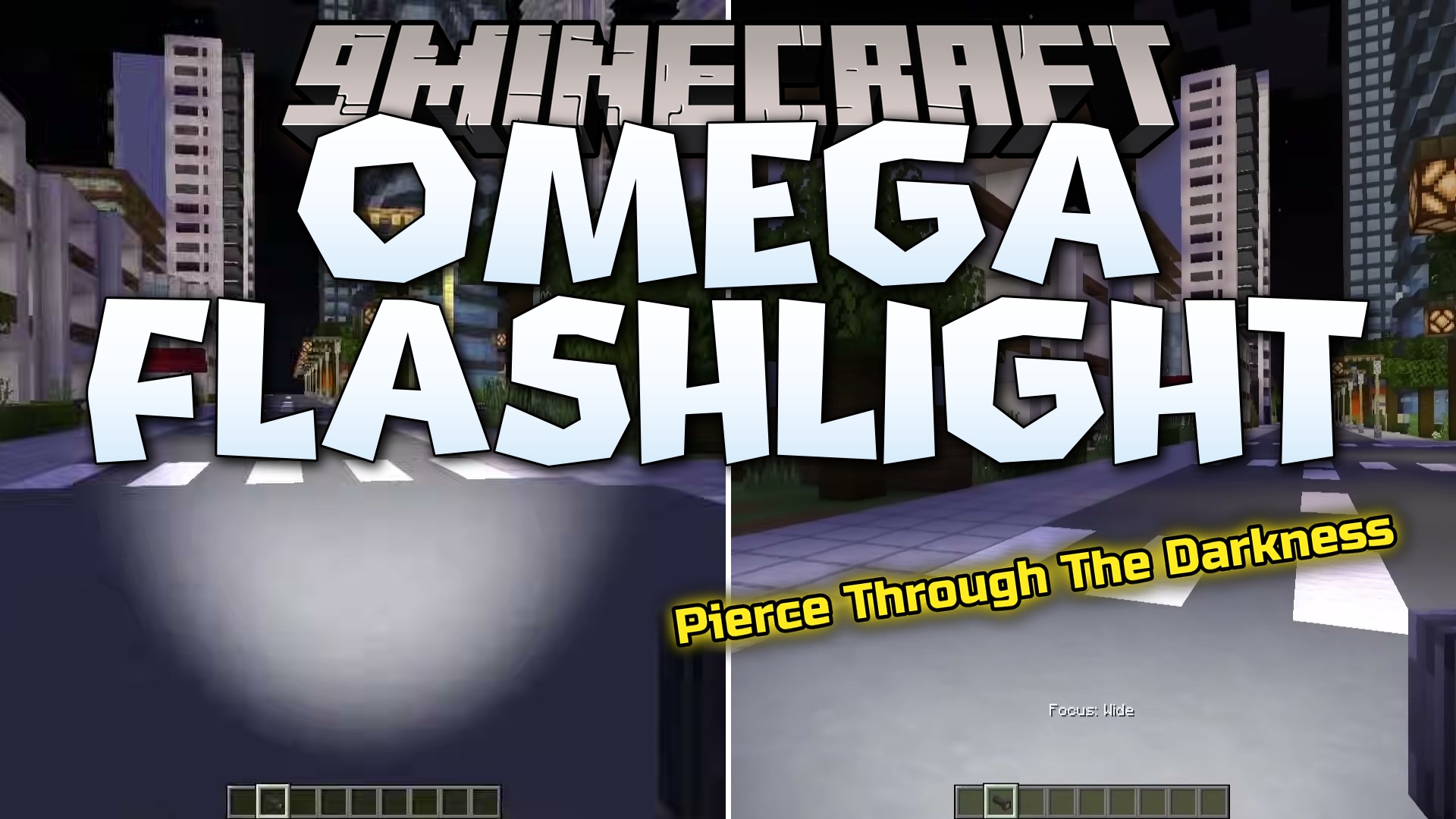
Omega Flashlight Mod adds a tactical flashlight that casts real shadows across your world. It makes light beams react to blocks, mobs, and particles just like in real life instead of just placing a fake glow on the ground.
Features:
- Real Shadows: Casts accurate shadows from blocks, mobs, and even tiny particles when you shine the beam.
- Lets you mix different dyes with the light bulbs to create custom beam colors.
- Changes how the light looks when it passes through half-transparent blocks like glass.
- Includes multiple flashlight modes that you can switch between on the go.
Commands:
/flashlight: helps you debug issues and set up creative lighting scenes.
How to Use:
- Hold Shift and scroll your mouse wheel to switch between different flashlight modes.
- Use the special table to mix dyes with your light bulbs for custom colors.
- Press O on your keyboard to open the main configuration menu for the mod.
Screenshots:
Omega Flashlight Mod Download Links
Quick facts
- Edition: Minecraft Java
- File type: .jar
- Minecraft versions listed: 1.21.1, 1.20.1
- How to install: Install the matching mod loader (Forge, Fabric or NeoForge) for your Minecraft version. → Download the .jar. → Put it in the .minecraft/mods folder and launch that loader profile.
- Where to get it: In MC Java Mods, or directly above on this page.
Install steps are the general flow for this file type — How to install Minecraft Java mods & modpacks walks through it step by step.
File checked by MCModsHub
- Downloads as 397202.mcaddon
- Download size: 883 KB
- Download link checked 23 Sept 2026 — working
- Mirrored on our own servers — the download does not depend on the original host
These come from our own check of the pack file, not from the source page.