ModsJava
Wizard Companion Iron's Spells 'n Spellbooks Addon Mod (1.20.1)
Java mod listed for Minecraft 1.20. Downloads from the MC Java Mods app on Android.
Wizard Companion Iron's Spells 'n Spellbooks Addon Mod extends Iron's Spells 'n Spellbooks with a helpful magical friend. It gives you a customizable…
⬇ Download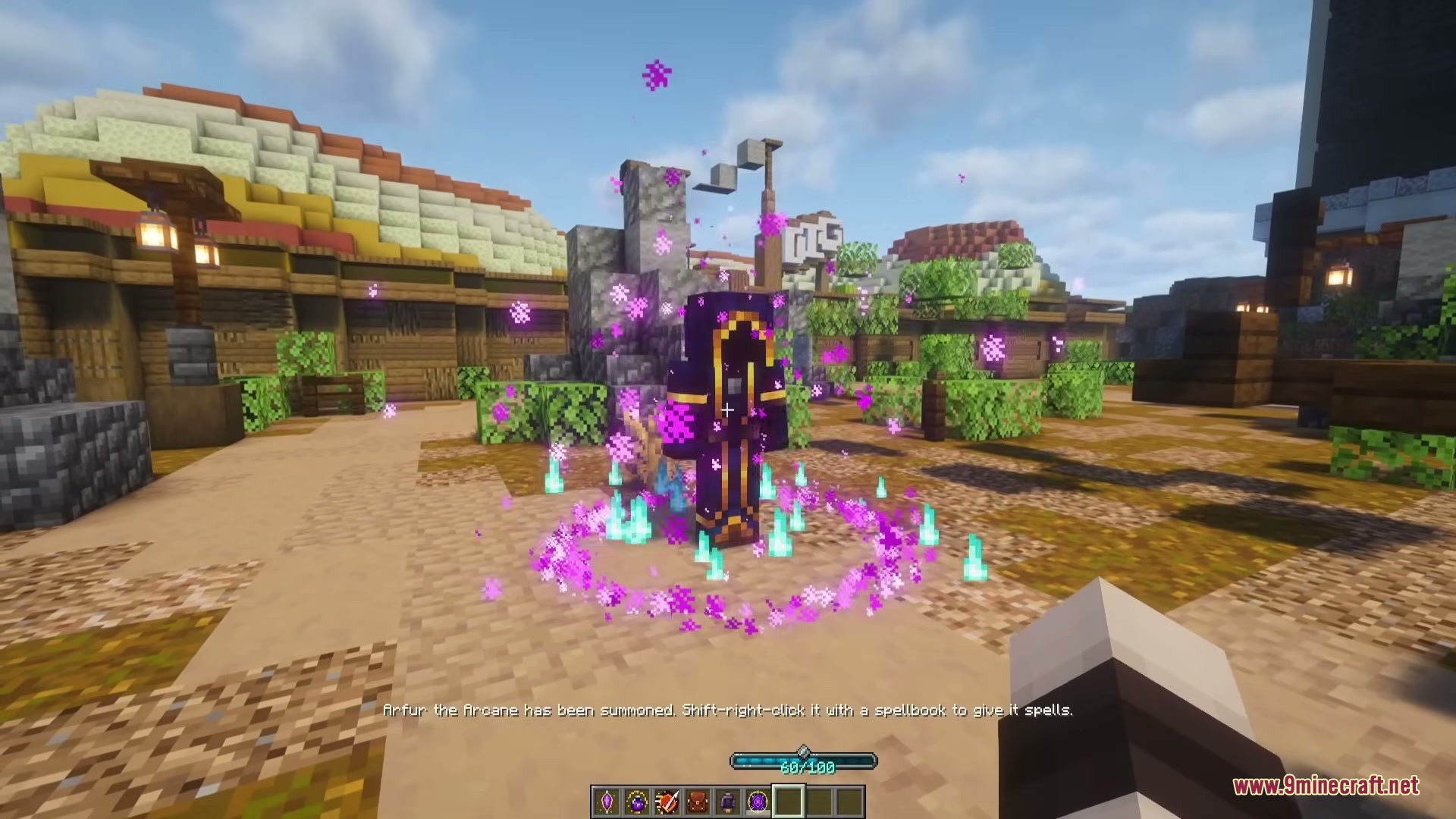
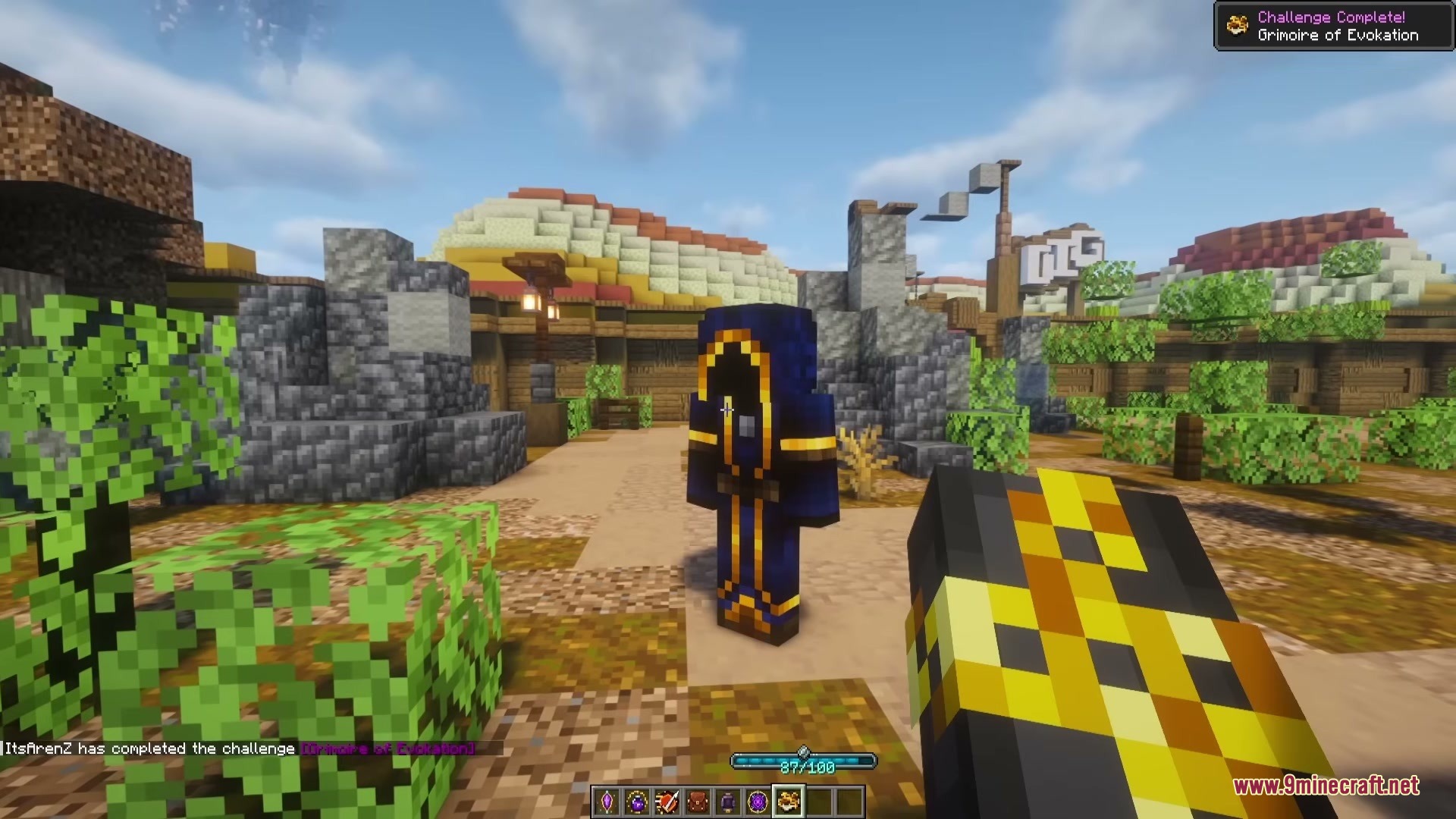
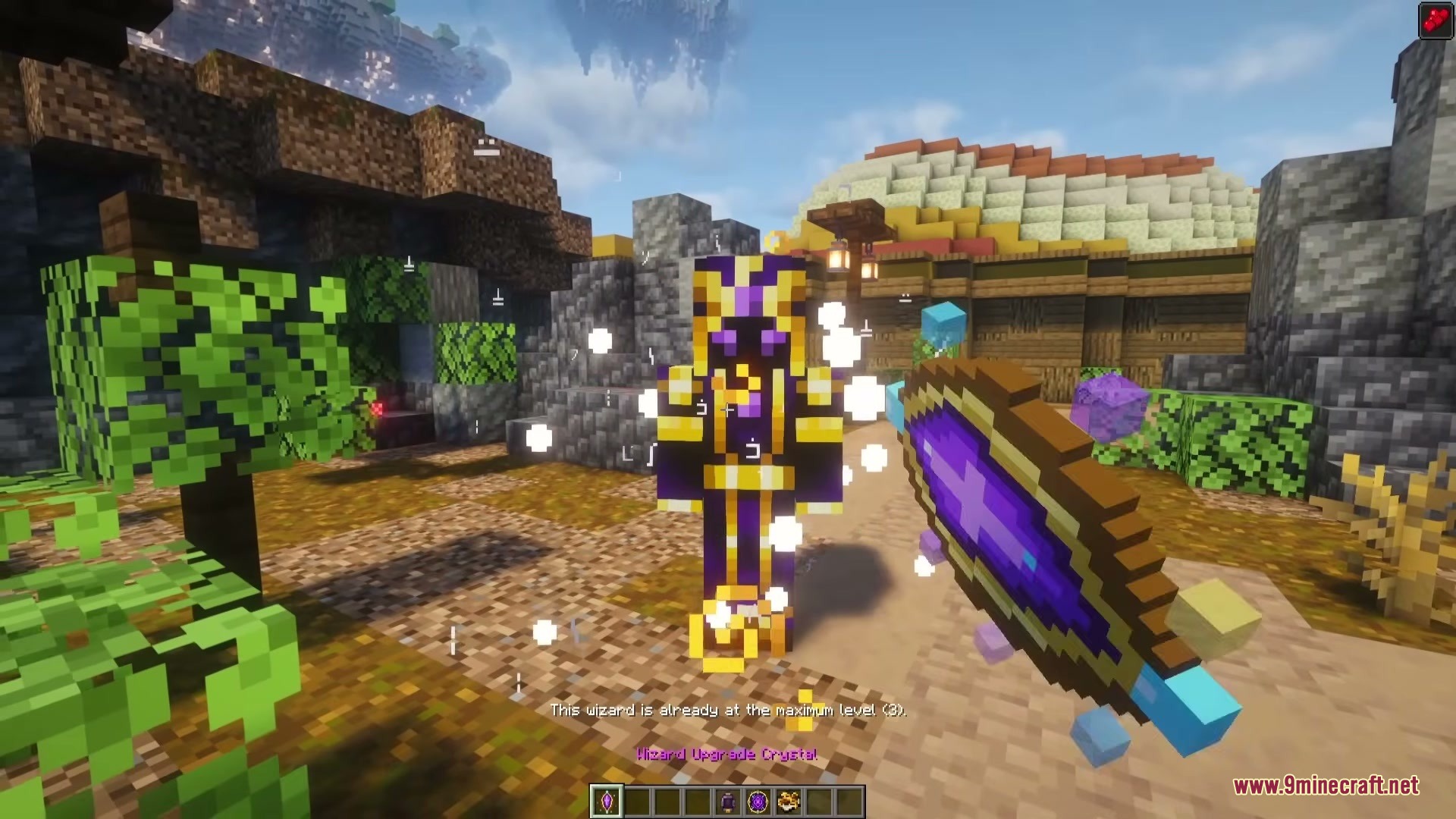
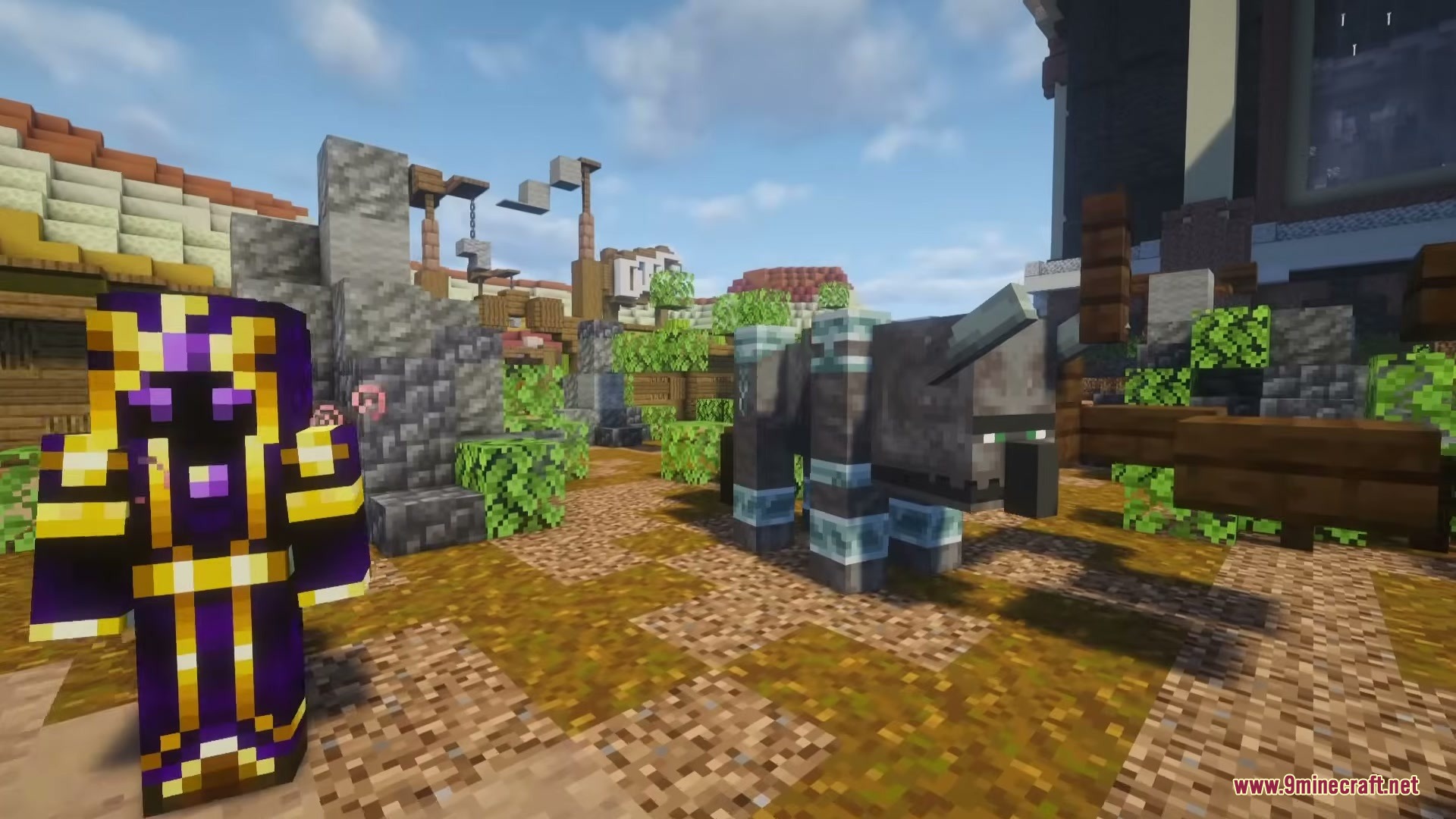
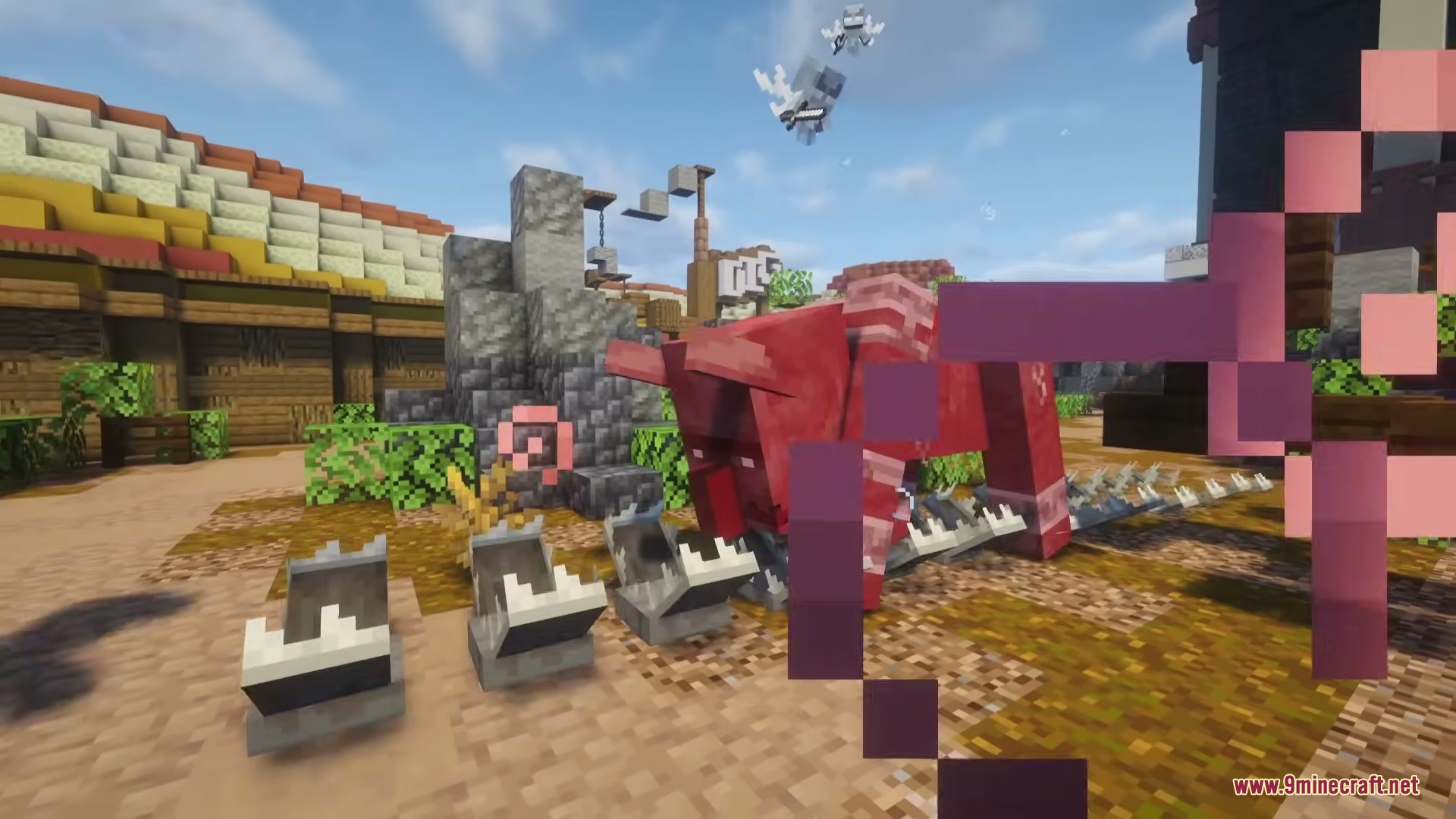
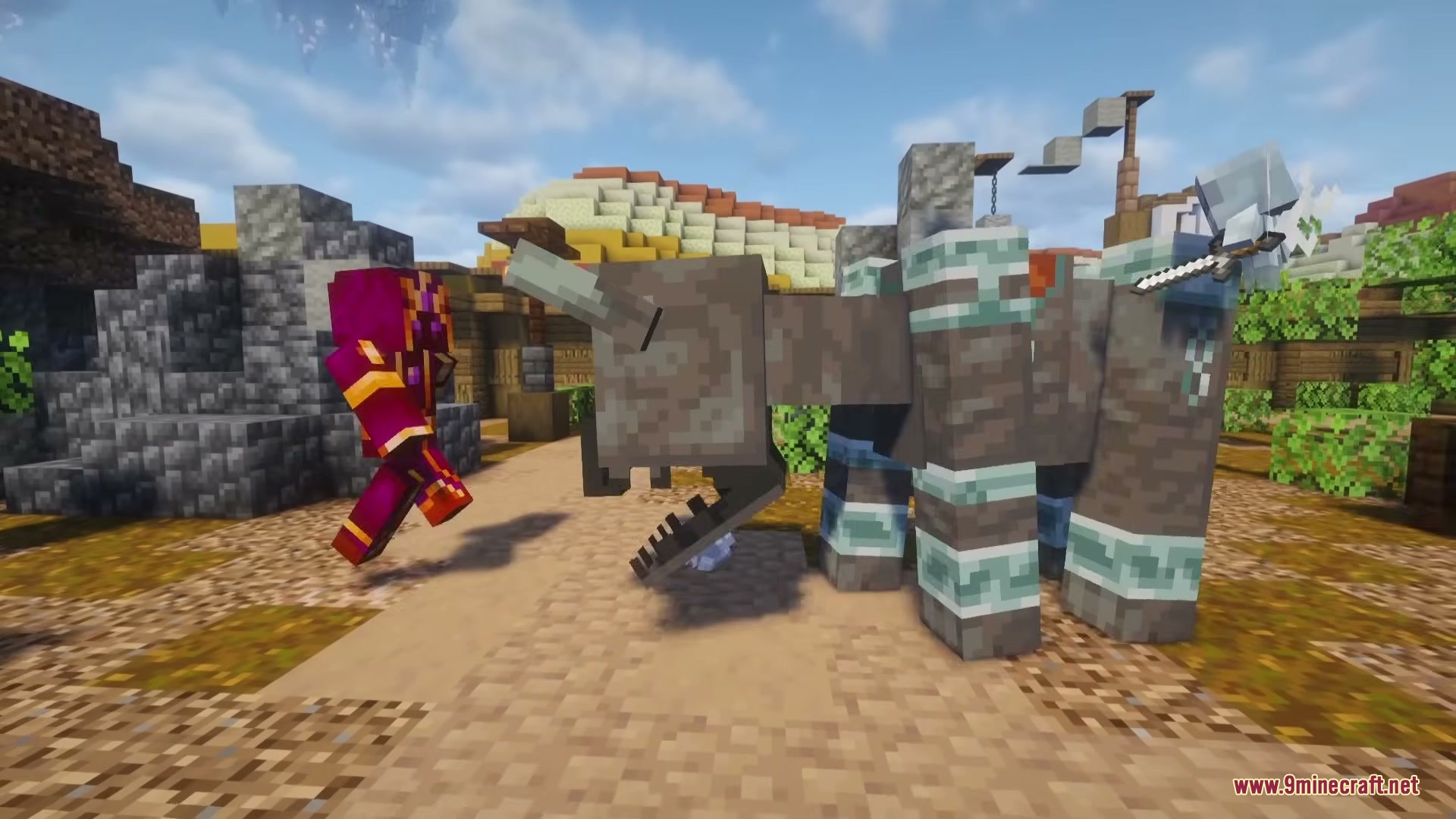
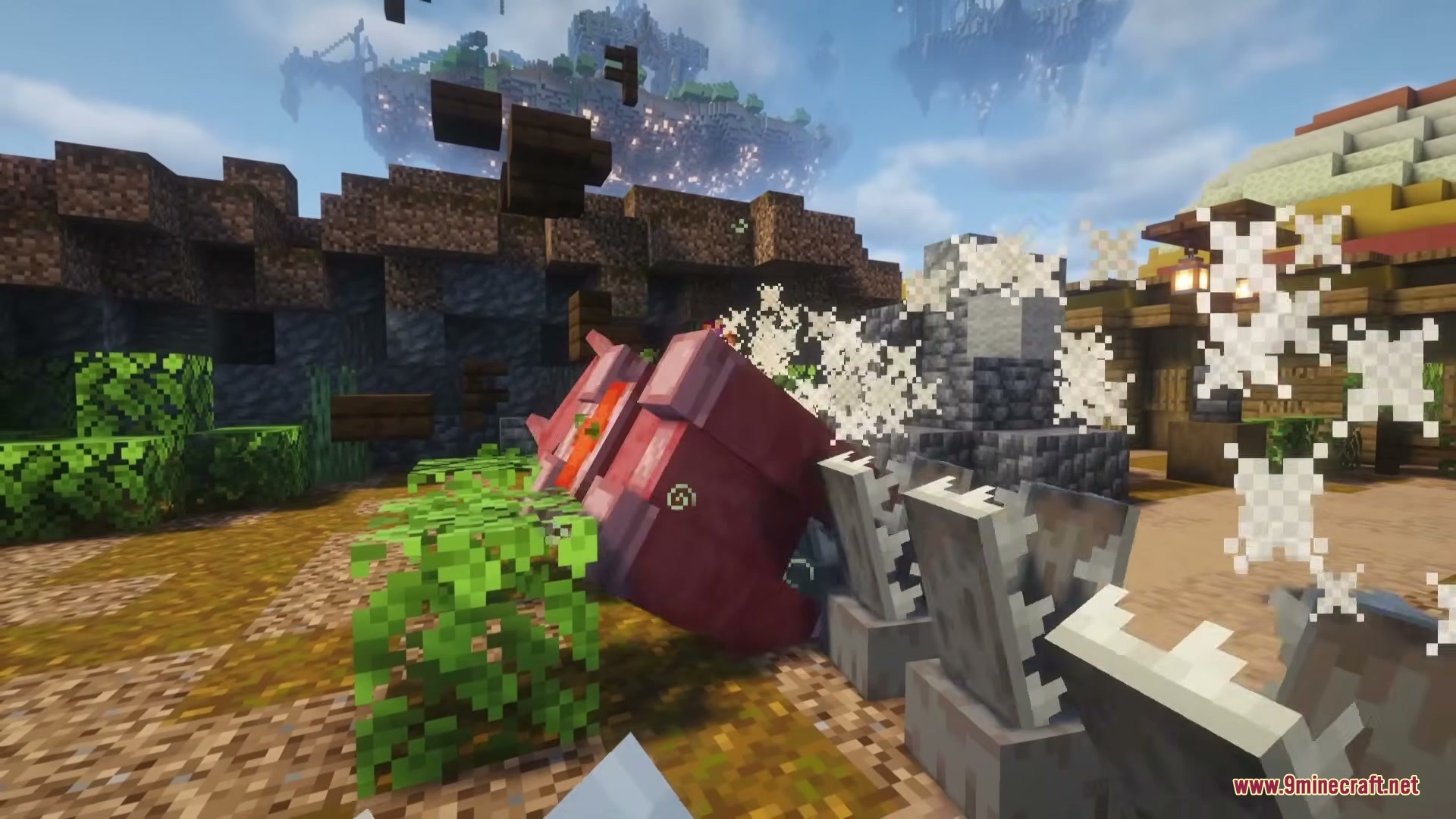
Wizard Companion Iron’s Spells ‘n Spellbooks Addon Mod extends Iron’s Spells ‘n Spellbooks with a helpful magical friend. It gives you a customizable wizard who fights alongside you, carries your items, and casts powerful spells to keep you safe in combat.
Features:
- Smart Combat Assistant: Fights alongside you using spells, weapons, and potions to defeat enemies.
- Lets you equip your friend with armor, curios, and spellbooks by opening their inventory.
- Picks up dropped items from the ground depending on the settings you choose.
- Includes a Bound Sigil item that easily teleports your friend right to your location.
- Grows stronger over time as you apply combat, potion, and bag upgrades.
Behavior Modes:
- Follow: Stays close and follows you around the world.
- Guard: Protects a specific area from danger.
- Passive: Ignores enemies and avoids fighting.
- Raid: Actively hunts down targets.
Spell Roles:
- Enemy: Casts spells from a distance to deal damage.
- Enemy Close: Uses short-range attacks when targets get near.
- Buff: Casts helpful spells to support you in battle.
Commands:
/wizardcompanion <mod> <spell> <type>: assigns a specific role to a spell so your friend knows how to use it.
How to Use:
- Summon your magical friend into the world.
- Open their inventory to hand them a spellbook, weapons, and armor.
- Set their behavior mode to decide if they should attack or stay passive.
- Use the Bound Sigil to teleport them back to you if they get lost.
Screenshots:
Wizard Companion Iron’s Spells ‘n Spellbooks Addon Mod Download Links
Quick facts
- Edition: Minecraft Java
- File type: .jar
- Minecraft version listed: 1.20.1
- How to install: Install the matching mod loader (Forge, Fabric or NeoForge) for your Minecraft version. → Download the .jar. → Put it in the .minecraft/mods folder and launch that loader profile.
- Where to get it: In MC Java Mods, or directly above on this page.
Install steps are the general flow for this file type — How to install Minecraft Java mods & modpacks walks through it step by step.
File checked by MCModsHub
- Downloads as 397220.mcaddon
- Download size: 314 KB
- Download link checked 23 Sept 2026 — working
- Mirrored on our own servers — the download does not depend on the original host
These come from our own check of the pack file, not from the source page.