ModsJava
Customers Mod (1.21.11, 1.21.1) – Run a Custom Shop or Restaurant
Java mod listed for Minecraft 1.21. Downloads from the MC Java Mods app on Android.
⬇ Download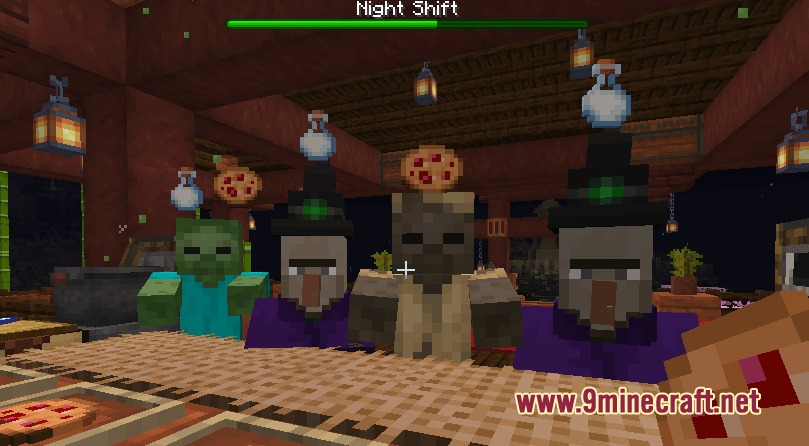
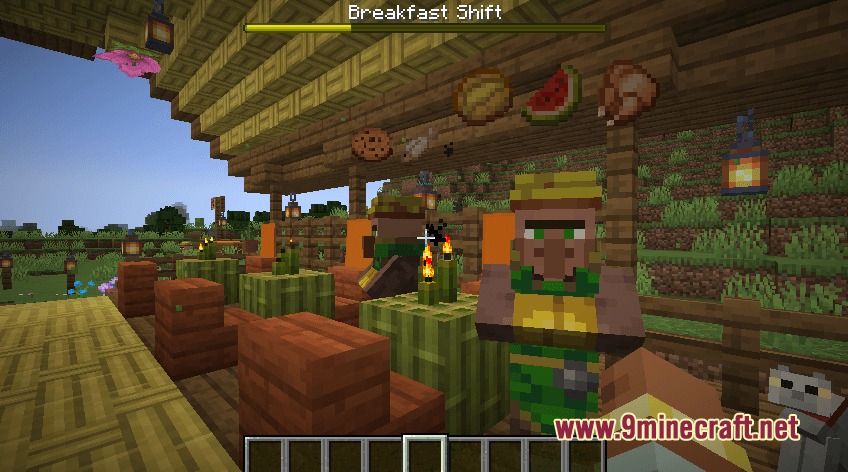
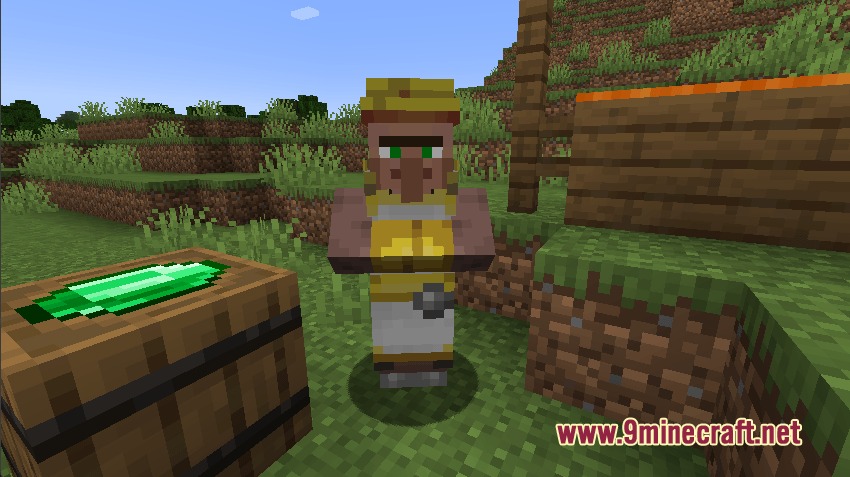
Customers Mod brings hungry buyers to your world who want to order food and items from you. This mod lets you run your own fast-paced diner or a quiet roadside farm stand. You can set up a shop, choose what to sell, and serve the buyers to earn emeralds.
Features:
- Customer Spawners: Place this block to set where your buyers appear and decide what they want to purchase.
- Custom Prices: Set the exact cost for your items using the ninth slot in the spawner inventory, or stick to the default price of one emerald.
- Shift Modes: Right-click the spawner with a clock to change between breakfast, lunch, dinner, day, or night shifts.
- Players can see a progress bar on the screen during timed shifts to know exactly what the buyers want.
- The mod shows a scoreboard at the end of a shift so you can see how many items you crafted and served.
- You can put different items in the spawner rows to give the buyers a random choice of what to order.
- Stack sizes in the spawner control how many items a buyer can ask for at once.
- Redstone power stops the spawner from making new buyers, giving you a break when things get too busy.
- Manual mode lets you use a button or redstone pulse to spawn exactly one buyer at a time.
How to Play:
- Craft a Customer Spawner block using one bed surrounded by eight emeralds.
- Place the block down and open its menu to put the items you want to sell inside.
- Hold a Clock and right-click the spawner block to pick your shift time, like a lunch or dinner rush.
- Wait for buyers to show up, give them the items they ask for, and collect your emeralds.
Screenshots:
Customers Mod Download Links
Quick facts
- Edition: Minecraft Java
- File type: .jar
- Minecraft versions listed: 1.21.11, 1.21.1
- How to install: Install the matching mod loader (Forge, Fabric or NeoForge) for your Minecraft version. → Download the .jar. → Put it in the .minecraft/mods folder and launch that loader profile.
- Where to get it: In MC Java Mods, or directly above on this page.
Install steps are the general flow for this file type — How to install Minecraft Java mods & modpacks walks through it step by step.
File checked by MCModsHub
- Downloads as 397223.mcaddon
- Download size: 385 KB
- Download link checked 23 Sept 2026 — working
- Mirrored on our own servers — the download does not depend on the original host
These come from our own check of the pack file, not from the source page.