Pouch & Paper by Spekarchik Mod (26.2, 1.21.1) – Organize Items with Physical
Java mod listed for Minecraft 1.21. Downloads from the MC Java Mods app on Android.
Pouch & Paper by Spekarchik Mod turns your everyday resources into physical storage bags that you can place in the world. This mod lets you keep items…
⬇ Download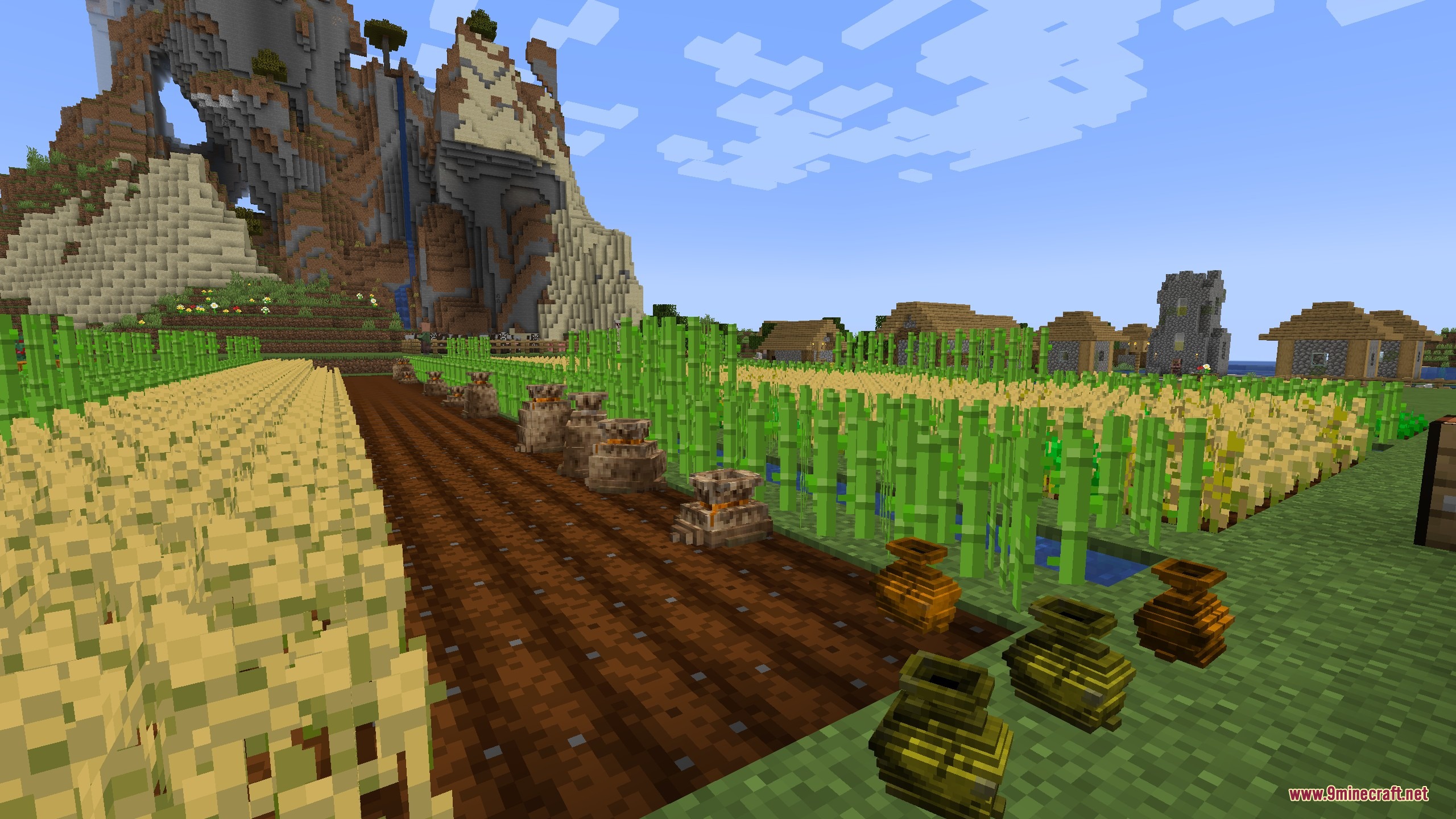
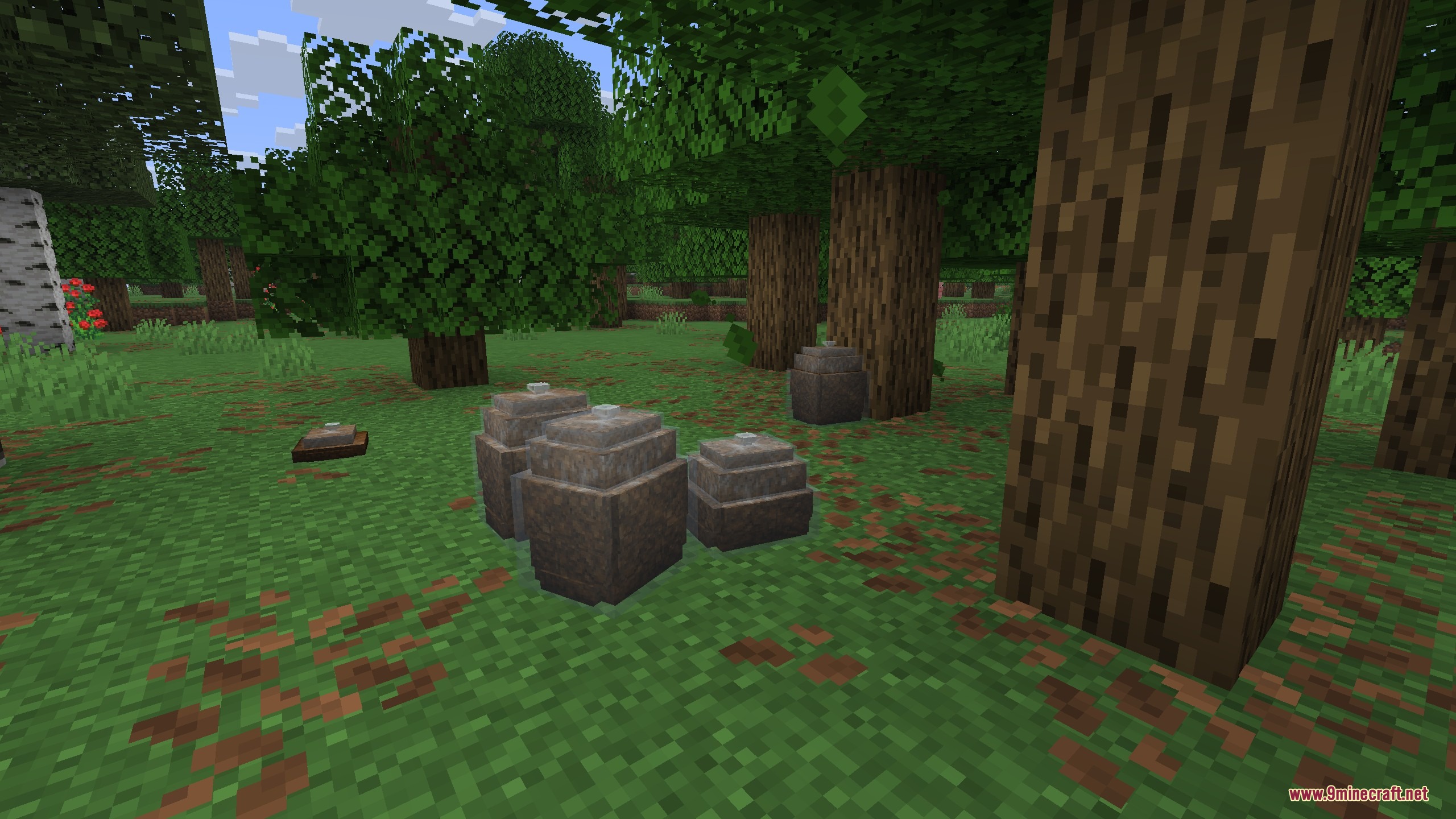
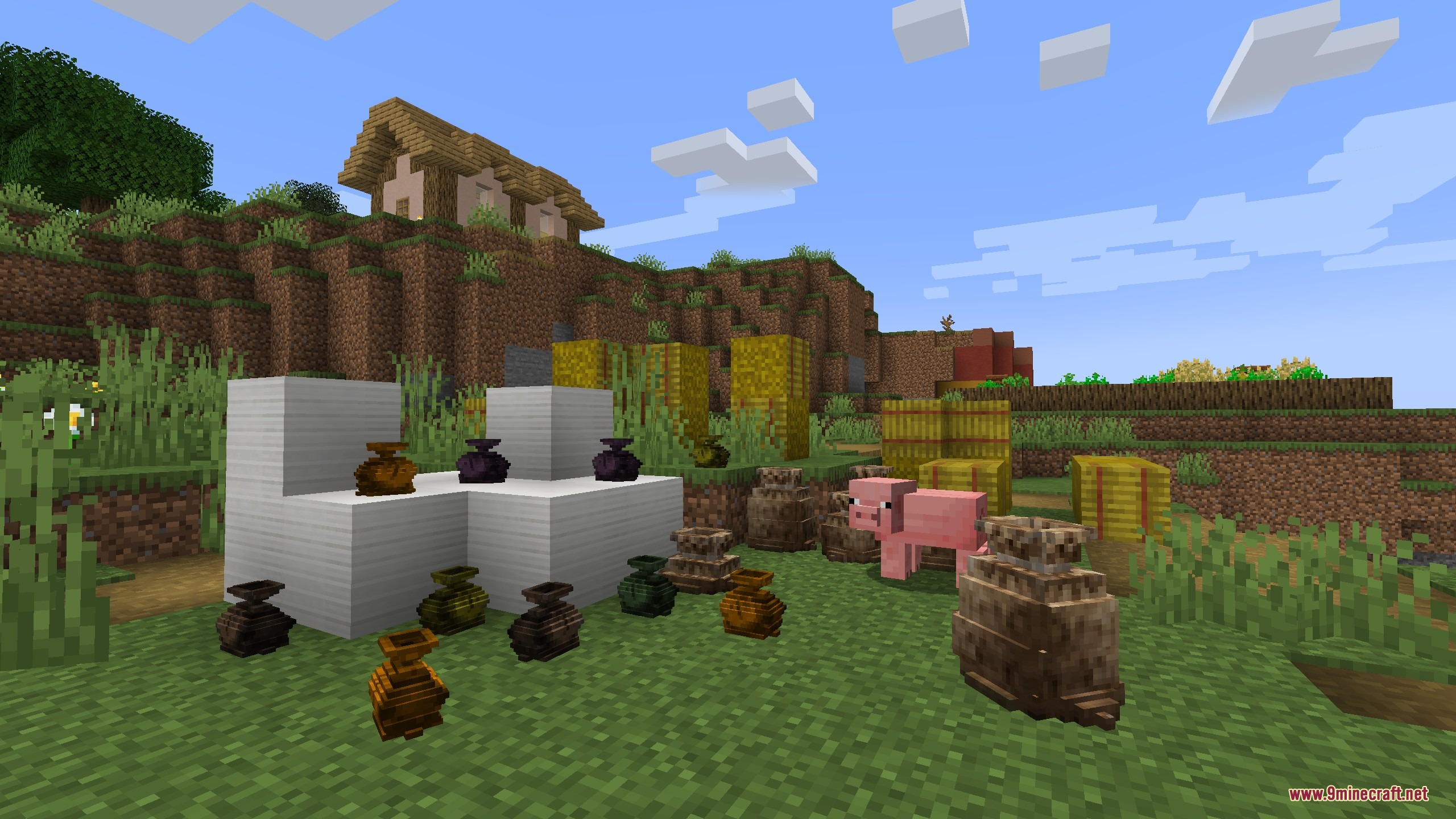
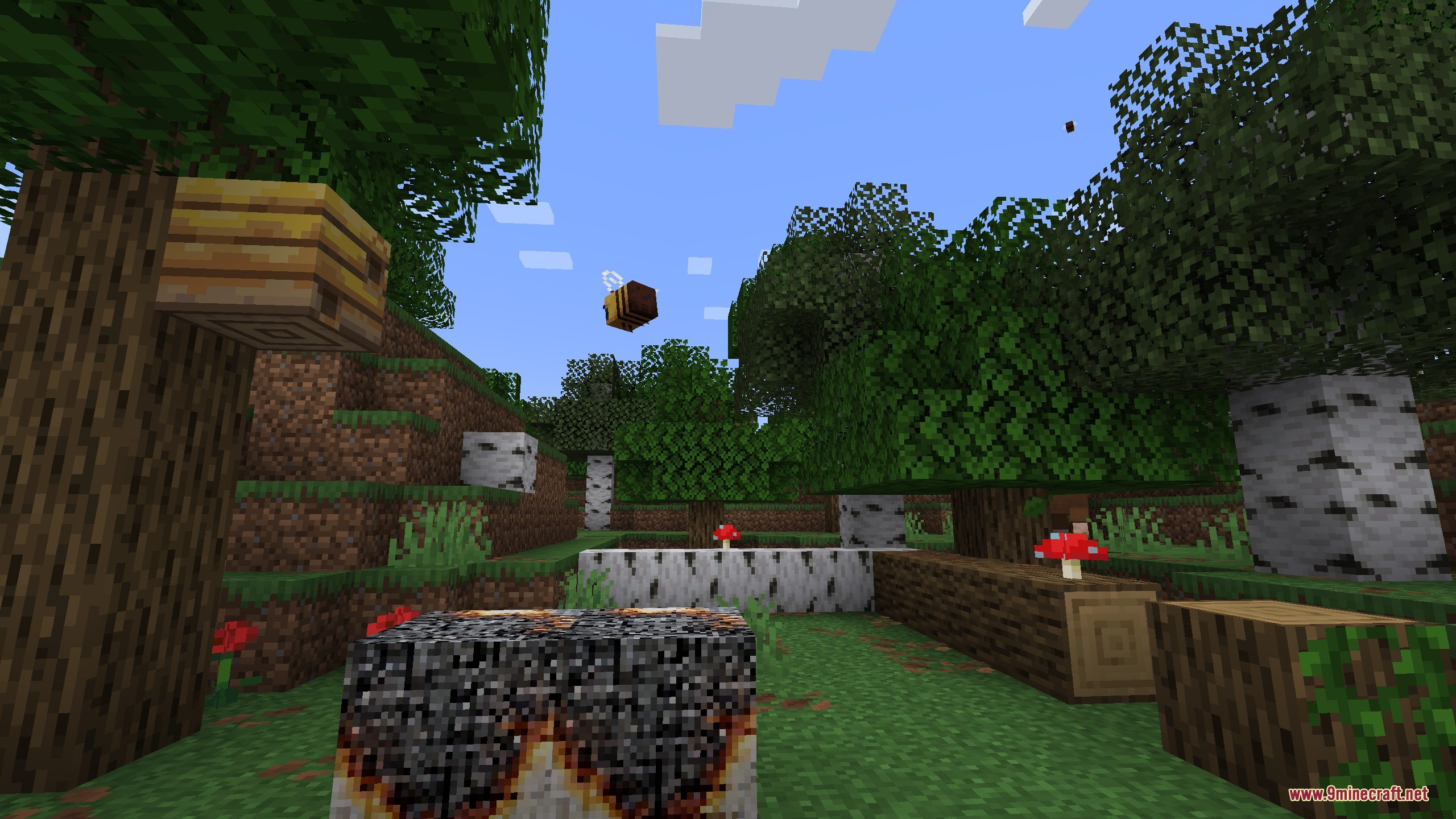
Pouch & Paper by Spekarchik Mod turns your everyday resources into physical storage bags that you can place in the world. This mod lets you keep items safe without opening any chest menus. You can pack things like seeds, crops, feathers, and paper into small pouches or sacks. It makes farming and organizing feel much more natural.
Features:
- Physical Storage: Turns loose items into bags, sacks, and bottles you can place on the ground.
- No Menus: Lets you add or take out items just by clicking on the bags in the world.
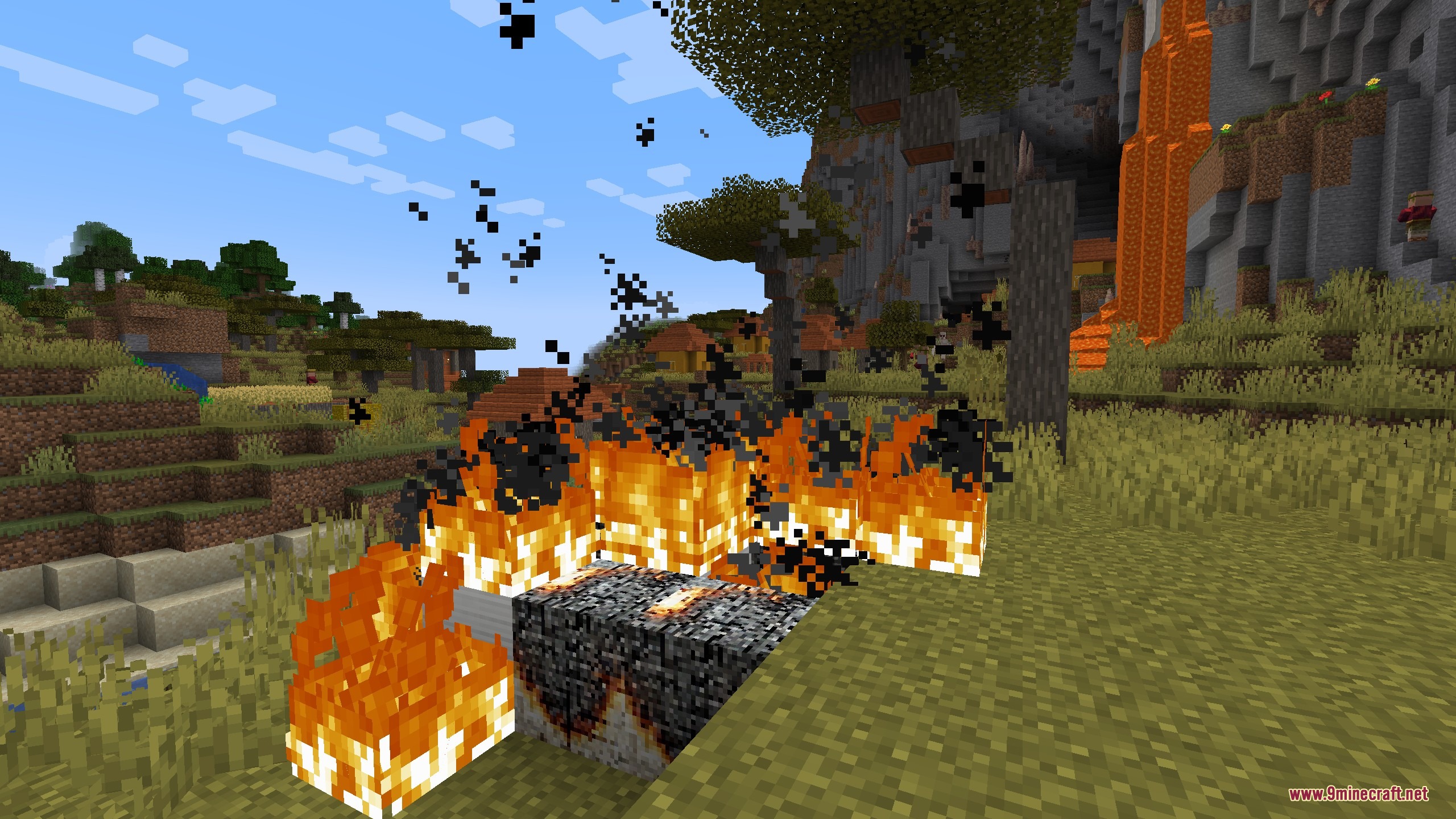
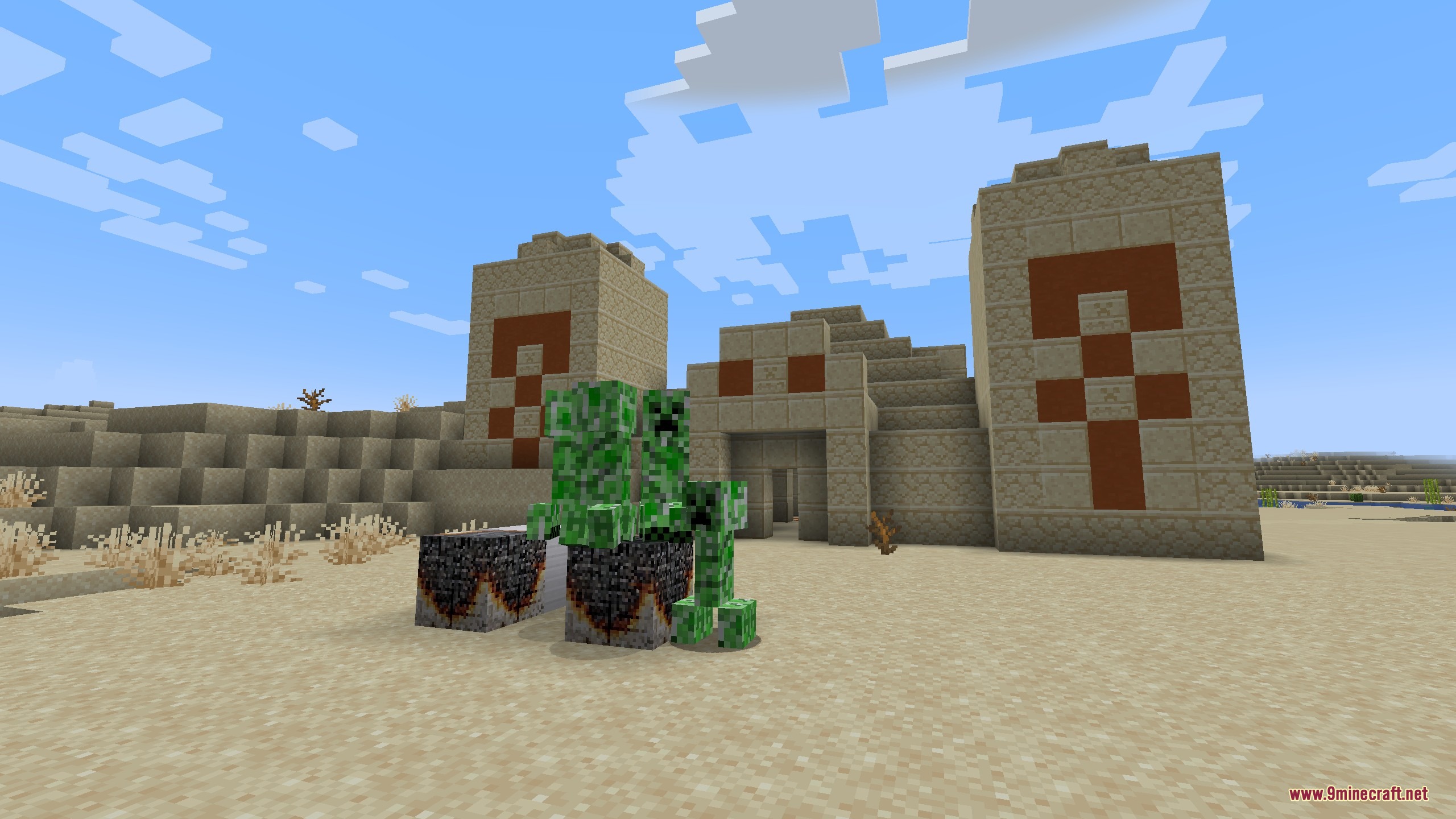
- Creeper Trap: Adds a burnt paper block that draws creepers from far away.
- Changes how you organize farms with small pouches for seeds.
- Gives you large sacks to hold harvested crops like potatoes, carrots, and beetroots.
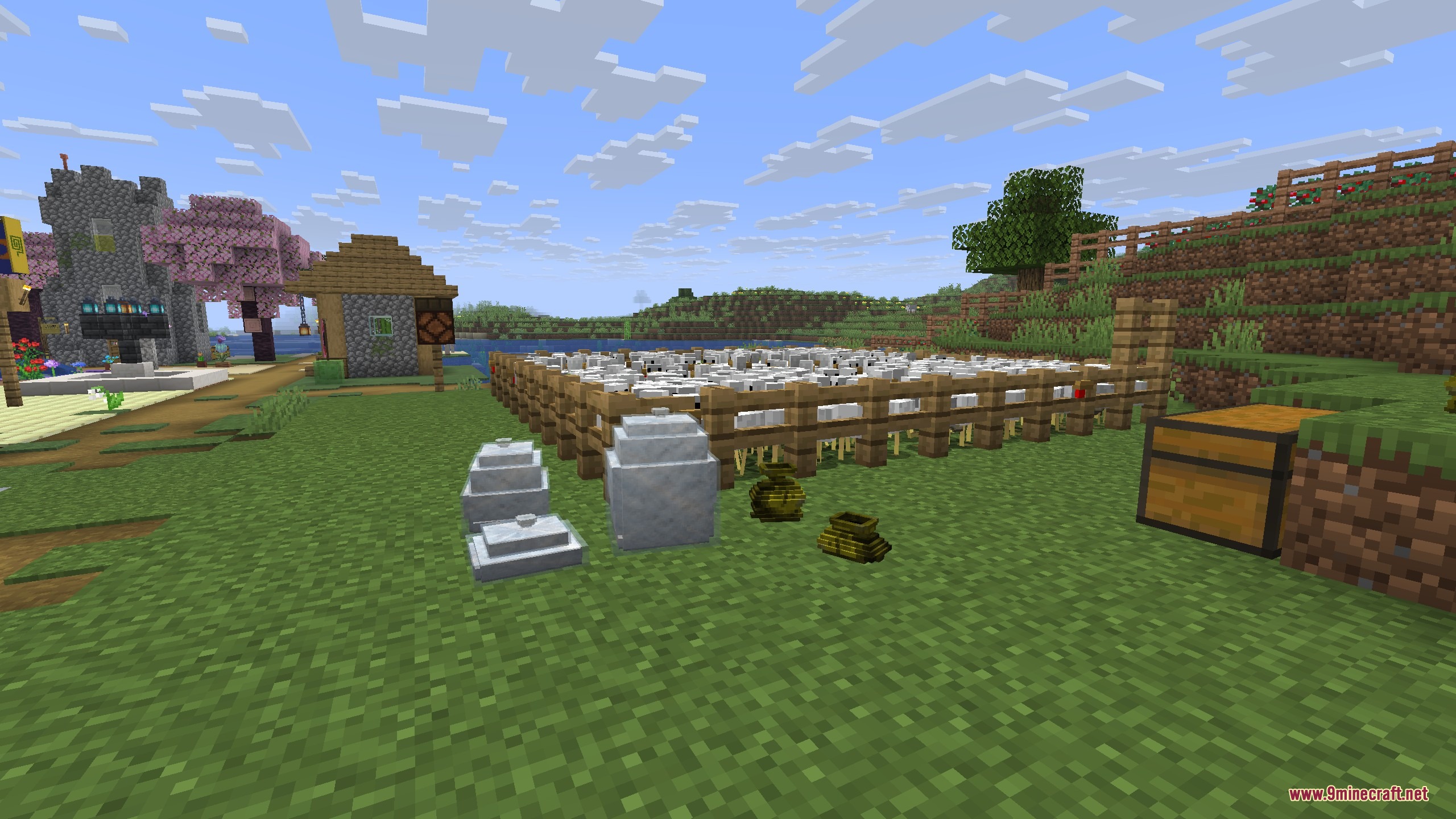
- Includes big packs for feathers and dry leaves that show how full they are.
- Lets you craft paper blocks that act like falling sand.
- Makes bees fly away from the burnt paper block.
- Saves space in your inventory by packing many items into one block.
Farming Containers:
- Seed Pouches hold up to 60 seeds for wheat, beetroot, melon, pumpkin, and cocoa beans.
- Crop Sacks give you a place to store lots of potatoes, carrots, and beetroots.
Material Packs:
- Feather Packs and Dry Leaves Packs act as full blocks.
- These packs change their look based on how full they are.
- They rotate slightly when placed so they look like someone dropped them.
Paper Blocks:
- Paper Blocks fall like sand and break into paper pieces when they hit the ground.
- Burnt Paper Blocks act as a trap that attracts creepers from 70 blocks away.
- Bees hate the smell of burnt paper and will fly away from the area.
- Burnt paper breaks instantly if a player steps on it.
How to Use:
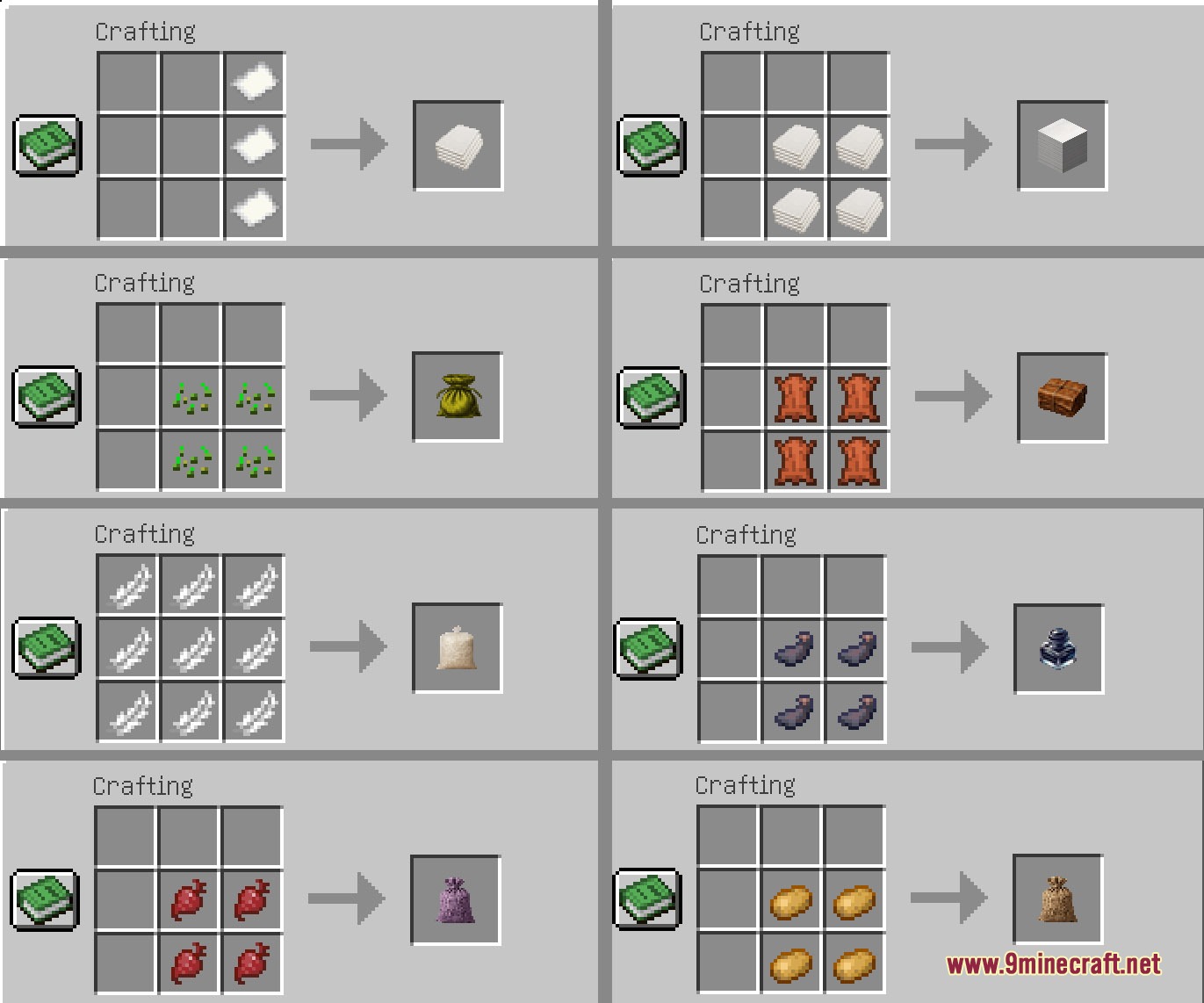
- Craft a pouch or sack and place it on the ground.
- Right-click the container to put items inside it.
- Right-click again to take items out, or hold Sneak to take out just one item at a time.
- Break the block with your hand or a tool to pick up everything at once.
Screenshots:
Pouch & Paper by Spekarchik Mod Download Links
- Edition: Minecraft Java
- File type: .jar
- Minecraft version listed: 1.21.1
- How to install: Install the matching mod loader (Forge, Fabric or NeoForge) for your Minecraft version. → Download the .jar. → Put it in the .minecraft/mods folder and launch that loader profile.
- Where to get it: In MC Java Mods, or directly above on this page.
Install steps are the general flow for this file type — How to install Minecraft Java mods & modpacks walks through it step by step.
- Downloads as 397225.mcaddon
- Download size: 645 KB
- Download link checked 26 Sept 2026 — working
- Mirrored on our own servers — the download does not depend on the original host
These come from our own check of the pack file, not from the source page.