ModsJava
Medical System Mod (26.2, 1.21.1) – Survive Realistic Injuries and Broken Limbs
Java mod listed for Minecraft 1.21. Downloads from the MC Java Mods app on Android.
⬇ Download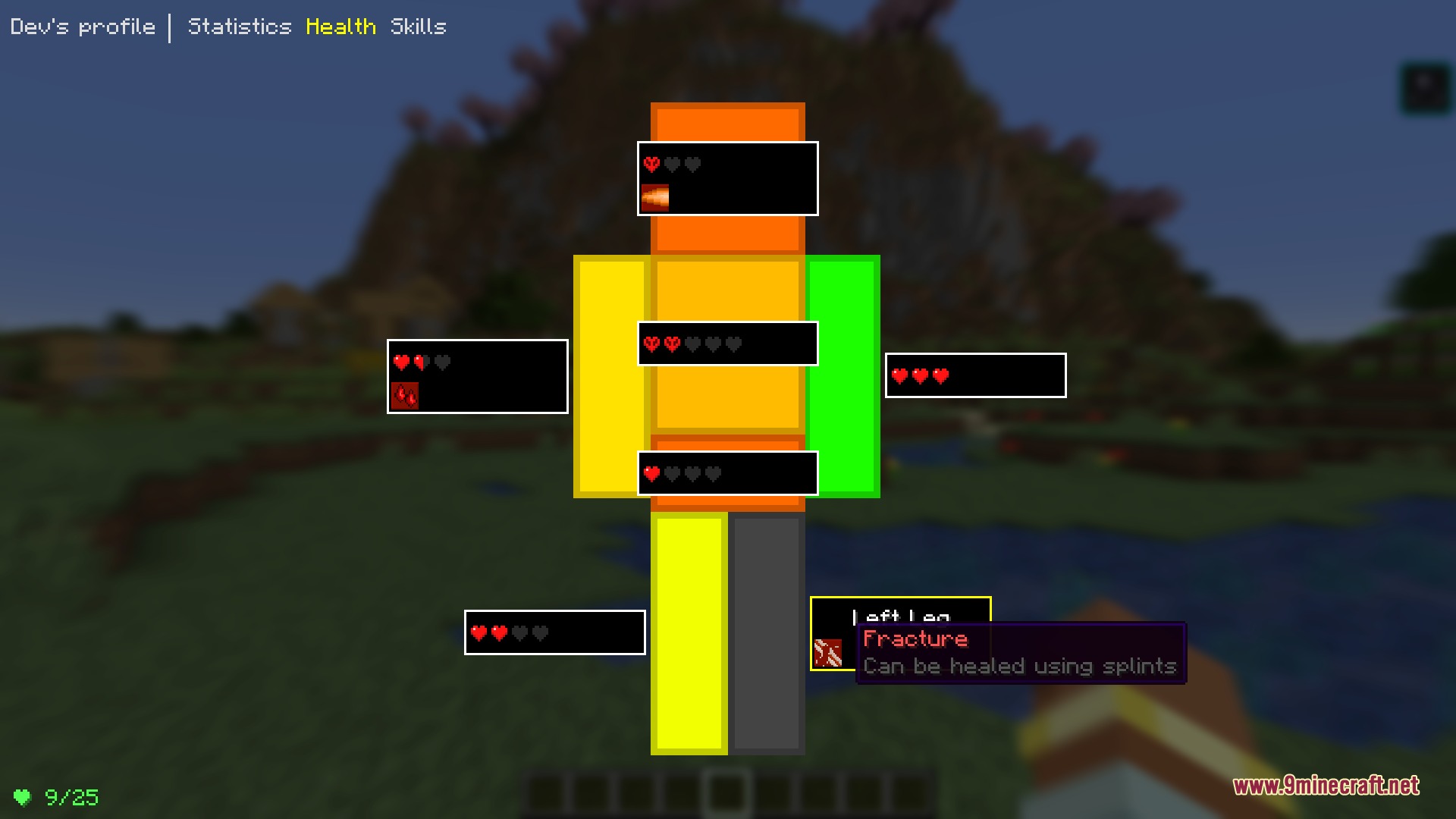
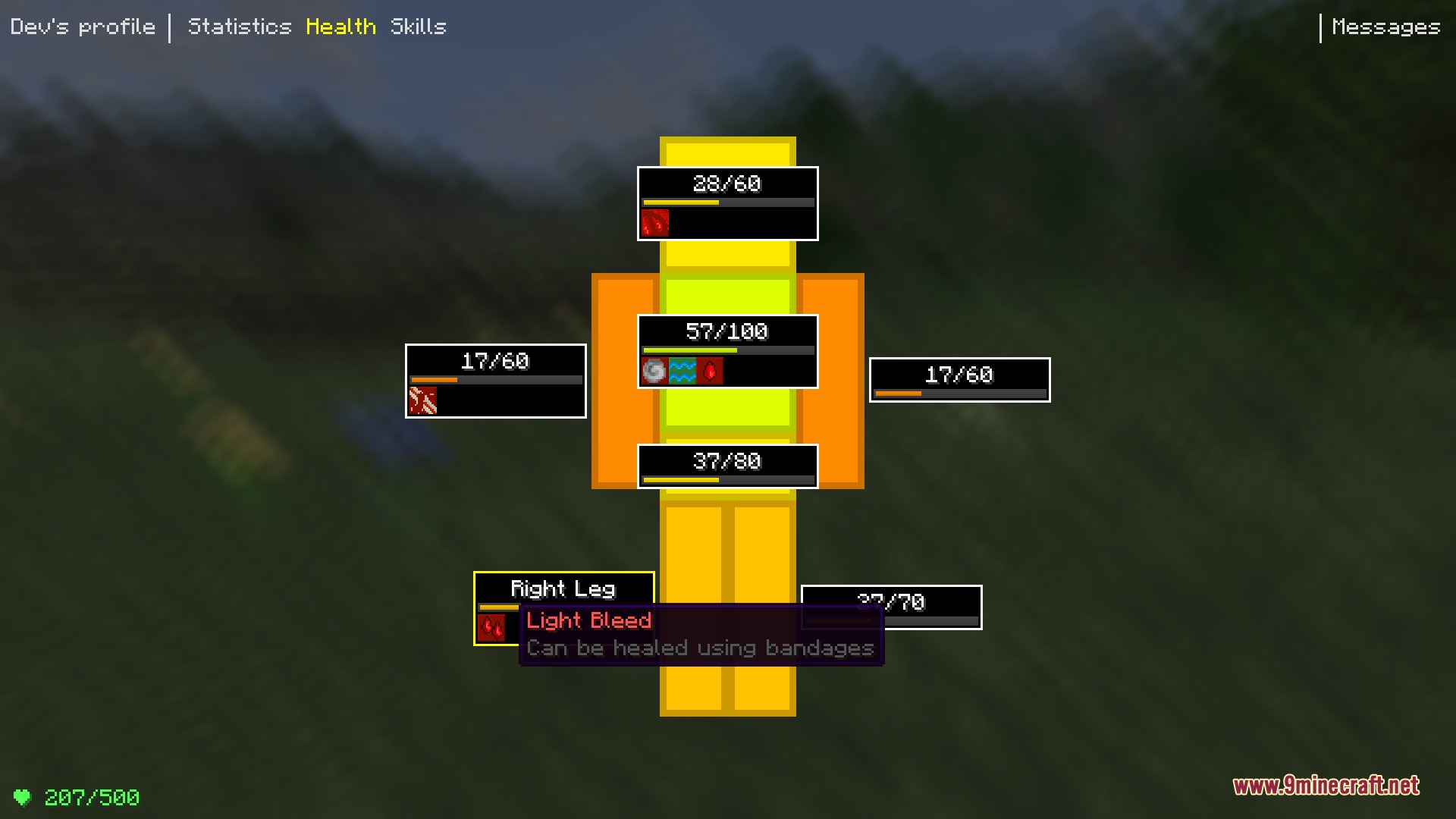
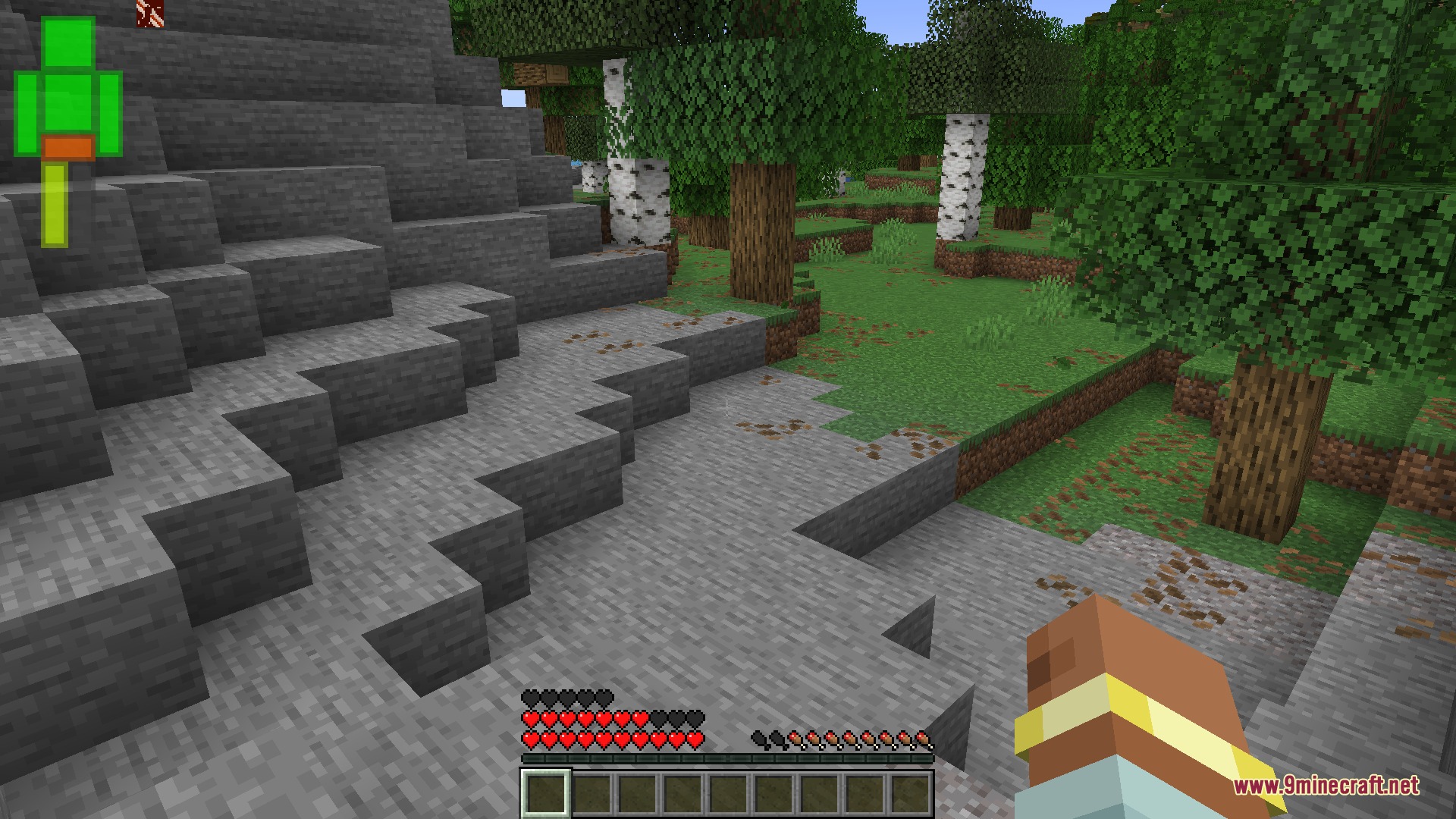
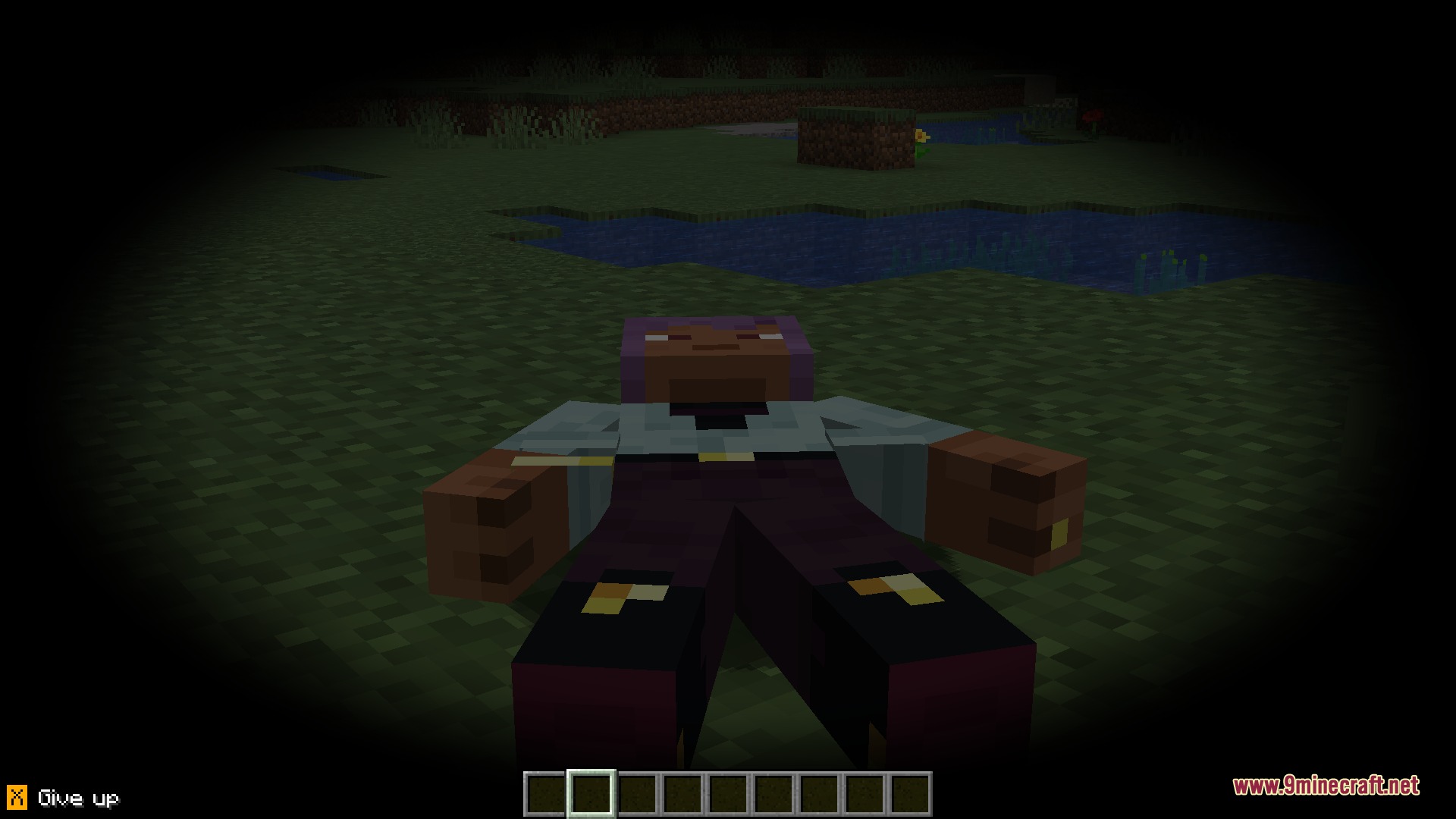
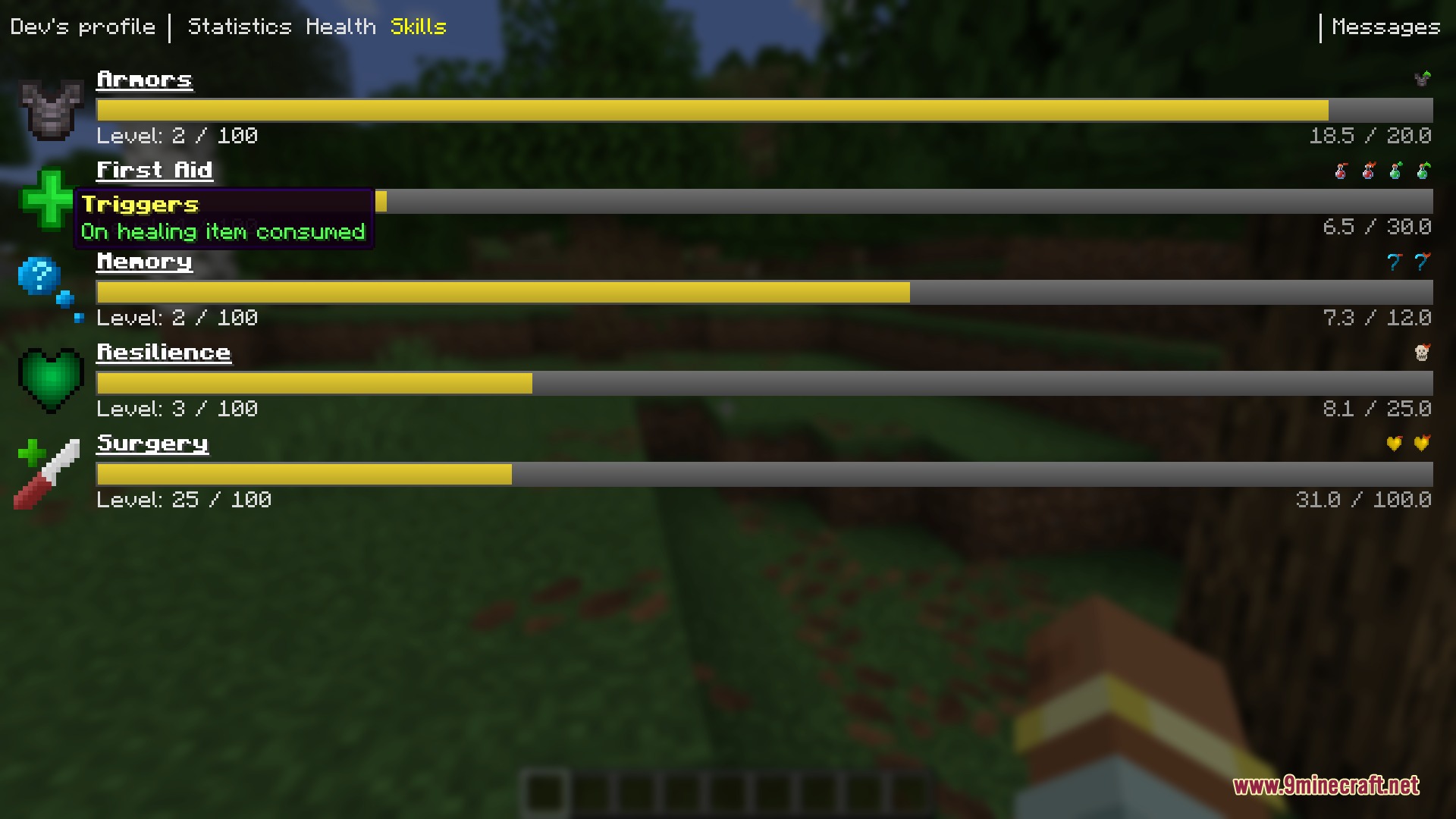
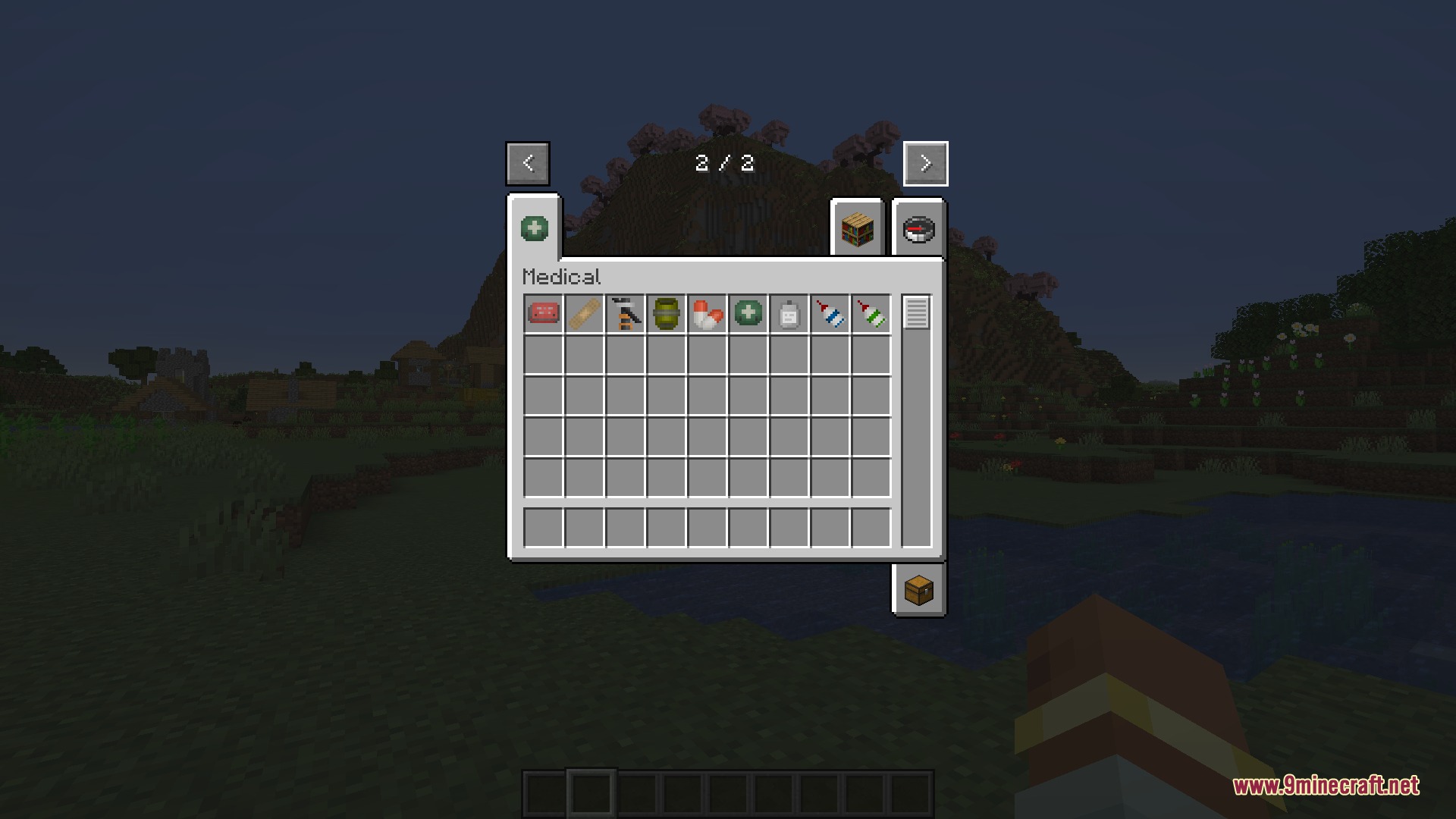
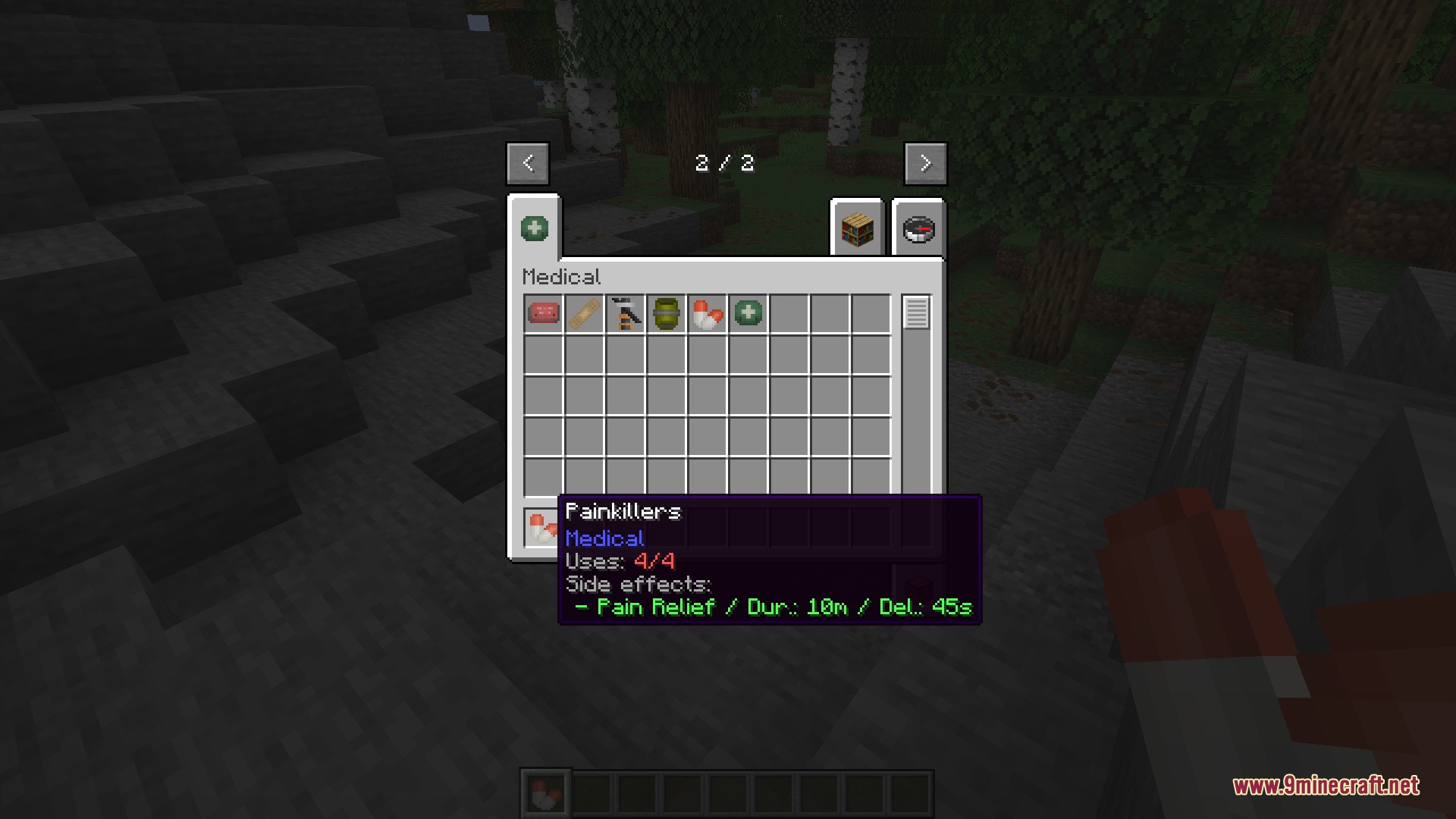
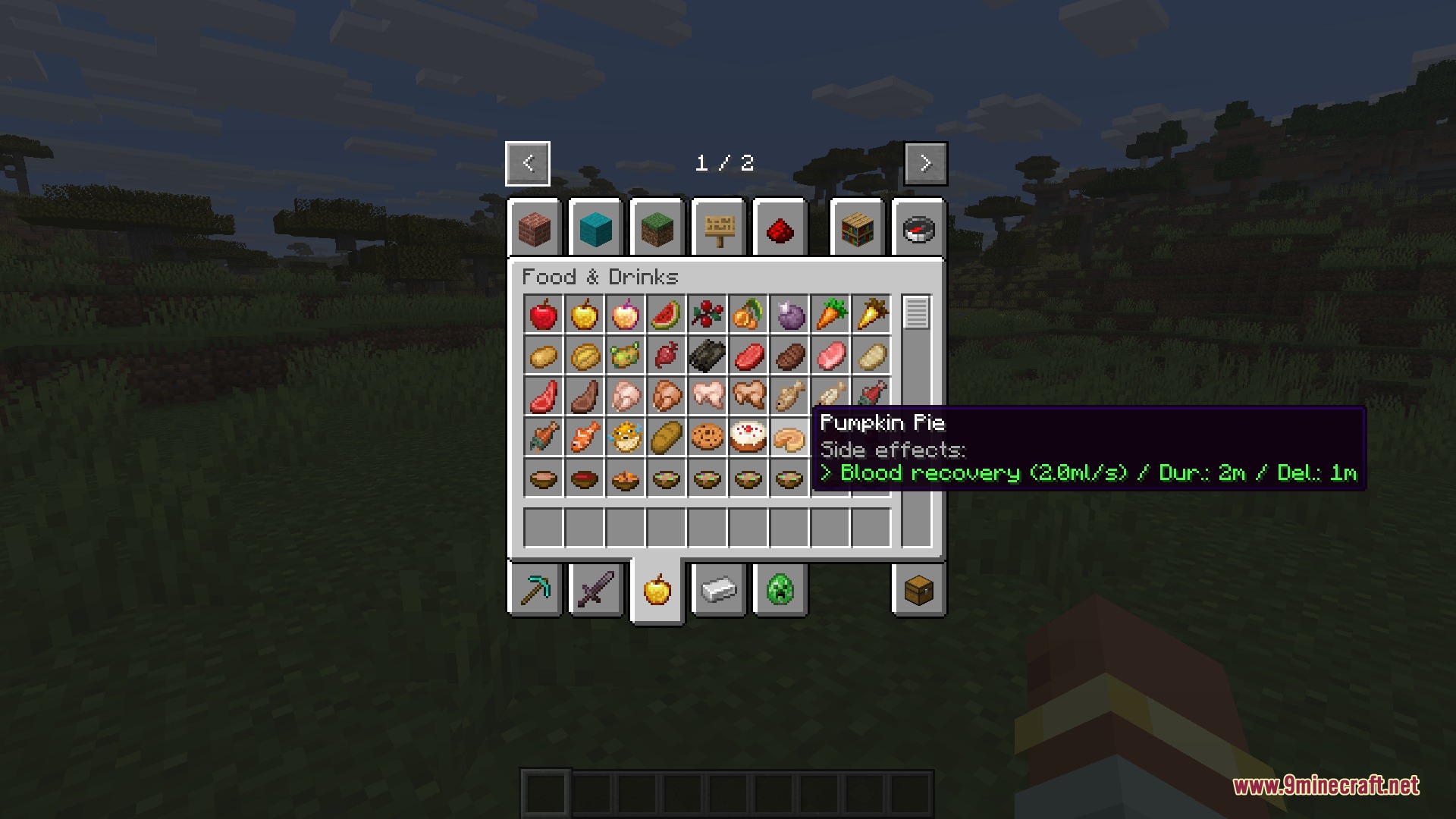
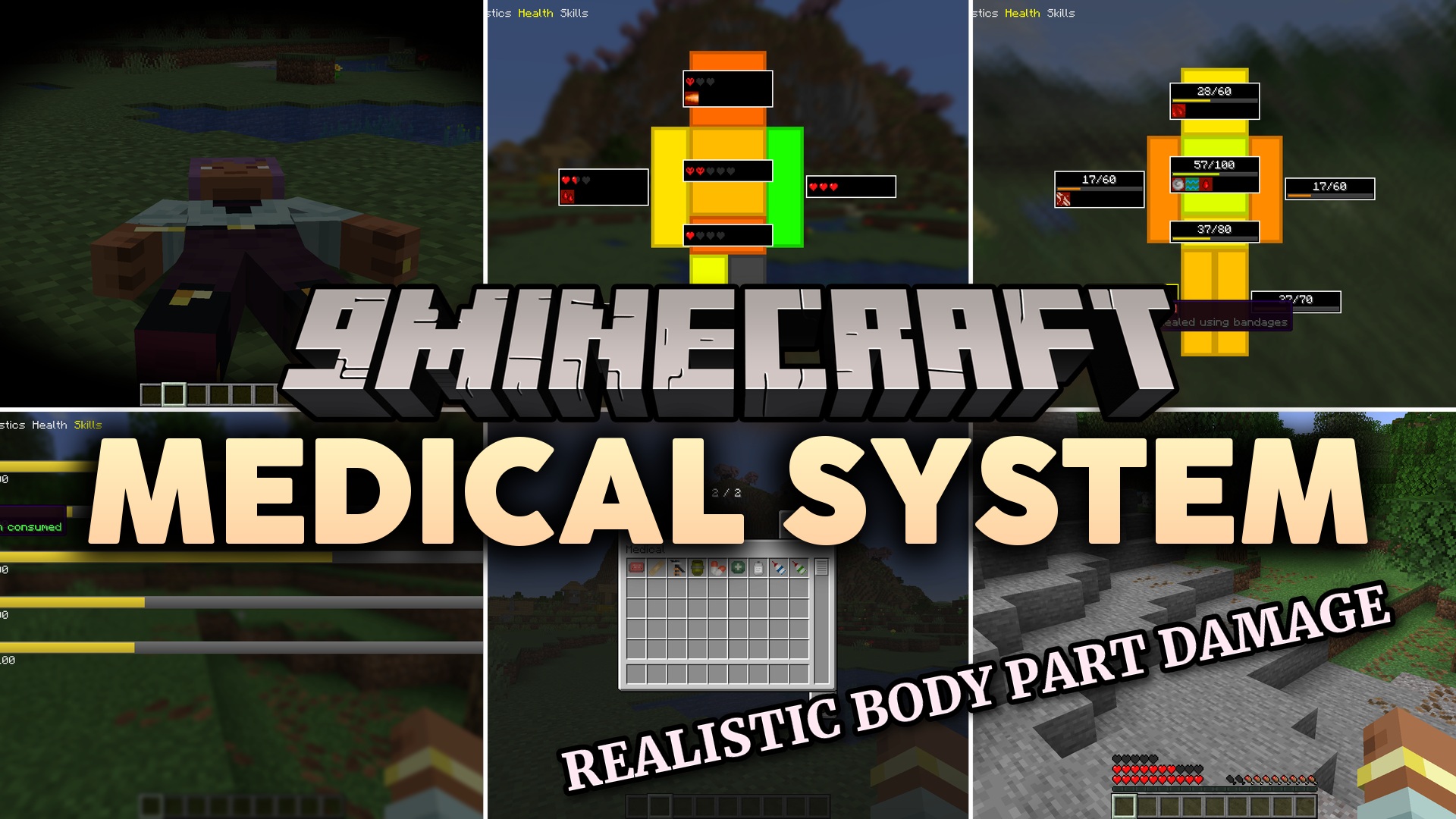
Medical System Mod changes how you take damage and heal in the game. This mod splits your health into different body parts like the head, torso, arms, and legs. It brings a new survival challenge where you must treat specific injuries instead of just eating food to get your hearts back.
Features:
- Splits the player and mob hitboxes into individual limbs with their own health pools.
- Causes instant death if you lose vital parts like the head or torso, even if other limbs are fine.
- Applies negative effects when you lose non-vital limbs, like slow movement without legs or fast hunger without a stomach.
- Changes how armor works so it only protects the specific body part it covers.
- Adds new status effects like light bleeding, heavy bleeding, and bone fractures.
- Changes your screen vision with blur or color changes when you are in pain or losing blood.
- Lets you fix completely broken limbs using an Emergency Surgery Kit.
- Includes a rescue system where you can revive unconscious friends using a First Aid Kit.
- Makes hostile mobs ignore players who are knocked out on the ground.
Configuration:
Simple Armor Calculation: turns off the limb-specific armor rules and goes back to normal armor math.Enable status effects: turns off bleeding, fractures, and screen changes if you want an easier game.
How to Use:
- Press the O key to open the Character screen and check the health of your specific limbs.
- Craft an Emergency Surgery Kit and hold right-click on a broken limb for 15 seconds to fix it.
- Approach a knocked-out friend and use a First Aid Kit on them to wake them up.
- Shoot hostile mobs in the legs to slow them down so you can run away safely.
Screenshots:
Medical System Mod Download Links
Quick facts
- Edition: Minecraft Java
- File type: .jar
- Minecraft version listed: 1.21.1
- How to install: Install the matching mod loader (Forge, Fabric or NeoForge) for your Minecraft version. → Download the .jar. → Put it in the .minecraft/mods folder and launch that loader profile.
- Where to get it: In MC Java Mods, or directly above on this page.
Install steps are the general flow for this file type — How to install Minecraft Java mods & modpacks walks through it step by step.
File checked by MCModsHub
- Downloads as 397228.mcaddon
- Download size: 990 KB
- Download link checked 24 Sept 2026 — working
- Mirrored on our own servers — the download does not depend on the original host
These come from our own check of the pack file, not from the source page.