
Constant Size Change
Java data pack listed for Minecraft 1.21–26.x. Downloads from the MC Java Mods app on Android.
⬇ Download on ModrinthConstant Size Change
This datapack allows you to make a player grow or shrink constantly.
Other attributes like speed or jumping are scaled with the player size!
How to use?
⚠️ YOU NEED OPERATOR PERMISSIONS
To make a player shrink or grow, you need to type this command in chat to open the settings menu.
/function csc_settings:config
On the screen click on: Make a Player Grow or Make a Player Shrink and then enter their username
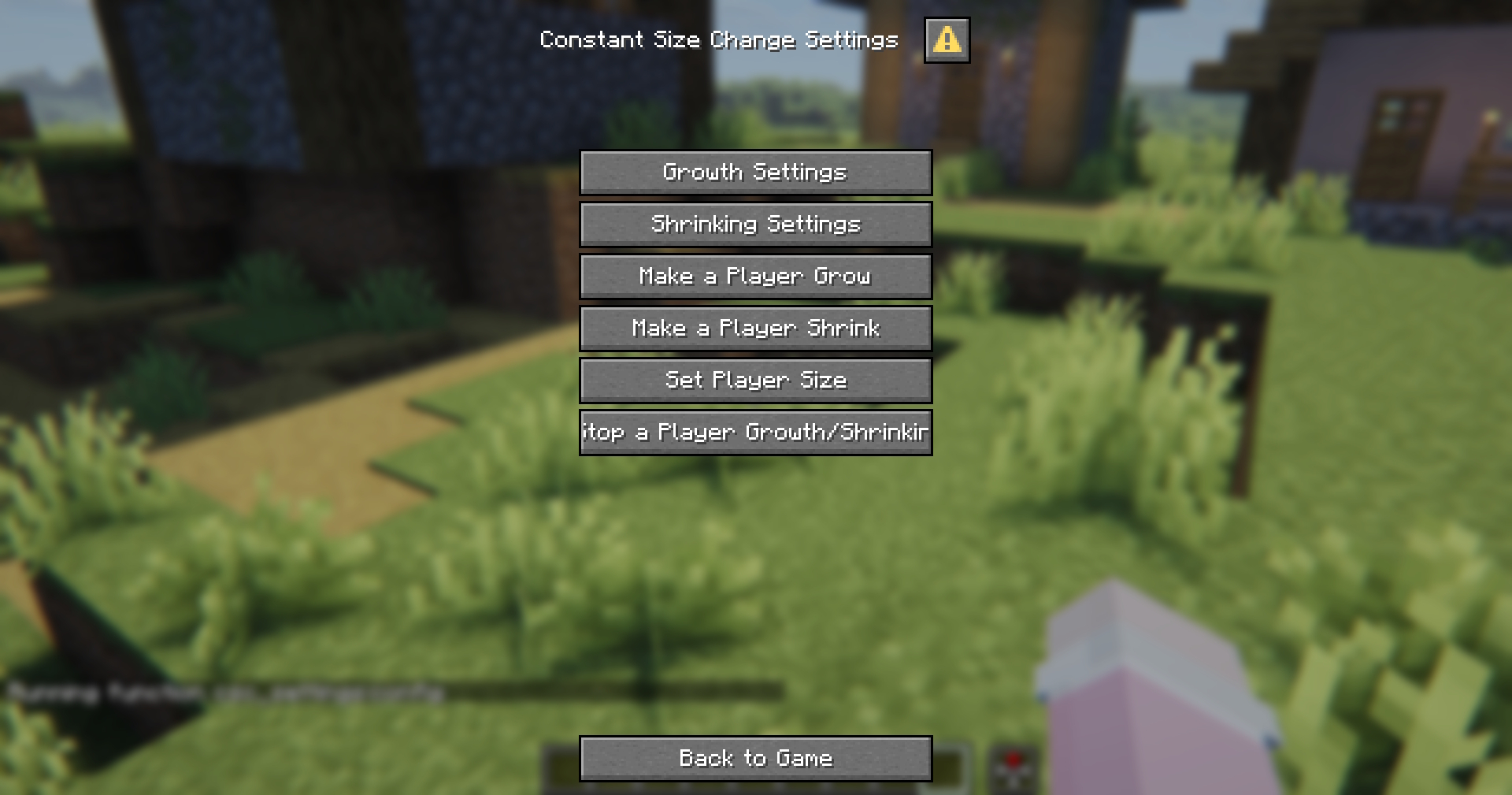
On this screen, you can also change the growth/shrink amount per ticks or reset a player's size.
Default Settings
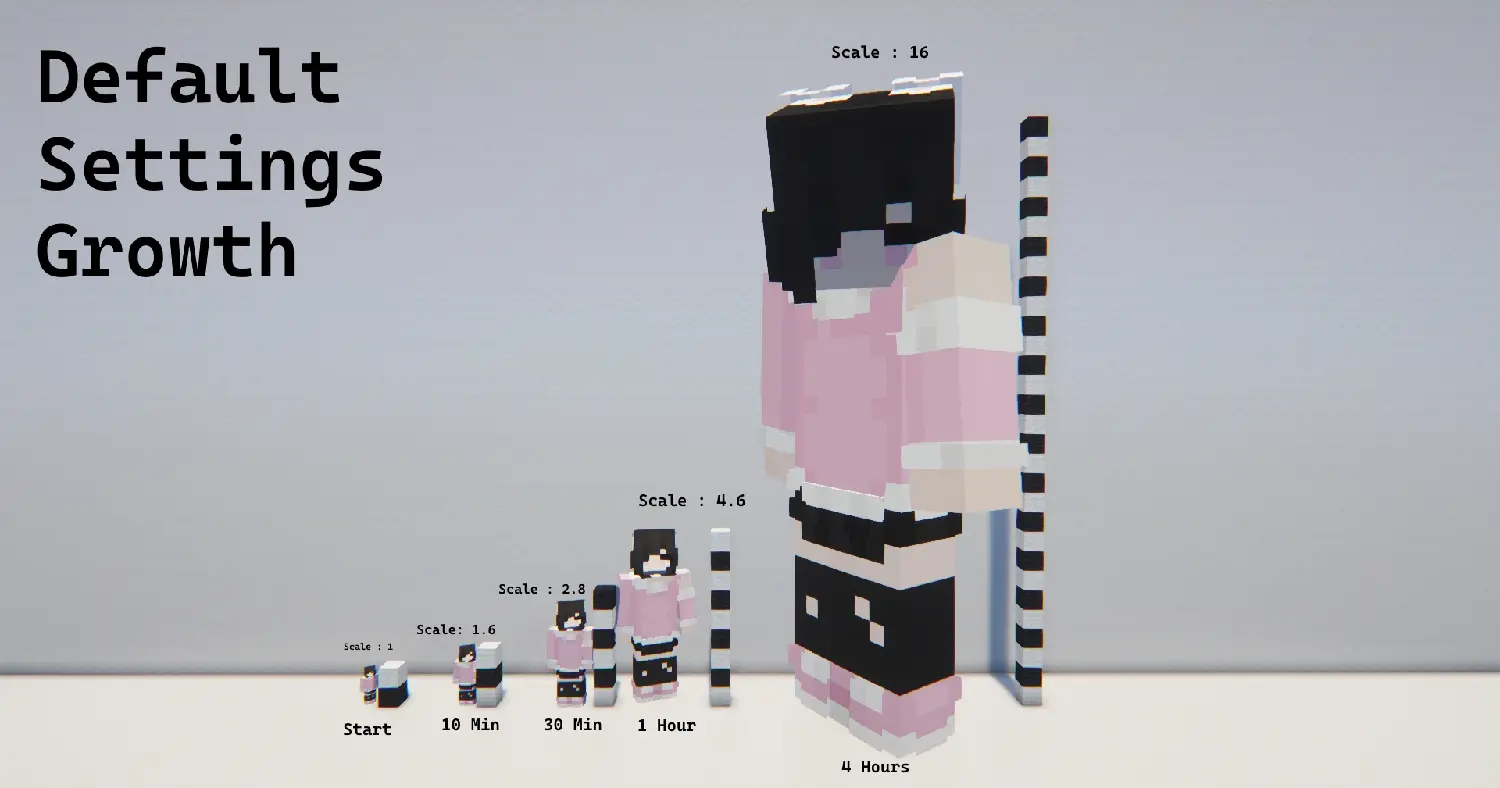
Growth: 0.5 / 100 ticks (5 seconds)
| Time | Size |
|---|---|
| Initial | 1 |
| 10 Minutes | 1.6 |
| 30 Minutes | 2.8 |
| 1 Hour | 4.6 |
| 4.4 Hours | 16 |
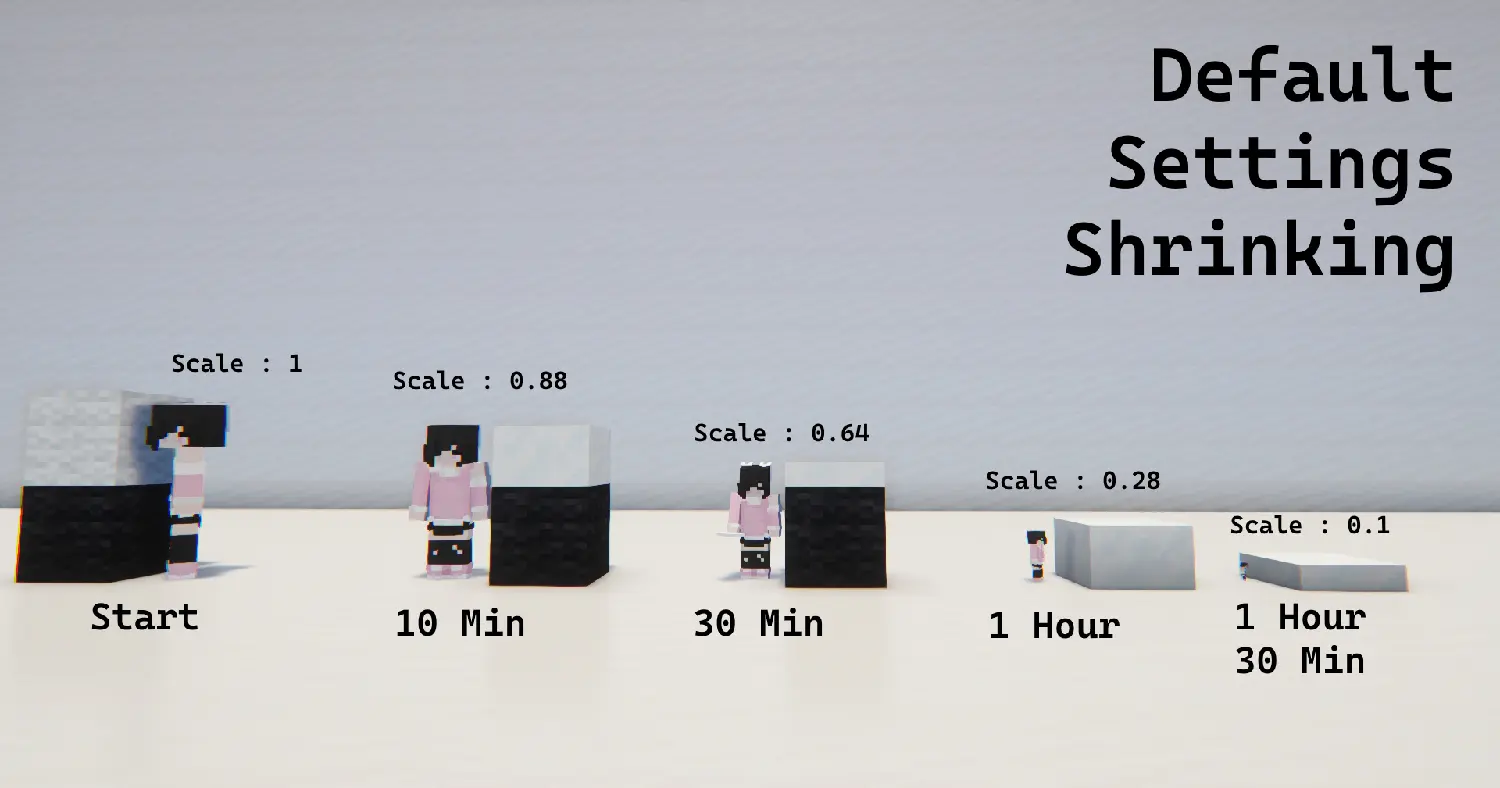
Shrinking: 0.1 / 100 ticks (5 seconds)
| Time | Size |
|---|---|
| Initial | 1 |
| 10 Minutes | 0.88 |
| 30 Minutes | 0.64 |
| 1 Hour | 0.28 |
| 1.30 Hour | 0.1 |
- Edition: Minecraft Java
- File type: .jar
- Minecraft versions listed: 1.21.11, 26.1, 26.1.1
- How to install: Install the matching mod loader (Forge, Fabric or NeoForge) for your Minecraft version. → Download the .jar. → Put it in the .minecraft/mods folder and launch that loader profile.
- Where to get it: Opens on Modrinth — not every file is mirrored on our own servers.
Install steps are the general flow for this file type — see the MC Java Mods guides for the full walkthrough.
- Downloads as ConstantSizeChange.zip
- Download size: 15 KB
- Download link checked 12 Oct 2026 — working
These come from our own check of the pack file, not from the source page.