ShadersJava
EzExposure Shaders (26.2, 1.20.1) – Manual Brightness and Exposure Slider
Java shader pack listed for Minecraft 1.20. Downloads from the MC Java Mods app on Android.
⬇ Download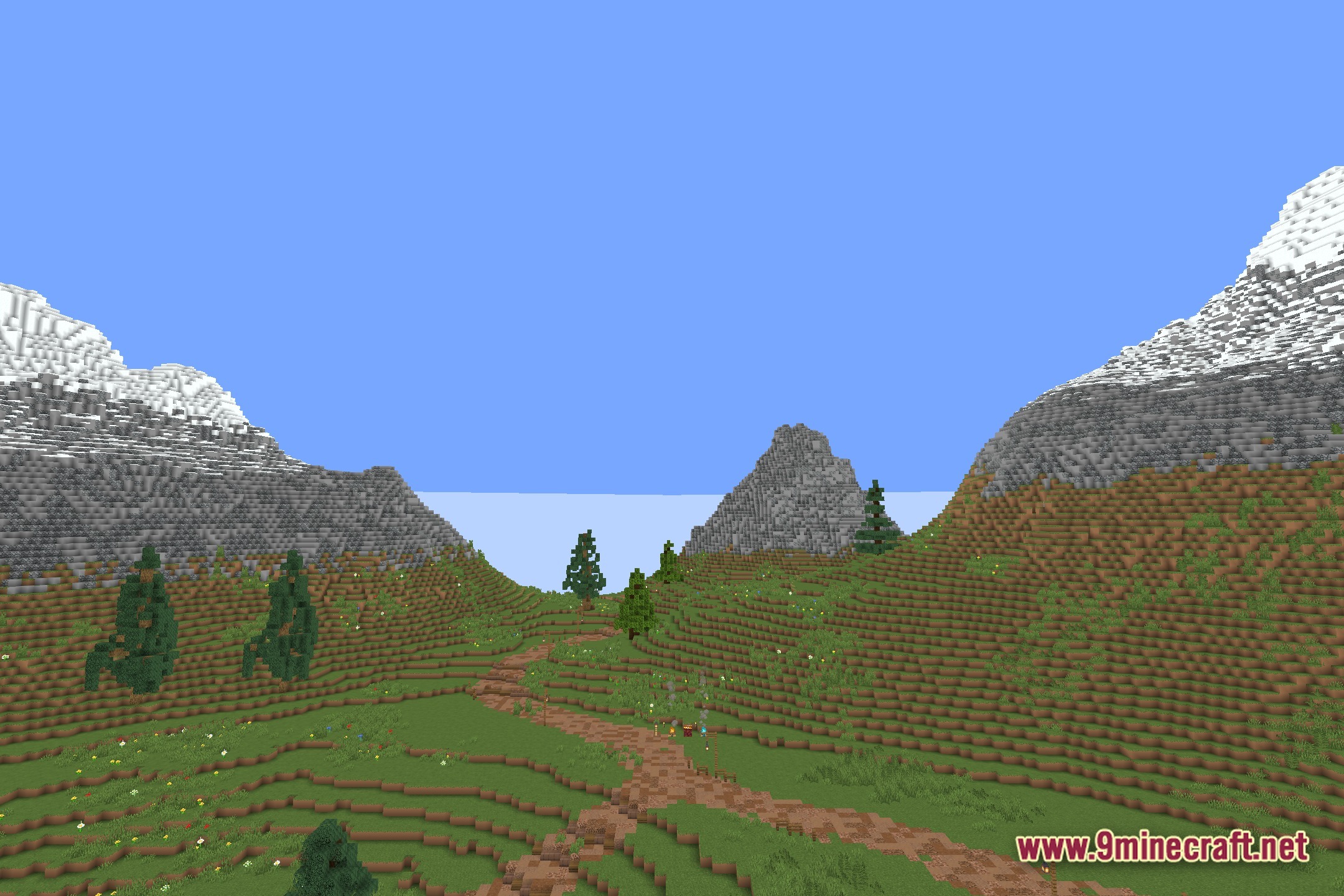
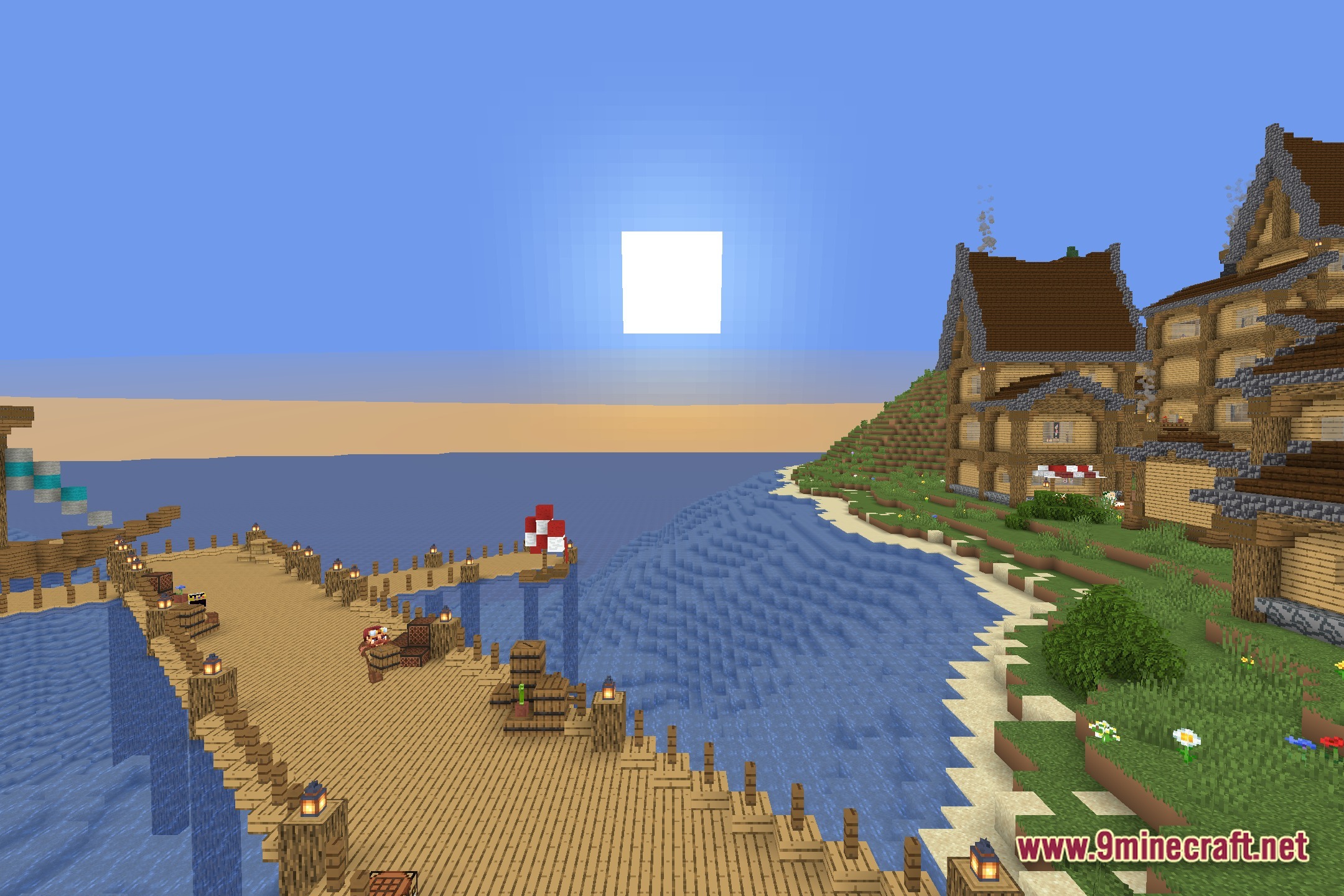
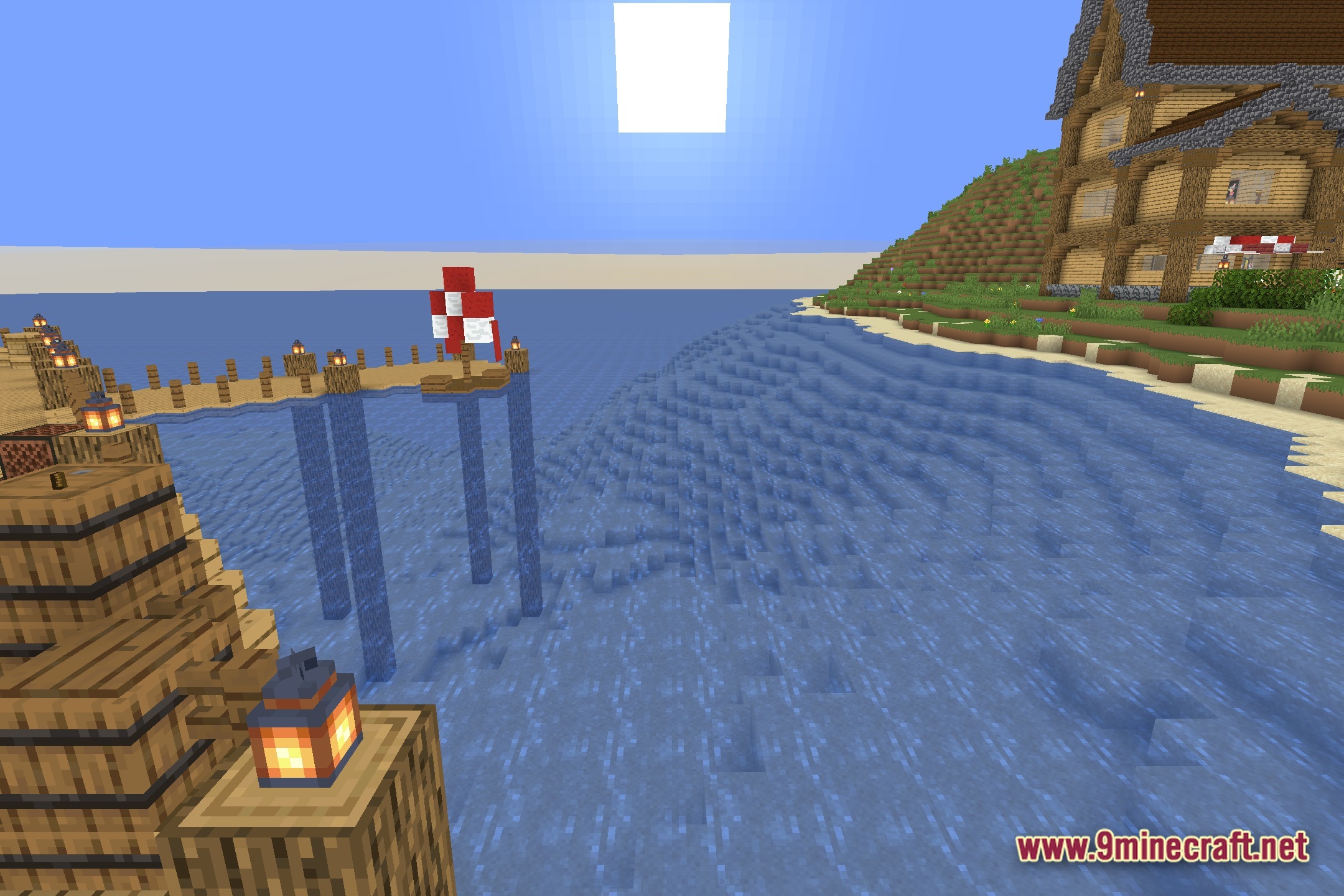
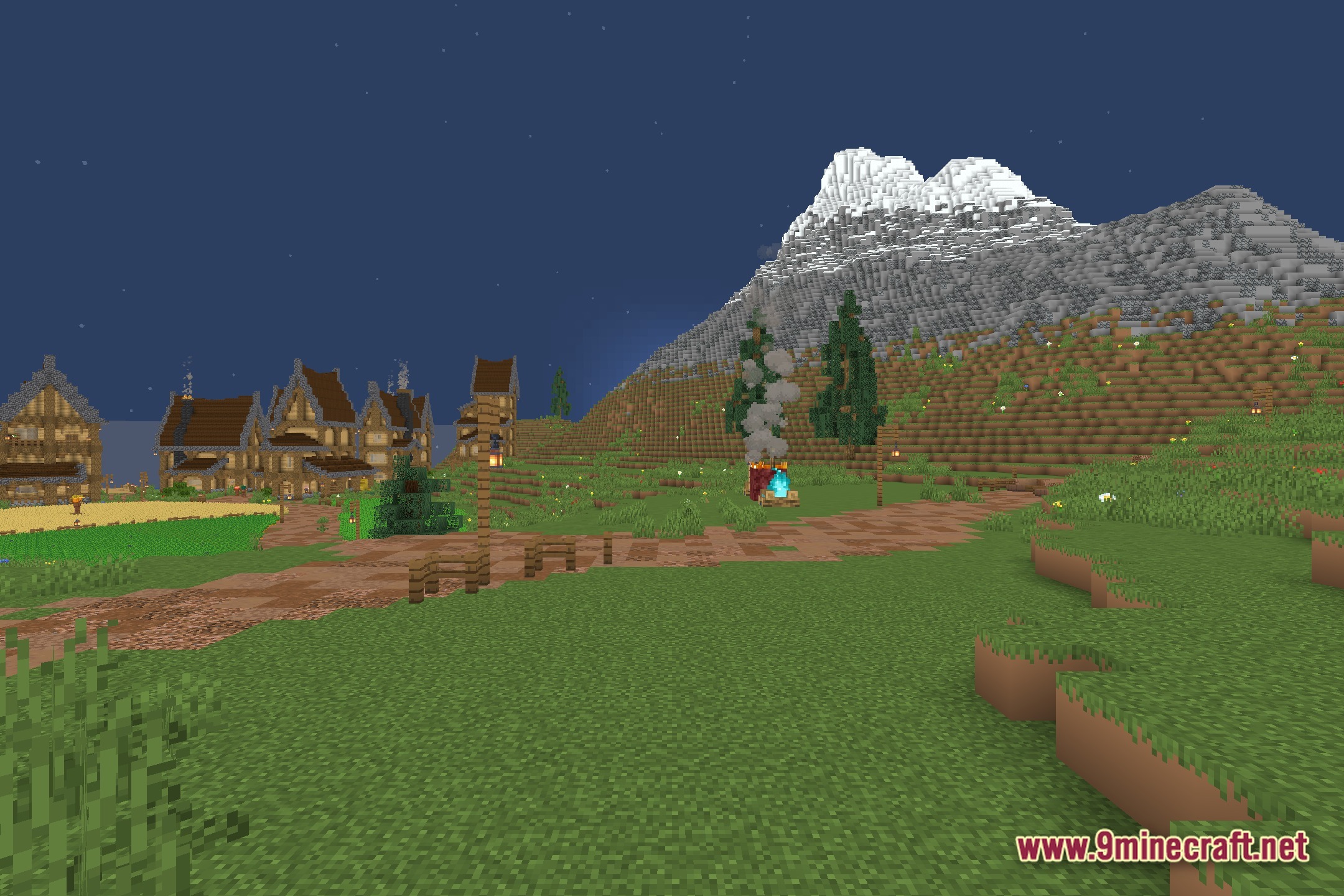
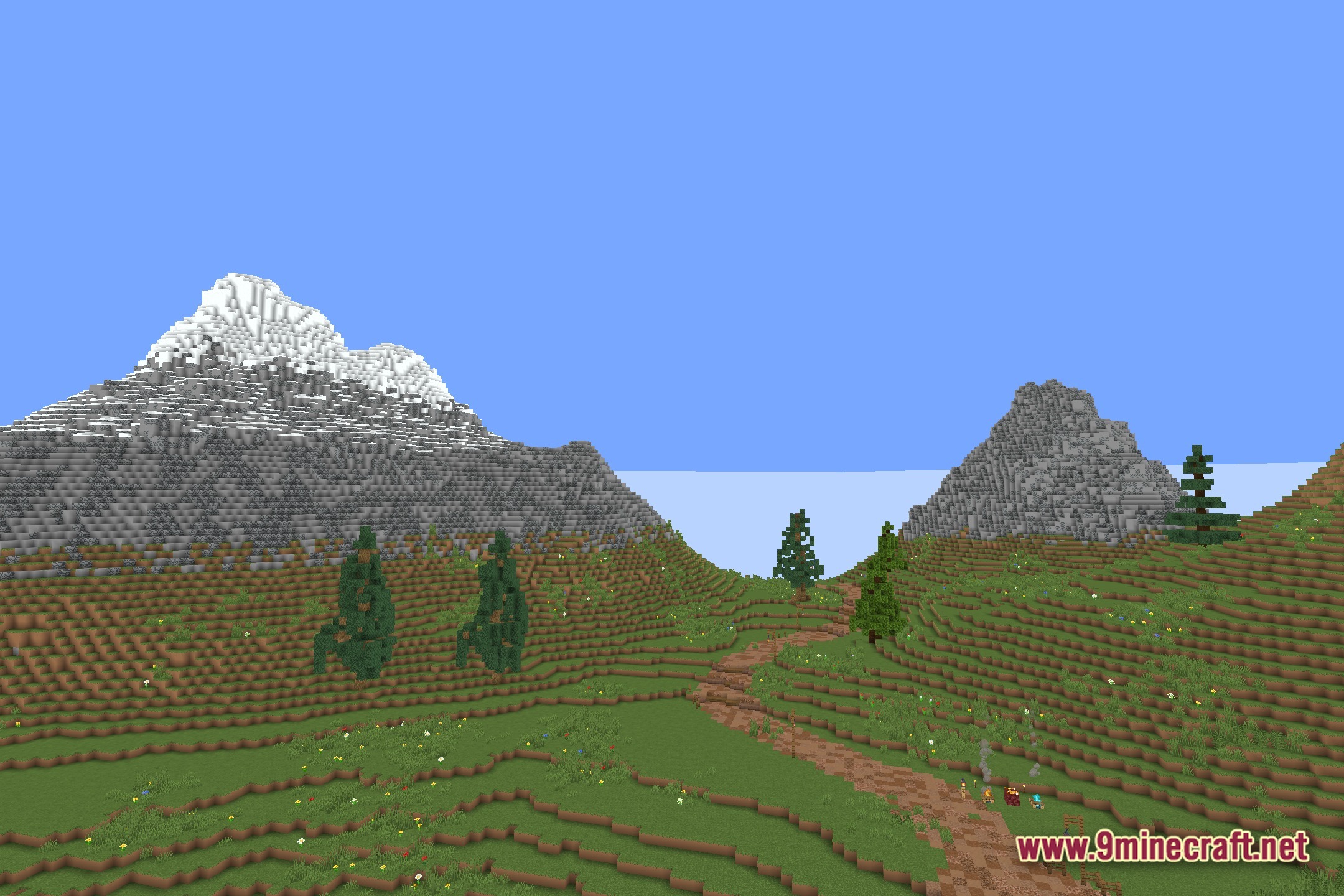
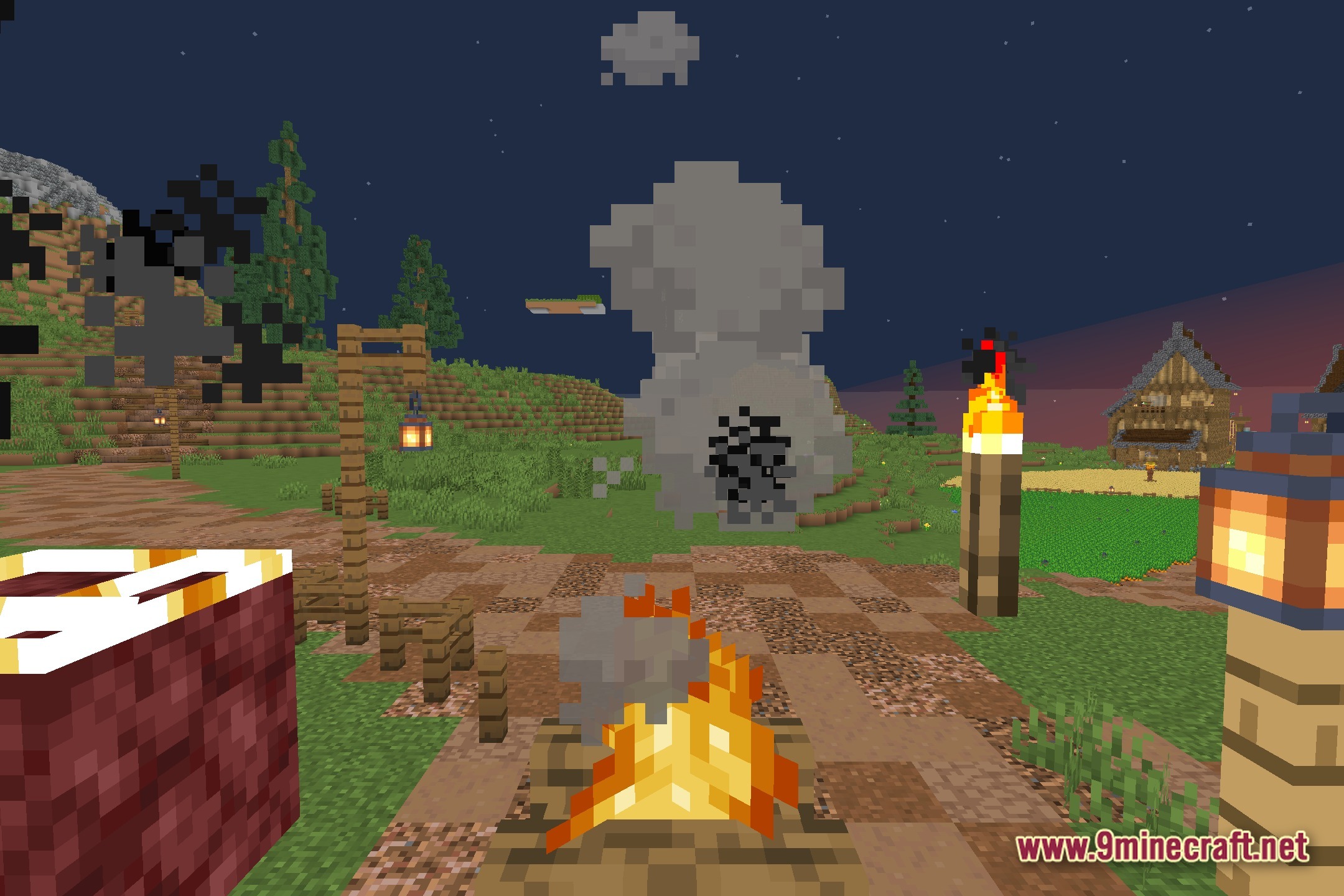
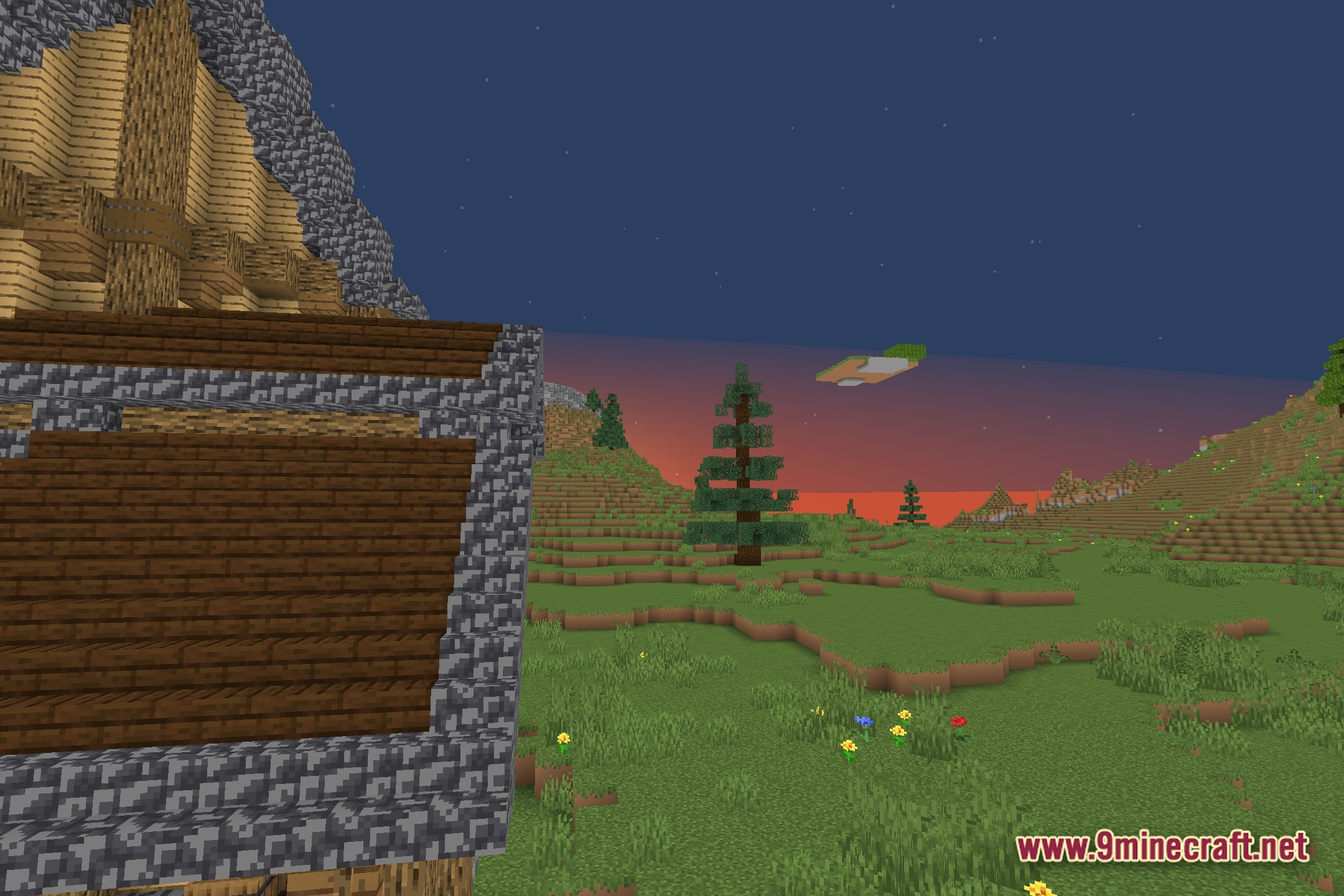
EzExposure gives you direct control over the brightness of your Minecraft world. It adds a simple slider to the settings so you can change the exposure levels at any time. This tool helps you quickly fix scenes that look too dark or too bright without tweaking complicated options. You get better lighting control while keeping the standard vanilla look of the game.
Features:
- Exposure Slider: Adds a new setting to adjust the overall brightness of your screen.
- Lets you manually change how much light appears in the game.
- Keeps the normal vanilla style while giving you extra control over the visuals.
Screenshots:
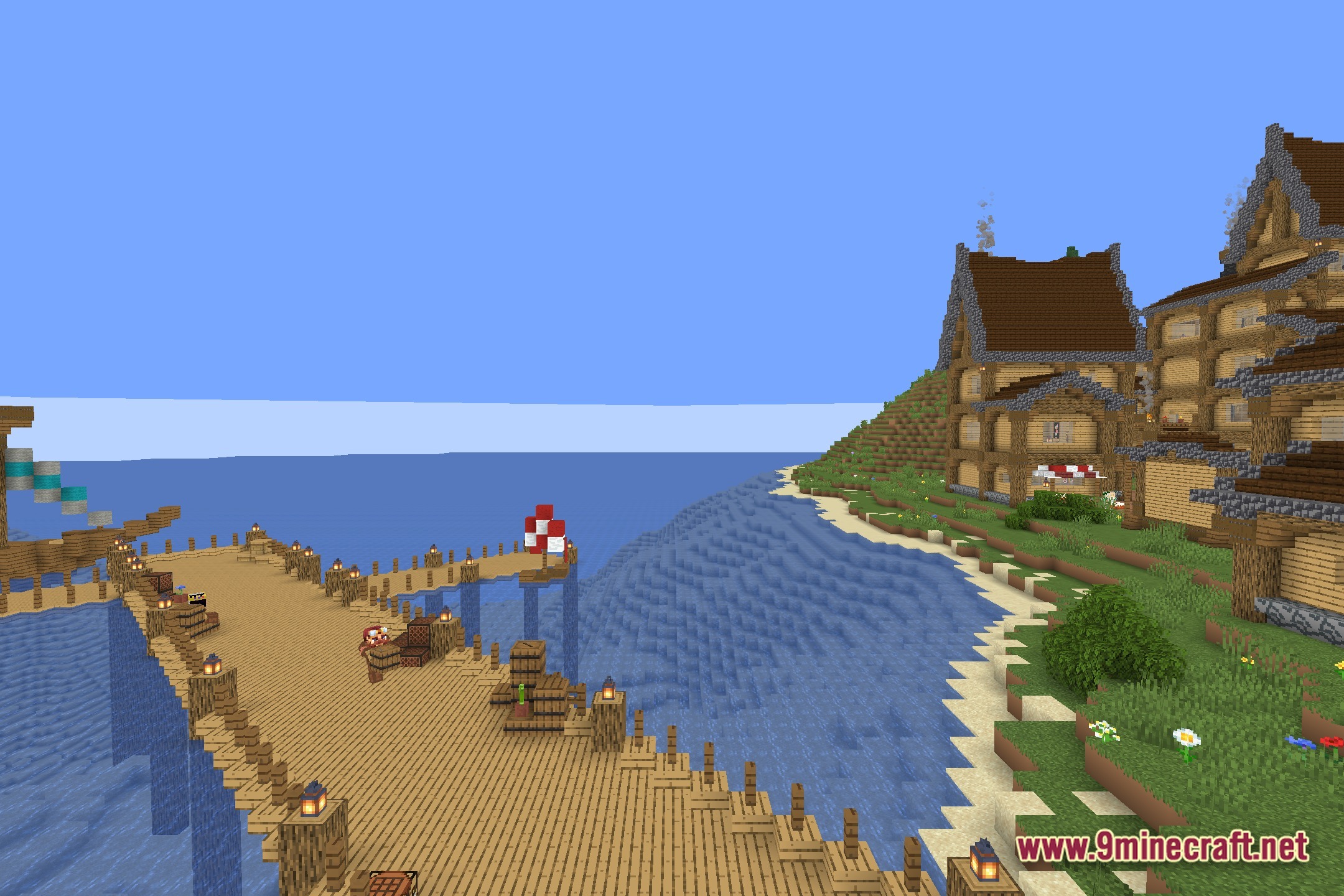
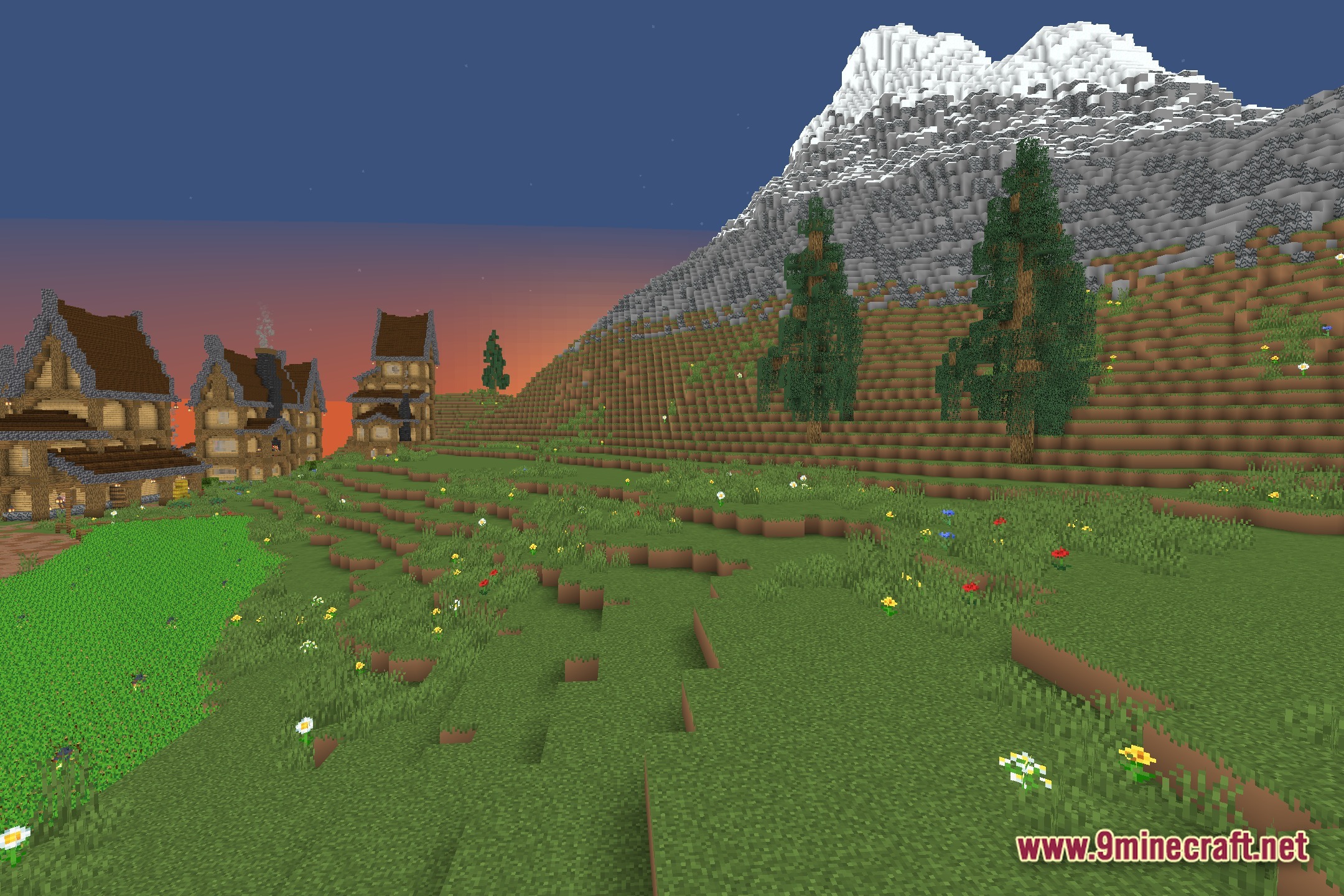
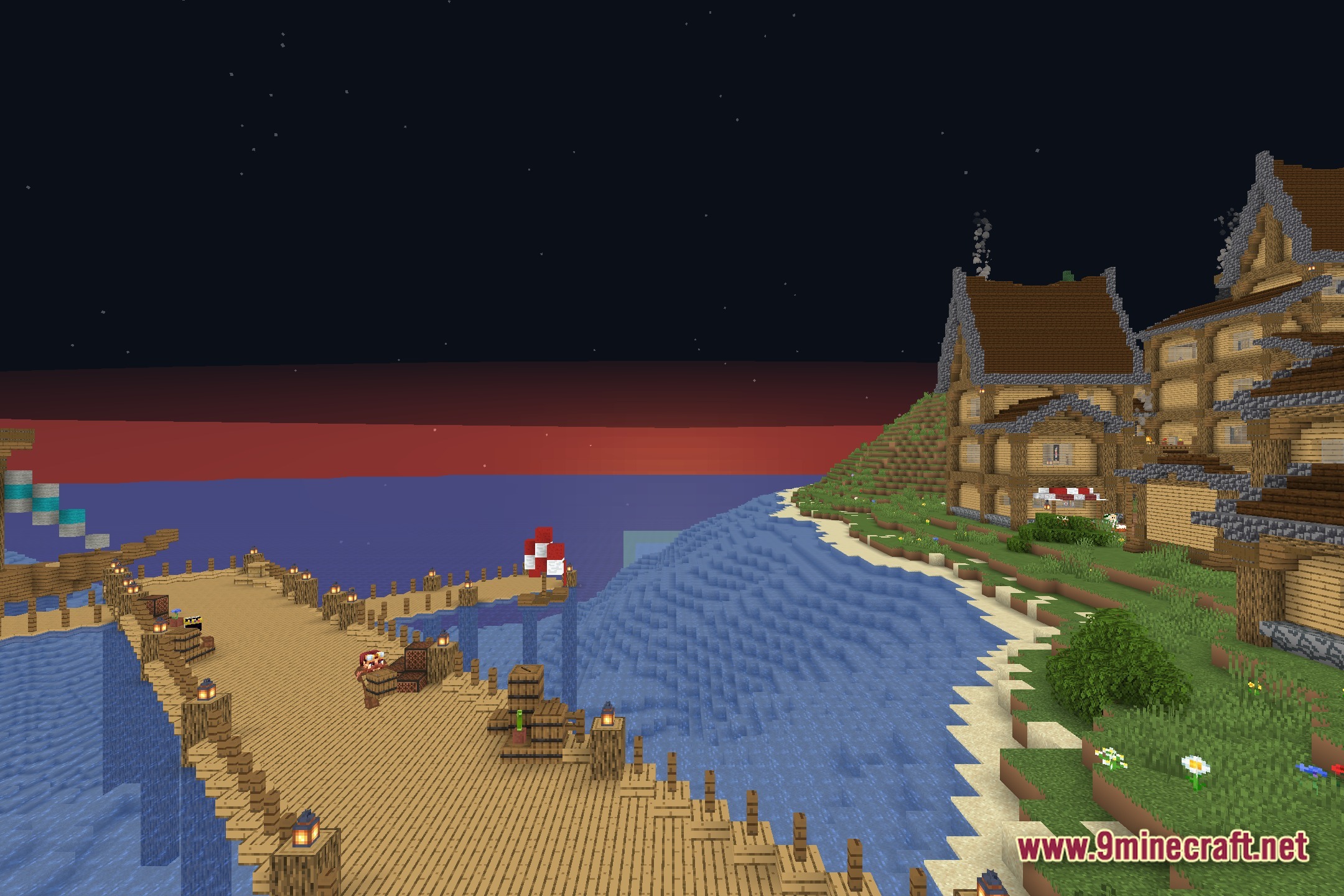
EzExposure Shaders Download Links
Quick facts
- Edition: Minecraft Java
- File type: .zip (resource pack)
- Minecraft version listed: 1.20.1
- How to install: Download the .zip resource pack — do not unzip it. → Put it in .minecraft/resourcepacks. → Enable it in Options → Resource Packs.
- Where to get it: In MC Java Mods, or directly above on this page.
Install steps are the general flow for this file type — see the MC Java Mods guides for the full walkthrough.
File checked by MCModsHub
- Downloads as 397661.mcpack
- Download size: 6 KB
- Download link checked 11 Aug 2026 — working
- Mirrored on our own servers — the download does not depend on the original host
These come from our own check of the pack file, not from the source page.