ModsJava
Truss Mod
Minecraft Java mod. Downloads from the MC Java Mods app on Android.
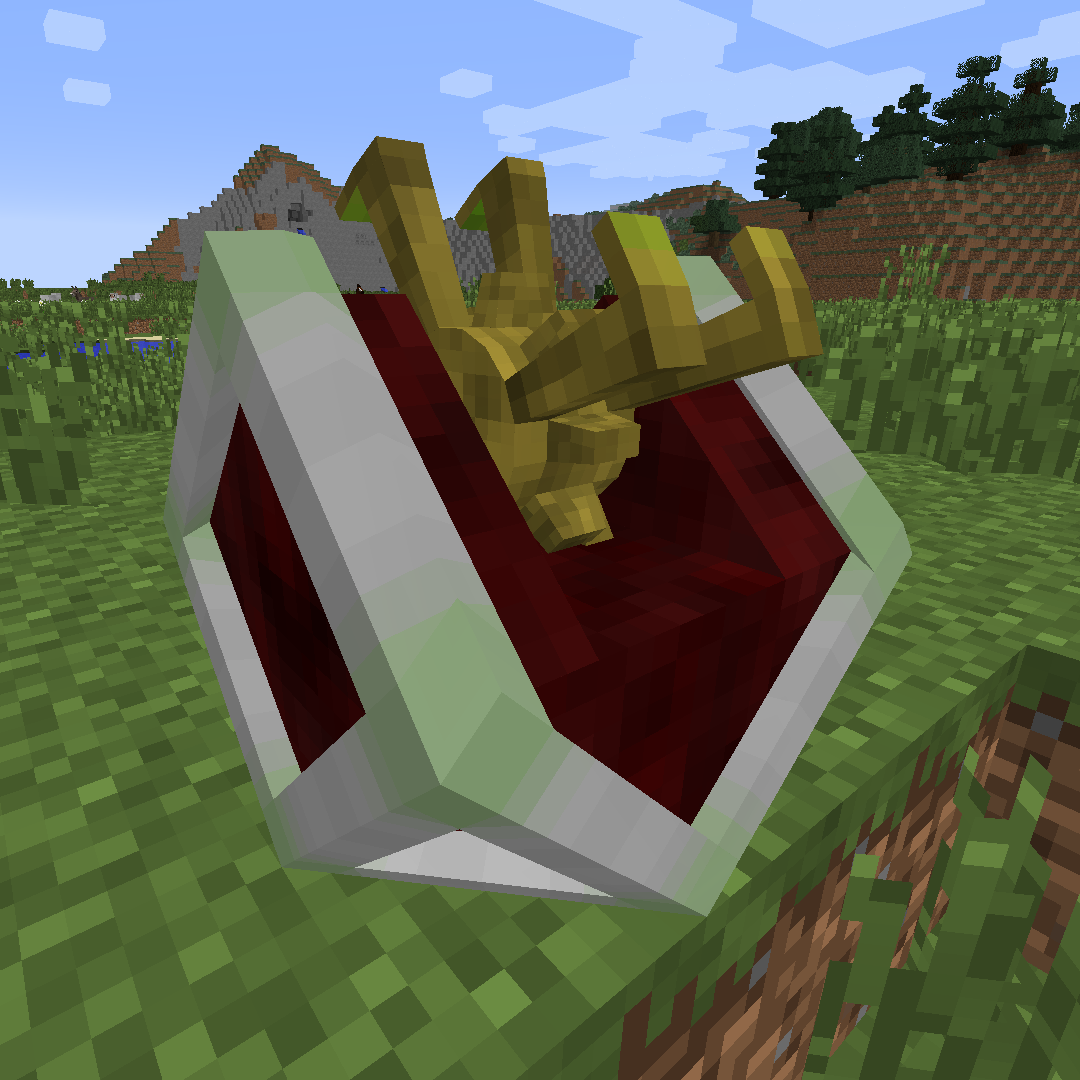
Truss Mod adds motors that can move blocks and frames that can form big moving constructions.It was inspired by Red Power 2 by Eloraam.
⬇ Download on CurseForge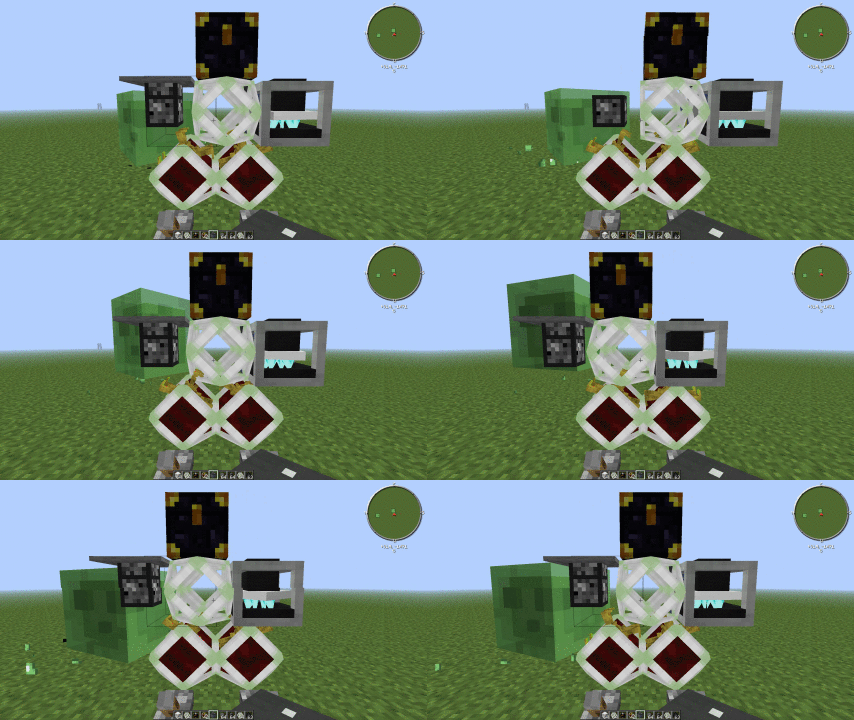
Truss Mod
(beta)

Truss Mod adds motors that can move blocks and frames that can form big moving constructions.It was inspired by Red Power 2 by Eloraam.
Features:
- Motors and frames move, and all blocks render and tick while moving
- TileEntities can be moved too
- IC2, BC and TE power support. Look in config file for configuration
- Tested with most mods from FTB 1.5 beta pack
- There is a per-block and per-mod moving handler configuration
- Both Immibis's Microblocks and ForgeMultipart are supported
- Can move multiblock structures (if configured)
Know issues:
- Items moving in BuildCraft pipes don't update their rendering state after being moved (items themselves appear to move correctly)
- There are little time desynchronizations with some mods with default-hard handler
- Thermal Expansion blocks cause crashes/disappear when moved
Installation instructions:
- 1.5.2: Extract TrussCore-*.jar to coremods folder, extract TrussMod-*.jar to mods folder
- 1.6.x and later: Copy TrussMod-*.jar to mods folder
How to rotate motors:
- Shift-right-click with the empty hand to change the position of the red (action) side
- Right-click with the empty hand to change the direction that the red side is facing to
Microblocks:

- Anything cover-thick will prevent frames from sticking, and will actually mask the frame.
- If you have microblocks, frame sides will only be solid if there are covers/panels on that side.
Crafting (temporary):


If you have mods with multiblock structures:
- Add corresponding block set to TrussMod.cfg
- Example: S:alveary=1382 or S:railcraft_tank="452:0,452:1,452:2" (use block name instead of id for 1.7)

Quick facts
- Edition: Minecraft Java
- File type: .jar
- How to install: Install the matching mod loader (Forge, Fabric or NeoForge) for your Minecraft version. → Download the .jar. → Put it in the .minecraft/mods folder and launch that loader profile.
- Where to get it: Opens on CurseForge — not every file is mirrored on our own servers.
Install steps are the general flow for this file type — How to install Minecraft Java mods & modpacks walks through it step by step.
File checked by MCModsHub
- Ships as TrussMod-beta-1.7.10-37.jar — drop this file into the mods folder
- Download size: 840 KB
- Download link checked 3 Nov 2026 — working
These come from our own check of the pack file, not from the source page.