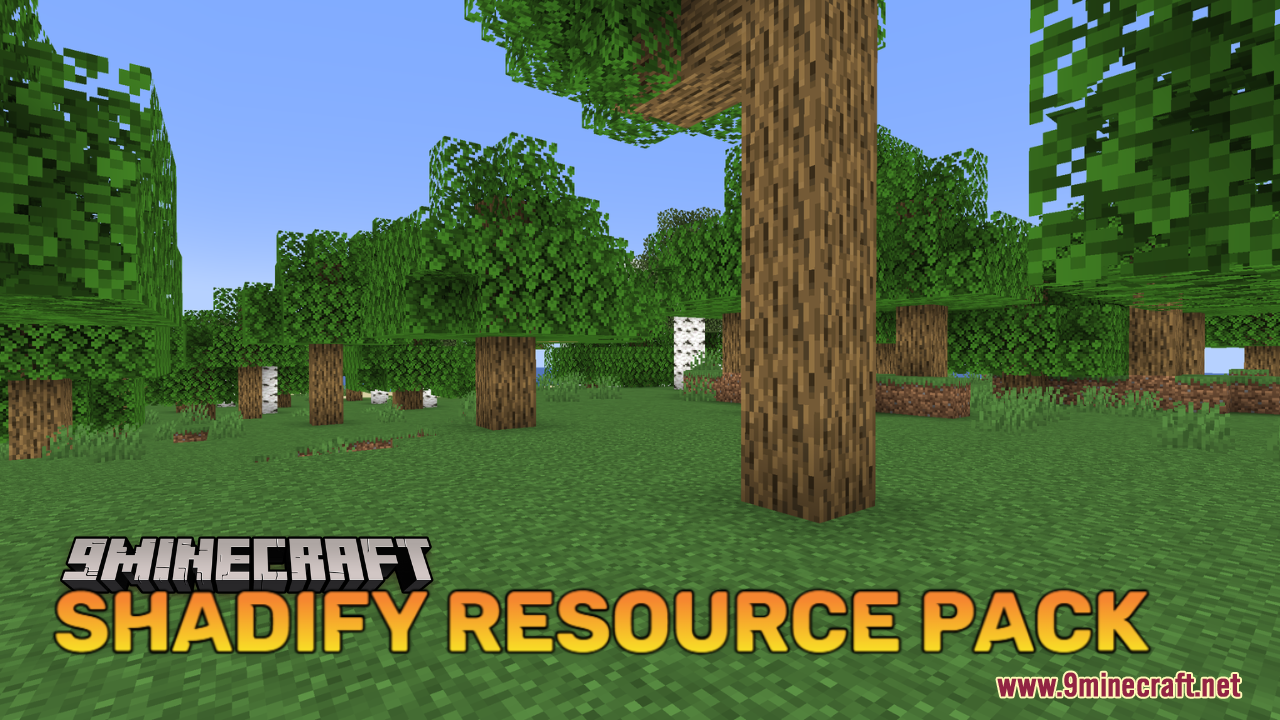
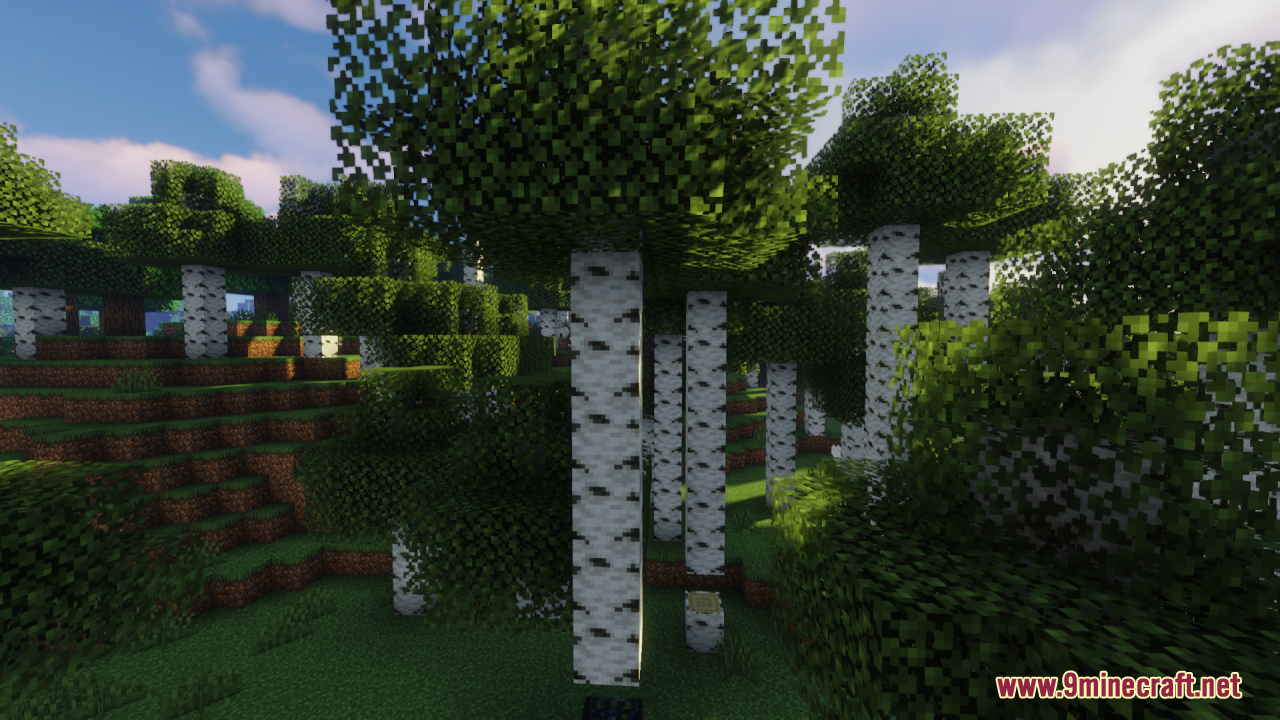
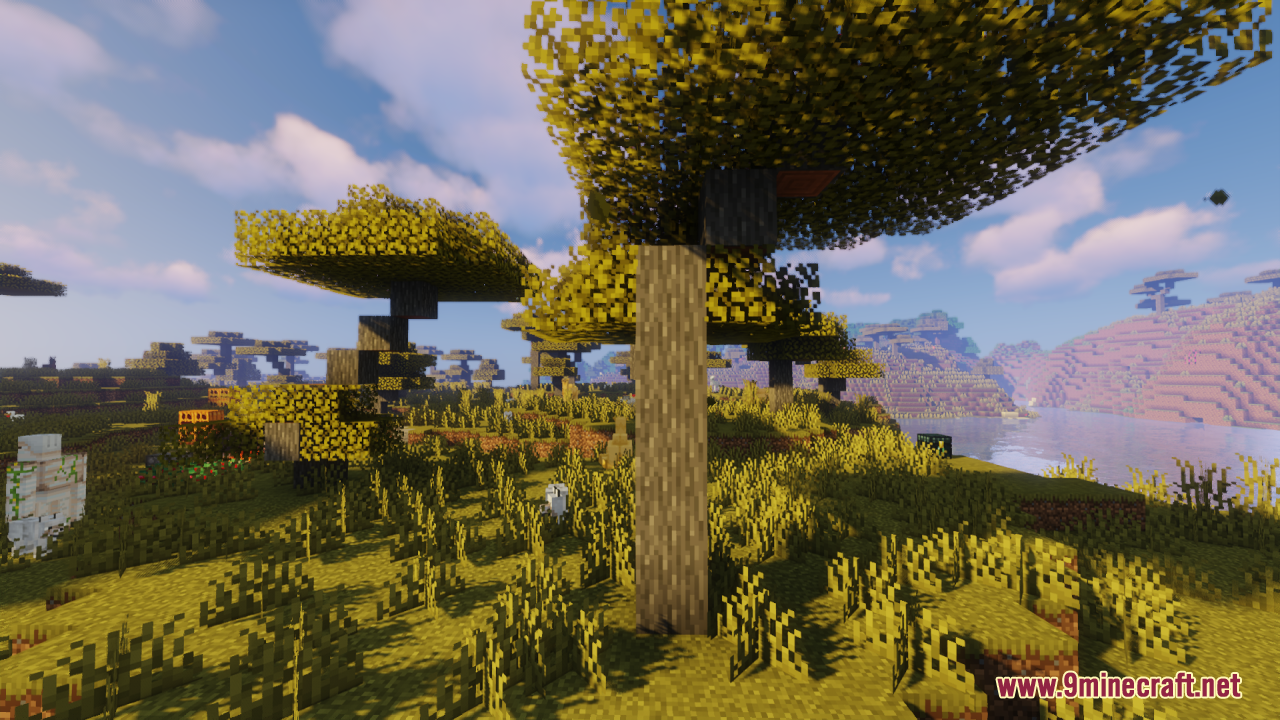
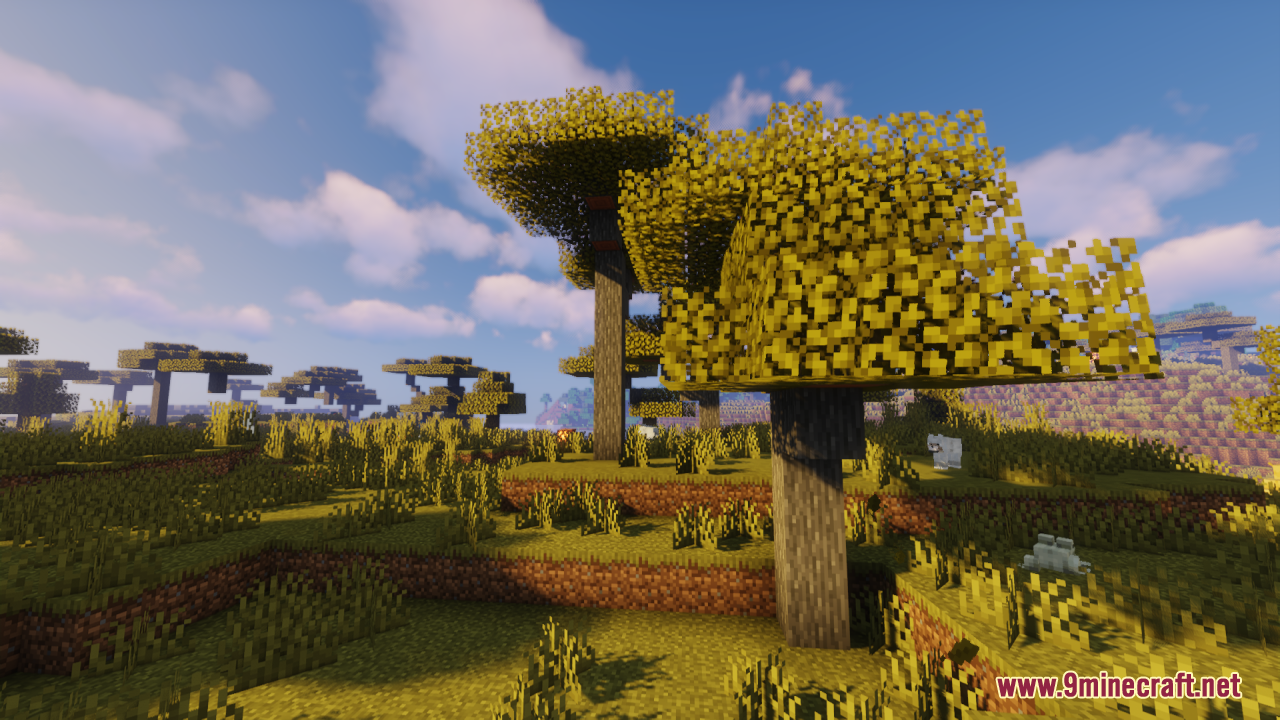
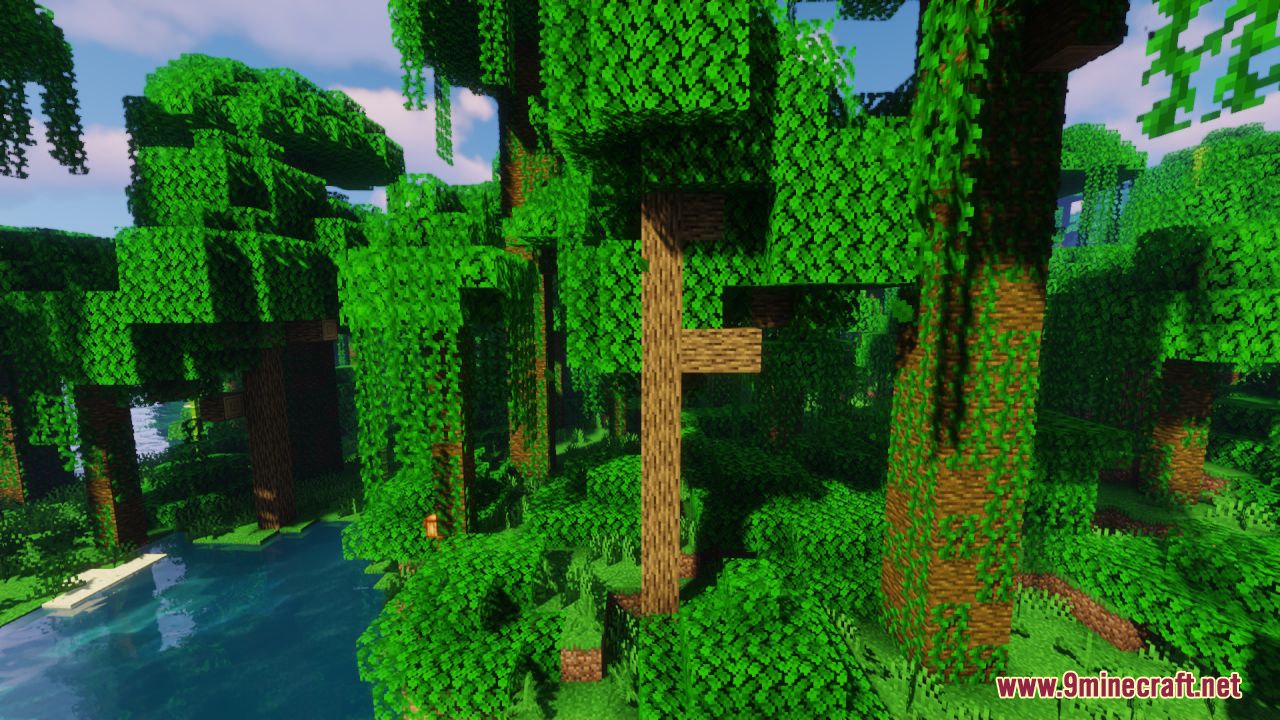
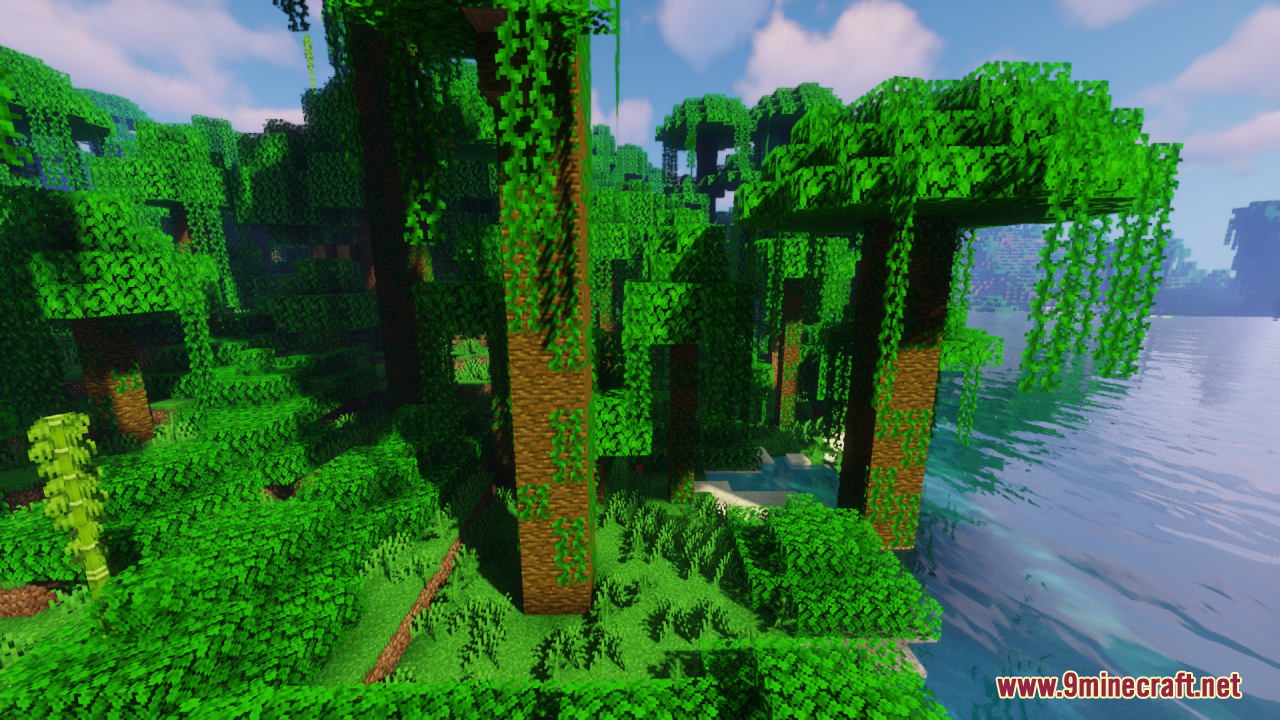
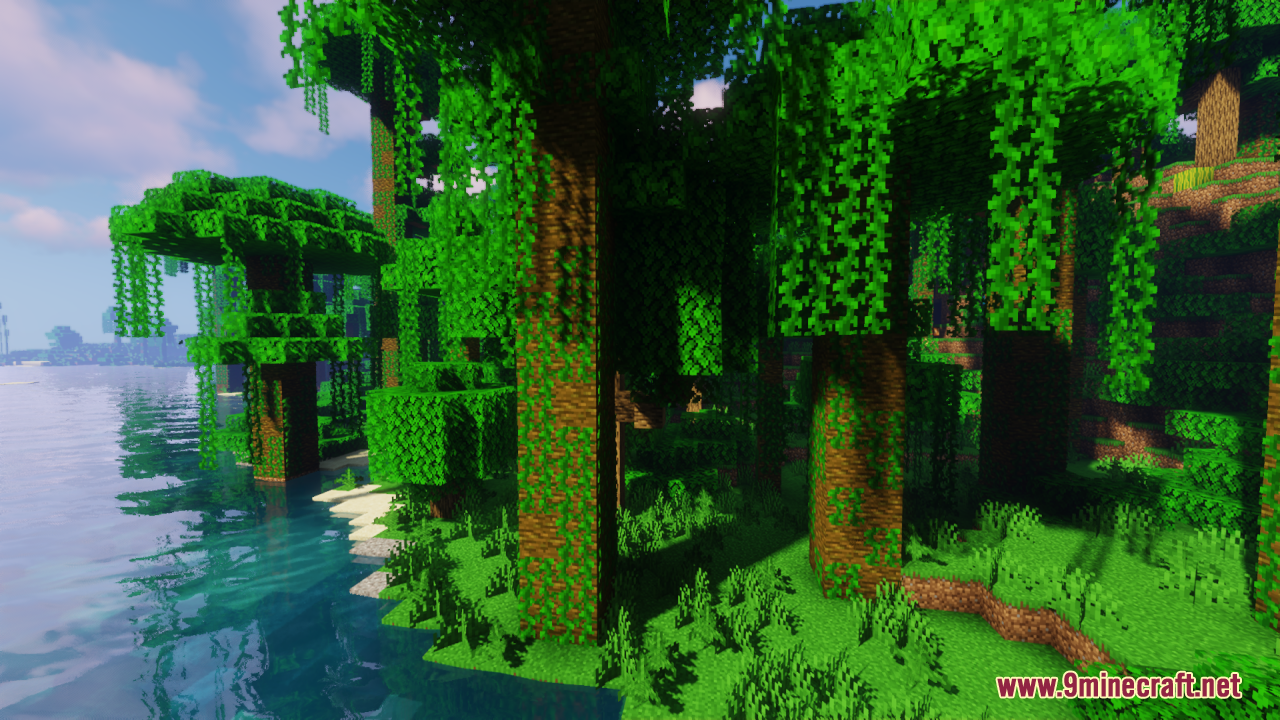
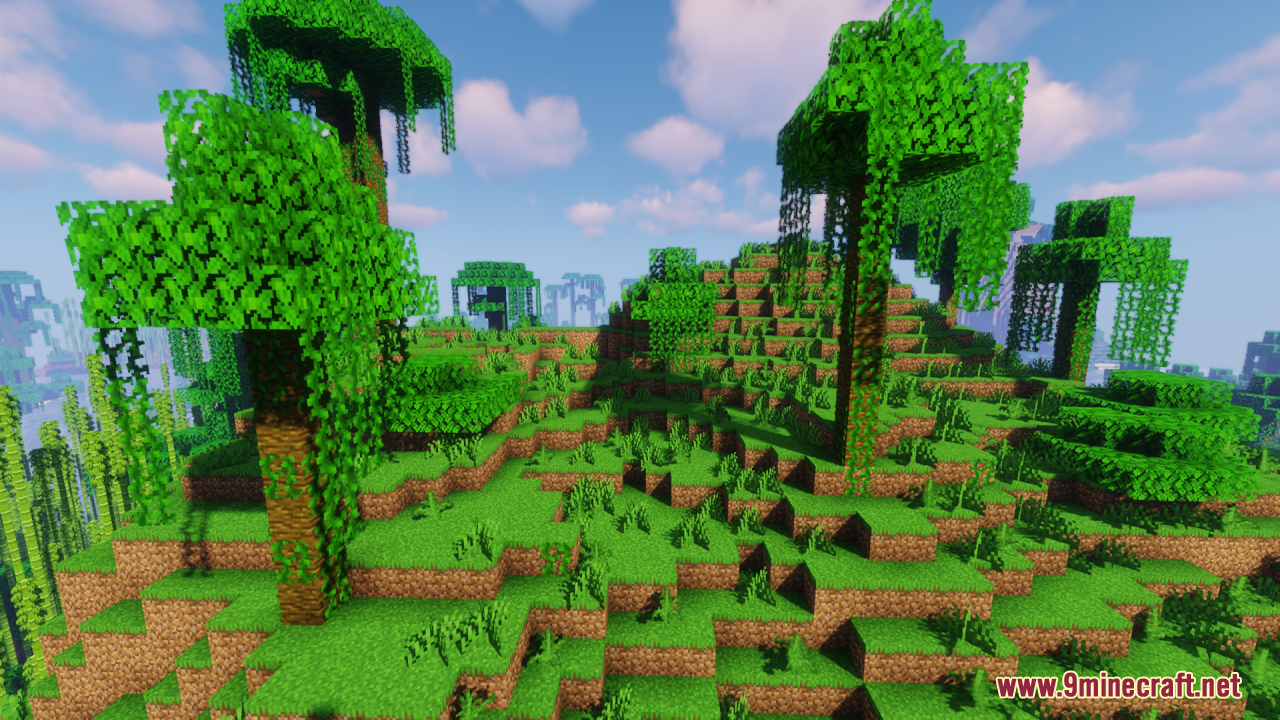
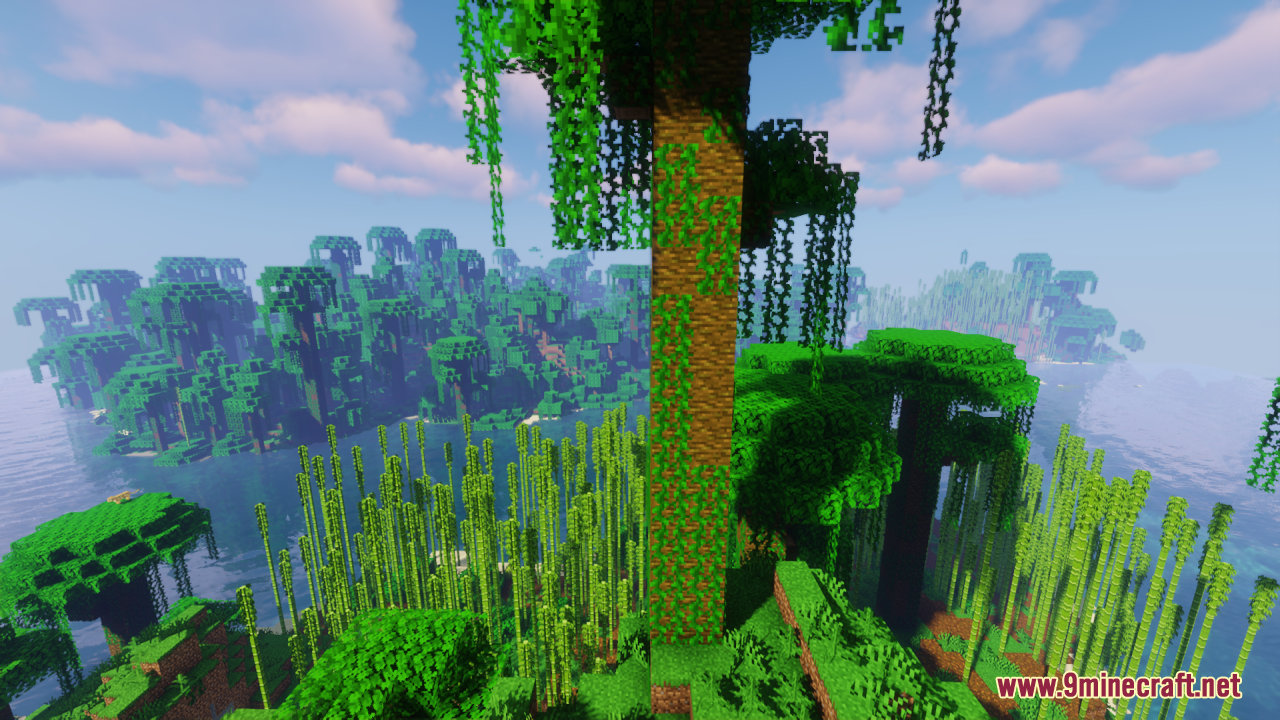
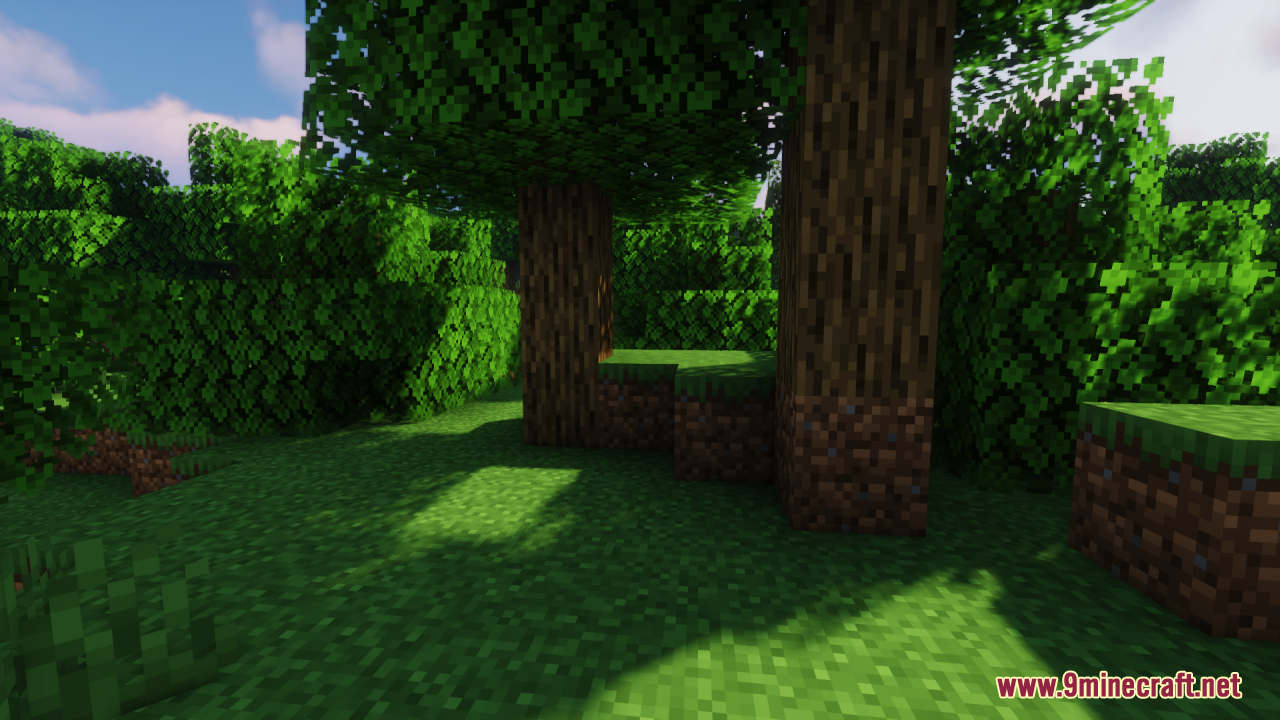
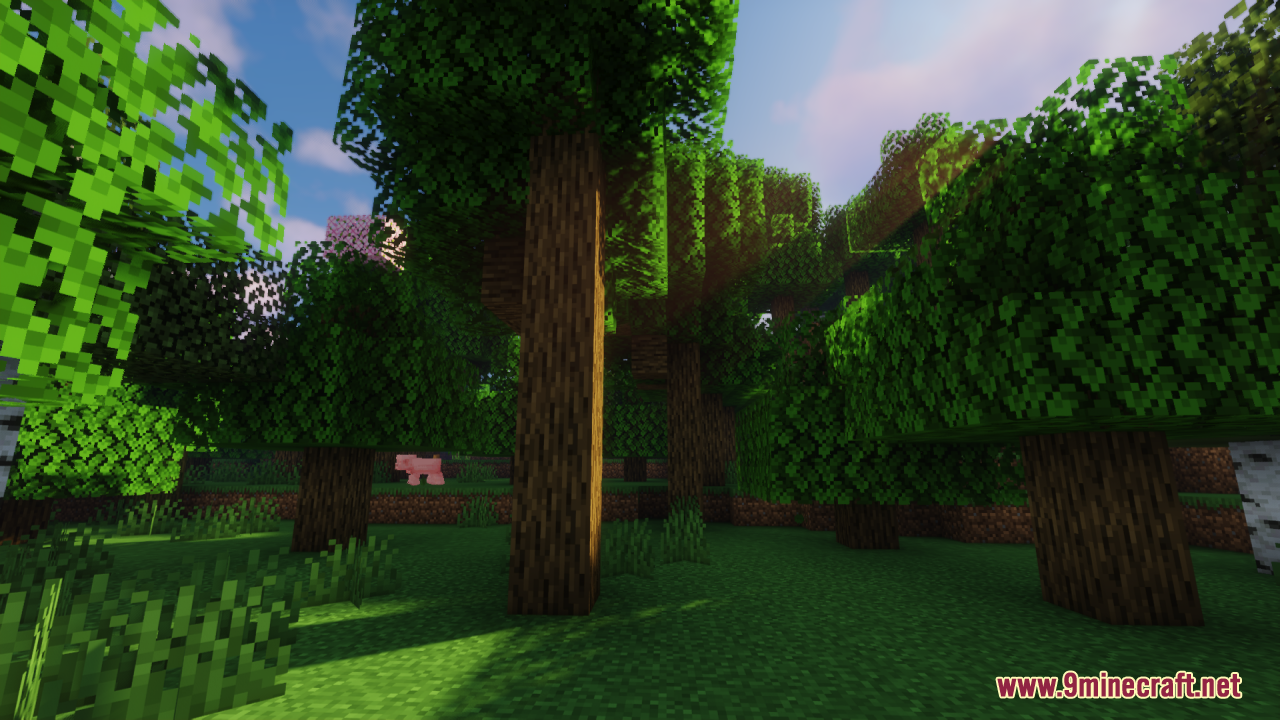
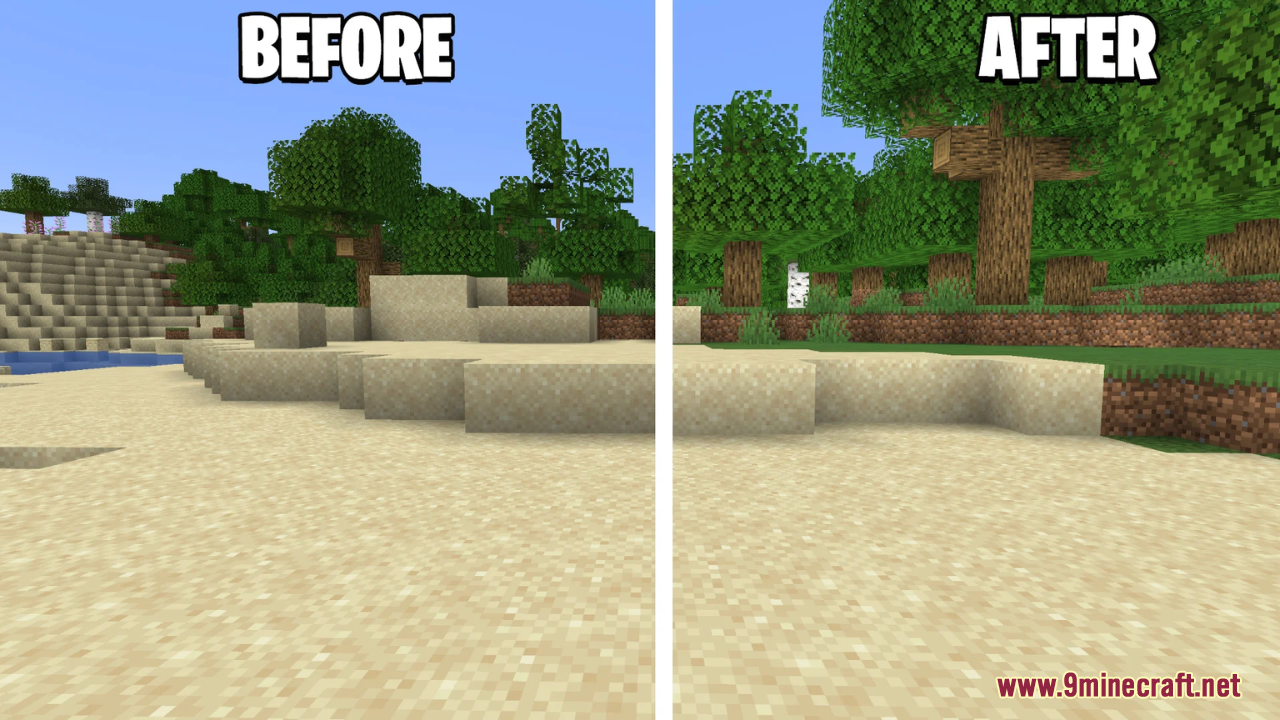
Shadify Resource Pack Simply removes the default block shading and dark shadows from the world, making colors appear brighter, cleaner, and more vibrant while preserving the game’s original aesthetic. Instead of relying on mods like Simply No Shading, Shadify achieves a similar effect purely through textures, which means no mods are required – you just install it like any other resource pack. The result is a world that feels more alive and lively, with fewer dull corners and flatter shadows, helping environments and builds to pop visually without changing gameplay mechanics.
Screenshots:
Shadify Resource Pack Download Links
- Edition: Minecraft Java
- File type: .zip (resource pack)
- Minecraft version listed: 1.20.1
- How to install: Download the .zip resource pack — do not unzip it. → Put it in .minecraft/resourcepacks. → Enable it in Options → Resource Packs.
- Where to get it: In MC Java Mods, or directly above on this page.
Install steps are the general flow for this file type — How to install Minecraft Java resource packs walks through it step by step.
- Downloads as 3980.mcpack
- Download size: 245 KB
- Download link checked 26 Jul 2026 — working
- Mirrored on our own servers — the download does not depend on the original host
These come from our own check of the pack file, not from the source page.