The Mining Mod
Minecraft Java mod. Downloads from the MC Java Mods app on Android.
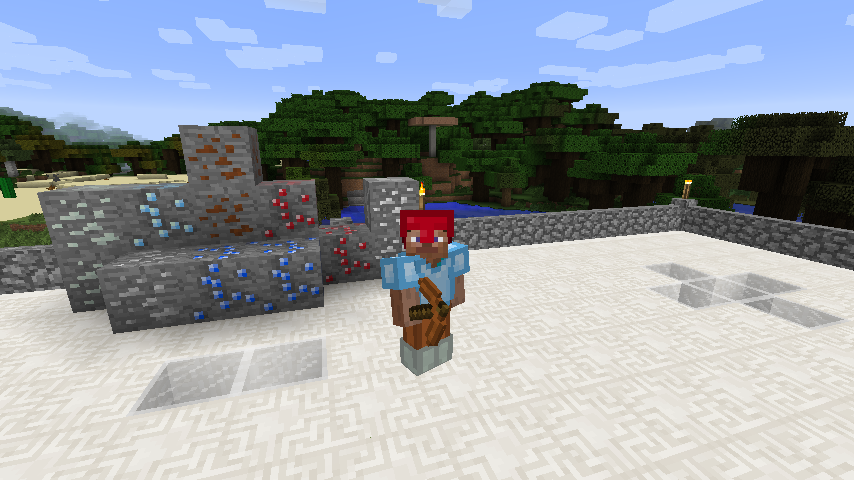
This mod will extend your mining possibilities! It adds new ores, tools and armor sets which vary from eachother. Mithril will give you maybe the biggest…
⬇ Download on CurseForge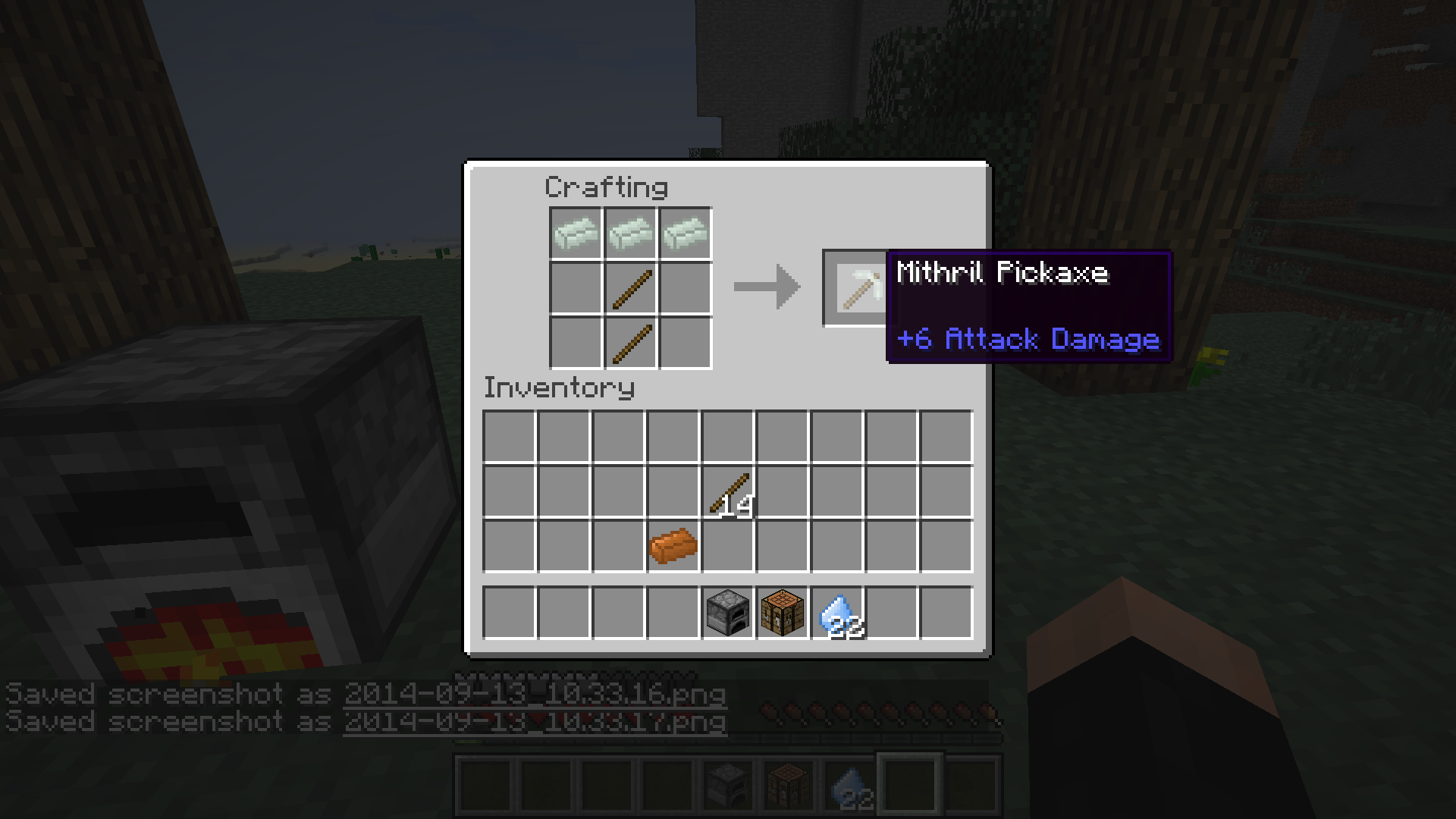
The Mining Mod - By CookieCake - MC 1.7.10
For both client and server
The Miningmod started about 3 years ago. I just learned to write a basic mod at that moment and decided to publish a simple mod which added some new tools and armor. Many people seemed to like the idea of a simple mining mod! A simple mod became a popular mod with over 45k downloads. Unfortunately, thanks to school I had to stop updating the mod. This was at the 1.5 update. It just took too much of my time to update the mod at this point. For over 1.5 year the mod wasn't updated, untill now!
Features
- Sapphire ore, with tool and armor sets
- Ruby ore, with tool and armor sets
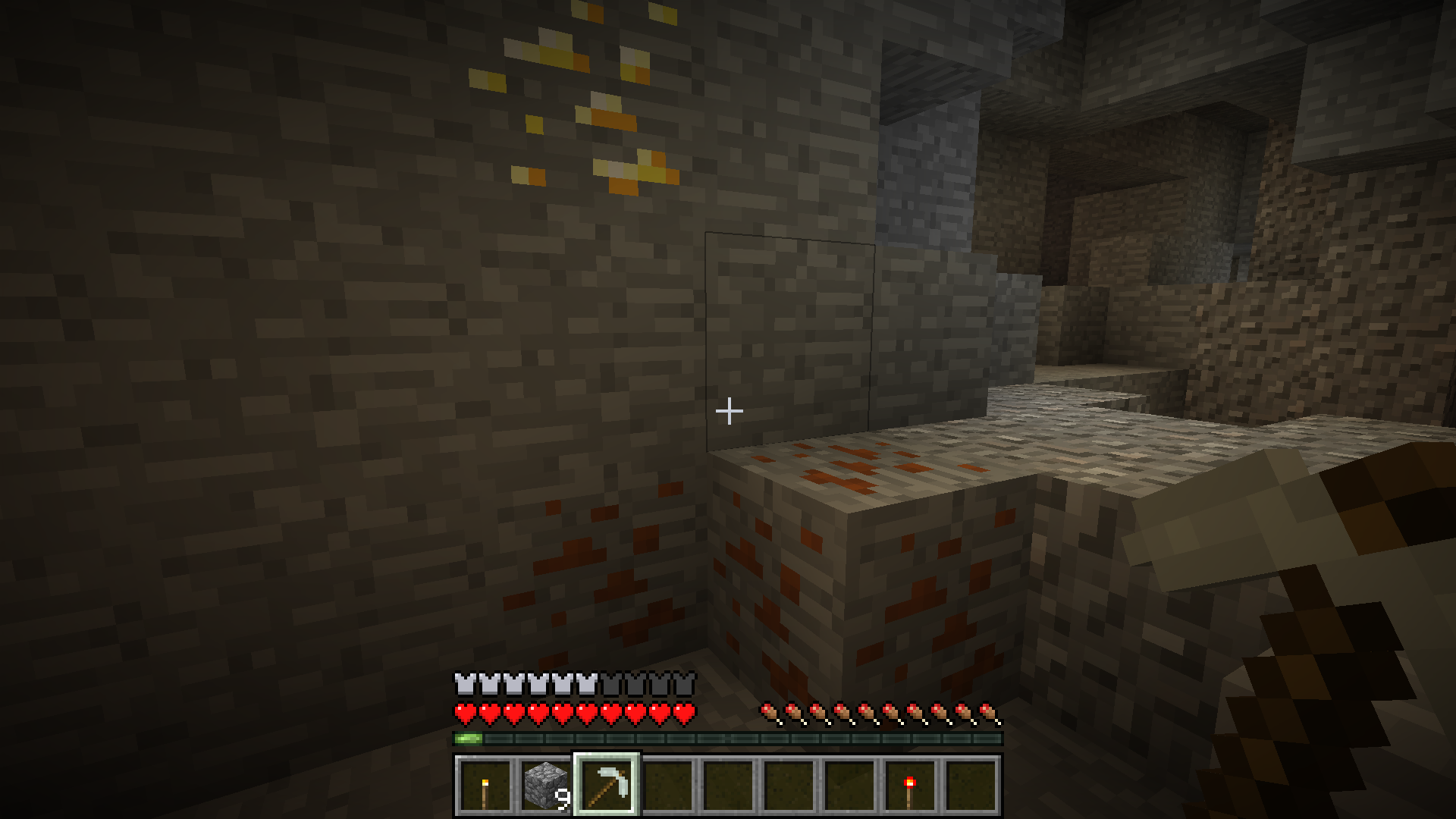
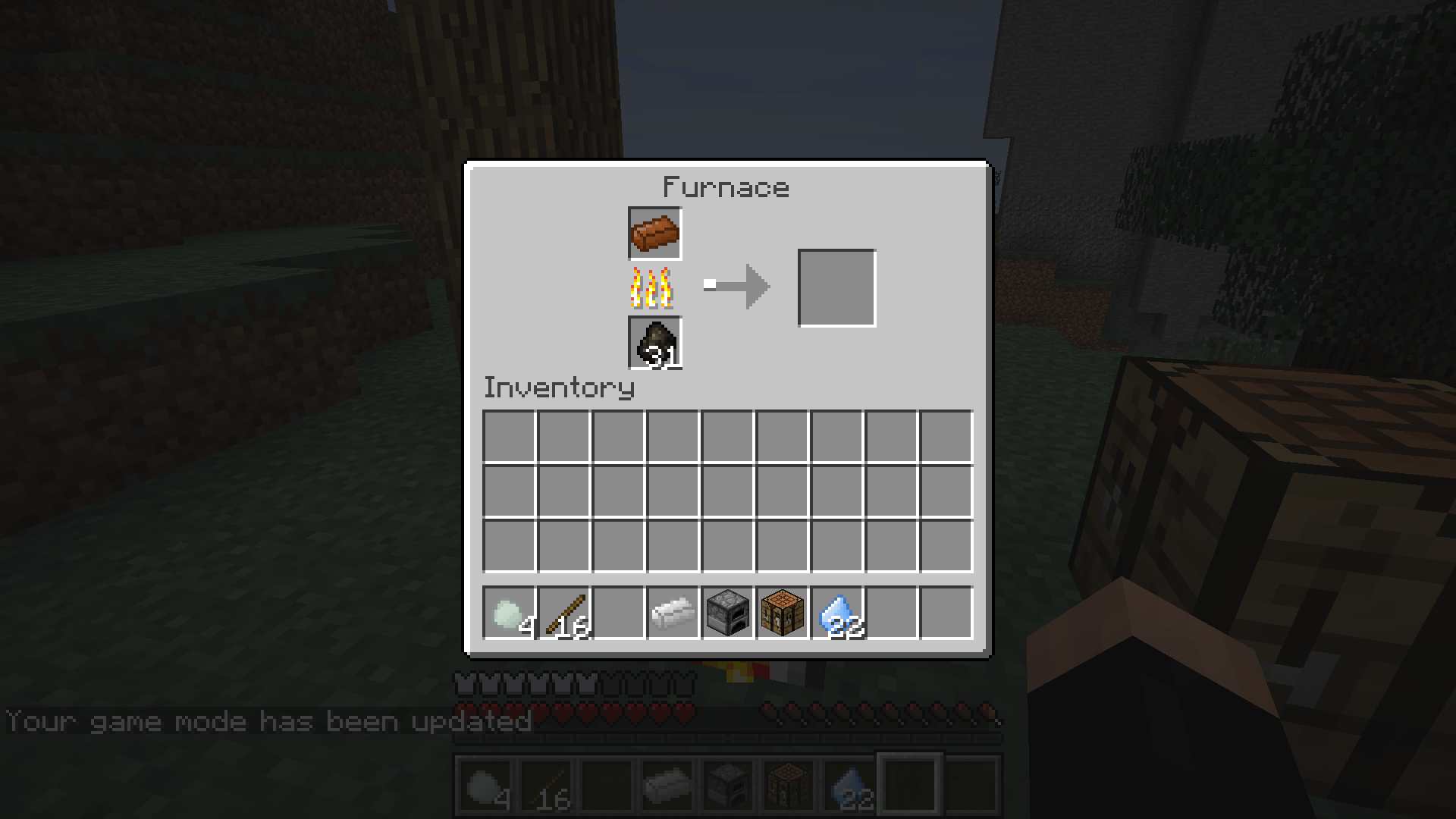
- Copper ore, used to make bronze
- Tin ore, used to make bronze
- Bronze, with tool and armor sets
- Mithril, with tool and armor sets
- Silver, with tool and armor sets
A list of the sets from worst to best:
- Crystal (200 tool uses, 3.0F speed)
- Silver (400 tool uses, 3.5F speed)
- Bronze (500 tool uses, 4.0F speed)
- Ruby/Sapphire (600 tool uses, 9.0F speed)
- Mithril (10.000 tool uses, 15.0F speed)
As you can see, mithril is quite overpowered. This is balanced by the fact that it's extremely hard to get. I might adjust it a little bit if I get any complaints about it.
For the recipes, I recommend using a mod like Not Enough Items. You can see any recipe you want with this mod.
Images
A small gallery with images can be found here
Installing the client
- Download and install Minecraft Forge for the appropriate version
- Download the Mining Mod
- Open your .minecraft folder, by typing %AppData% in your explore
- Drag and drop the Mining Mod jar file into the mods folder, which was created by installing Forge
- Start up Minecraft, it should work!
Installing the server
- Download and install Minecraft Forge on your server
- Download the Mining Mod
- Open your server folder and drag and drop the Mining Mod jar file into the mods folder, which was created when Forge installed itself for your server
- Start up your server and join it! It should work!
Known bugs
So far, none. Please report them to me so I can fix them!
- Edition: Minecraft Java
- File type: .jar
- How to install: Install the matching mod loader (Forge, Fabric or NeoForge) for your Minecraft version. → Download the .jar. → Put it in the .minecraft/mods folder and launch that loader profile.
- Where to get it: Opens on CurseForge — not every file is mirrored on our own servers.
Install steps are the general flow for this file type — How to install Minecraft Java mods & modpacks walks through it step by step.
- Ships as miningmod-1.7.10-1.0.jar — drop this file into the mods folder
- Download size: 119 KB
- Download link checked 13 Oct 2026 — working
These come from our own check of the pack file, not from the source page.