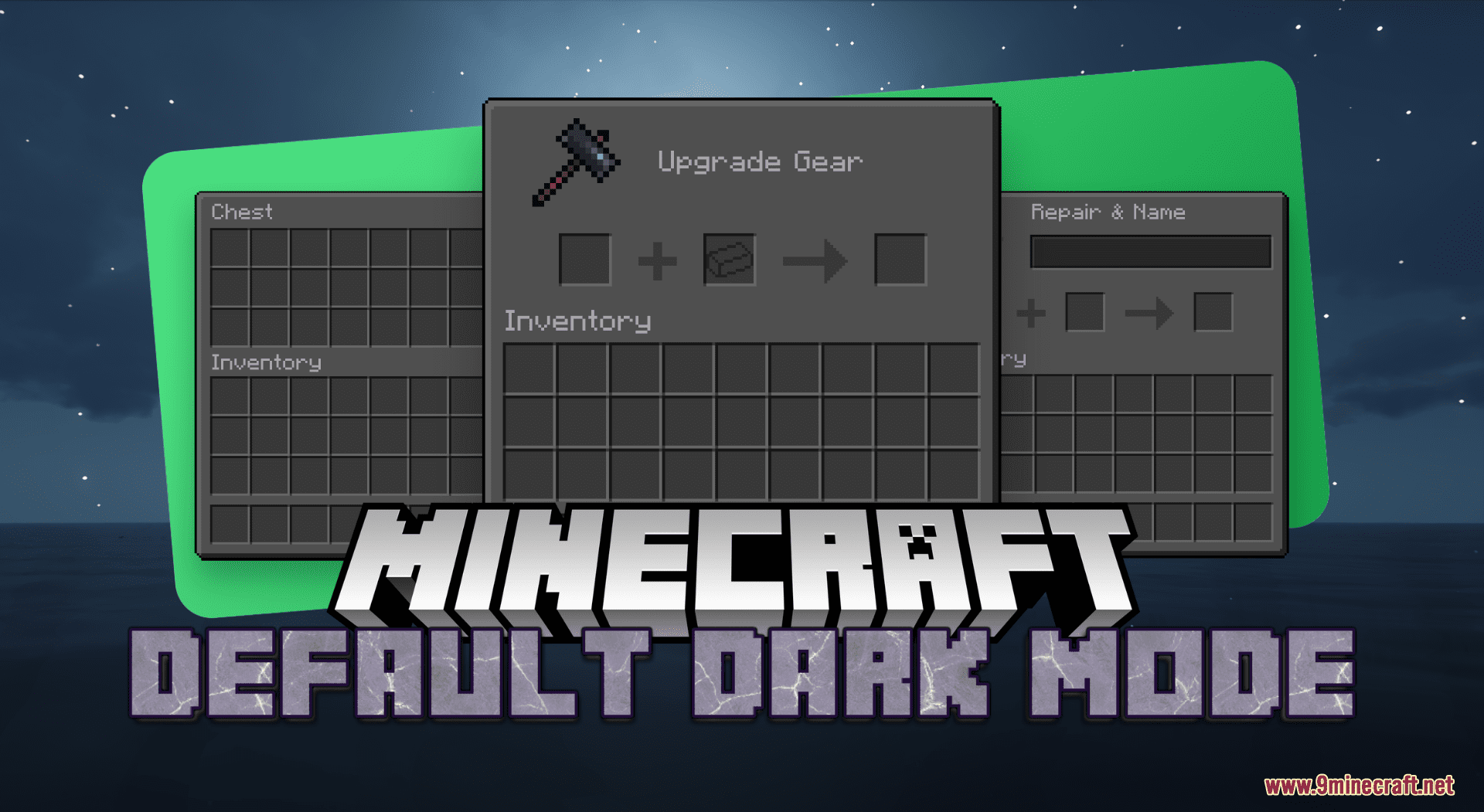
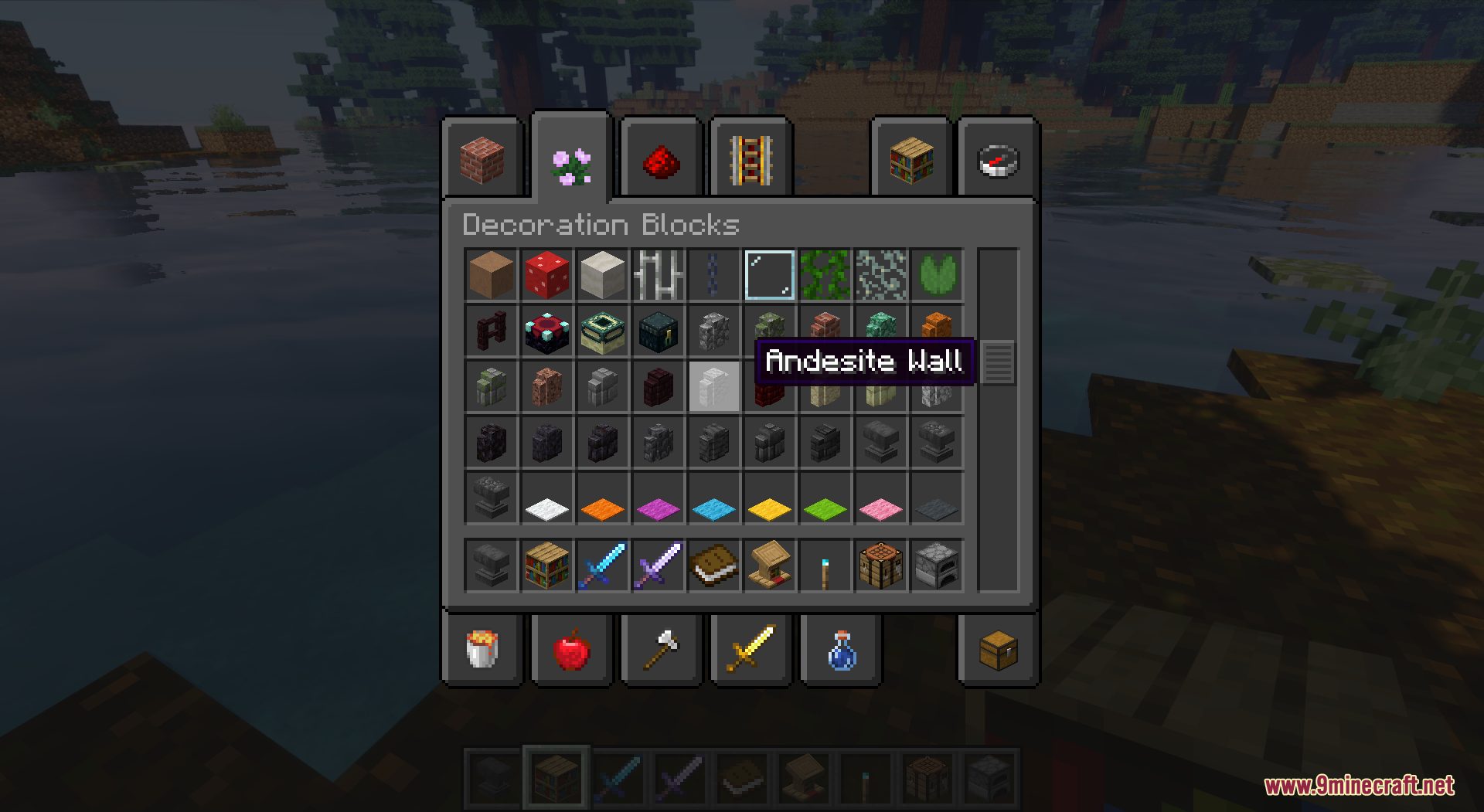
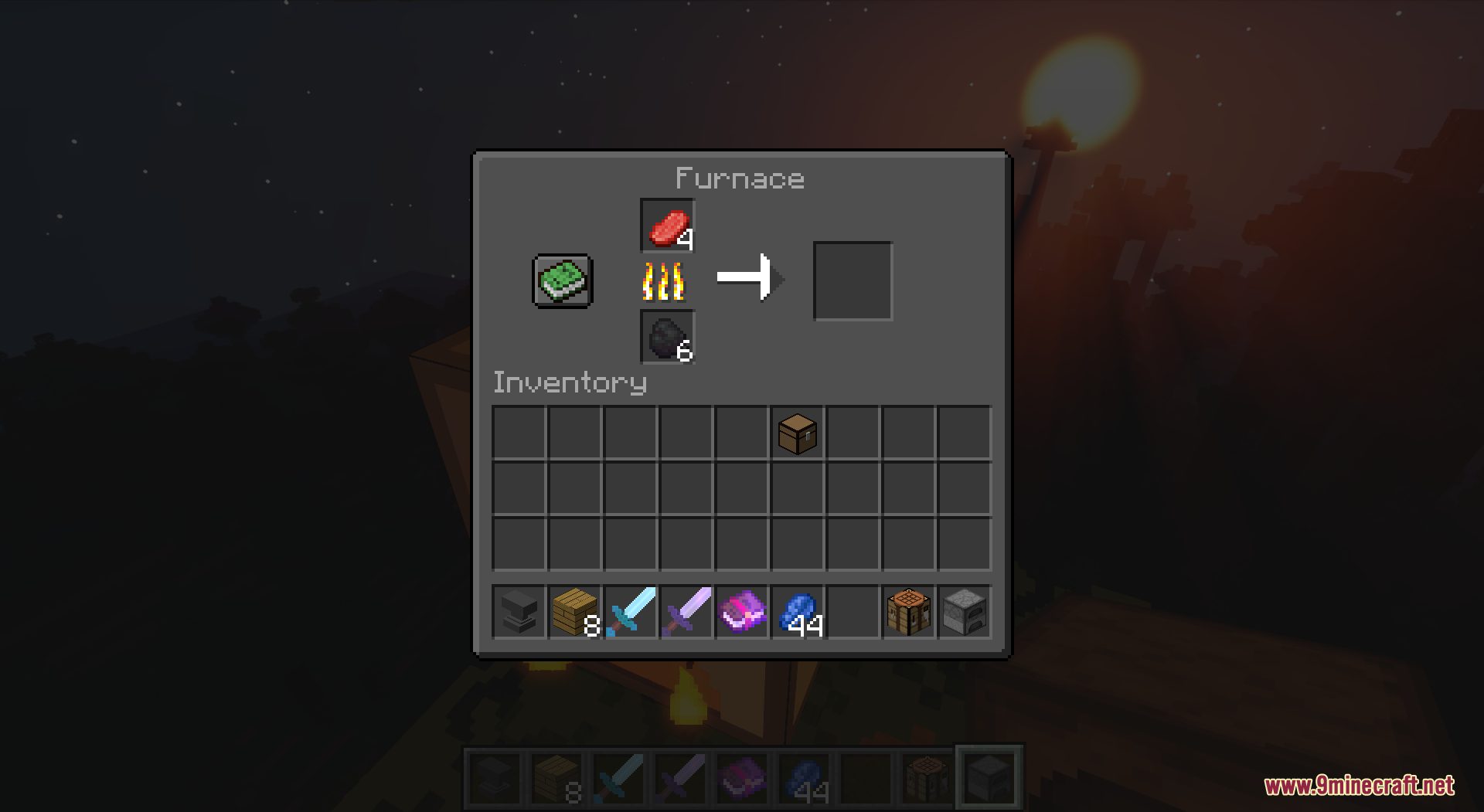
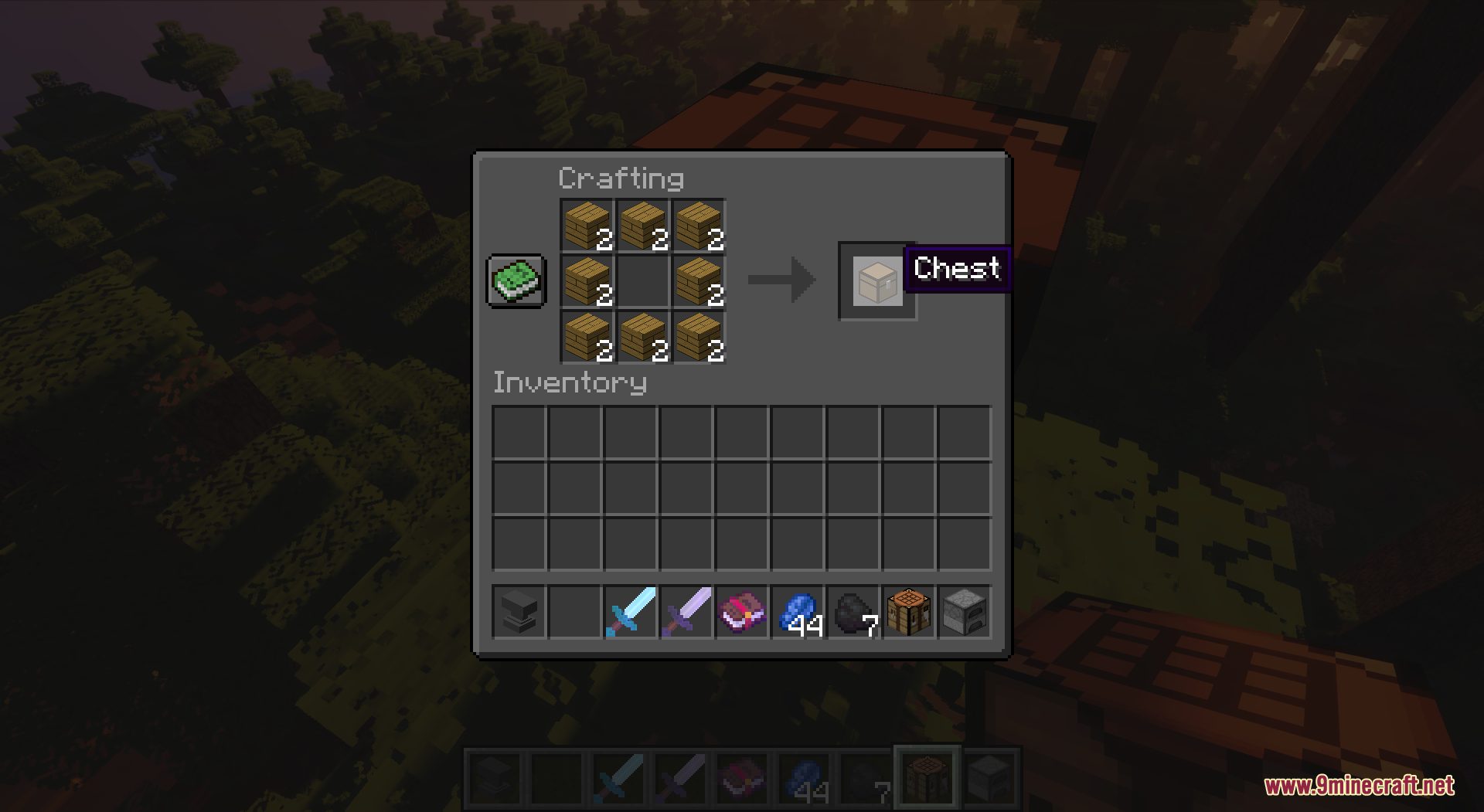
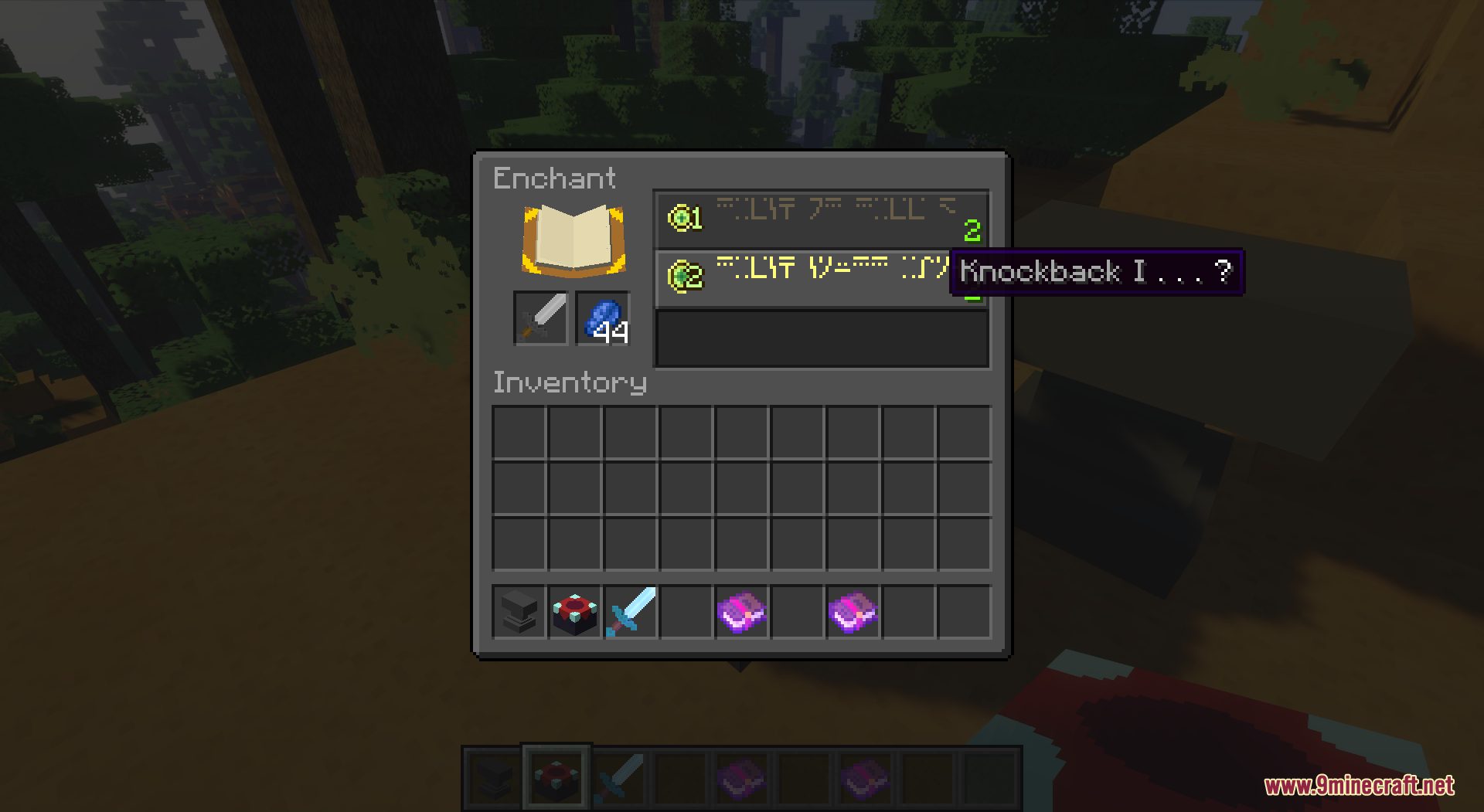
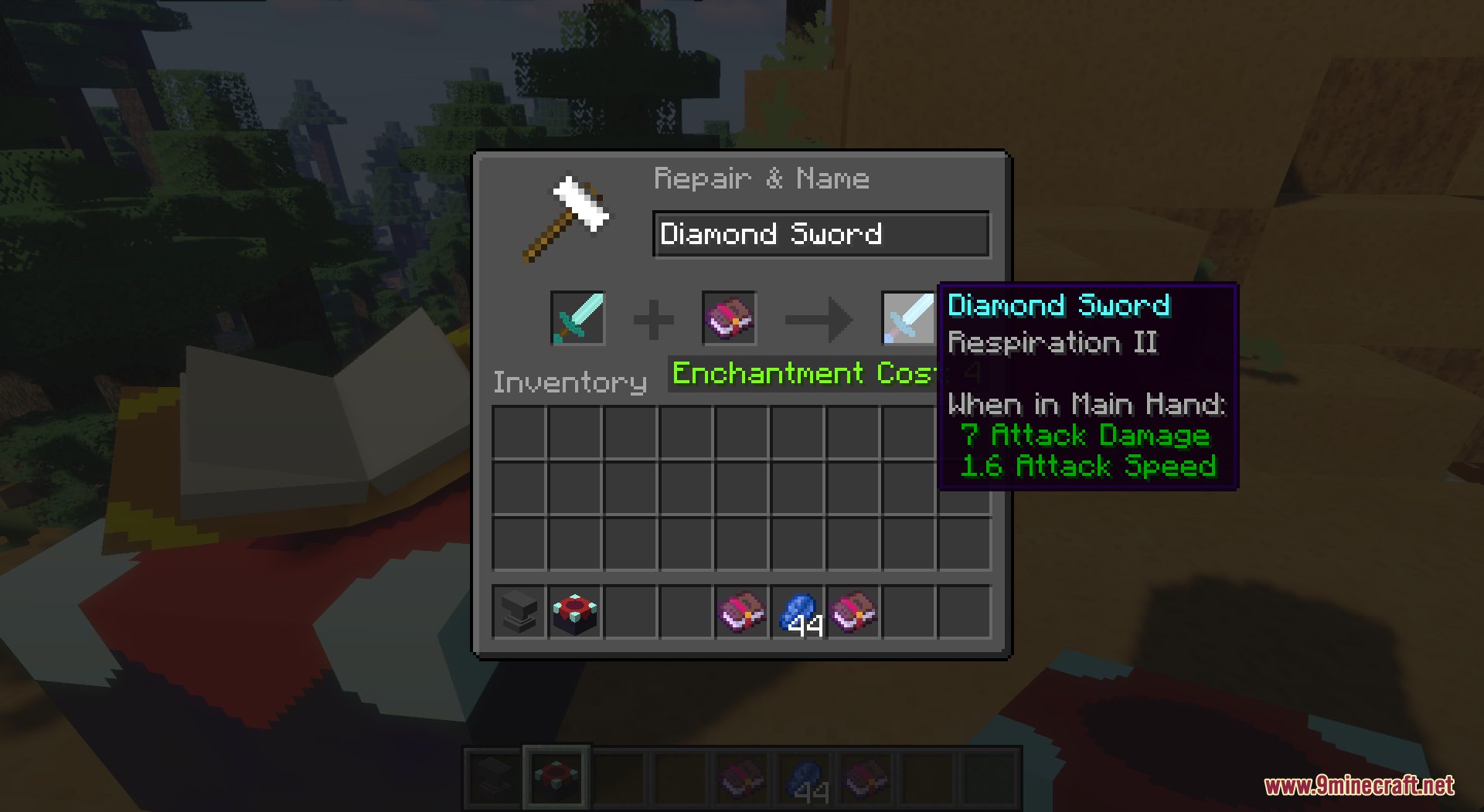
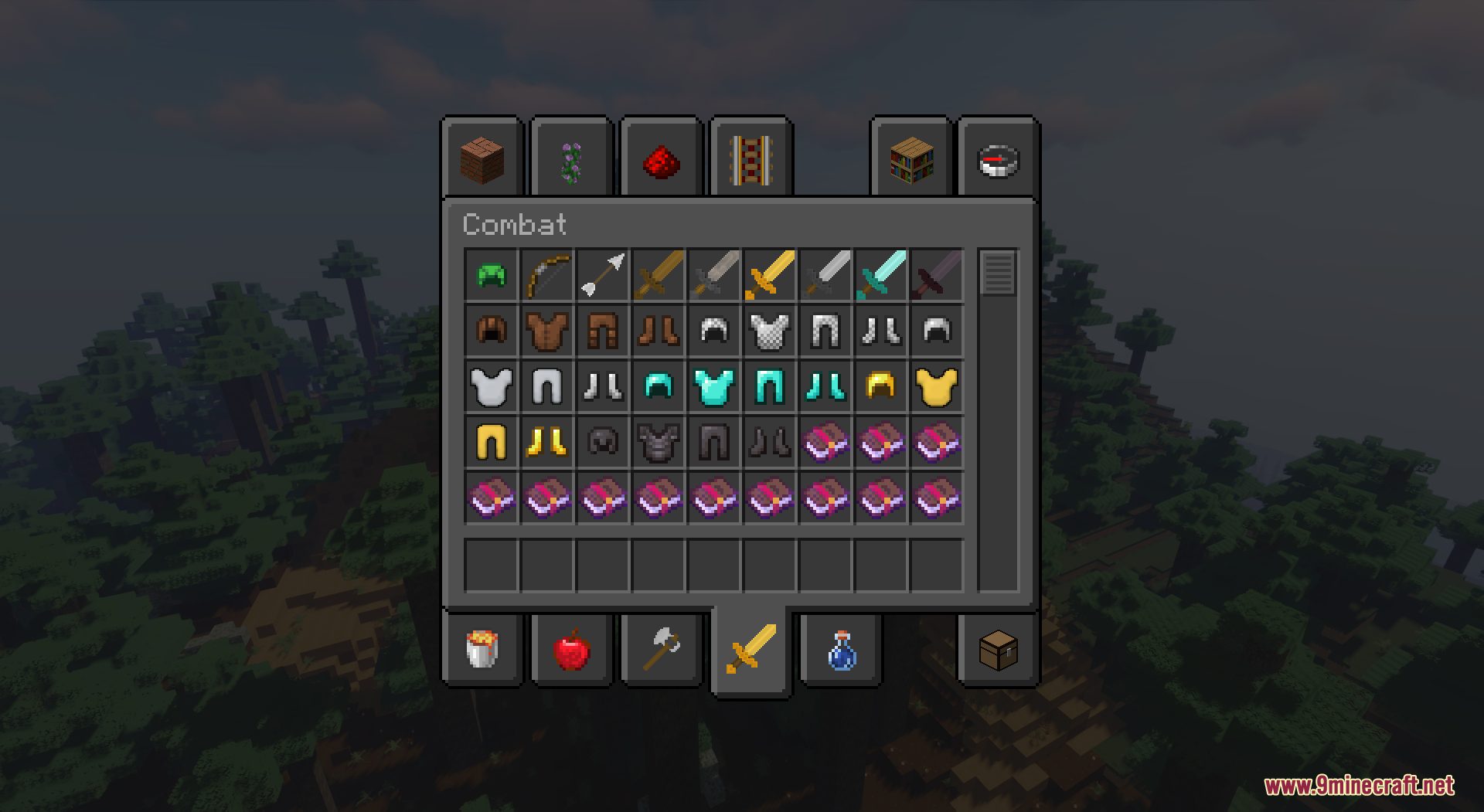
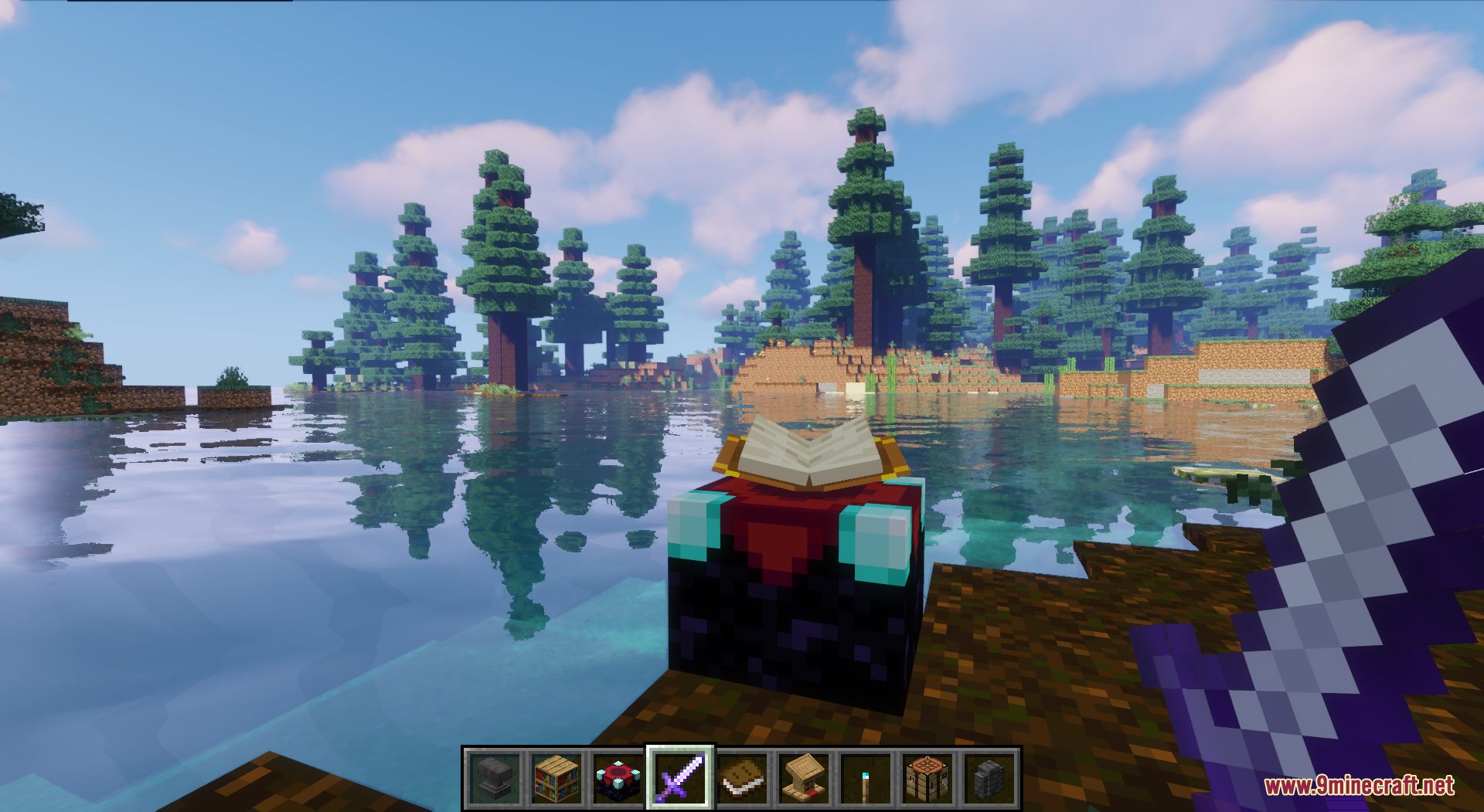
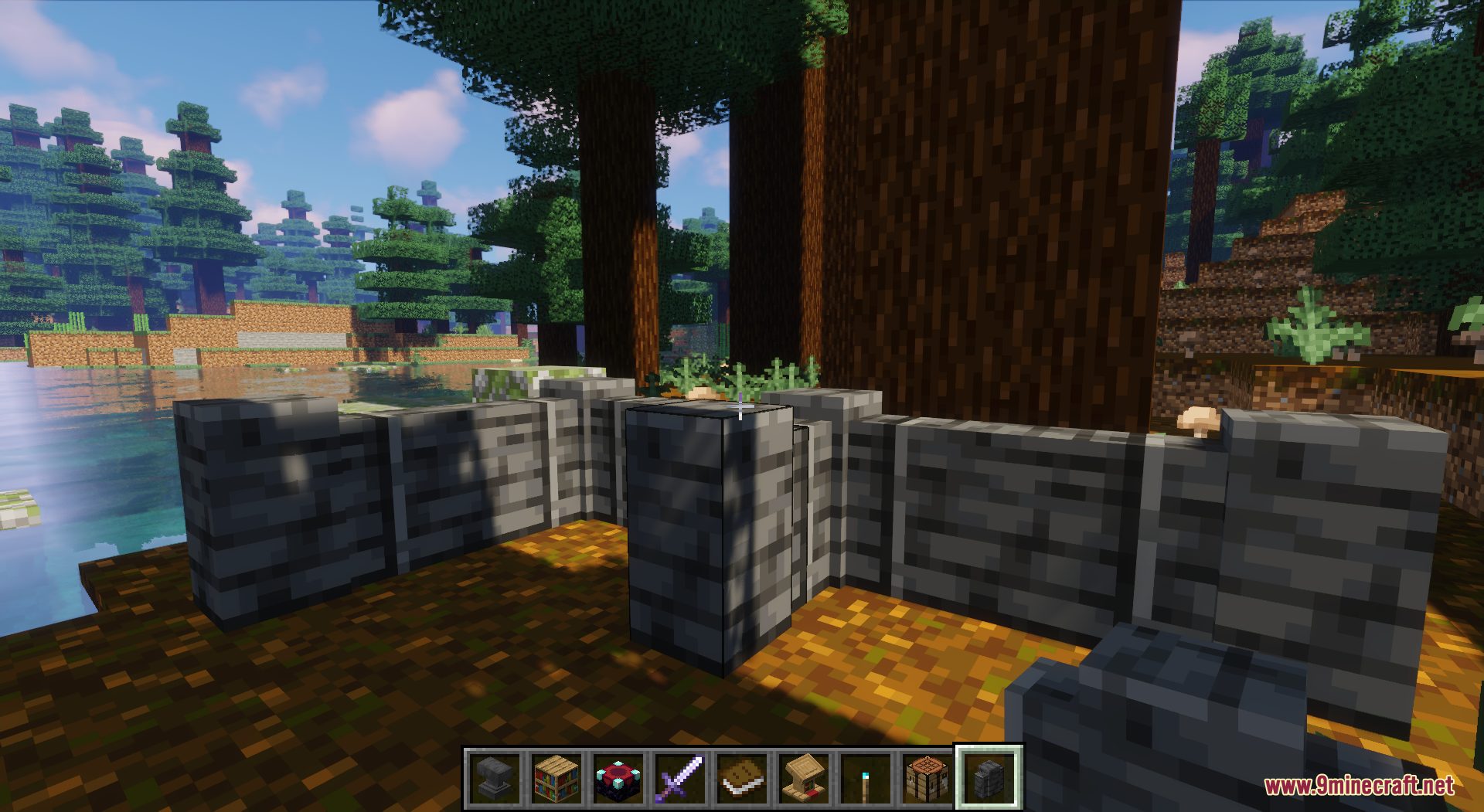
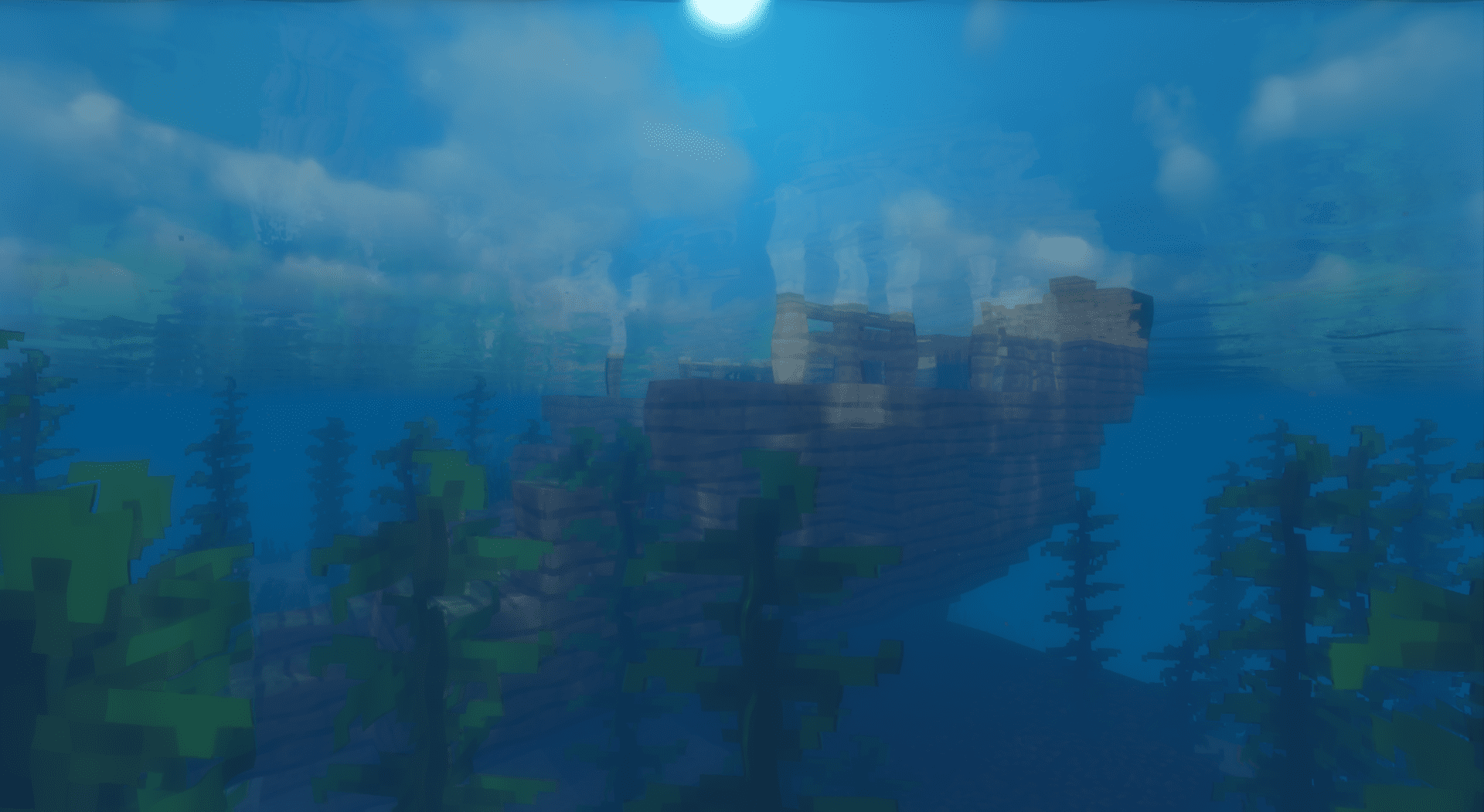
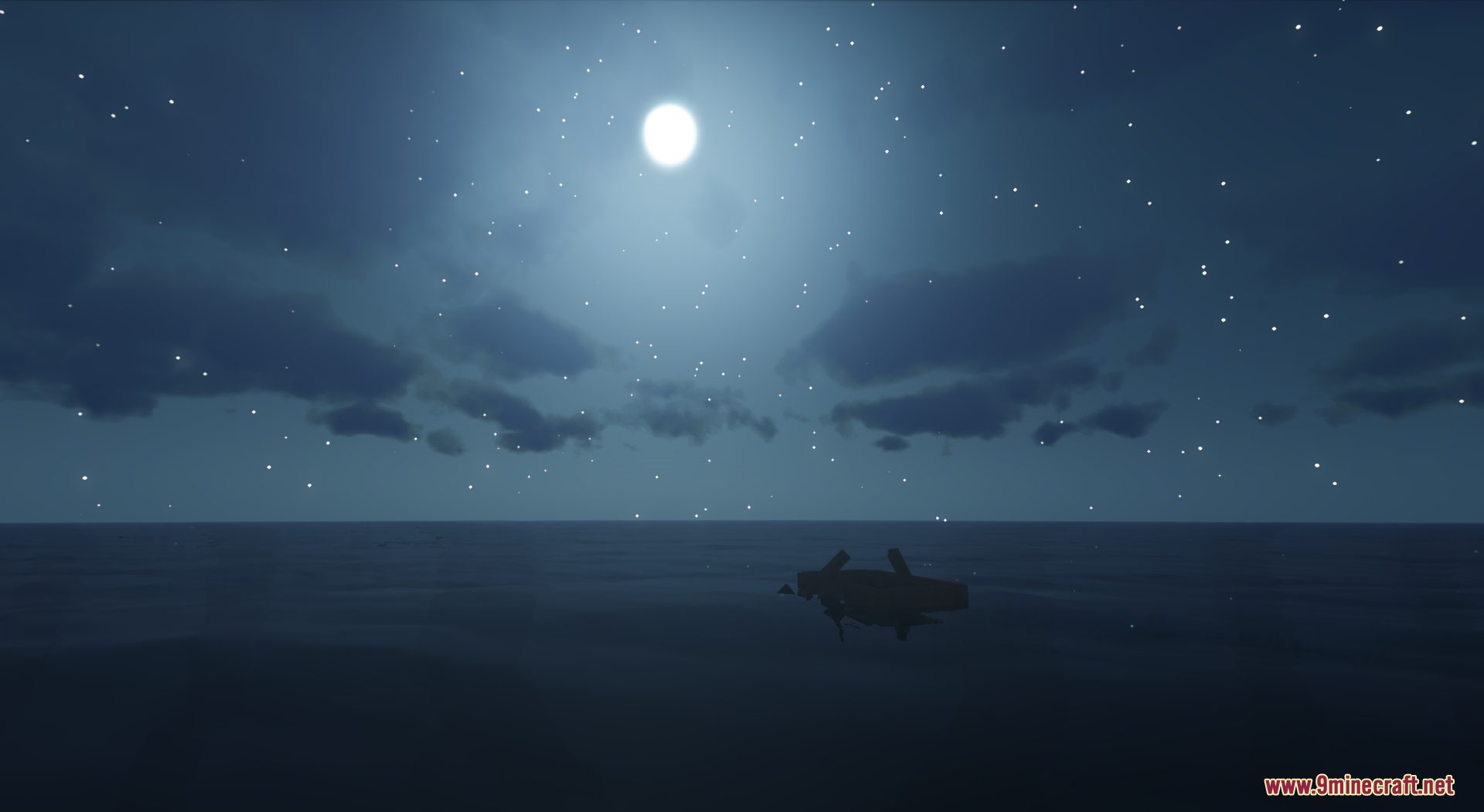
Default Dark Mode Resource Pack provides not much but a dark GUI. More specifically, this resource pack makes not only your GUI but also your HUD bar and inventory look cooler and swagger with a dark theme. The pack is suitable for players who prefer dark color for their game experience but it is still a must-try for everyone. Please note that you will need to install Optifine in order for the pack to work, and shaders are also recommended for a better game experience. If you find this pack interesting, download it from the links below and enjoy!
Screenshots:
Default Dark Mode Resource Pack Download Links
- Edition: Minecraft Java
- File type: .zip (resource pack)
- Minecraft version listed: 1.20.1
- How to install: Download the .zip resource pack — do not unzip it. → Put it in .minecraft/resourcepacks. → Enable it in Options → Resource Packs.
- Where to get it: In MC Java Mods, or directly above on this page.
Install steps are the general flow for this file type — How to install Minecraft Java resource packs walks through it step by step.
- Downloads as 3984.mcpack
- Download size: 743 KB
- Download link checked 29 Jul 2026 — working
- Mirrored on our own servers — the download does not depend on the original host
These come from our own check of the pack file, not from the source page.