Ore Control
Minecraft Java mod. Downloads from the MC Java Mods app on Android.
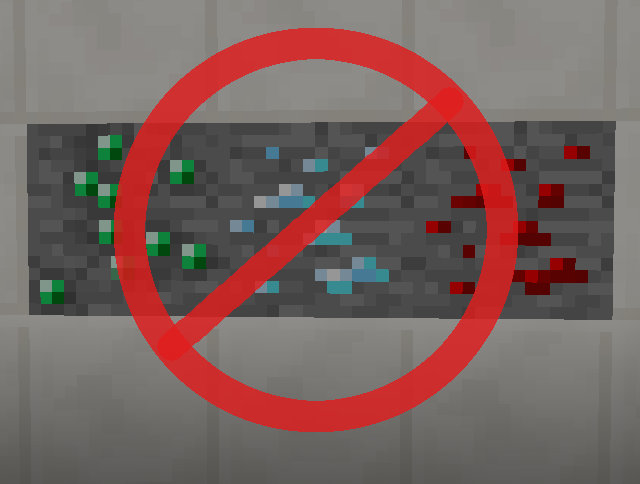
A small mod that can disable some or all of vanilla ore generation (including andesite/diorite/granite and silverfish blocks)
⬇ Download on CurseForgeDescription
A small mod to control ore generation, chunk population and biome decoration. In the config file you can individually set which ores or terrain features are not allowed to generate in the world.
For ores, this includes Dirt and Gravel pocket generation inside stone, and Emerald ore and Silverfish blocks in Extreme Hills biomes. Additionally, in 1.8+ you can also individually disable the new stone types (Andesite, Diorite and Granite). For decoration stuff, you can disable all the things like tall grass, trees, mushrooms, flowers etc.
The decoration and population control was added in version 0.4.0. In the same version, support was also added for per-dimension configs.
To use per-dimension configs:
- All the config files are in the config/orecontrol/ directory
- Enable the B:enablePerDimensionConfigs config option in the main orecontrol.cfg file
- Then copy the main config file or create a new empty file named orecontrol_dim1.cfg (for dimension 1) etc. for each dimension you want
- Start the game or load a world so the per-dimension configs get populated with all the options
The per-dimension configs always override the main config for that dimension, if they exist.
Note: Emerald Ore and Monster Egg (= Silverfish block) generation are not part of the regular ore generation. The OreGenEvent.GenerateMinable event was added for them in Forge 11.15.0.1618 for MC 1.8.8. Ore Control 0.3.1 is the first version which uses those events for disabling Emeralds and Silverfish blocks. In older versions of the mod they get handled separately, by replacing any Emerald Ore and Monster Egg blocks in the world with Stone in the PopulateChunkEvent.Post event, aka. after the chunks get populated during world generation.
Mod packs/permissions
- Re-hosting the mod file is not cool, mmkay?
- Mod packs: go ahead!
- Basically follow Wheaton's Law (= Don't be a dick.).
- Edition: Minecraft Java
- File type: .jar
- How to install: Install the matching mod loader (Forge, Fabric or NeoForge) for your Minecraft version. → Download the .jar. → Put it in the .minecraft/mods folder and launch that loader profile.
- Where to get it: Opens on CurseForge — not every file is mirrored on our own servers.
Install steps are the general flow for this file type — How to install Minecraft Java mods & modpacks walks through it step by step.
- Ships as orecontrol-1.8.8-0.3.0.jar — drop this file into the mods folder
- Download size: 9 KB
- Download link checked 23 Sept 2026 — working
These come from our own check of the pack file, not from the source page.