ModsJava
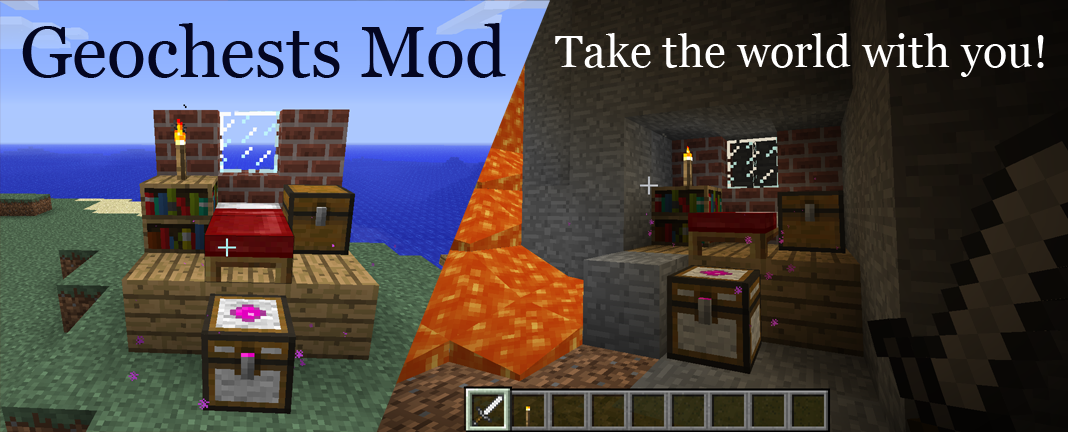
Geochests
Minecraft Java mod. Downloads from the MC Java Mods app on Android.
⬇ Download on CurseForgeGeochests
Take the world with you!
Features
- Geochests let you pick up and place down areas of blocks in the world!
- Pick up Geochests and carry them with you - they keep their inventory!
- Supports all vanilla block types as of Minecraft 1.7.10, in both Survival and Creative mode!
- Now also supports all vanilla entity types (e.g. paintings, minecarts, mobs, etc.) as of Minecraft 1.7.10!
- Responds to a redstone signal allowing complex new interactions!
- 5 different colours and sizes - From 3x3 through to 11x11!
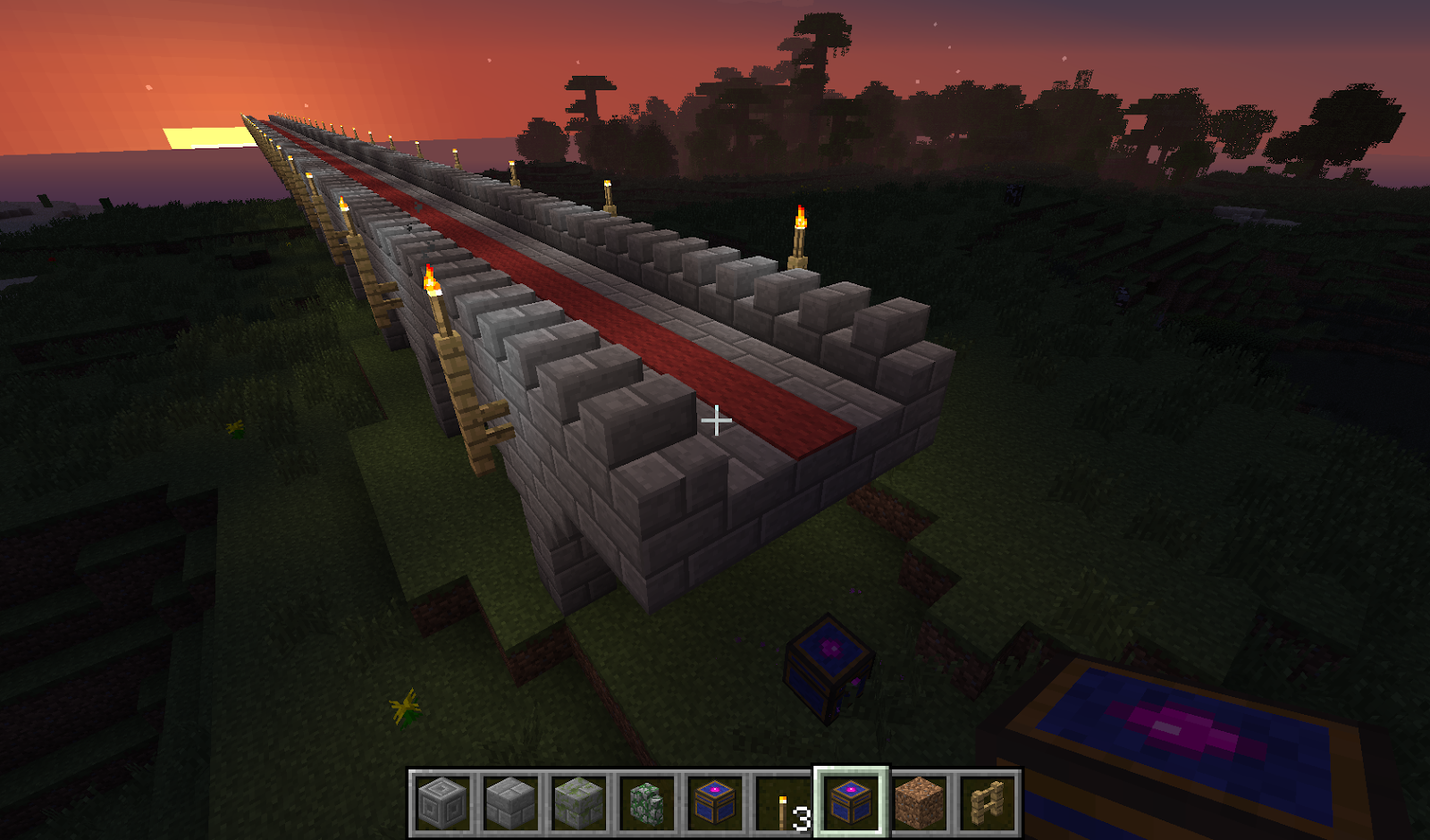
- Chaining Geochests allows you to store areas of any shape or size! Like that village? Well now you can steal it!
Take your home with you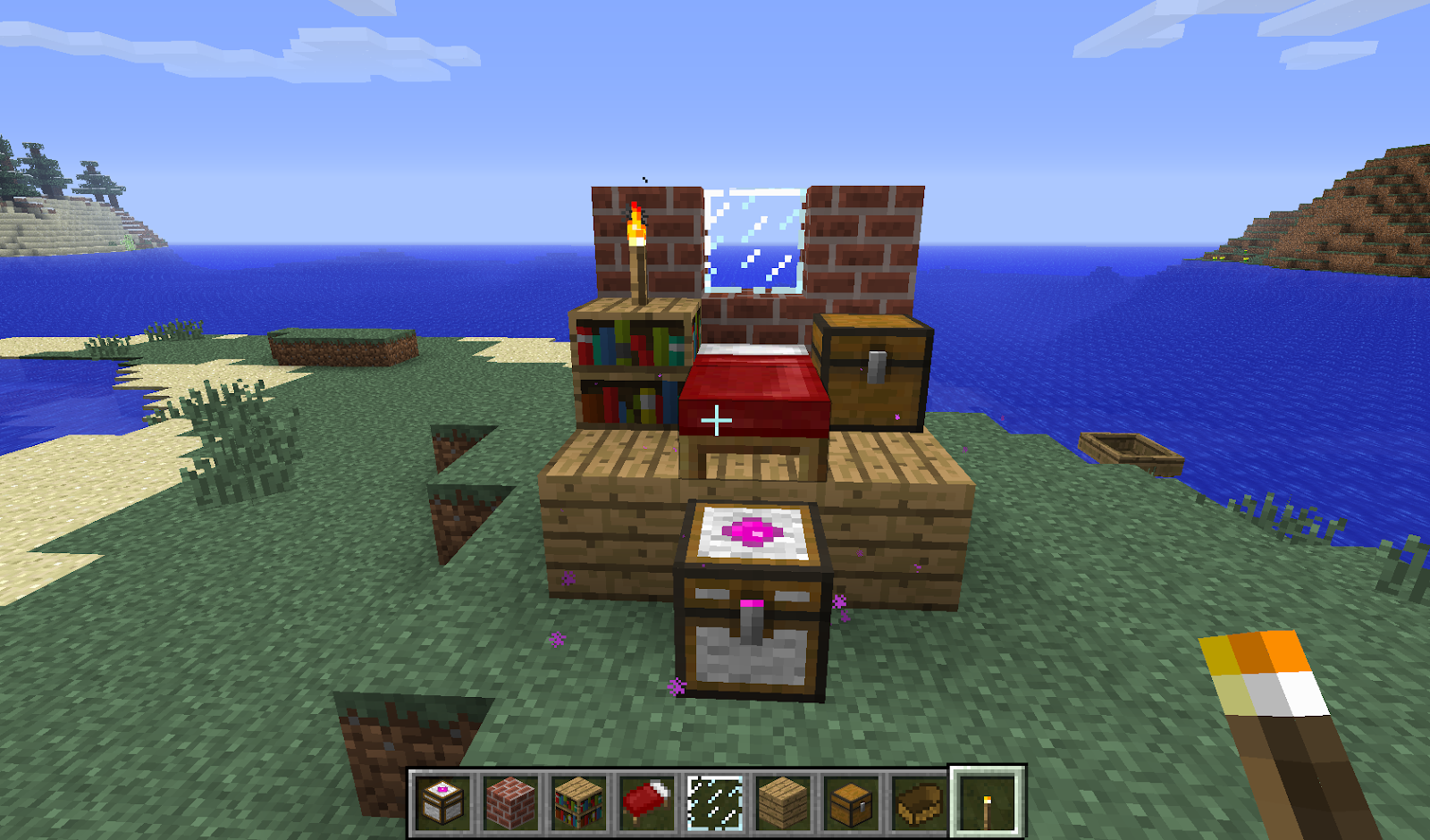
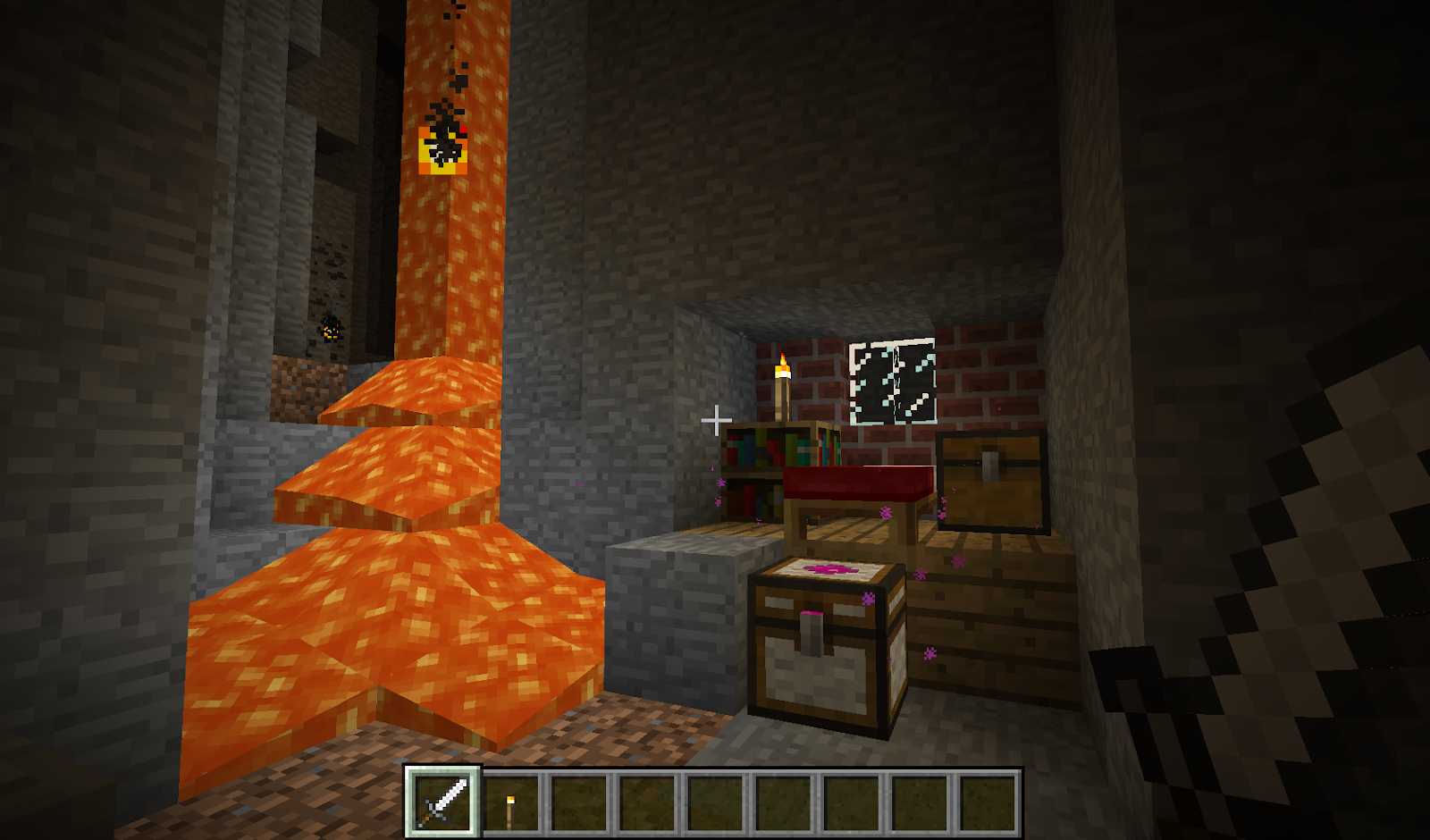
Take the guesswork out of mining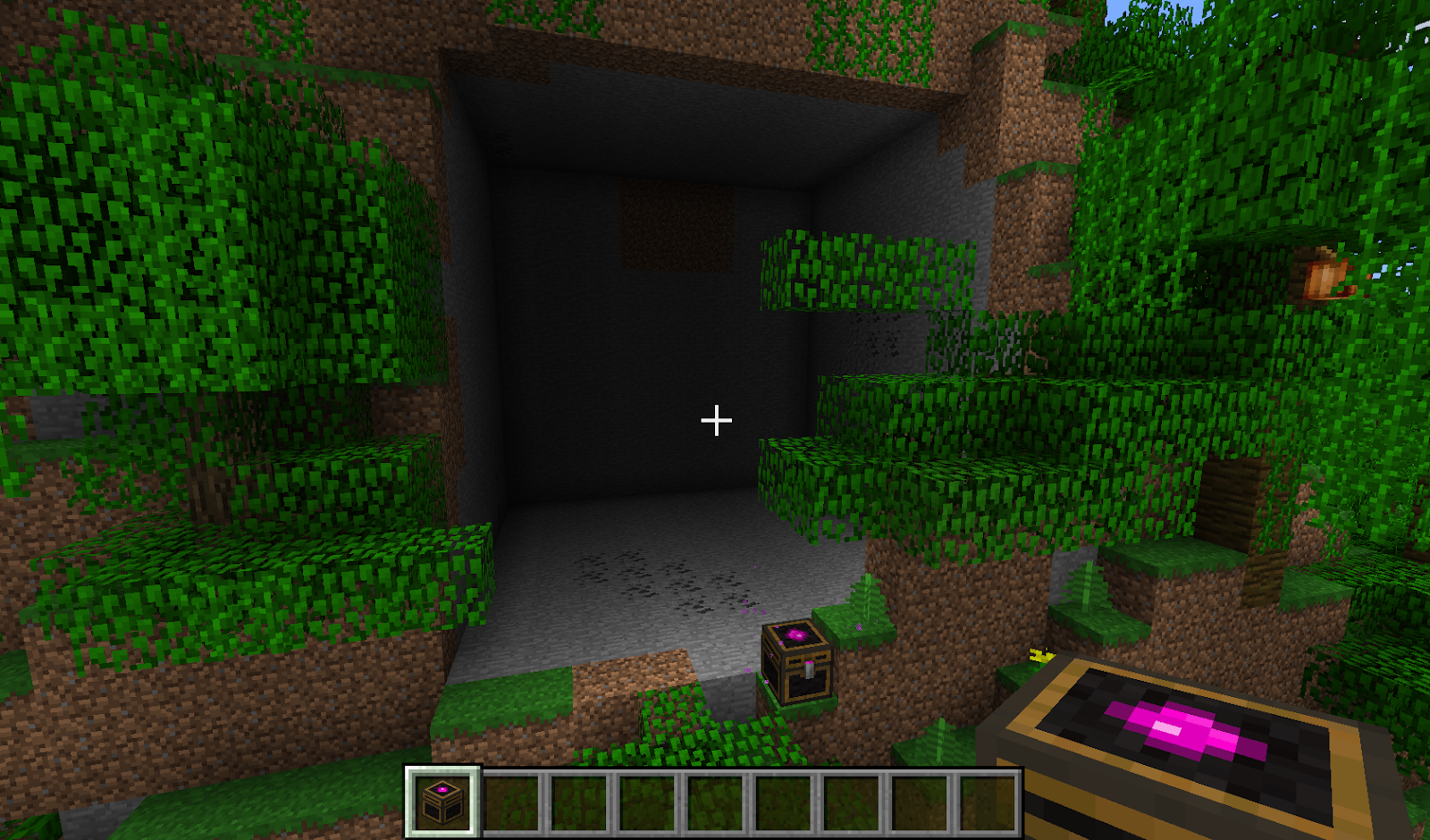
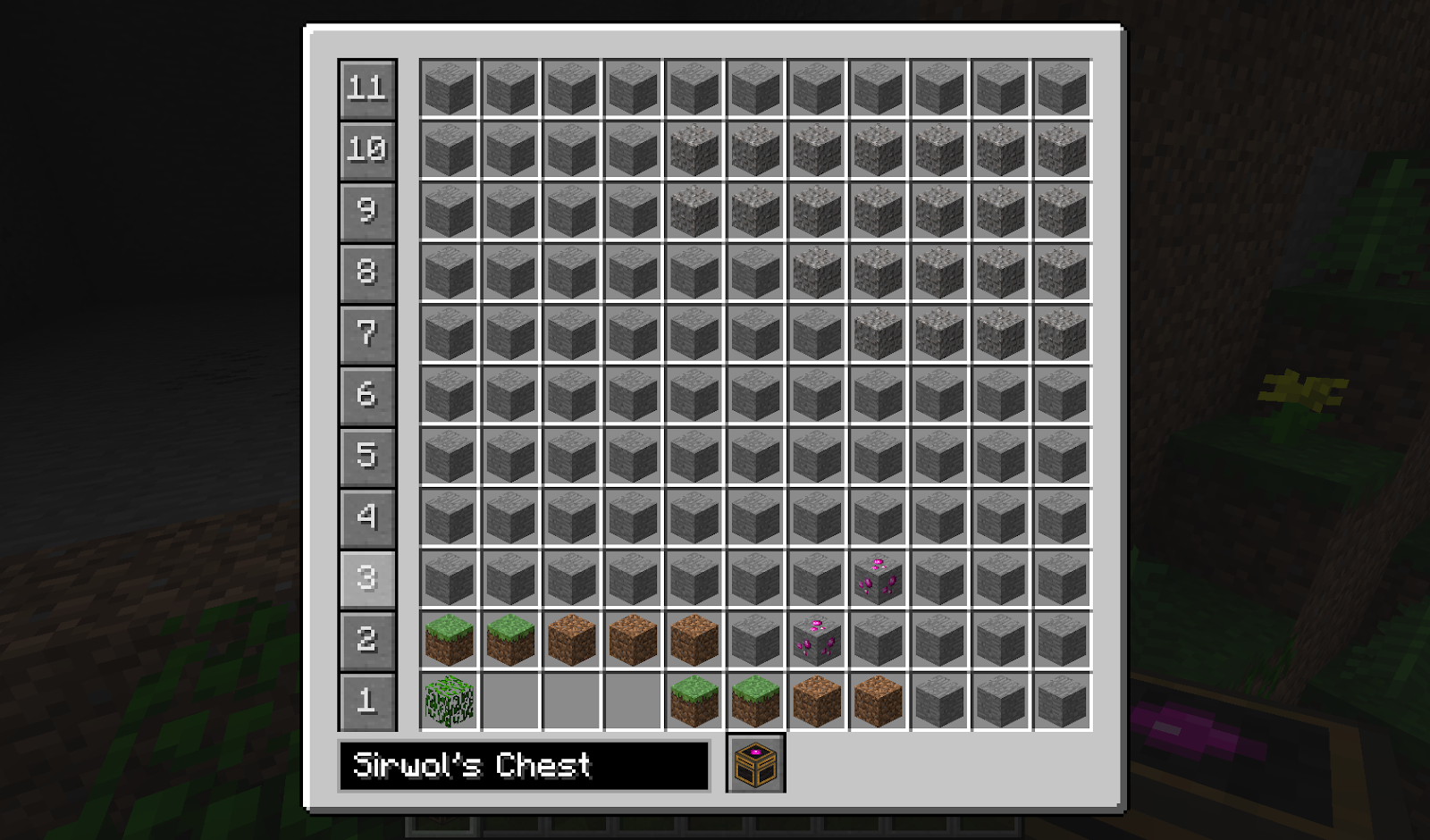
Copy and paste in Creative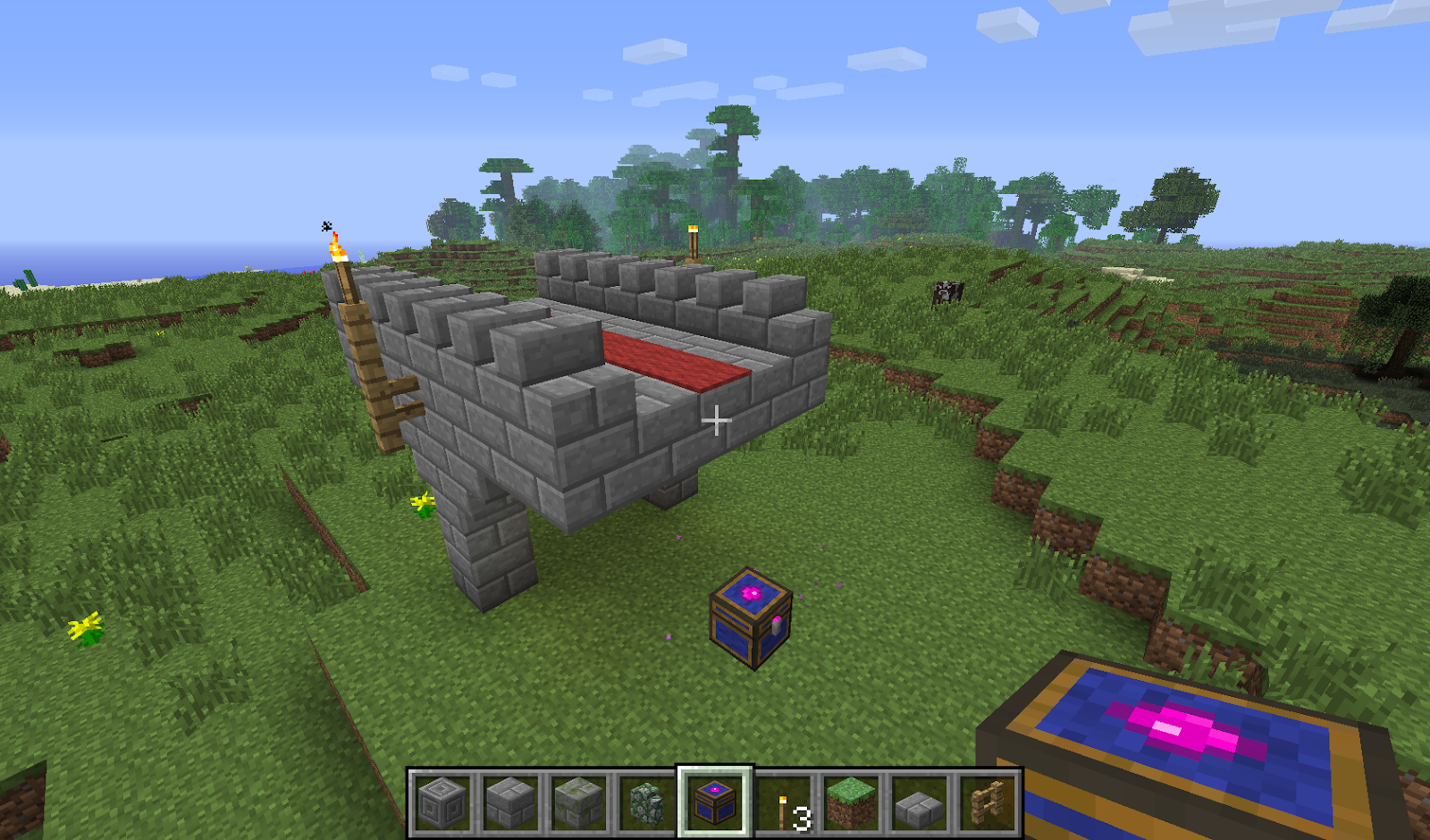
Major Features Added
- Version 1.0 = Original version (as seen on TDM mod spotlight: https://www.youtube.com/watch?v=-xjYu3CmCks)
- Version 1.1 = Geochests now also capture entities.
- Version 1.2 = 10x Better maximum storage (A LOT), Geochests are now soulbound, added Geobed.
- Make sure you are running Minecraft 1.6.4 or 1.7.2 or 1.7.10 with Forge.
- Drop the zip file (or the jar file for 1.7.2 or 1.7.10) into your mods folder.
- Play the game!
- To build Geochests you’ll need geodite which is mined from geodite ore and you’ll need lots and lots of coloured wool (using a Geochest you can even bring your sheep farm with you!)
- Geodite ore only exists above sea level and is most easily found in the extreme hills biome where it is sometimes exposed on cliff faces. Alternatively you can craft Geodite by placing an emerald and some magenta dye into the crafting grid.
- You can now use the config file to turn on/off world spawned Geodite ore and/or crafting Geodite to suit your tastes. You can also use the config to alter the spawn height of Geodite ore.
- To build a 3x3 White Geochest, place a normal chest in the middle of a crafting table. Place geodite above it and fill every other square with white carpet.
- To upgrade to a 5x5 Yellow Geochest, use the same recipe but with a White Geochest in the middle and using yellow carpet instead of white.
- Use the same pattern to upgrade Yellow to Blue (7x7), Blue to Red (9x9) and Red to Black (11x11).
- To trigger a Geochest, right click on it, then press the button with the Geochest icon on it. This will swap whatever is in the chest with whatever is in the world in front of the chest. You can also sneak-right-click with an empty slot to swap without opening the chest.
- If you have multiple Geochests you can name them to easily distinguish between them in your inventory. Use the textbox to the left of the button with the Geochest icon. The larger the chest, the longer its name can be.
- When other Geochests are placed within the area of the first, triggering the first chest will also trigger the others, before placing them in the Geochest’s inventory. This allows you to chain Geochests.
- Once you have enough geodite, experiment with chaining Geochests - you can chain many more than just 2 chests together, in fact the potential for chaining is near limitless (That's right, it's Chestception!)
- When working with large chains, you may find a Geovisualizer useful. Create this by crafting geodite with a stick, then to use it, simply equip and right click on a Geochest - this will toggle showing the area that will be collected by the current chain.
- If you’re running a server, you can set the maximum chain limitations in the Geochest config file to protect your server from excessive use of this feature.
- There are now togglable options per chest, accessed by the "+" button in the bottom right-hand corner of the Geochest gui. The options are:
Chestception - When set to true, this chest will chain when being swapped in/out of another chest. When set to false, it will swap in/out without triggering.
Lock Orientation - When set to true, this chest will always place with the same orientation it had when the option was set. This is perfect for combining with other mods whose blocks have custom rotation this mod doesn't know about.
Swap on Trigger - When set to true, the chest will swap with a redstone signal and swap again when the redstone signal is removed.
Swap Down - When set to true, the chest will affect an area from its current layer down. When set to false, the chest will affect an area from its current layer up. Using a geovisualizer will clearly show the difference between the affected areas.
A Caution on Use with Other Mods
This mod has been thoroughly tested with all block and entity types in Minecraft 1.7.10 and should work without any significant hitches. Use with other mods and mod packs however has not been thoroughly tested and should be approached with great caution!
Non-vanilla blocks will not rotate with the chest. This is generally harmless but can result in things like lava pipes suddenly spilling out onto the ground. As such, I’ve included an indicator to show if your chest is in the same orientation as its contents (the top of the clasp on the chest is magenta when it is oriented the same and grey when it isn’t), and as of version 1.0.7 I also included an option settable per Geochest to lock the chest's orientation.
A far more significant risk, however, comes from the fact that not all mods know how to handle their blocks being unexpectedly ripped out of the world and put back again elsewhere! In extreme cases, they can crash and/or cause data loss in the geochest or the affected chunk. If combining Geochests with other mods or mod packs, back up your server regularly!
All that said, this mod provides a lot of utility and makes a fun addition to most mod packs - so please do comment if you find another mod or mod pack that Geochests plays nicely with!
Thank You!
Thank you for trying out my mod - I hope you have fun and I look forward to hearing all your feedback!
~Sirwol~
Quick facts
- Edition: Minecraft Java
- File type: .jar
- How to install: Install the matching mod loader (Forge, Fabric or NeoForge) for your Minecraft version. → Download the .jar. → Put it in the .minecraft/mods folder and launch that loader profile.
- Where to get it: Opens on CurseForge — not every file is mirrored on our own servers.
Install steps are the general flow for this file type — How to install Minecraft Java mods & modpacks walks through it step by step.
File checked by MCModsHub
- Ships as geochests-1.7.10-v1.2.3.jar — drop this file into the mods folder
- Download size: 227 KB
- Download link checked 13 Oct 2026 — working
These come from our own check of the pack file, not from the source page.