
ResourcepacksJava
MarkyBs modified vanilla pack
Minecraft Java resource pack. Downloads from the MC Java Mods app on Android.
⬇ Download on CurseForge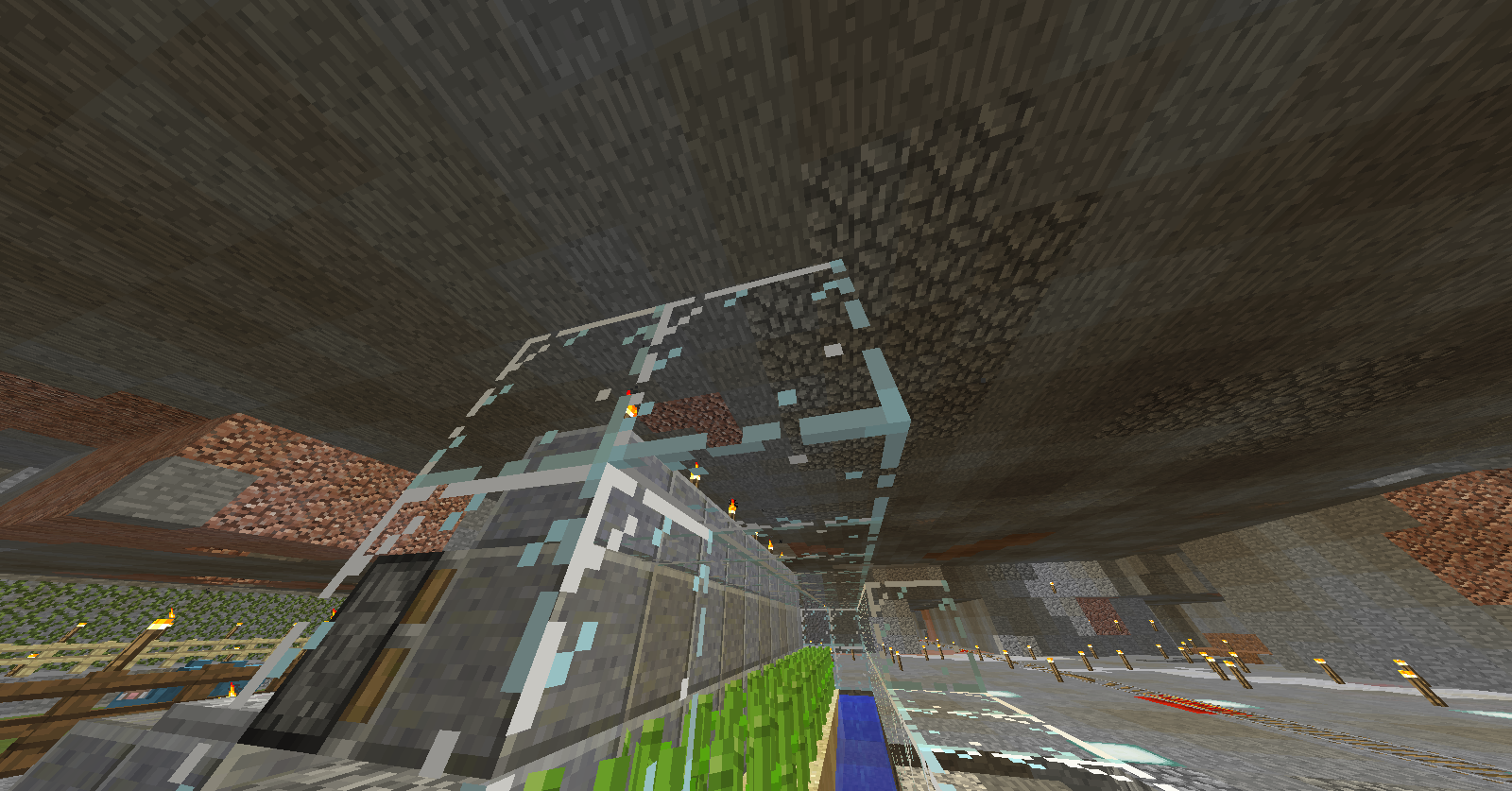
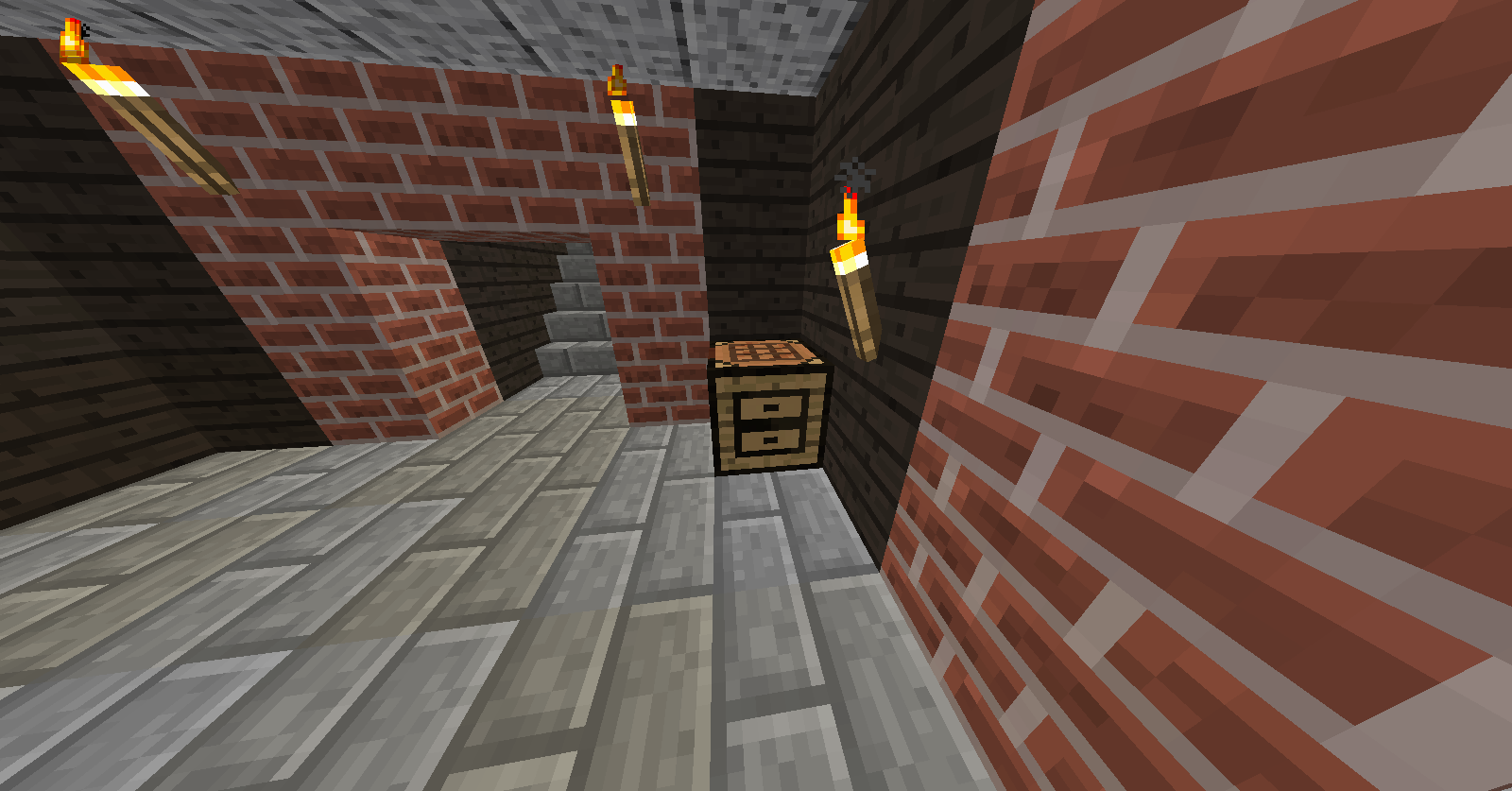
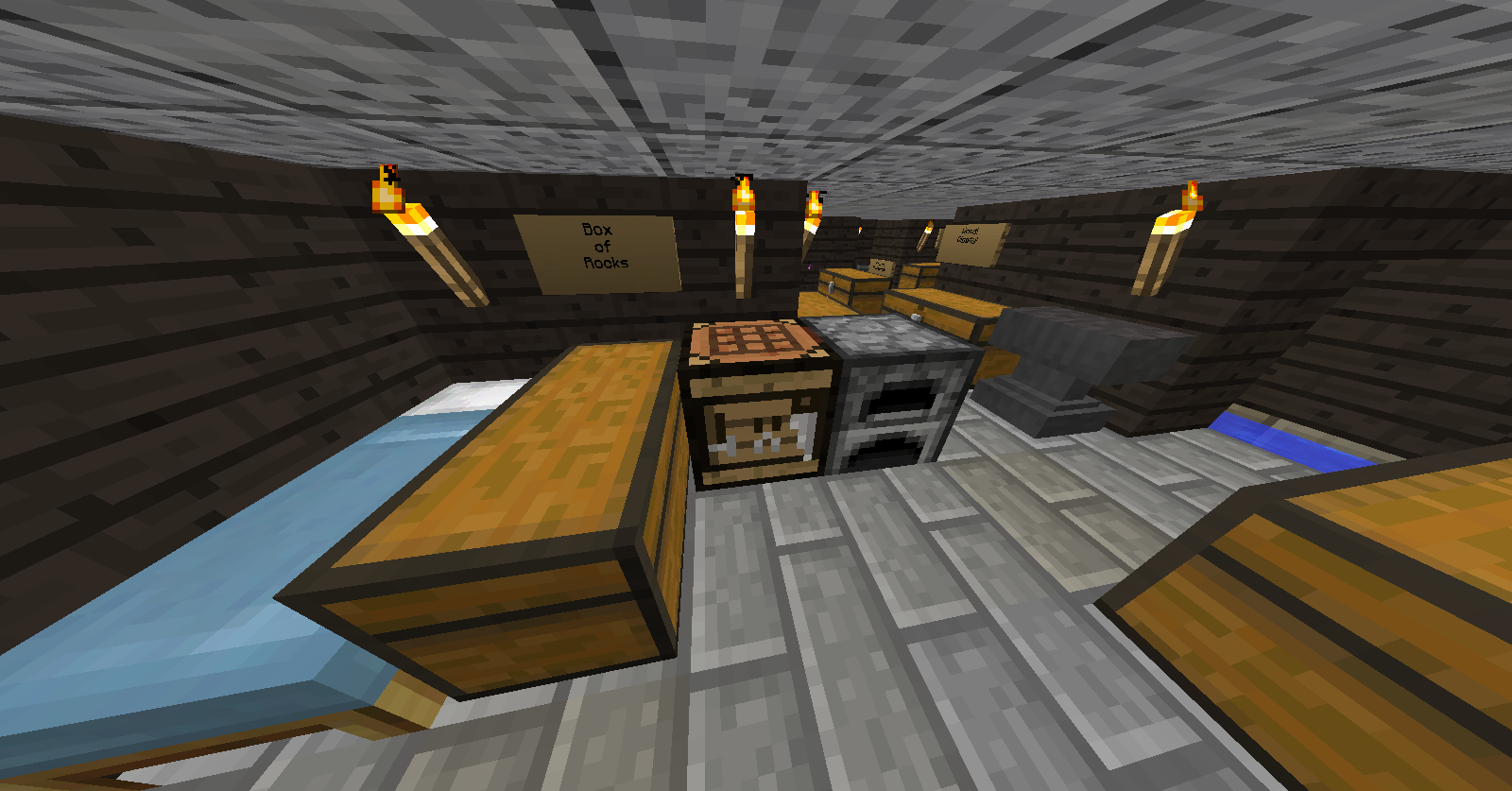
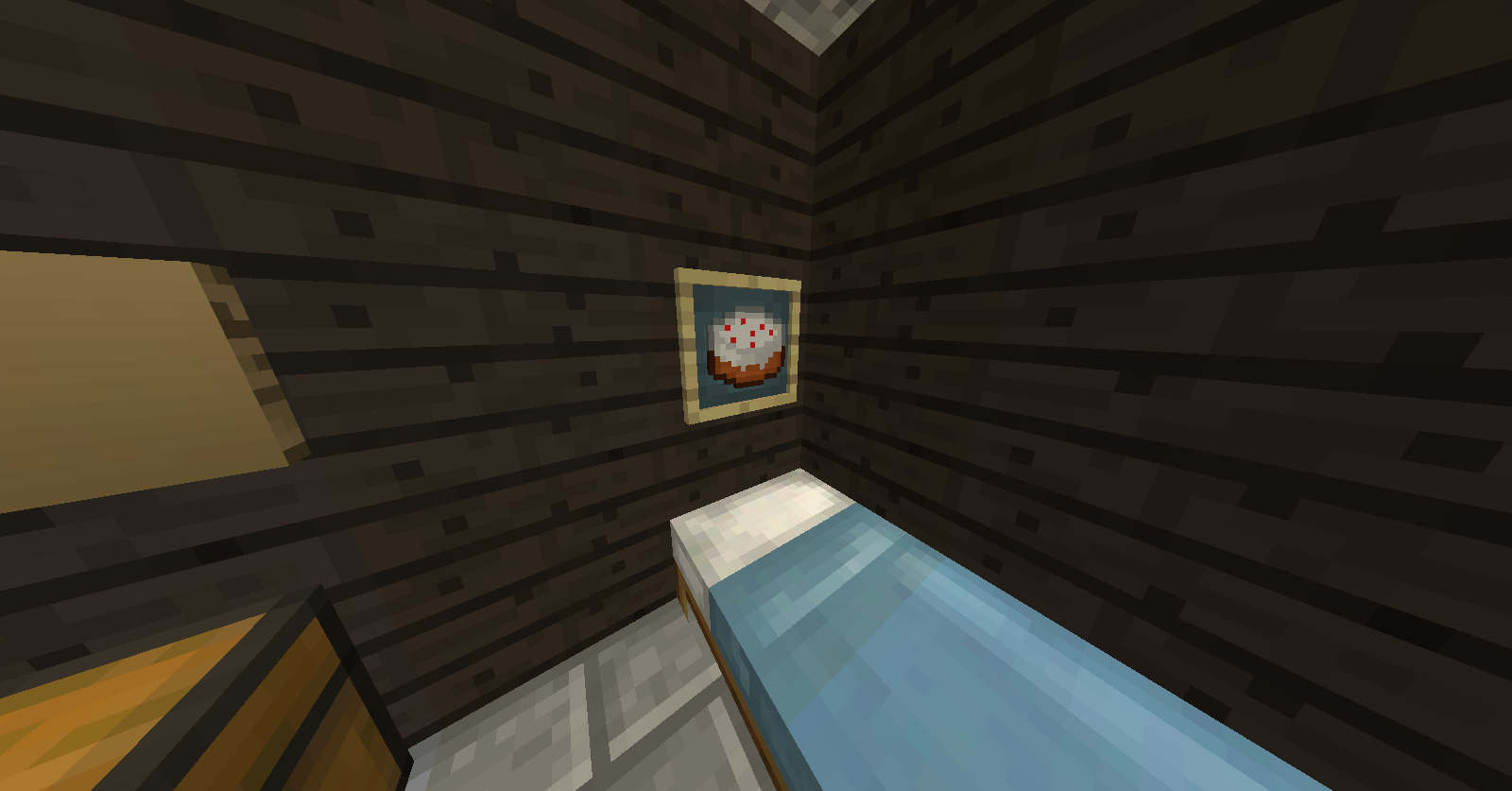
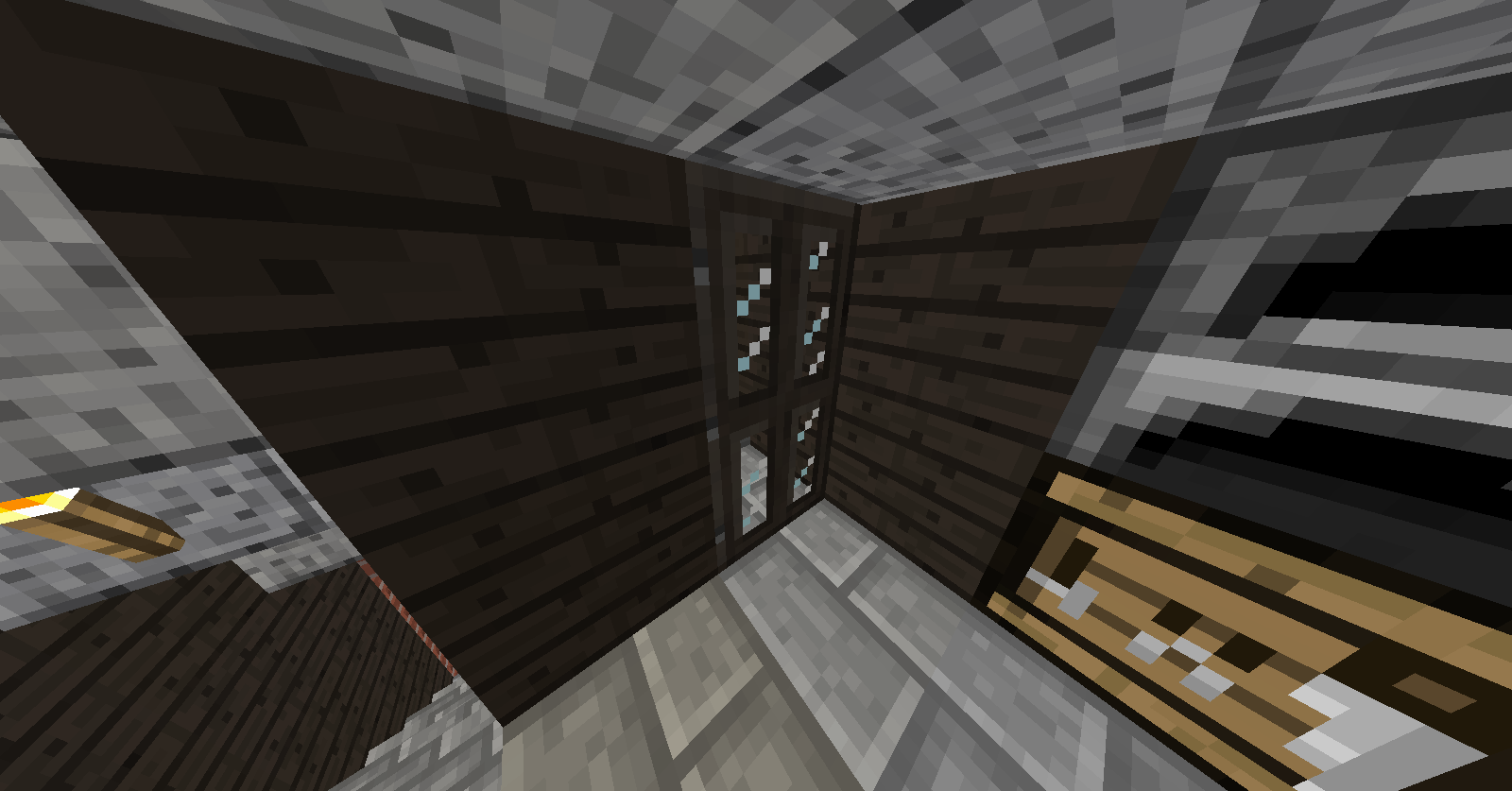
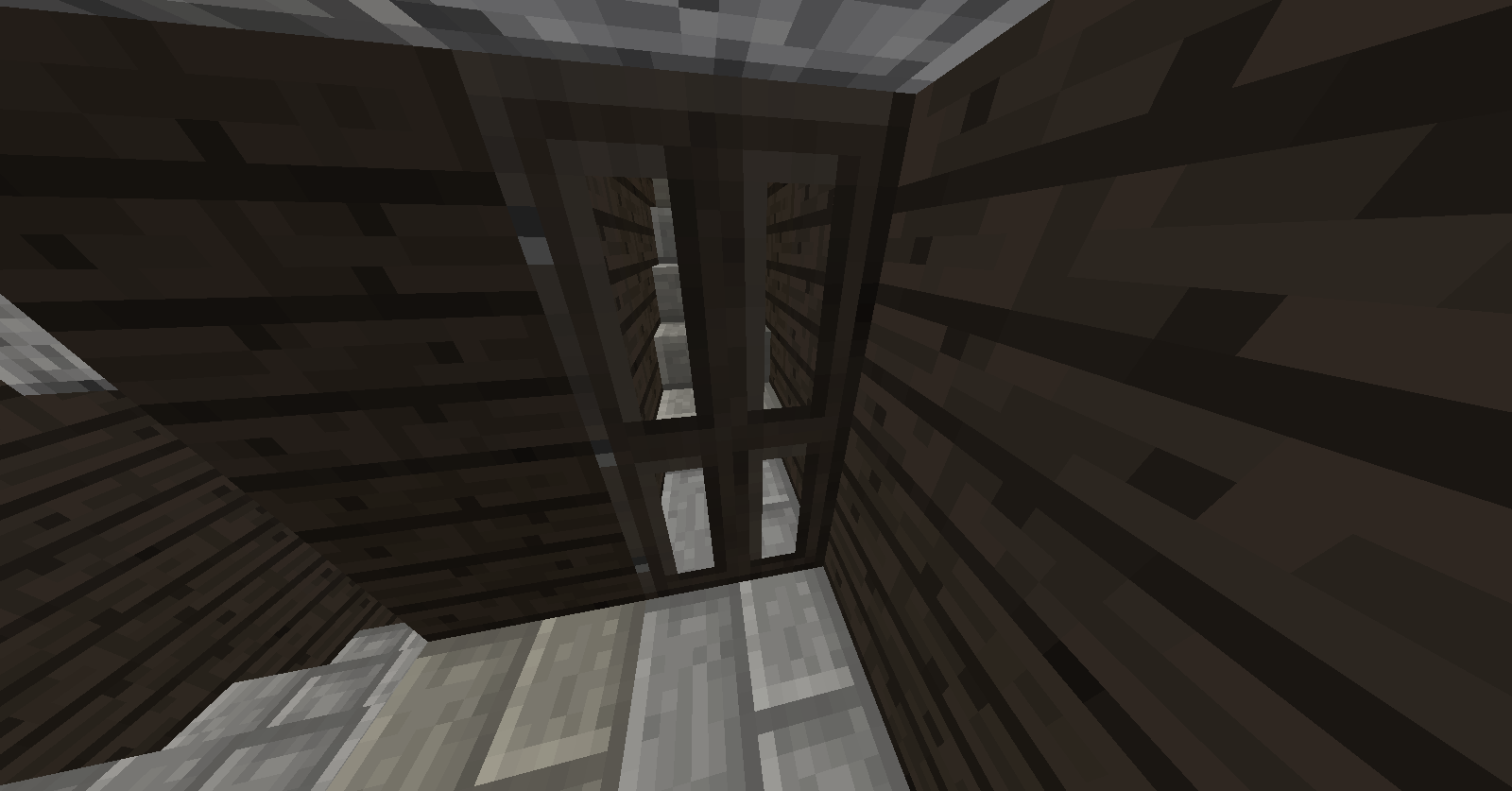
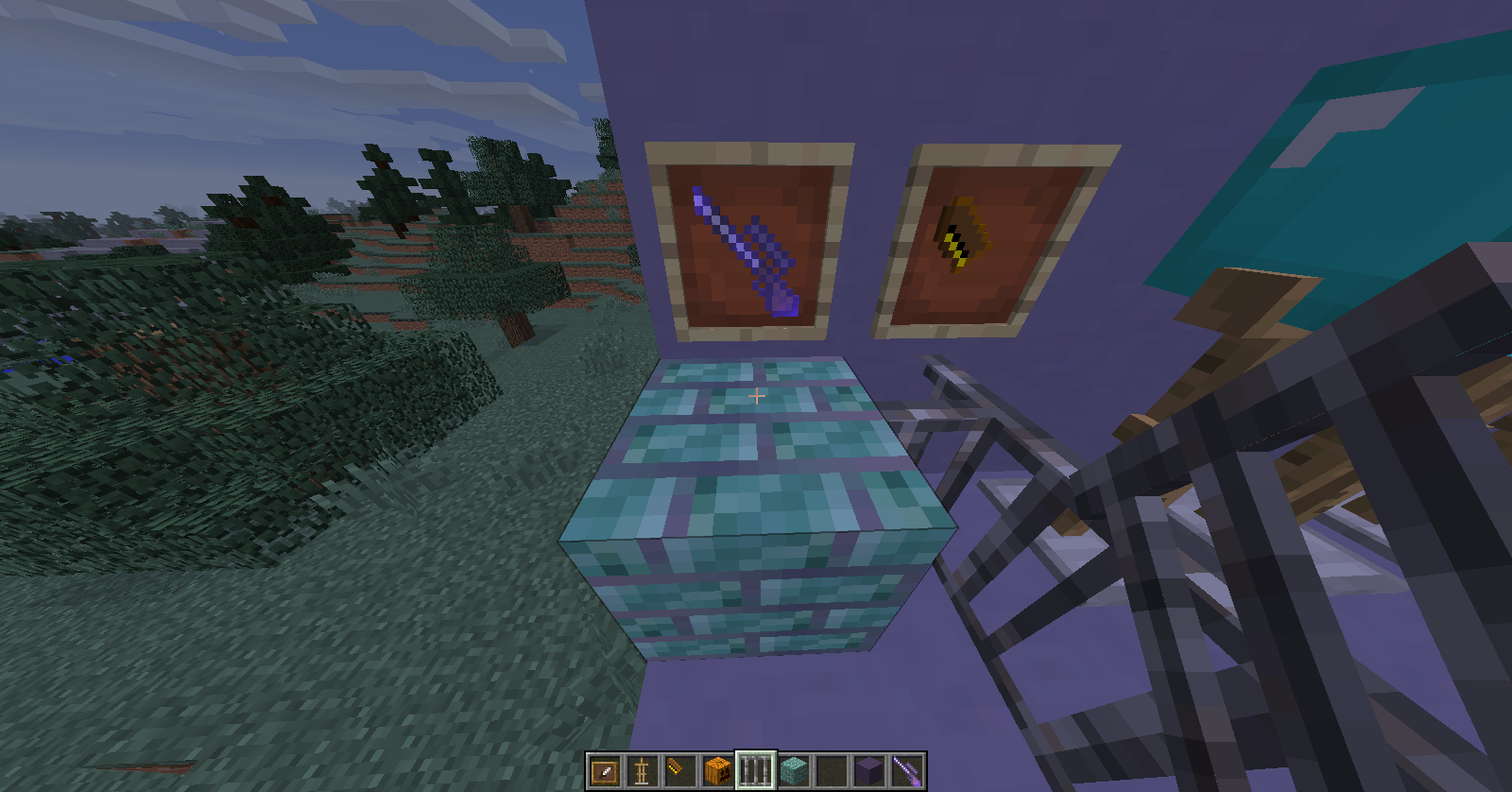
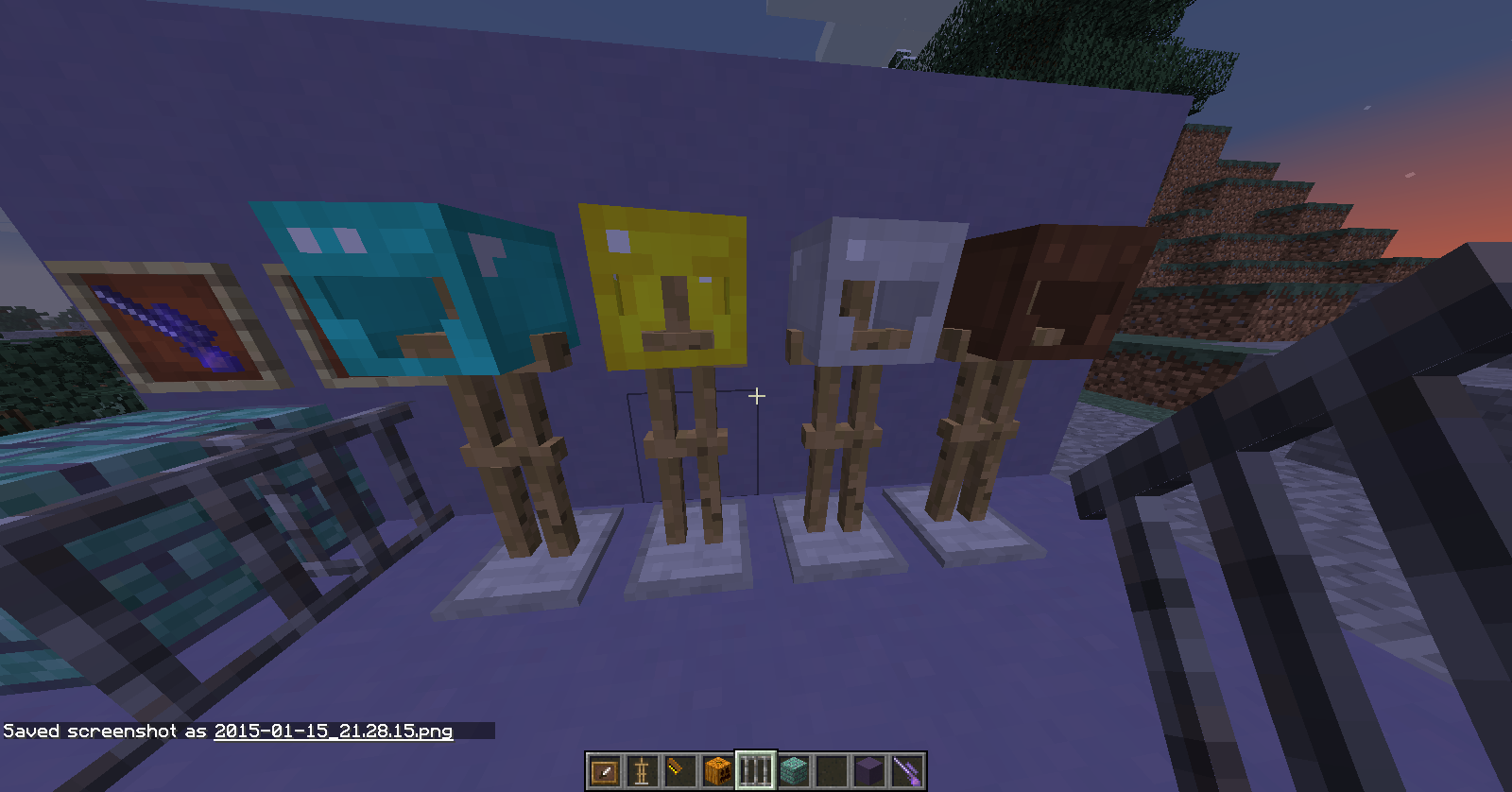
I have been modifying different things to my liking here and there while playing, and have decided to share my progress so far.
- smooth higher res fonts
- custom prismarine bricks that change color like prismarine
- custom full-head helmets that stay true to vanilla
- modified iron bars texture
- bows are now guns (and have gunshot sounds)
- arrows are now bullets
- beds are a light blue color now
- skeletons are a pink color to see them better in caves or near stone
- ghast has a baby’s face
- custom options screen background
- leather armor has brown knee pads and helmet top removed
- wearing a pumpkin on your head has a different look in first person view
- glowstone now looks like sea lanterns, only yellow. animates the same too.
2/4/15
- Changed Dark Oak planks and doors to be a little bit darker, more of a ebony stain than a cherry stain.
- Dark Oak doors have glass window panes now
- Changed the modified glowstone to be a little brighter.
- Grass and foliage are a little greener.
- Explosions are easier to see.
- Menu/title screen background is custom.
- Pumpkin blur fixed while wearing.
- Enchanted item glint is stronger, easier to see.
2/10/15
- diamonds and emeralds have a special glint
- crafting tables have the same pattern on all sides
- custom title screen and background
- glowstone and prismarine bricks tweaked from their previous edits
- ghast tweaked a little (sharper image for ghast faces, tentacles are now blood red)
2/12/15
- Modified plain glass to be easier to see through up close
- Item frames have a less bright, blue background
- Crafting tables now have custom sides and fronts that feel like vanilla, but are a little smoother. Fronts have drawers and the sides have tools.
- Dark Oak logs are now darker to match the rest of the Dark Oak items.
- Dark Oak doors now have glass in the openings
Quick facts
- Edition: Minecraft Java
- File type: .zip (resource pack)
- How to install: Download the .zip resource pack — do not unzip it. → Put it in .minecraft/resourcepacks. → Enable it in Options → Resource Packs.
- Where to get it: Opens on CurseForge — not every file is mirrored on our own servers.
Install steps are the general flow for this file type — How to install Minecraft Java resource packs walks through it step by step.
File checked by MCModsHub
- Downloads as markyb07.zip
- Download size: 3.4 MB
- Download link checked 3 Nov 2026 — working
These come from our own check of the pack file, not from the source page.