
Project Science
Minecraft Java mod. Downloads from the MC Java Mods app on Android.
⬇ Download on CurseForge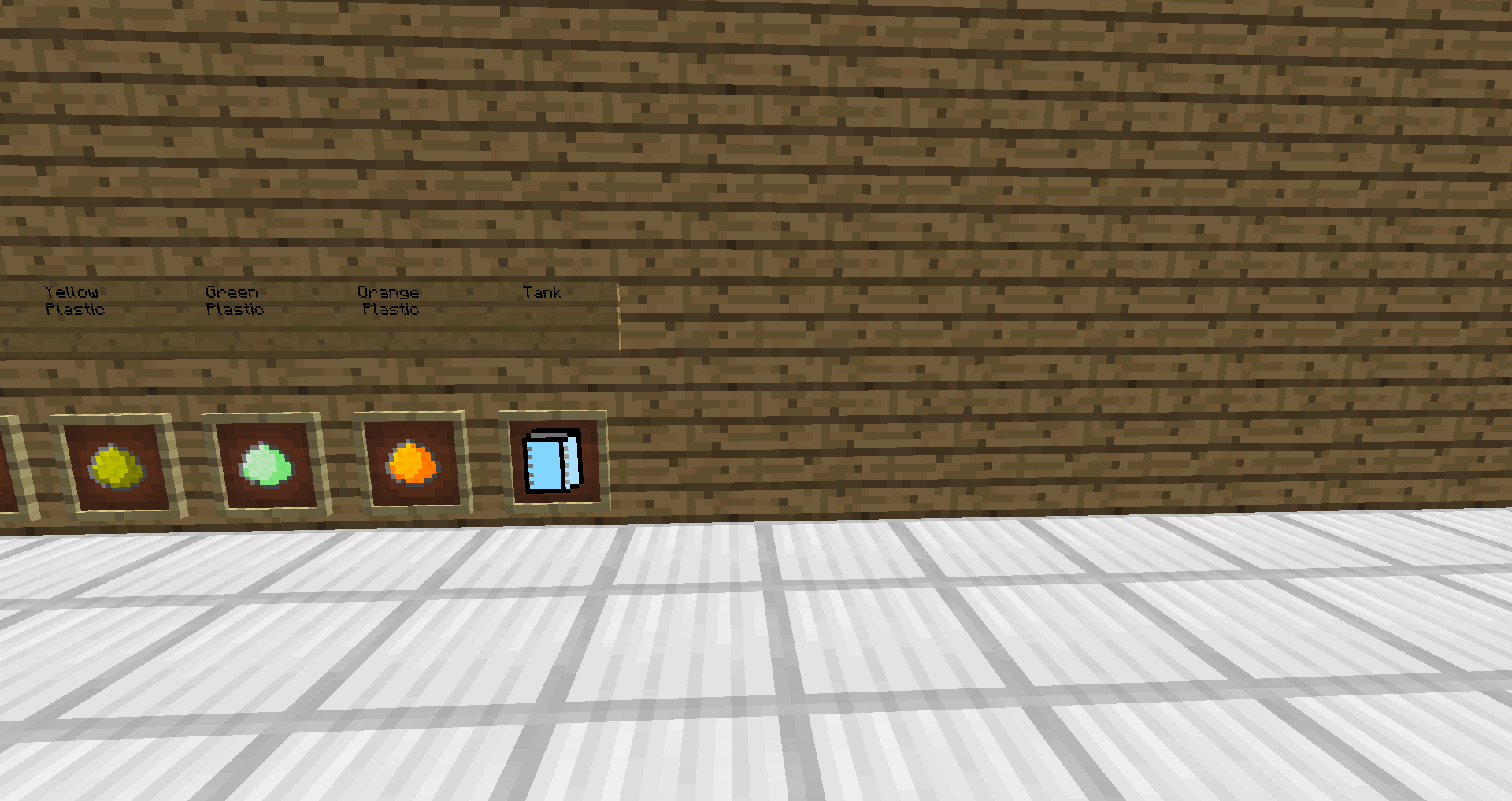

Project Science!
Optional IC2
Index:
About
Download
Installation
Crafting
Config
Videos
Contact Me
About The Mod:
I Set Off Trying To Make A Tech Mod, I Wanted A Mod To Be Hard But To Improve The Minecraft Experience So I Started!
Basically, Project Science is a mod were you can use real logic of atoms to create and modify items and blocks.
This Mod Is All About Using Machines To Edit Items And Blocks!
A Mod Were You Use Science To Experement With Atoms And Atom Structure!
Download:
Project Science for minecraft 1.7.10 - http://minecraft.curseforge.com/mc-mods/228003-project-science/files
Installation:
How To Install Project Science:
Client/Server:
step 1: Download The Mod with The Recommended Version Of Forge(http://files.minecraftforge.net/)
Step 2: Install Forge If You haven't Already
Step 3: Put Project-Science.jar into the mods folder
Your Done!
How To Install Project Science With IC2:
Client/Server:
step 1: Download The Mod with The Recommended Version Of Forge(http://files.minecraftforge.net/)
Step 2: Download IC2(mod) from http://forum.industrial-craft.net/index.php?page=Thread&threadID=9843
Step 3: Install Forge If You haven't Already
Step 4: Put Project-Science.jar into the mods folder
Step 5: Install IC2 Like It Shows On The Web Site
Step 6: Open The Config For Projects Science And Change IC2 = false To IC2 = true
Your Done!
Crafting:
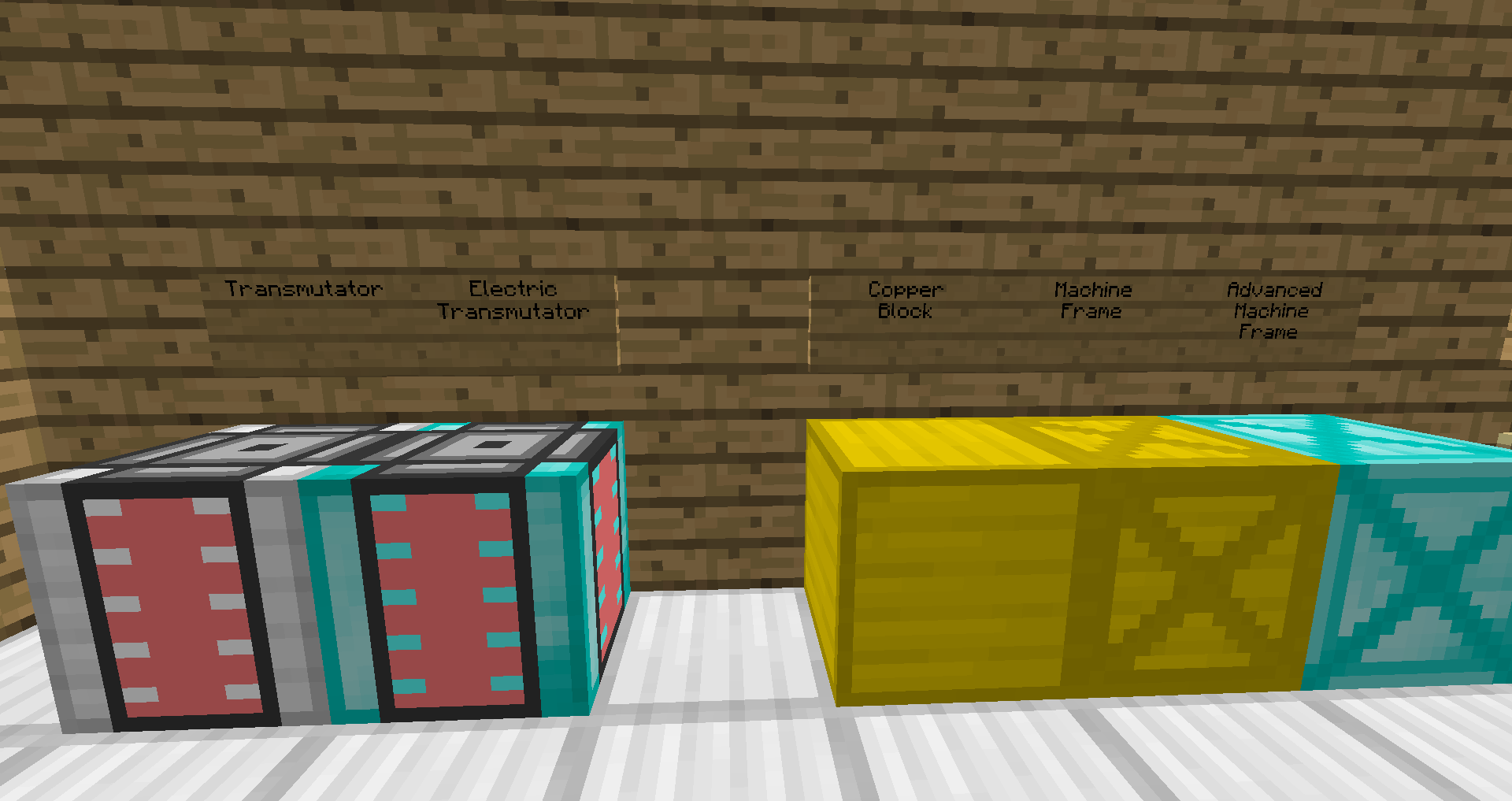
transmutator
electric transmutator - IC2 ONLY
advanced machine frame

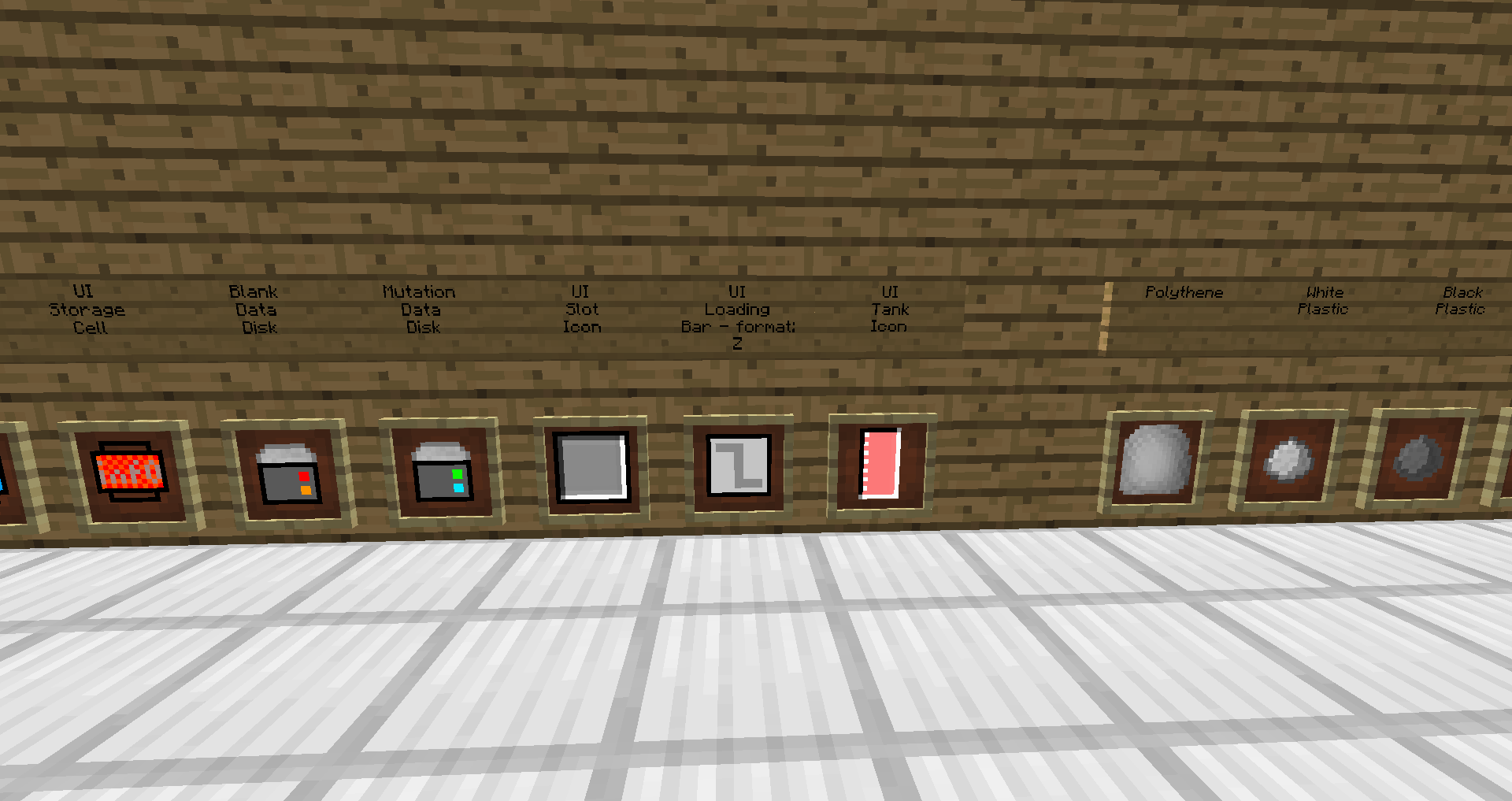
Black Plastic
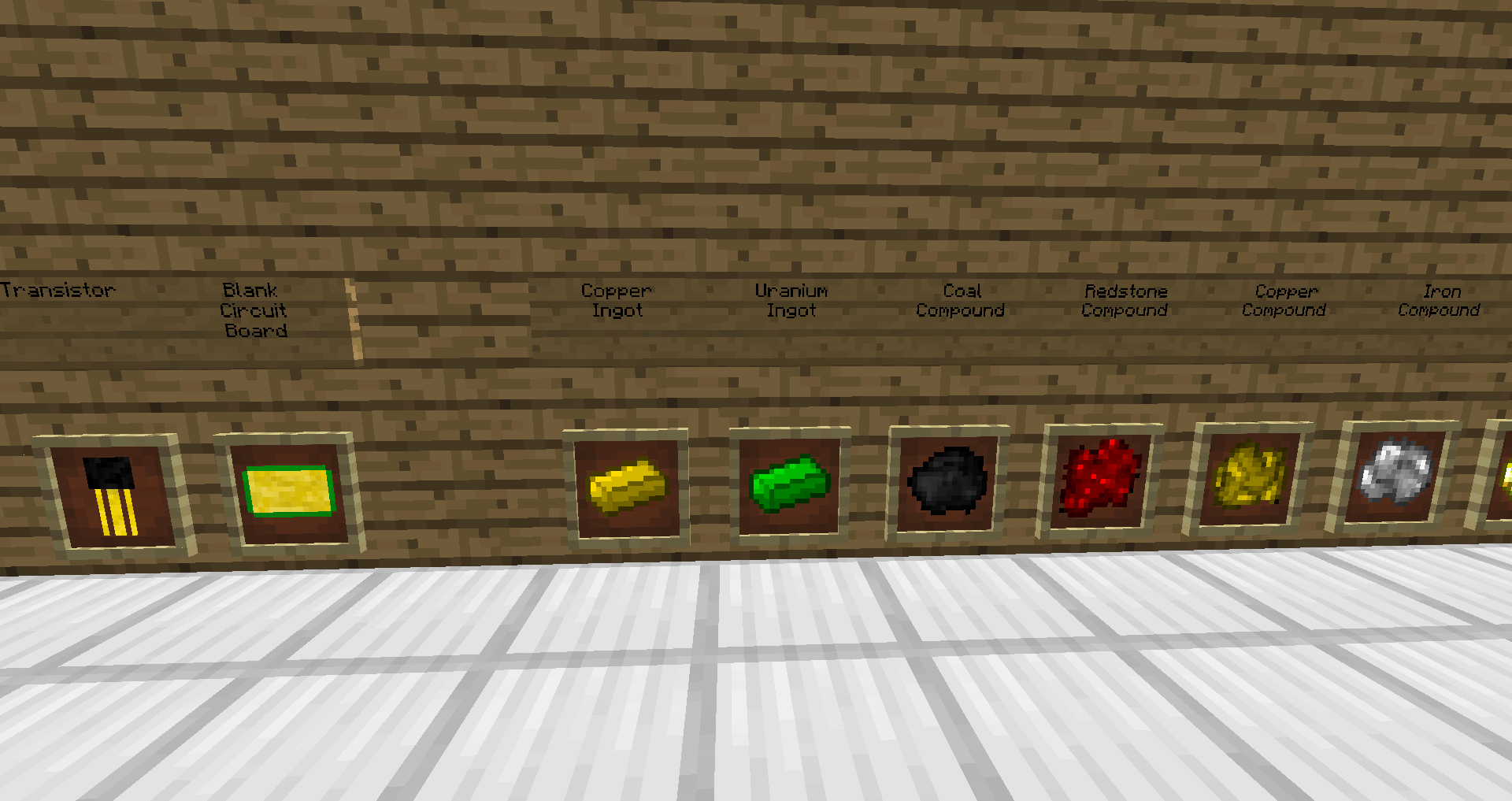
blank circuit board
blank data disk
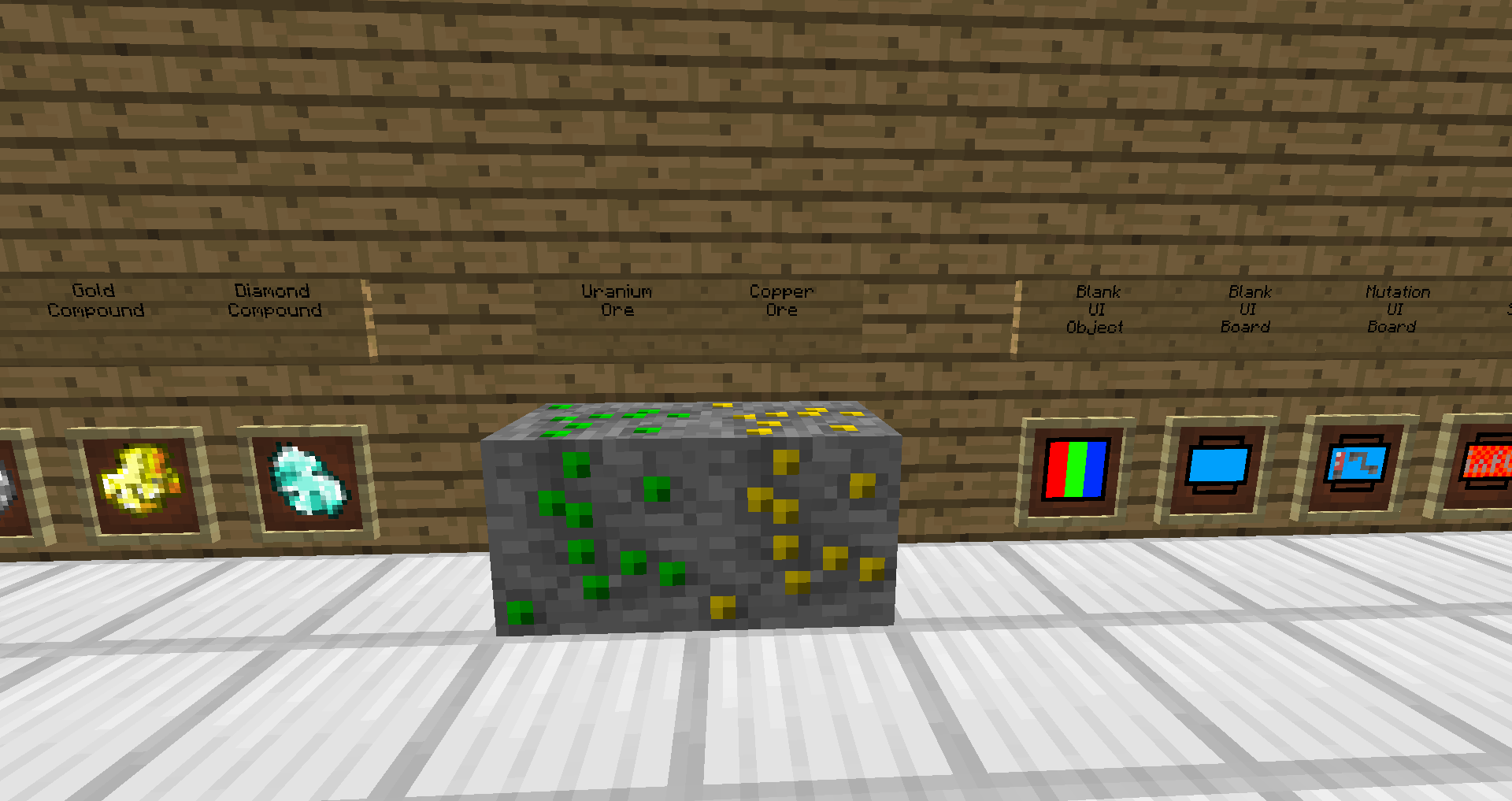
blank ui board
blank ui object
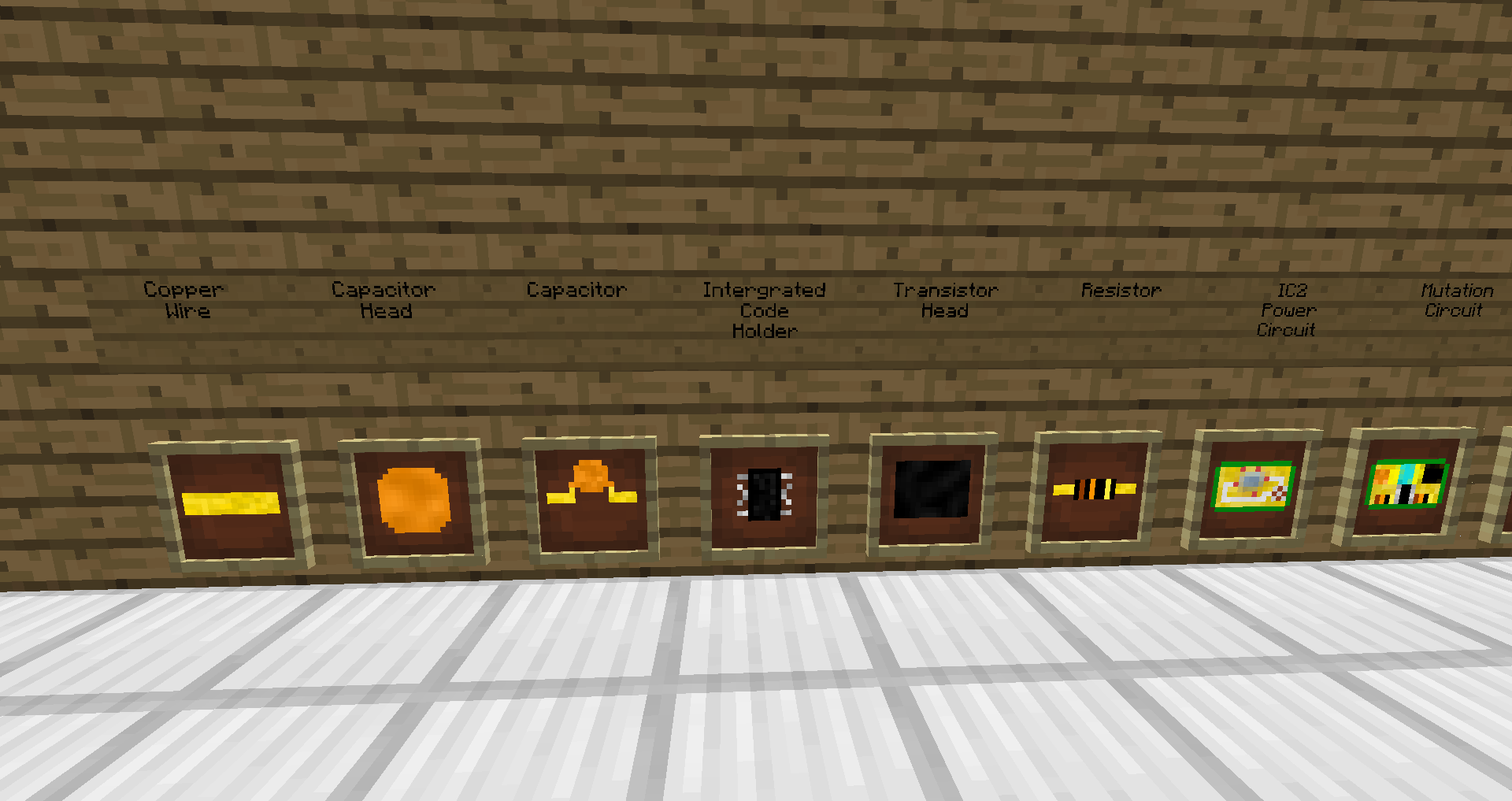
capacitor head
capacitor
coal compound

redstone compound

copper compound

iron compound

gold compound
diamond compound

Copper Block
machine frame
copper wire
copper ingot
Uranium ingot
Polythene
white plastic
yellow plastic
orange plastic
green plastic
transistor
transistor head
integrated code holder
tank
resistor
IC2 Power Circuit - IC2 ONLY
mutation circuit
mutation data disk
UI loading Bar - format: Z
UI slot icon
Mutation Ui Board
UI Tank Icon
UI Storage Cell
Advanced Blank Circuit Board 
battery 
battery box 
Power Surply Circuit Board 
JetPack
Monitor
Motor
Rubber Boots
Scanner
Shock Absorber
Thruster
Turbine
Transistor Recipes:


Config:
New Project Science Addon Manager
To Enable IC2 Stuff
Go To Config And Change IC2 = false to IC2 = true
then you will have the IC2 Addon Things
Videos:
TTBTIME's Mod Spotlight
Any New Spotlights will be added here!
Contact Me:
Send Me An Email Or Just Leave A Comment.
Email: Minecrewminecraft@gmail.com
- Edition: Minecraft Java
- File type: .jar
- How to install: Install the matching mod loader (Forge, Fabric or NeoForge) for your Minecraft version. → Download the .jar. → Put it in the .minecraft/mods folder and launch that loader profile.
- Where to get it: Opens on CurseForge — not every file is mirrored on our own servers.
Install steps are the general flow for this file type — How to install Minecraft Java mods & modpacks walks through it step by step.
- Ships as Project Science-0.0.1.jar — drop this file into the mods folder
- Download size: 163 KB
- Download link checked 3 Nov 2026 — working
These come from our own check of the pack file, not from the source page.