Werkbench
Minecraft Java mod. Downloads from the MC Java Mods app on Android.
⬇ Download on CurseForge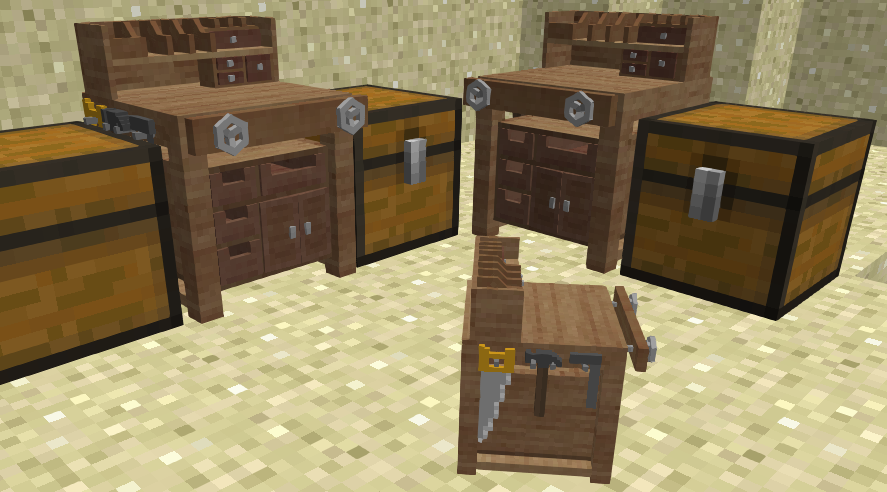
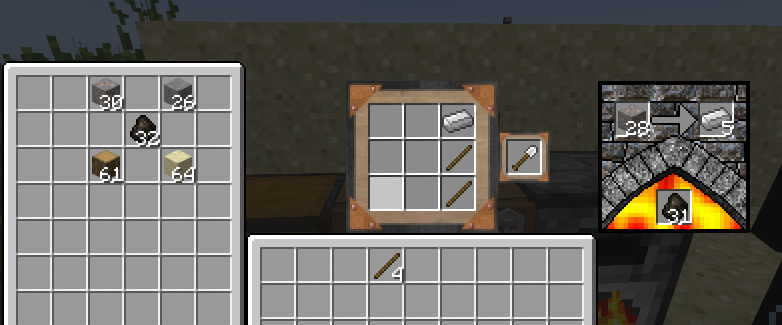
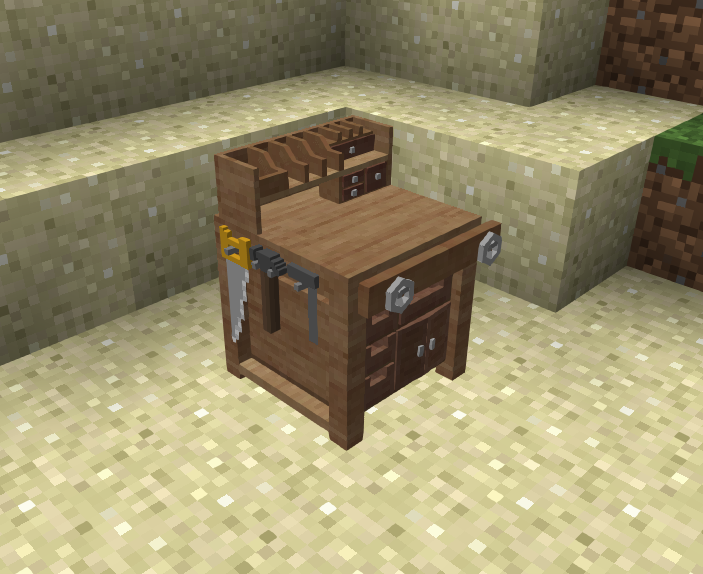
Werkbench adds an upgraded crafting table for Minecraft.
You can find it in the "Decoration Blocks" creative tab.
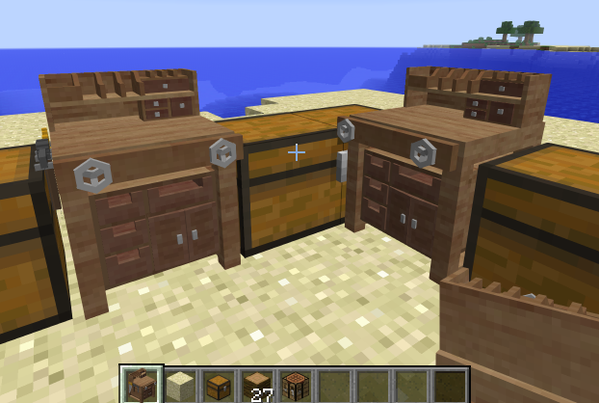
Place chests (double or single) on the sides for extra storage.
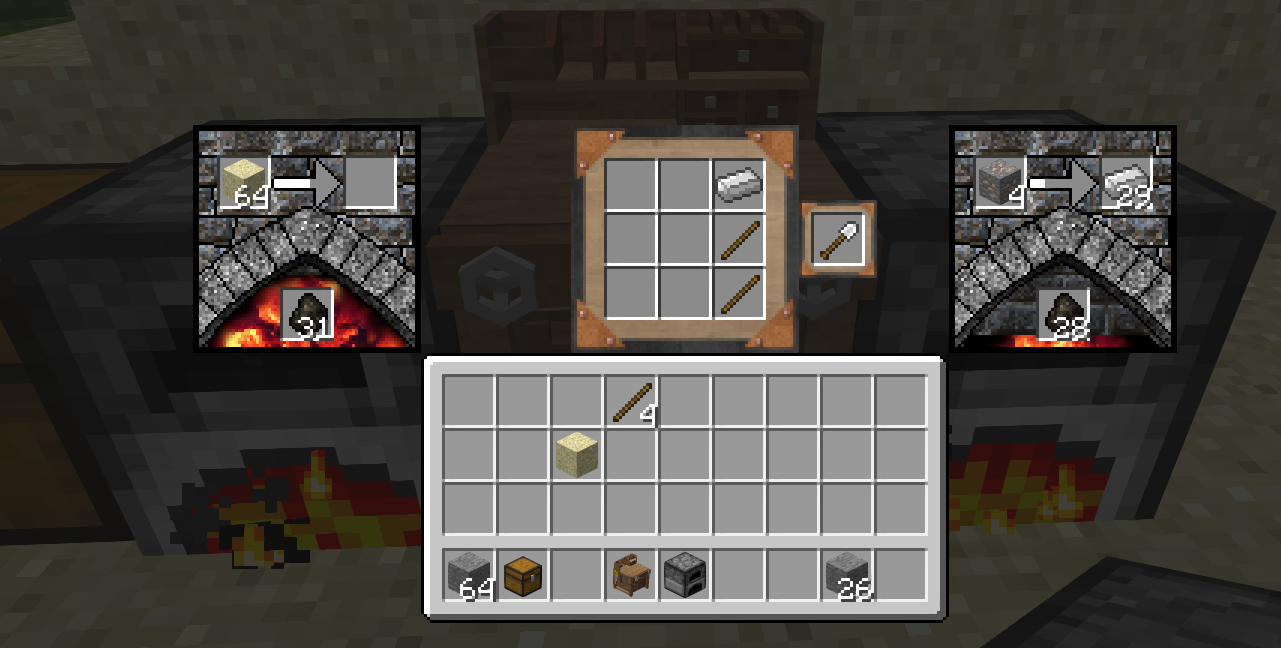
Place furnaces for processing of ores and materials.
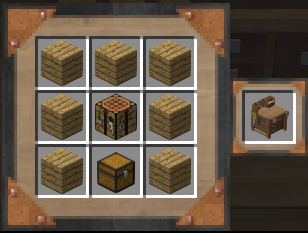
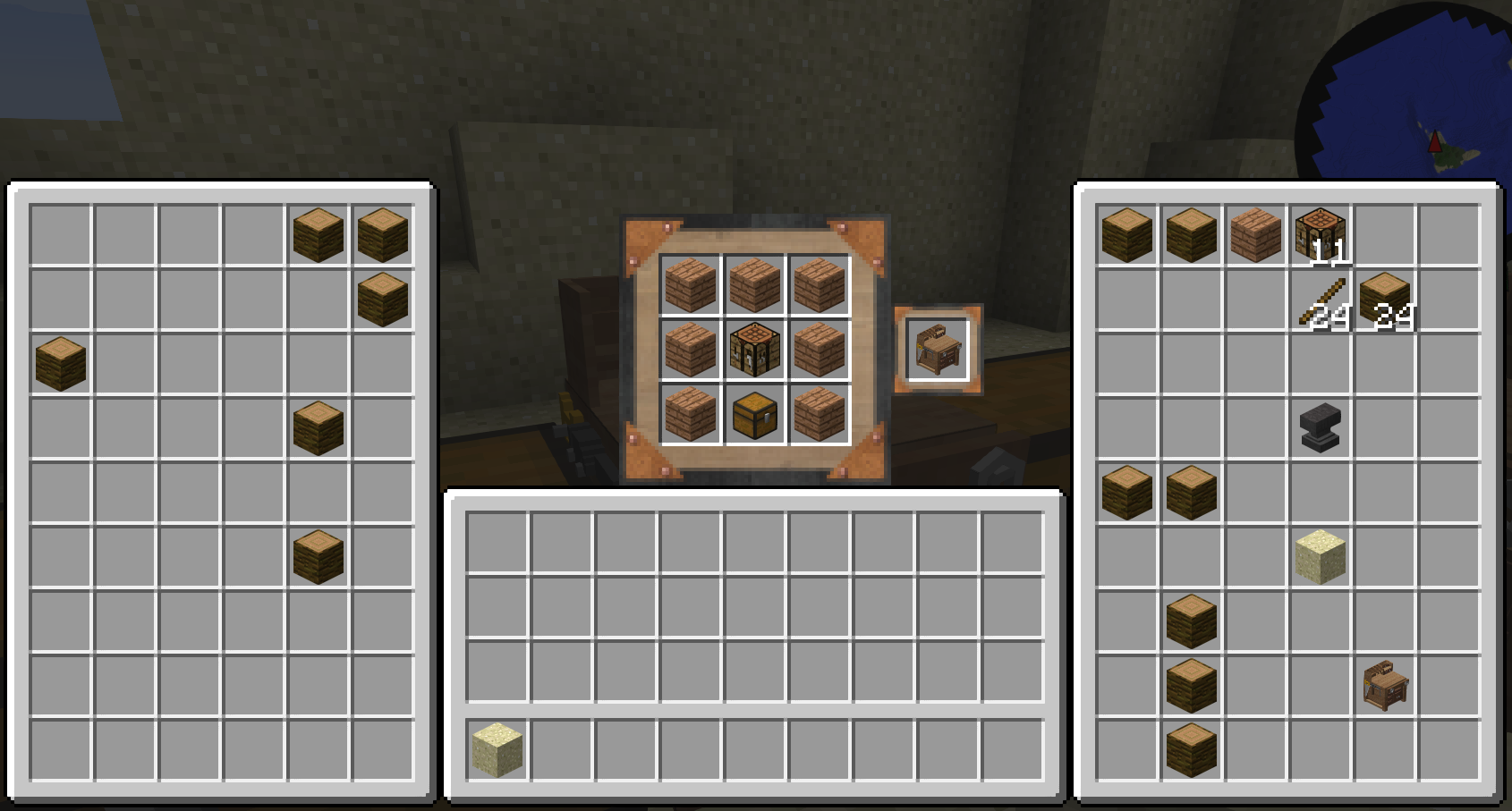
Crafting recipe:

Model (courtesy of RazzleBerryFox):

Known bugs:
* Double clicking the crafting grid does weird things
* please report anything you find on the issue tracker.
This mod is developed and maintained by jakimfett
Special thanks to RazzleberryFox (of DecoCraft fame) for the amazing model.
Patreon supporters get pre-release builds and sneak peaks at features.
- Edition: Minecraft Java
- File type: .jar
- How to install: Install the matching mod loader (Forge, Fabric or NeoForge) for your Minecraft version. → Download the .jar. → Put it in the .minecraft/mods folder and launch that loader profile.
- Where to get it: Opens on CurseForge — not every file is mirrored on our own servers.
Install steps are the general flow for this file type — How to install Minecraft Java mods & modpacks walks through it step by step.
- Ships as Werkbench-1.7.10-1.2.56.jar — drop this file into the mods folder
- Download size: 245 KB
- Download link checked 13 Oct 2026 — working
These come from our own check of the pack file, not from the source page.