Pixel Art Mod
Minecraft Java mod. Downloads from the MC Java Mods app on Android.
⬇ Download on CurseForge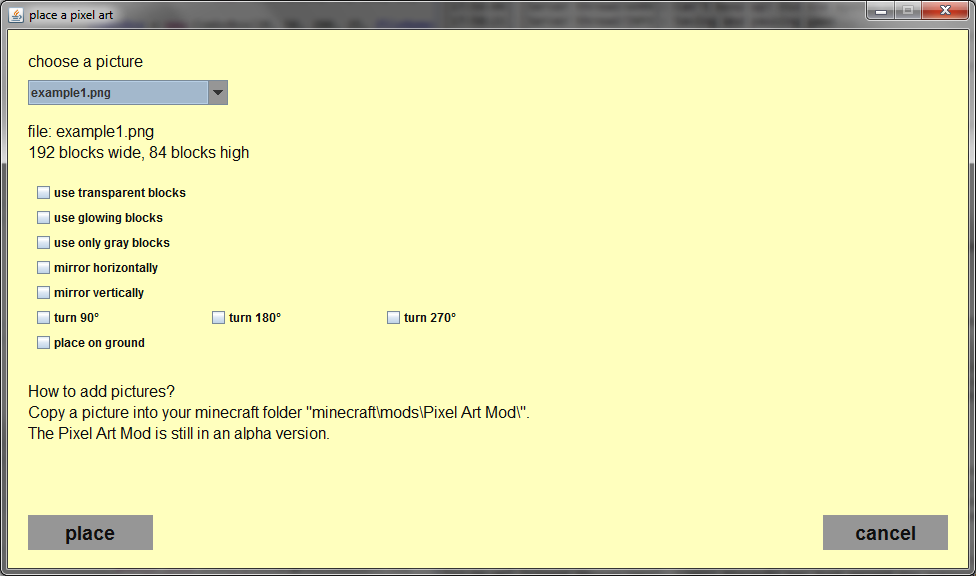

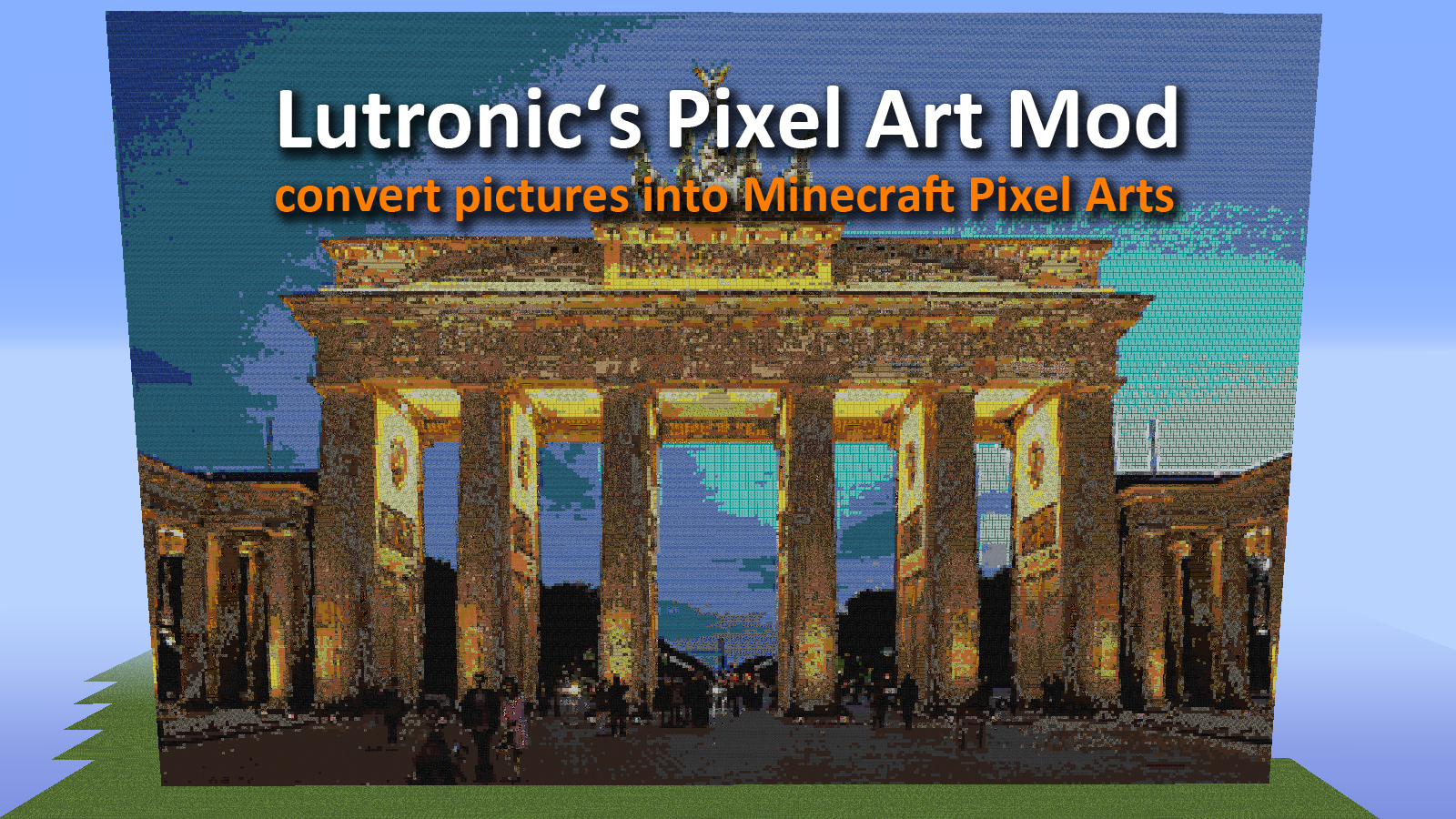
Lutronic's Pixel Art Mod (PAM)
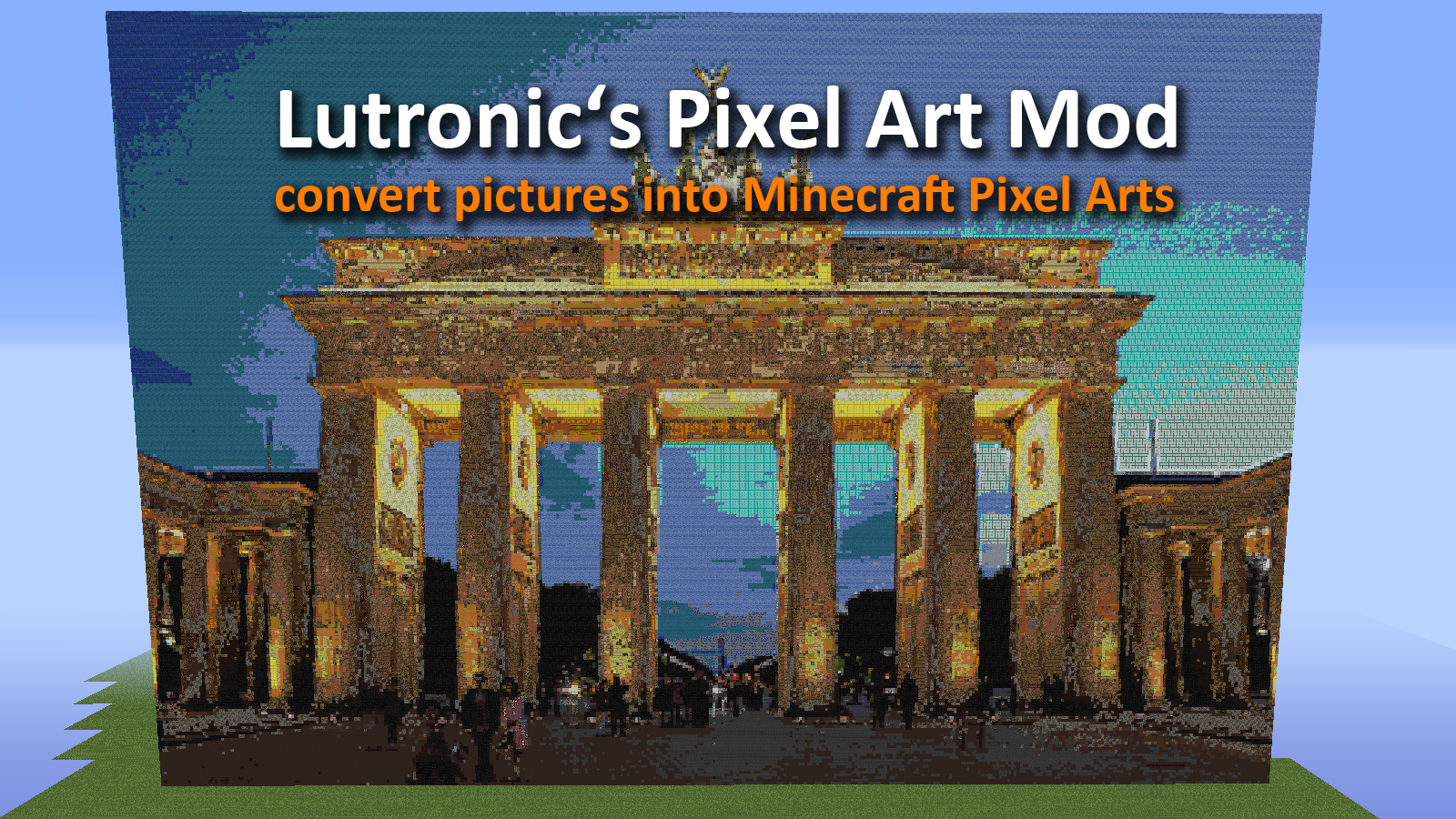
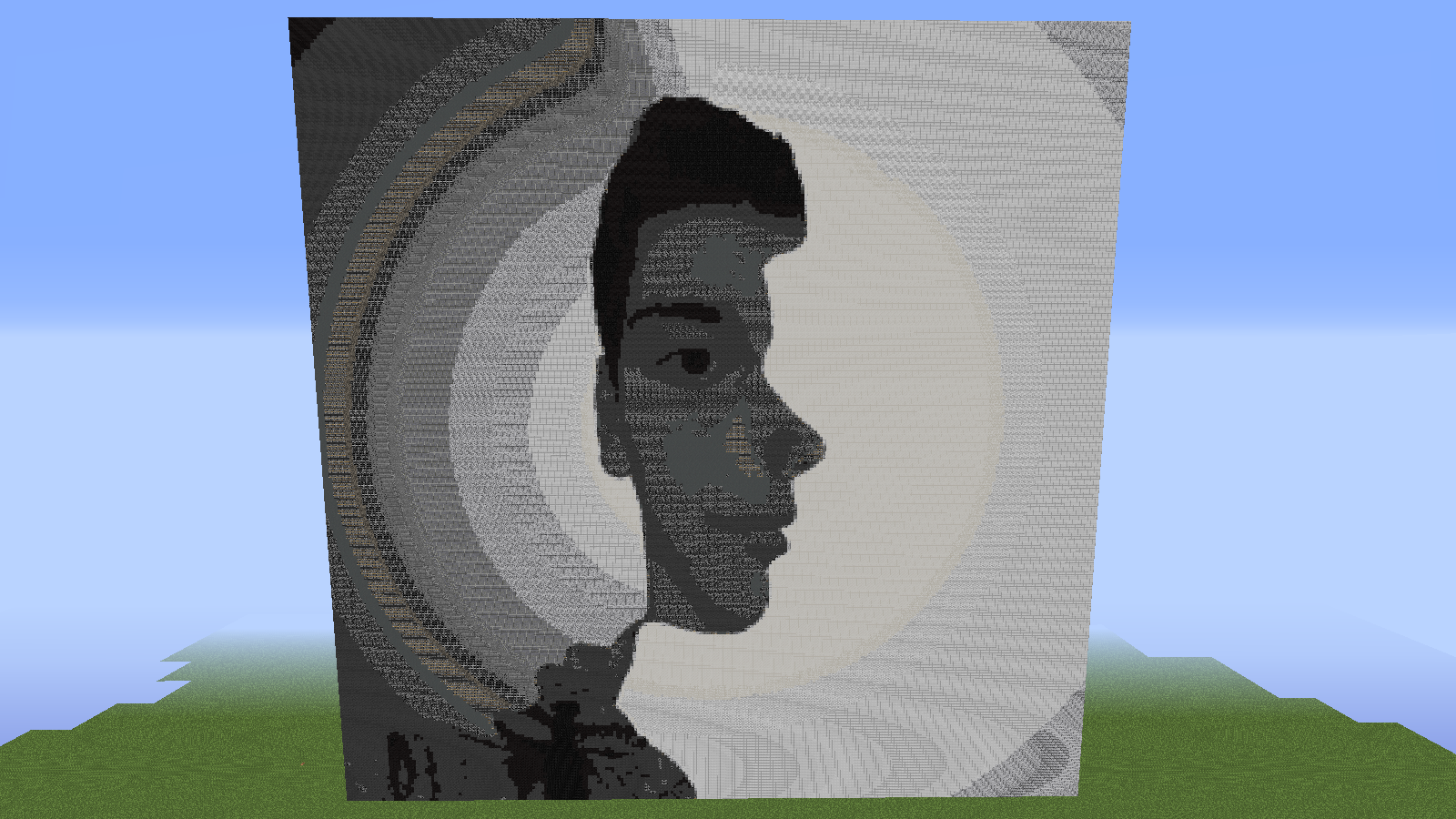
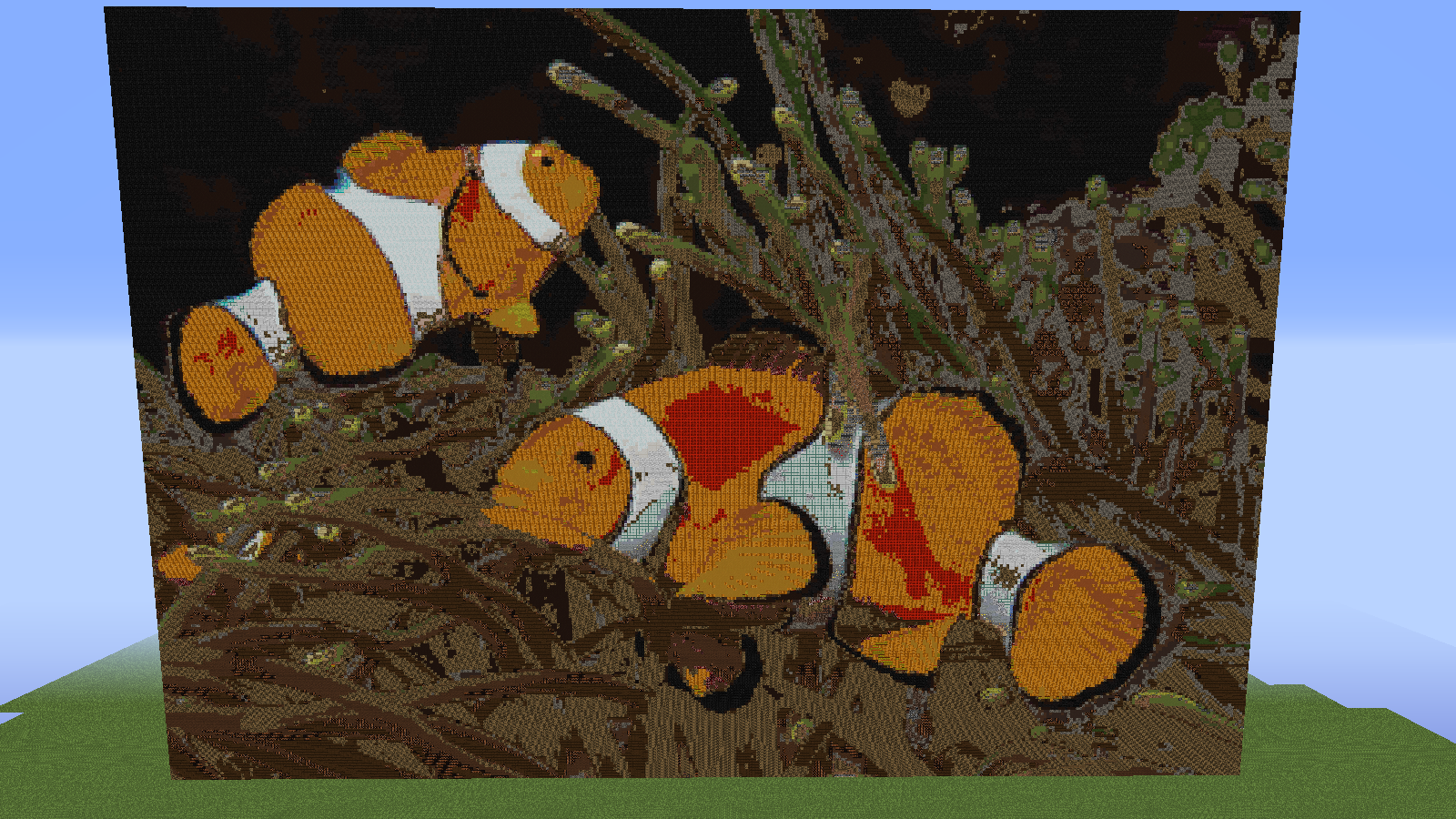
Lutronic's Pixel Art Mod (PAM) allows you to convert pictures into Minecraft pixel arts. All you have to do is to install the PAM and copy any picture in your "minecraft/mods/Pixel Art Mod" folder.
Pictures
1. copy a .png, .jpg, .jpeg, .jpe or gif file in your "minecraft/mods/Pixel Art Mod" folder
2. right-click the "Place Pictures" you can find in the new creative tab tools
3. a window opens
4. select a picture from the upper left combo box
5. click the "place" button
6. a second window pops up click "yes" to continue and place the picture or "cancel" to cancel
7. wait a few seconds till the window disappears
8. open your minecraft world - finished
How does the PAM works?
The PAM read a picture, selected a pixel, calculate the optical similar block and place the block into your minecraft world. PAM can use different between 180 blocks.
Minecraft maximal building height ist around 250 blocks, thereby you should not use pictures that a higher than 250 pixels. Otherwise PAM cut of the upper border.
PAM is still working in progress!
In future updates PAM provides a bunch of new features like mirror horizontally, mirror vertically, turn or place pictures on the ground. Furthermore I'm working on a feature that includes more than 250 new colors instead of the current 180.
I hope you like my mod.
IMPORTANT
You are not allowed to create pixel arts with PAM and post in the "projects" faction on planetminecraft because this would be against the planetminecraft rules.
Brandenburg Gate http://upload.wikimedia.org/wikipedia/commons/a/a6/Brandenburger_Tor_abends.jpg
Clown Fishes http://upload.wikimedia.org/wikipedia/commons/4/48/Amphiprion_ocellaris_%28Clown_anemonefish%29_PNG_by_Nick_Hobgood.jpg
Stature of liberty https://www.flickr.com/photos/featherboa/43040507/
minecraft landscape http://pixabay.com/p-354458/?no_redirect
- Edition: Minecraft Java
- File type: .jar
- How to install: Install the matching mod loader (Forge, Fabric or NeoForge) for your Minecraft version. → Download the .jar. → Put it in the .minecraft/mods folder and launch that loader profile.
- Where to get it: Opens on CurseForge — not every file is mirrored on our own servers.
Install steps are the general flow for this file type — How to install Minecraft Java mods & modpacks walks through it step by step.
- Ships as pam-0.0.1.jar — drop this file into the mods folder
- Download size: 145 KB
- Download link checked 13 Oct 2026 — working
These come from our own check of the pack file, not from the source page.