FallingFix
Minecraft Java mod. Downloads from the MC Java Mods app on Android.
⬇ Download on CurseForge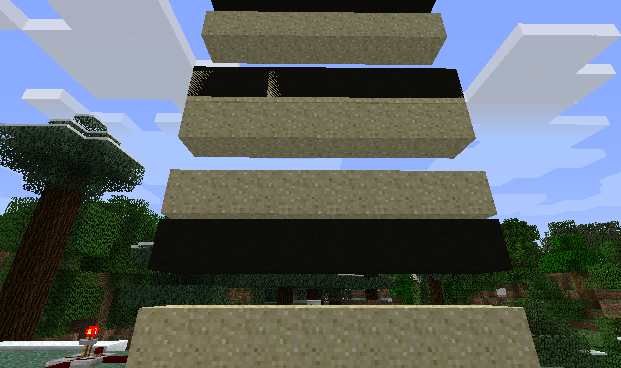
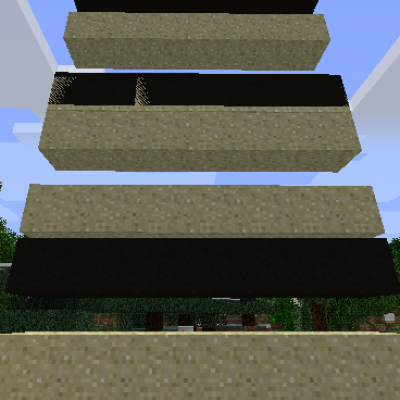
First of all, your eyes don't deceive you, this is indeed a mod for Minecraft 1.4.7! And if you've ever played that version very much, the above image might bring back some unpleasant memories.
FallingFix is a tiny Forge coremod designed solely to reduce graphical issues related to falling blocks in Minecraft 1.4.7, particularly them turning black when the fall begins and ends.
The source of the problem is that the falling block entity is being rendered briefly before the regular block is removed from the world, and is still being rendered briefly when the fall is complete and after the block is placed into the world again. This results in the falling block entity obtaining a light level for that location in the world which is very dark, because a block occupies the space at those moments. This mod prevents the falling block entity from rendering when the in-world block exists.
To install, simply place into your "coremods" folder.
- Edition: Minecraft Java
- File type: .jar
- How to install: Install the matching mod loader (Forge, Fabric or NeoForge) for your Minecraft version. → Download the .jar. → Put it in the .minecraft/mods folder and launch that loader profile.
- Where to get it: Opens on CurseForge — not every file is mirrored on our own servers.
Install steps are the general flow for this file type — How to install Minecraft Java mods & modpacks walks through it step by step.
- Ships as FallingFix_mc147_v1.jar — drop this file into the mods folder
- Download size: 6 KB
- Download link checked 13 Oct 2026 — working
These come from our own check of the pack file, not from the source page.