The Adobe Mod
Minecraft Java mod. Downloads from the MC Java Mods app on Android.
⬇ Download on CurseForge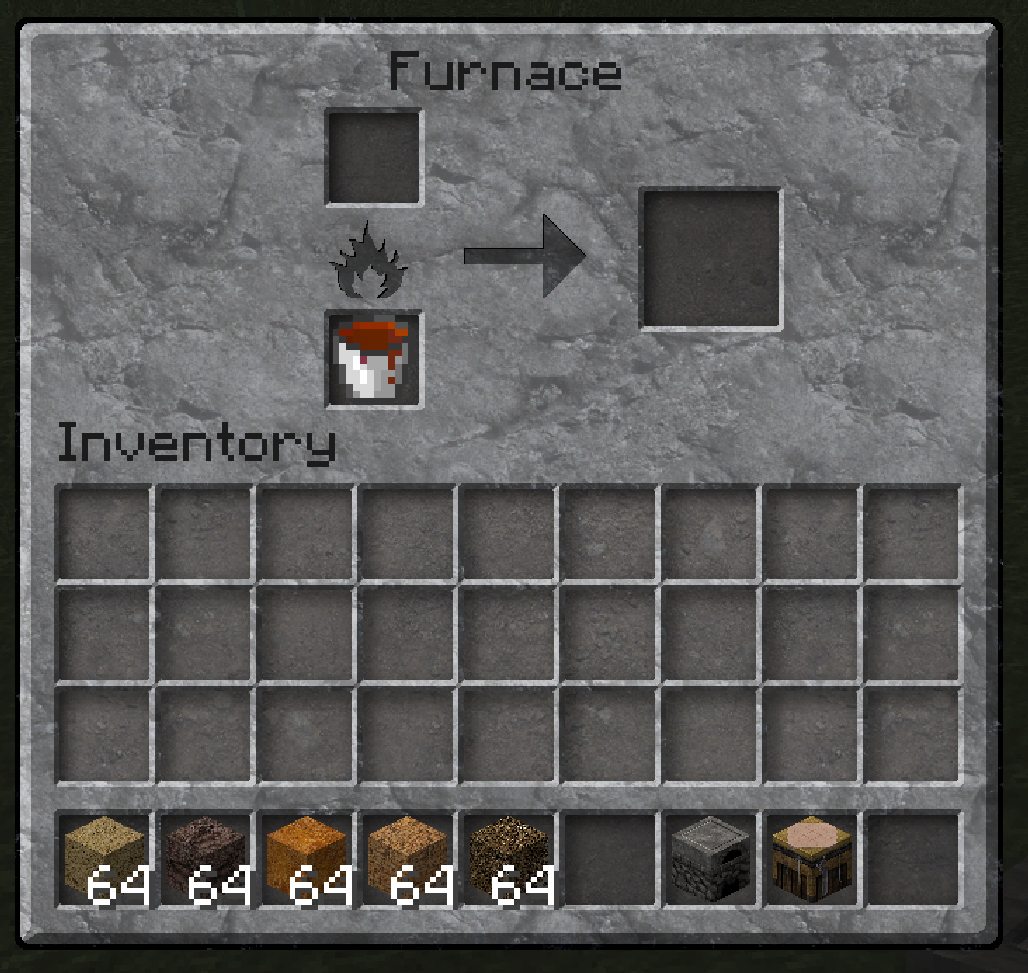
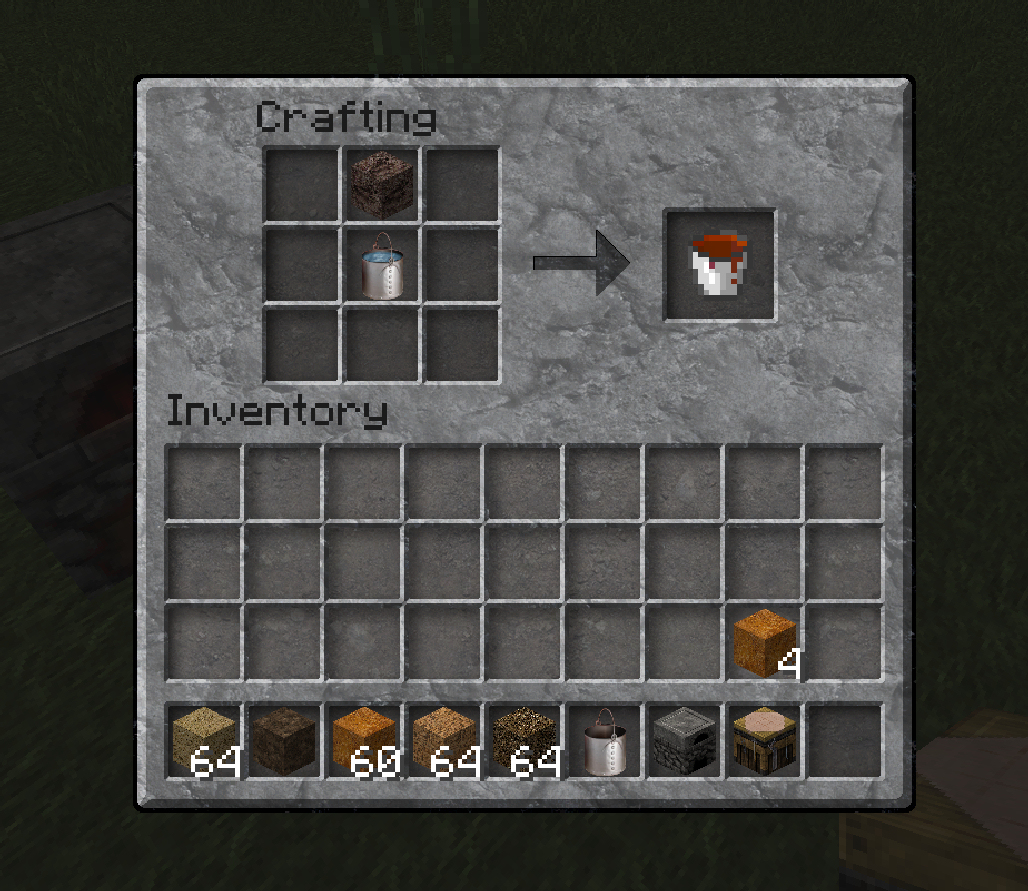
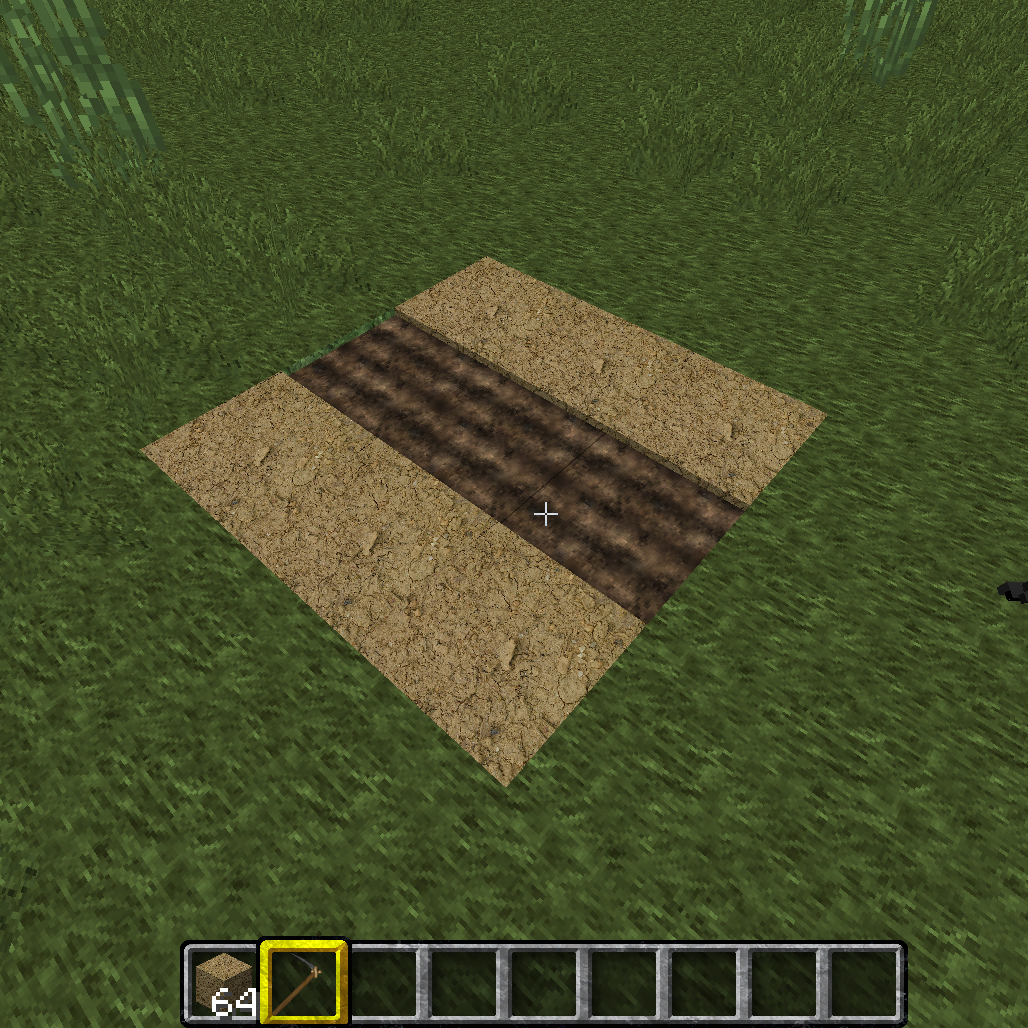
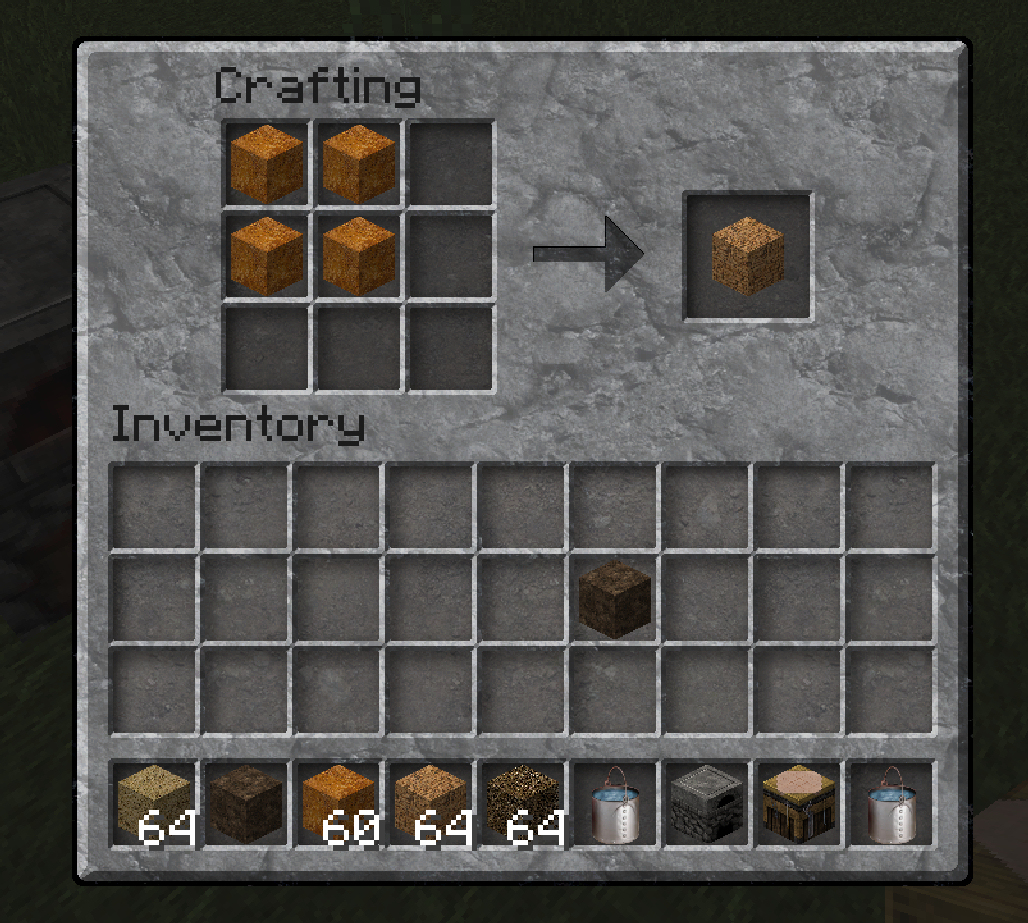
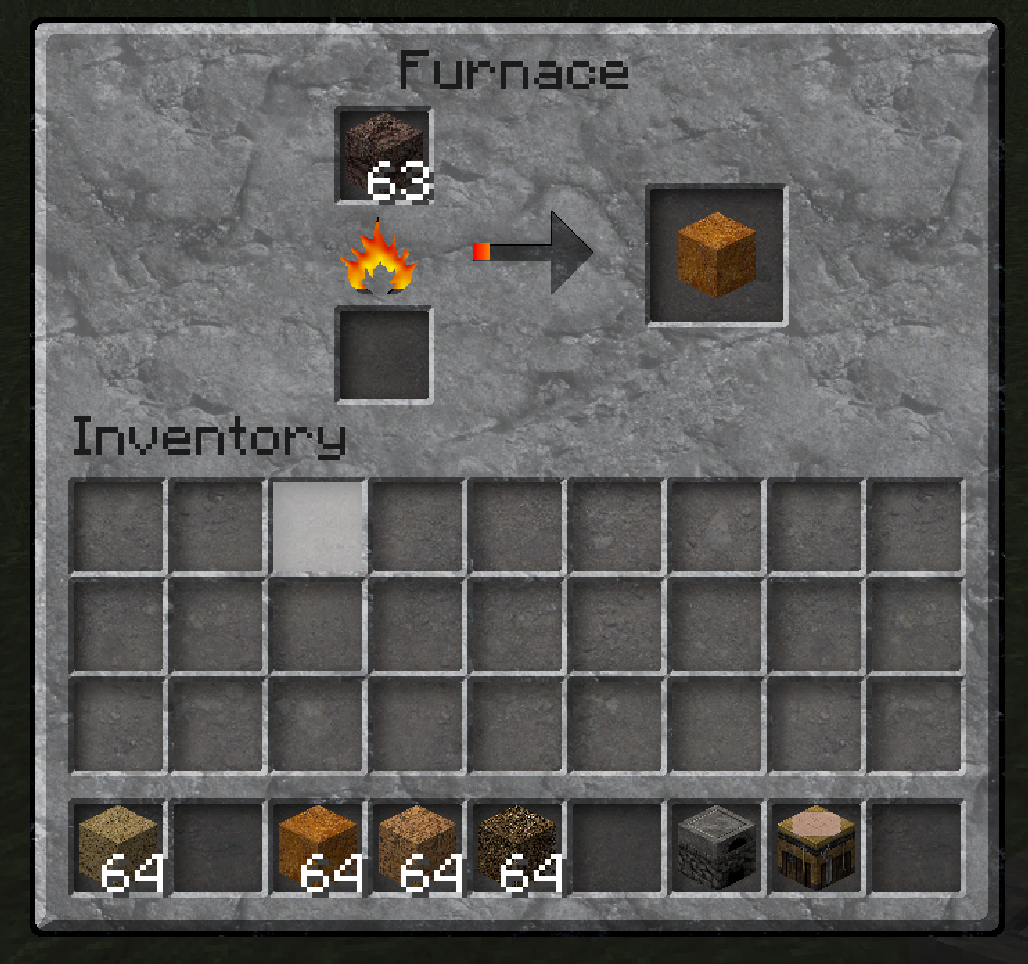
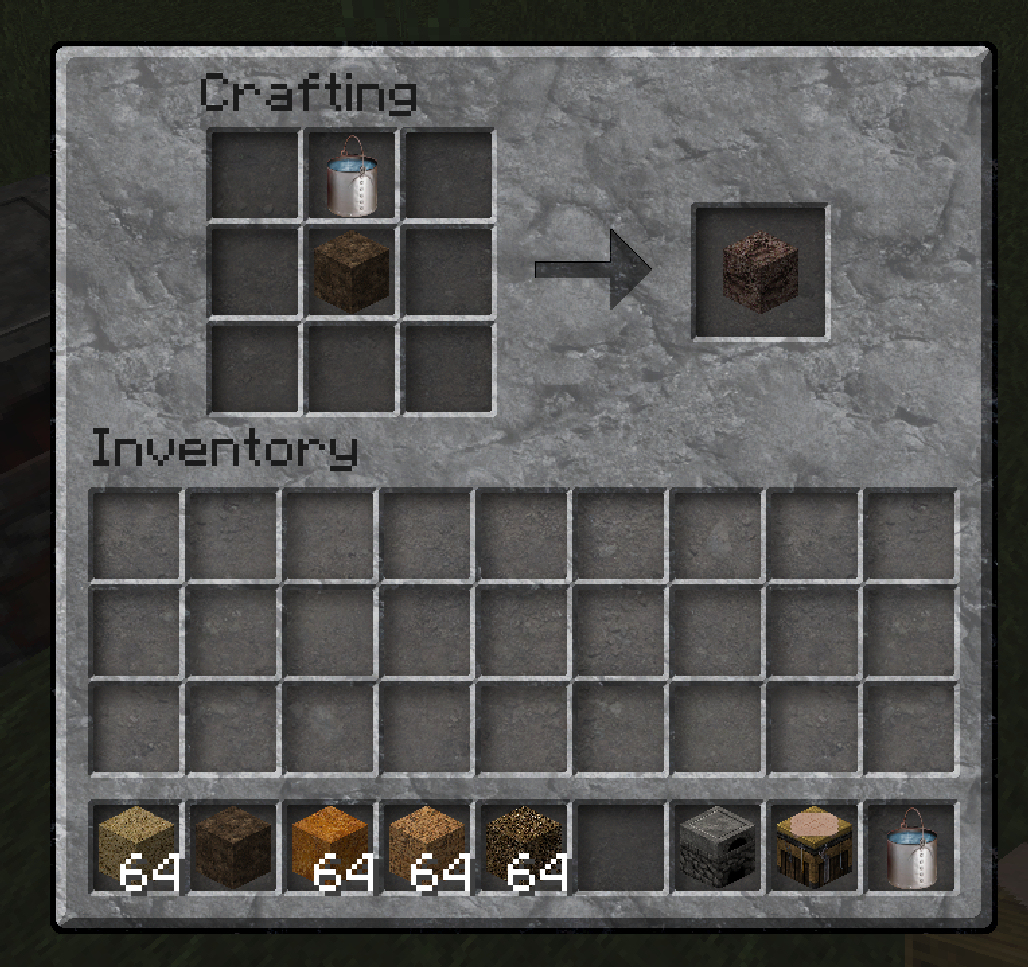
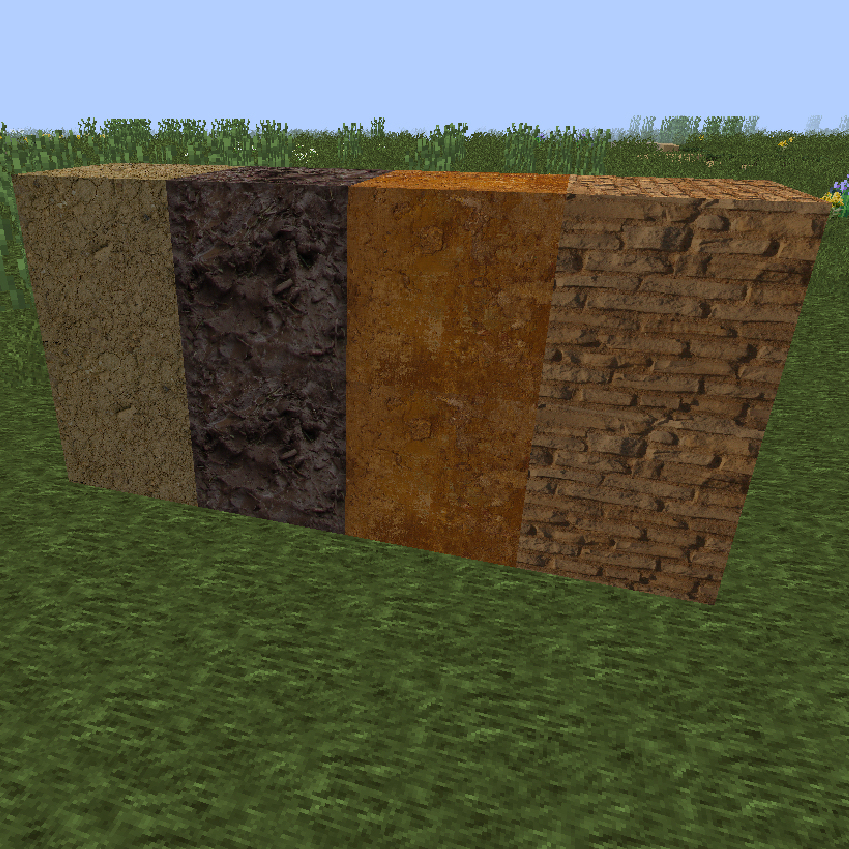
This mod adds four(4) new blocks that enable the use of adobe for building...The first block, Mud...The mud block can be crafted by placing a water bucket in the upper center slot and a block of dirt in the middle slot of the crafting table...Leaving mud in the sun will cause it to dry out and become the second block, the dried mud block...dried mud can be farmed using a stone hoe...Placing mud in the furnace will bake the mud into the the third block, the adobe block...the adobe block can be use to build or can be placed in the upper four, left hand slot of the crafting table to create the fourth block...the adobe brick block...Placing a mud block in the upper center slot of the crafting table, directly above a bucket of water will create muddy water...a bucket of muddy water can be used as fuel in the furnace...
- Edition: Minecraft Java
- File type: .jar
- How to install: Install the matching mod loader (Forge, Fabric or NeoForge) for your Minecraft version. → Download the .jar. → Put it in the .minecraft/mods folder and launch that loader profile.
- Where to get it: Opens on CurseForge — not every file is mirrored on our own servers.
Install steps are the general flow for this file type — How to install Minecraft Java mods & modpacks walks through it step by step.
- Downloads as wizardmods.zip
- Download size: 7.2 MB
- Download link checked 13 Oct 2026 — working
These come from our own check of the pack file, not from the source page.