Buffed Tools
Minecraft Java mod. Downloads from the MC Java Mods app on Android.
⬇ Download on CurseForge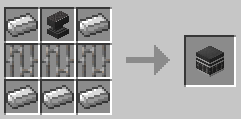
Mod reviews:
WanderingSoulOfTime made an awesome review!:
Another review by HelldogMadness(Spanish)!:
A review made by BioMasterZap
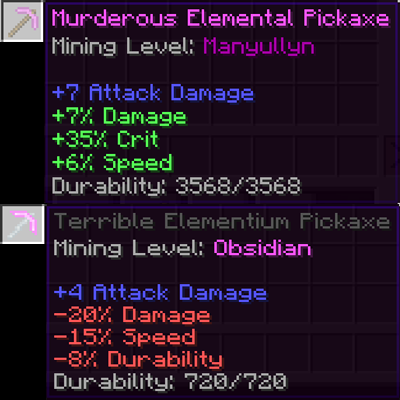
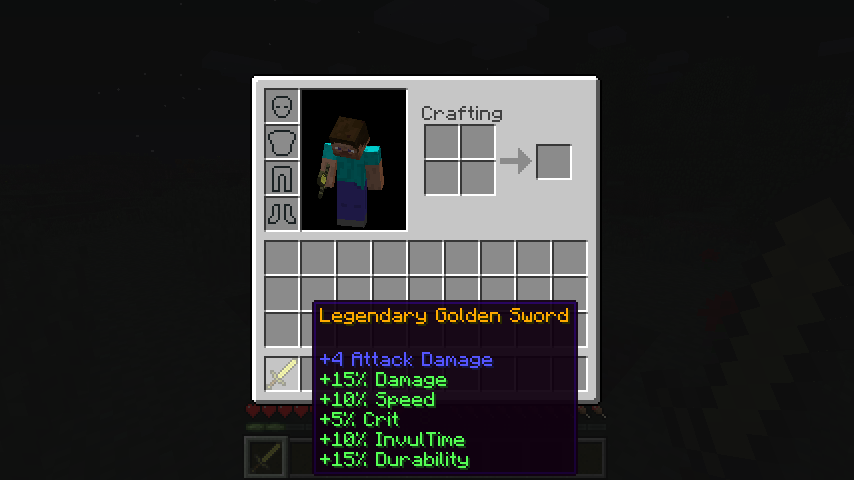
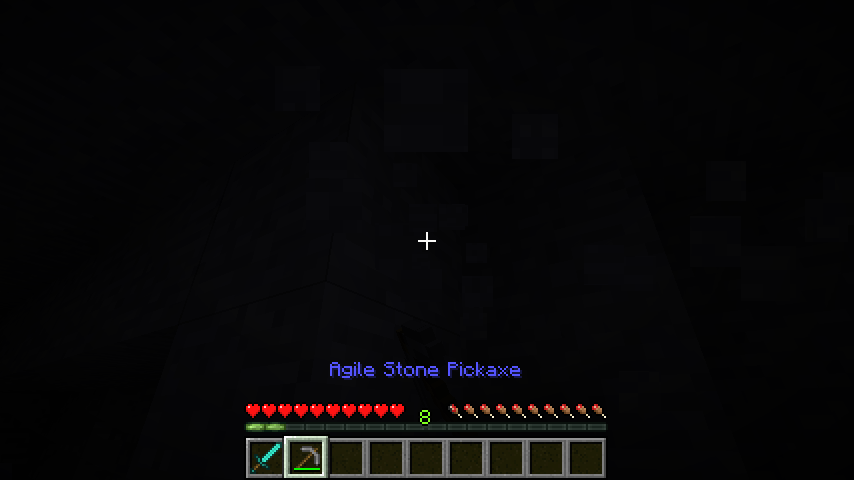
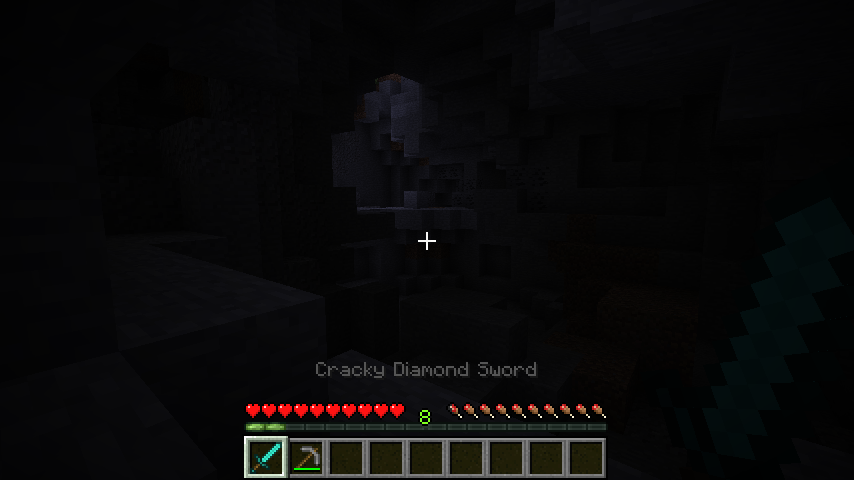
Buffed Tools is a small mod, created more for a tutorial, then to be an actual mod. But it makes the game a little bit different, so you may want to include it into your modpack. Buffed tools adds the "buff" system from Terraria into minecraft. For those, who are unaware - the system makes it so when you craft any tool, it will get a random set of buffs - or debuffs to it - making it stronger or weaker.
The mod adds the random buffs feature, that you could see in Terraria. While using this mod the tools you craft will have a random prefix, meaning, that they have sertain features to them.
Currently, there are 43 buffs, and 4 main effects they add. These are:
Durability - make your tools more or less durable. Basically, whenever you break a block (or hit a mob) there is a chance of either not loosing the durability of the tool(if this buff is positive) or to loose more(if the buff is negative)
Speed - increases(or decreases) the mining speed of the tool.
Damage - increases(or decreases) the damage your tool does to mobs. Remember, that the additional damage will be dealt after the main damage, and the blue number in the description of an item will always stay the same.
Crit - gives you a chance to triple the damage you deal to the enemy.
If you want - there is an option to add buffs using the config file.
You can take tool out while holding shift to do not apply any buff to your tool(if you feel unlucky).
To apply a random modifier to an existing tool, or to change the existing you can craft the Reforging Anvil: 
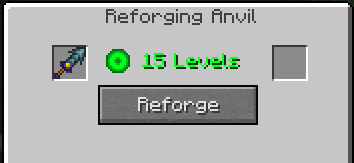
If you have any steel adding mods the Anvil in the recipe will be replaced by a Steel Block. After that you can open the GUI by right-clicking the block. It will have 2 slots - 1 is for your items, and in the second one the reforged item will appear. It costs experience to reforge any tool! And yes, it works with Mod tools!
Installation:
1. Install MinecraftForge
2. Install DummyCore
3. Download the mod itself
4. Put the downloaded .zip in mods.
- Edition: Minecraft Java
- File type: .jar
- How to install: Install the matching mod loader (Forge, Fabric or NeoForge) for your Minecraft version. → Download the .jar. → Put it in the .minecraft/mods folder and launch that loader profile.
- Where to get it: Opens on CurseForge — not every file is mirrored on our own servers.
Install steps are the general flow for this file type — How to install Minecraft Java mods & modpacks walks through it step by step.
- Ships as BuffedTools-1.1.1710.7.jar — drop this file into the mods folder
- Download size: 28 KB
- Download link checked 13 Oct 2026 — working
These come from our own check of the pack file, not from the source page.