Custom Sword
Minecraft Java mod. Downloads from the MC Java Mods app on Android.
⬇ Download on CurseForge


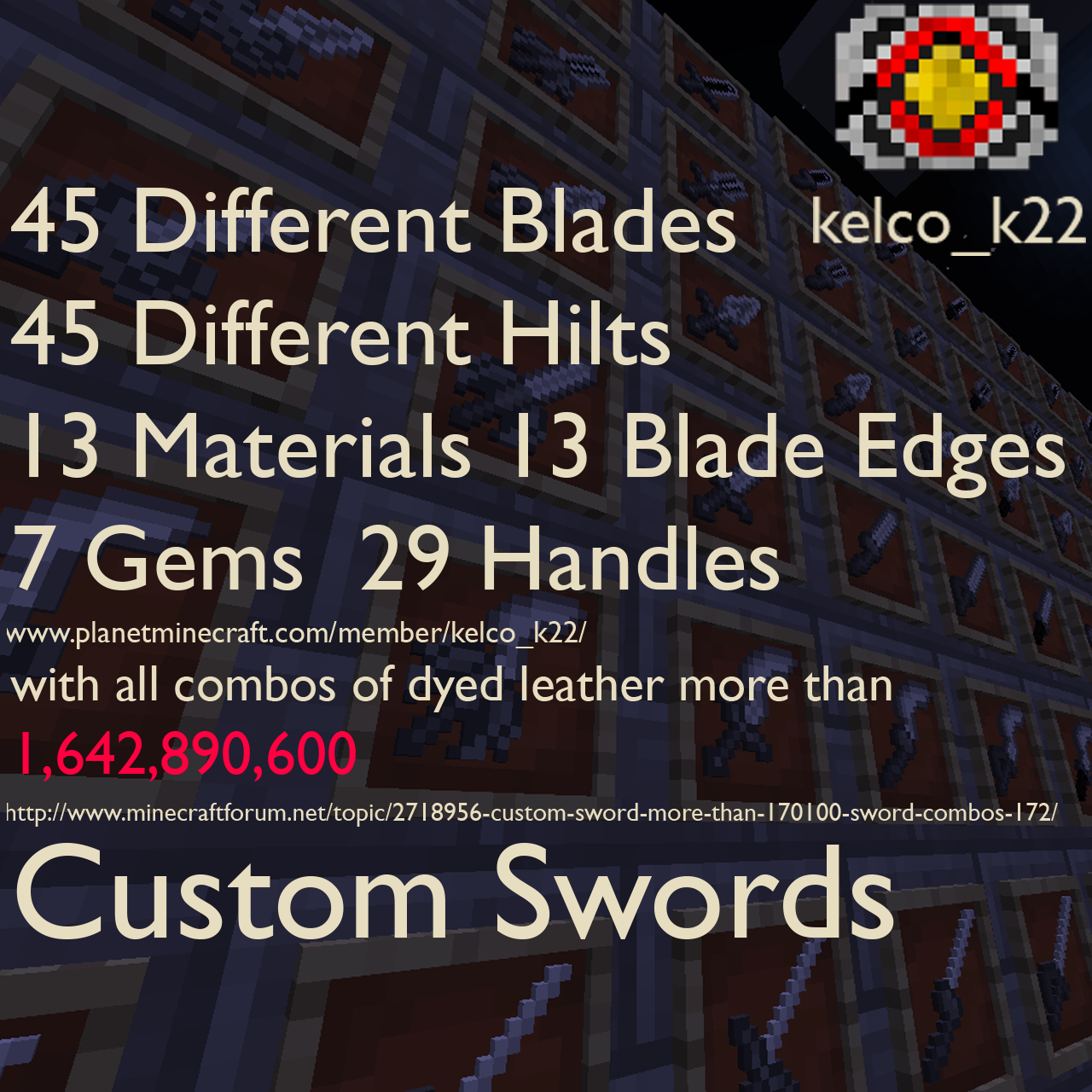
Customize your sword using 45 blade schematic, 46 hilts schematic, 15 Materials,13 Blade Edges, 7 gems, dye Leather Swords and change the handle Material to make more than 1,822,030,560 different Custom Swords
You can get the schematics by crafting them, finding them or by punching mobs with a Blank Schematic.
How to edit your Custom Sword
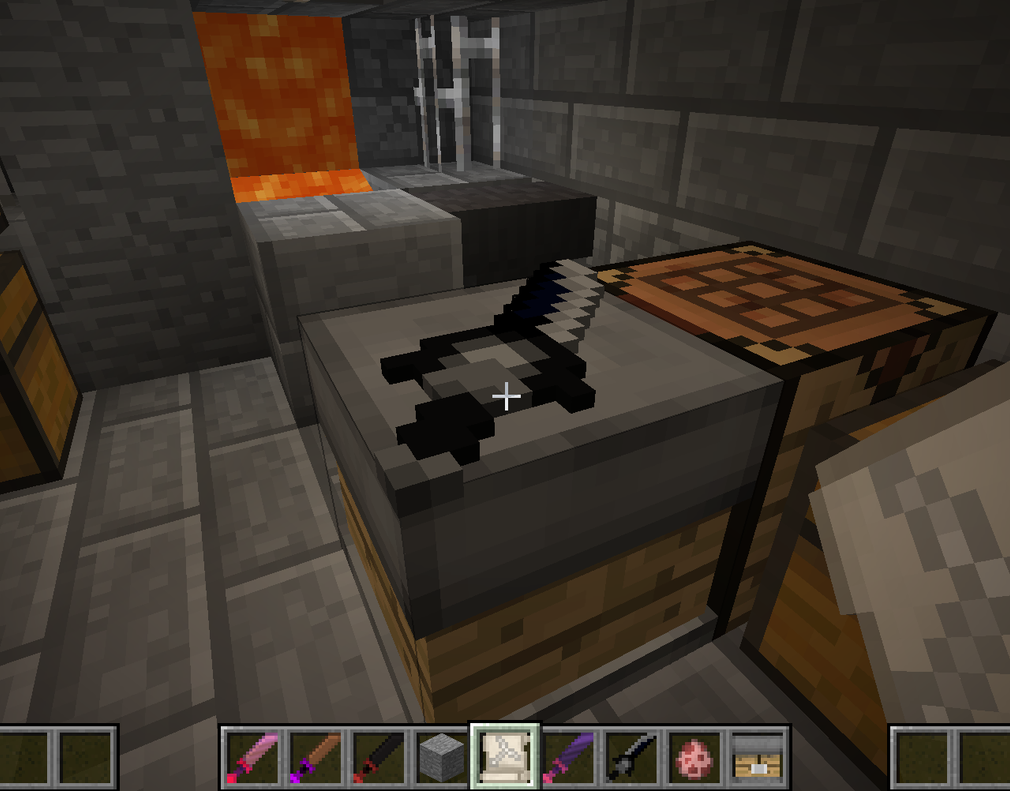
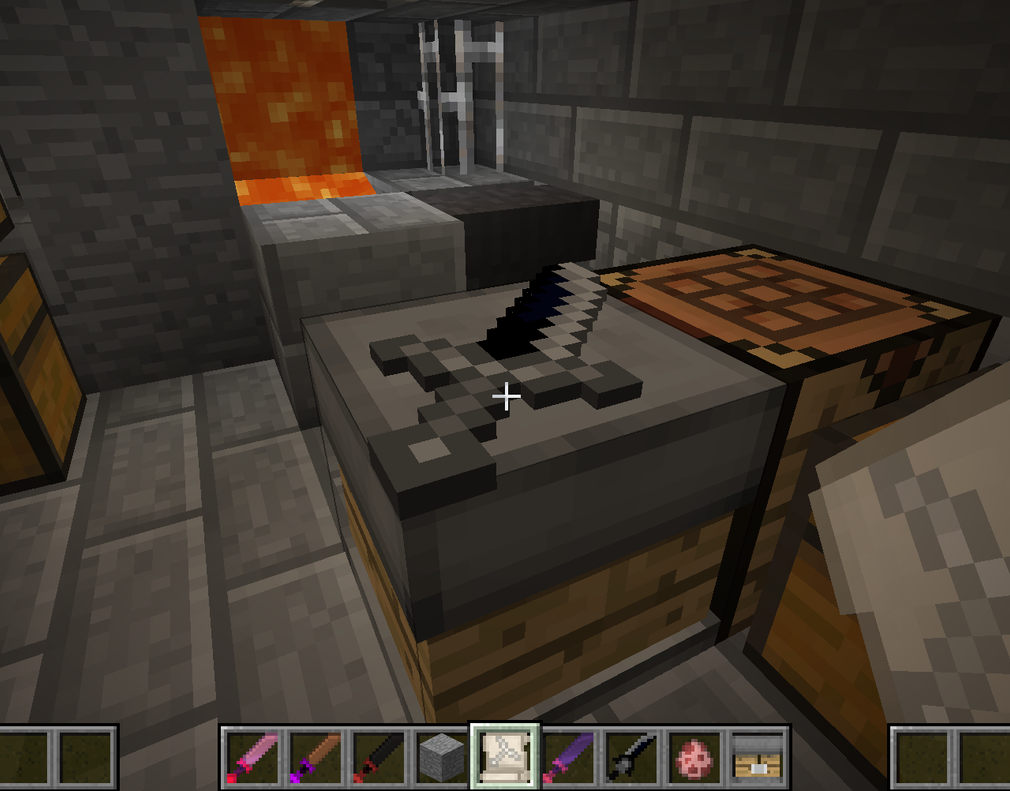
to edit a Custom Sword use a Schematic/gem/Blade Edge/handle with a Custom Sword Work Table
Crafting
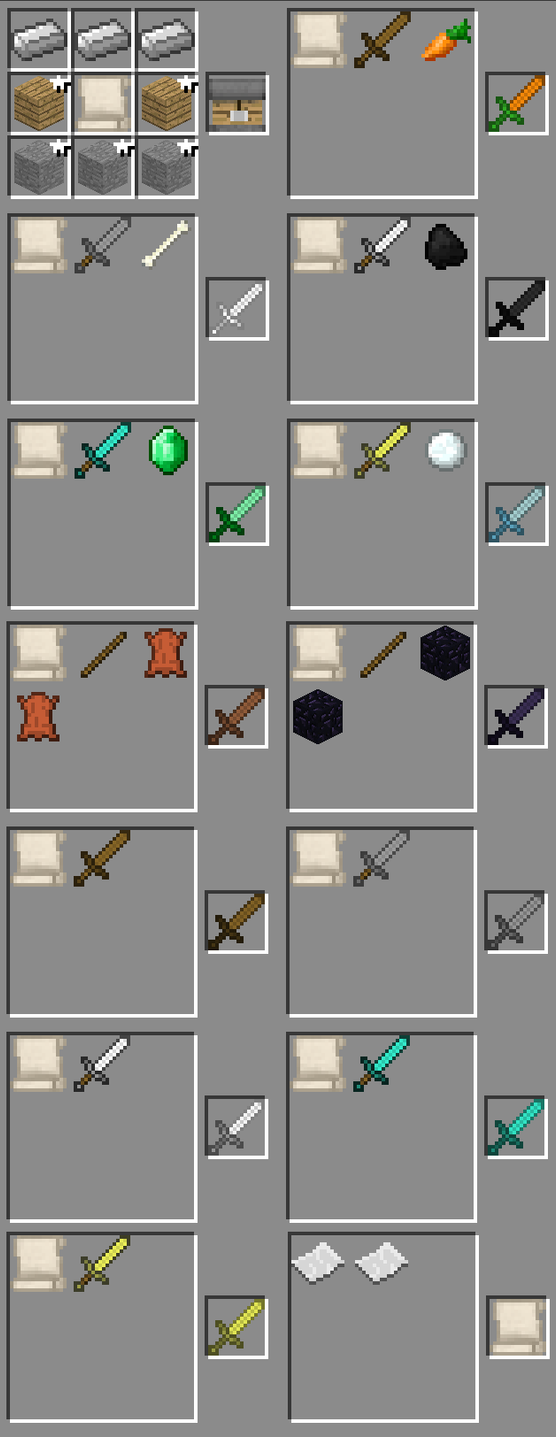
most of the crating is shapeless the Custom Sword Work Table not
Mobs/Boss
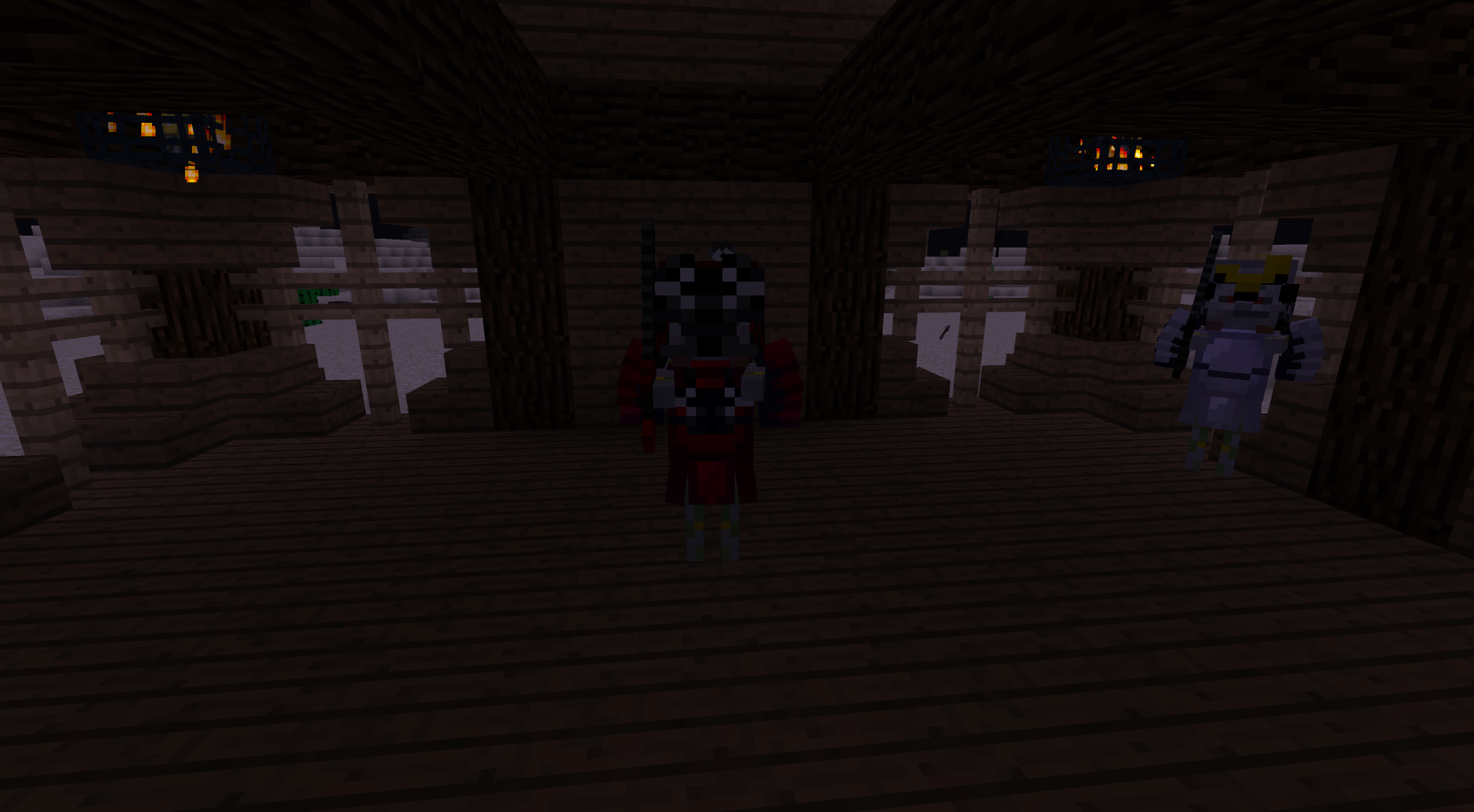
For now there is only one boss, The Shogun Skeleton and his minions the Samurai Skeletons
to start the boss fight you need to right click with a Flame Core to make this
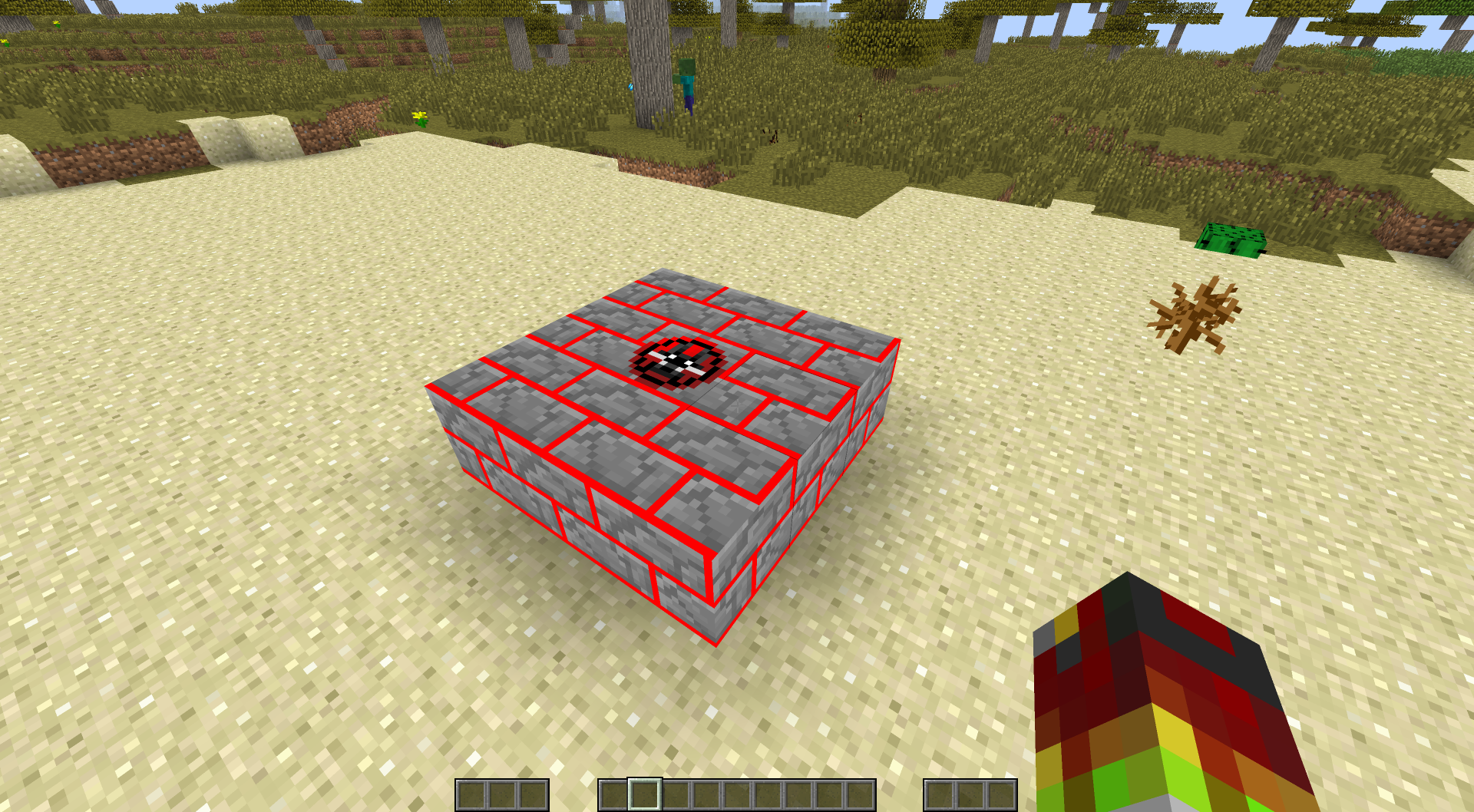
now brake the block in the middle to spawn in the Shogun Skeleton dungeon
The Dragon faces the place it will spawn.
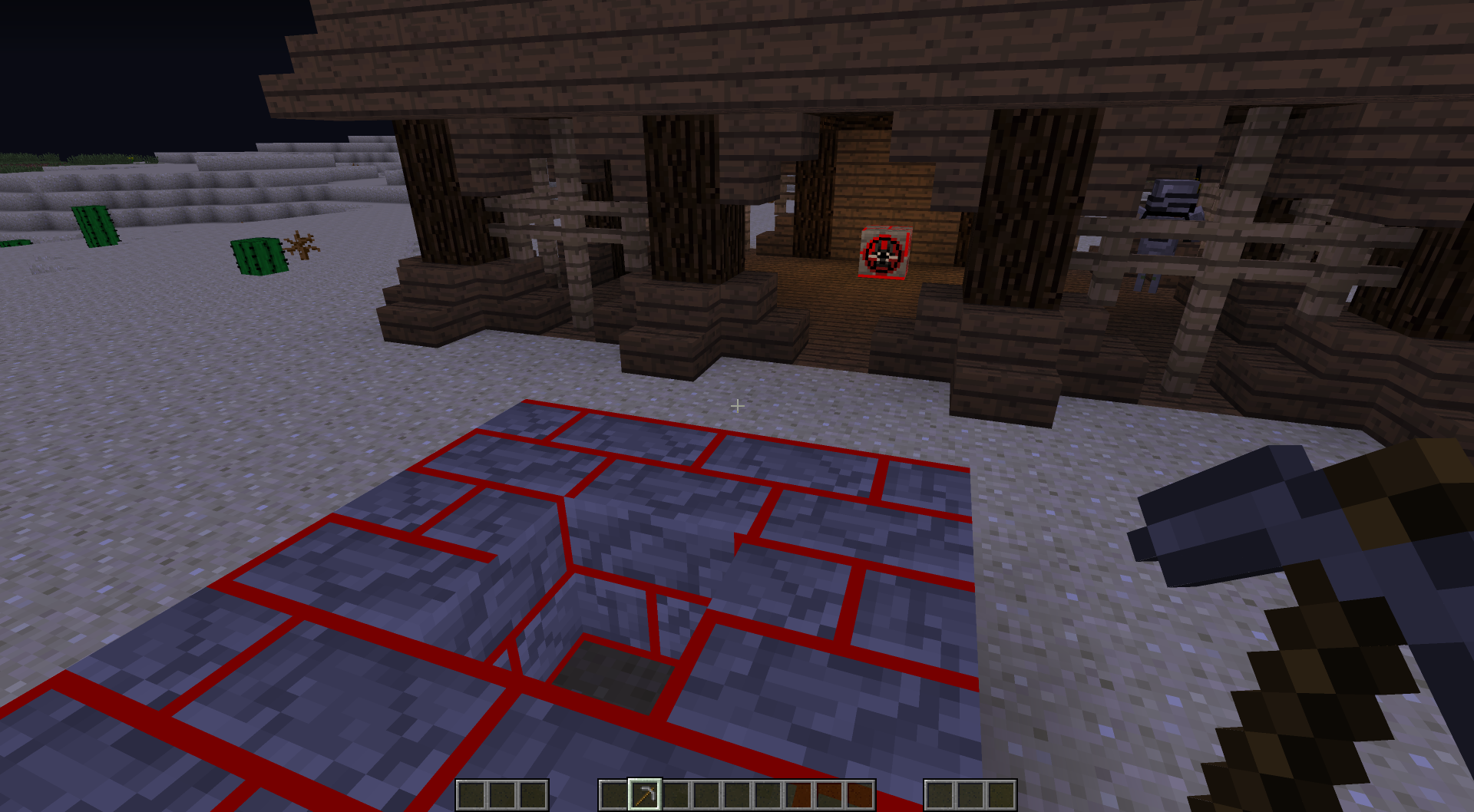
The time will be change to night, and Samurai Skeletons will start to spawn.
Samurai Skeletons will spawn with a Iron Samurai, Diamond Samurai or Golden Samurai Kabuto and Chestplate with their own custom sword
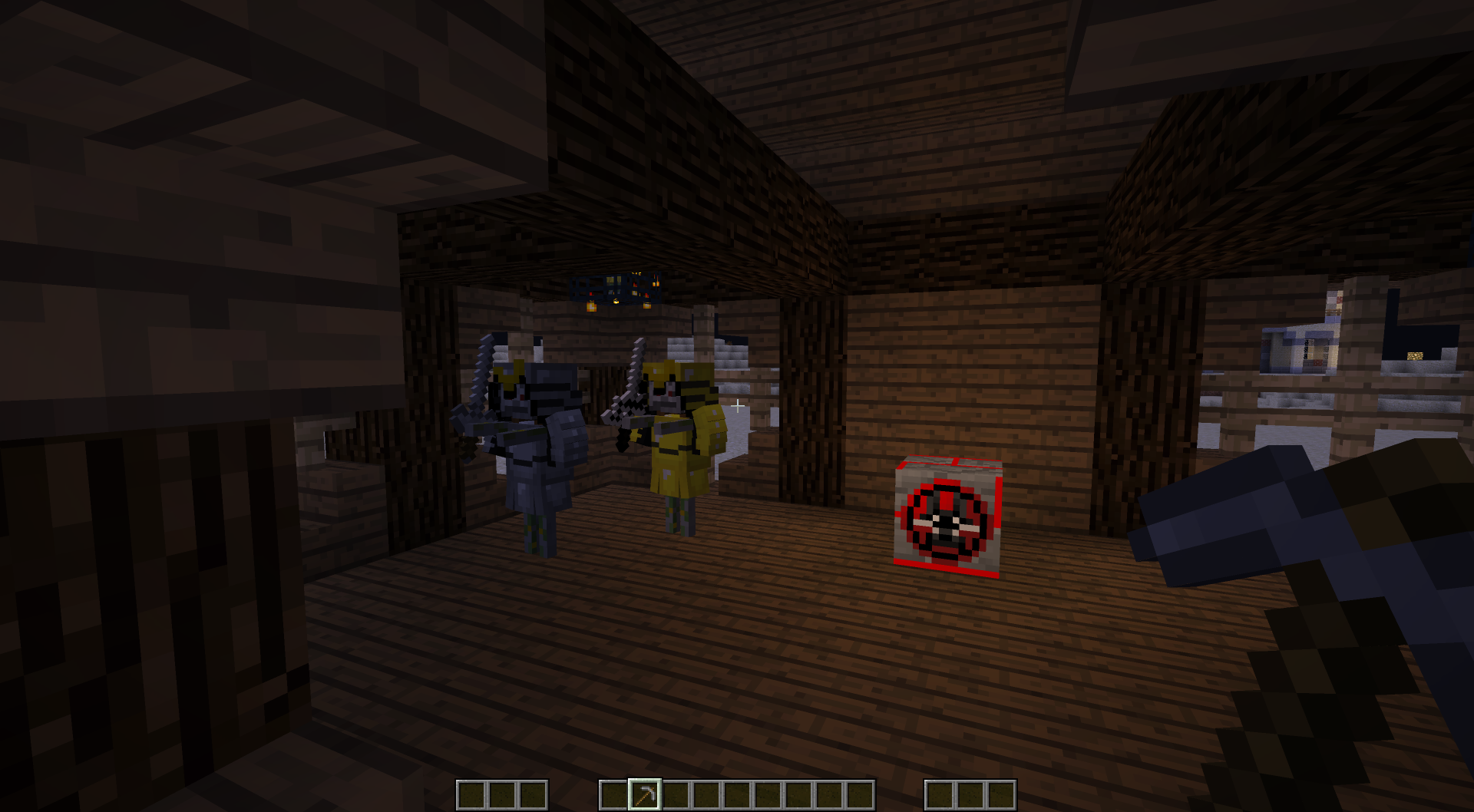
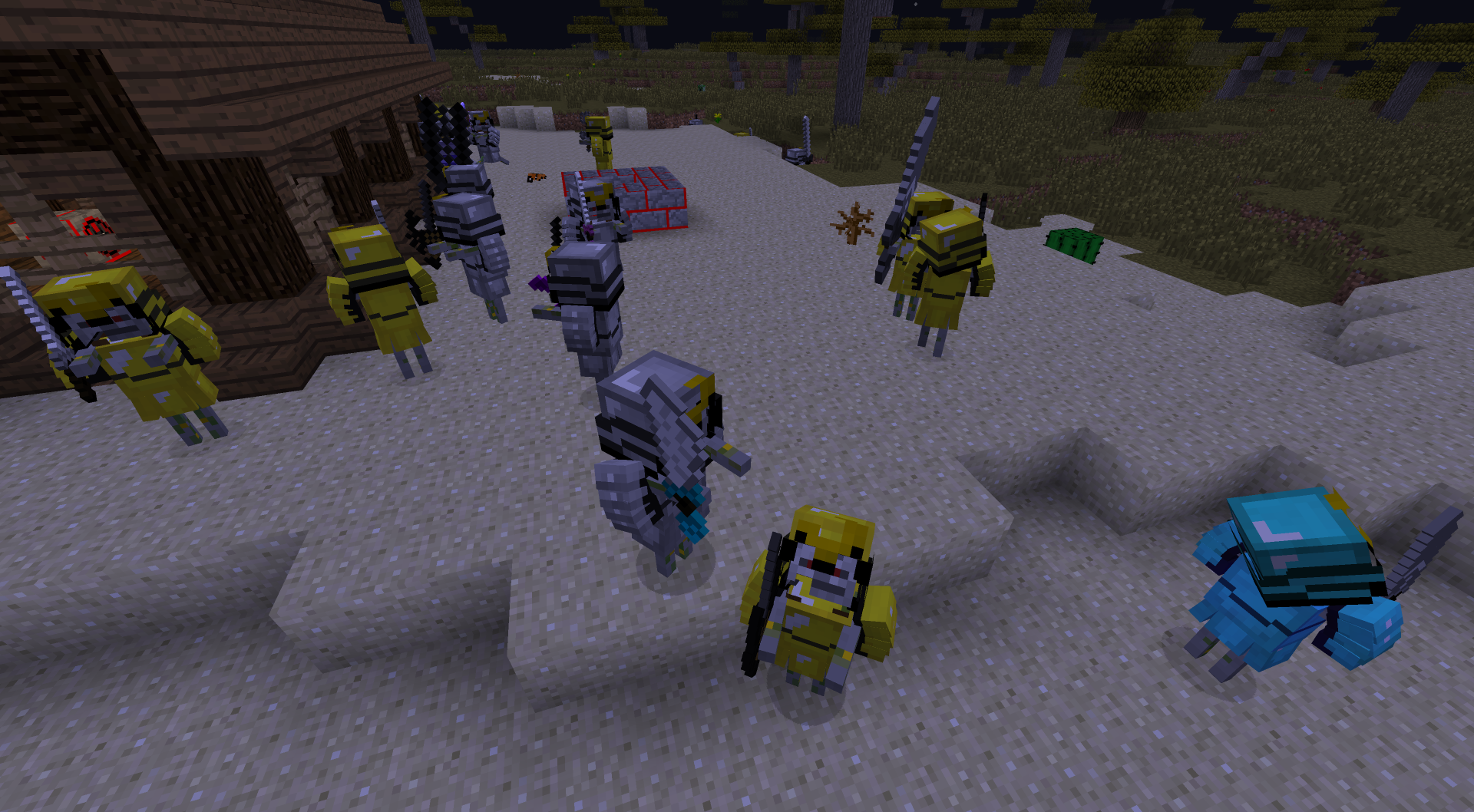
As soon as you are ready to take on the boss. brake The block to spawn him in.

My videos
- Edition: Minecraft Java
- File type: .jar
- How to install: Install the matching mod loader (Forge, Fabric or NeoForge) for your Minecraft version. → Download the .jar. → Put it in the .minecraft/mods folder and launch that loader profile.
- Where to get it: Opens on CurseForge — not every file is mirrored on our own servers.
Install steps are the general flow for this file type — How to install Minecraft Java mods & modpacks walks through it step by step.
- Ships as custom_sword_1.7.10_V0.14.jar — drop this file into the mods folder
- Download size: 1.3 MB
- Download link checked 13 Oct 2026 — working
These come from our own check of the pack file, not from the source page.