
ModsJava
Armory-World
Minecraft Java mod. Downloads from the MC Java Mods app on Android.
⬇ Download on CurseForge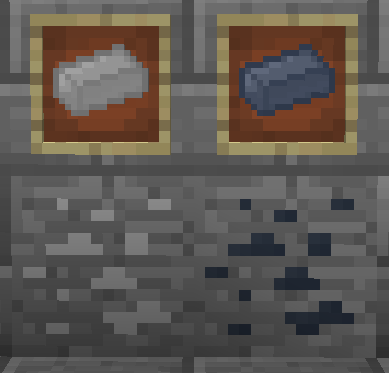
What does Weaponry do:
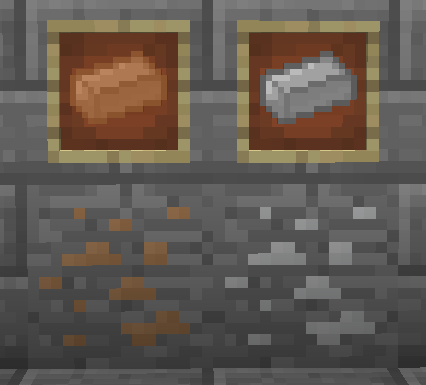
World is a Add-On for Armory that adds the common metals to Armories Armor System. Example of the Metals:
- Copper
- Tin
- etc.
It adds completely configurable WorldGen for these metals to the World. Which you can disable if you want, as Armory is mostly OreDic supported.
How to Install:
Install Armory (Get it Here)
Install Armory - World (Check out the right hand bar for the Download!)
Enjoy!
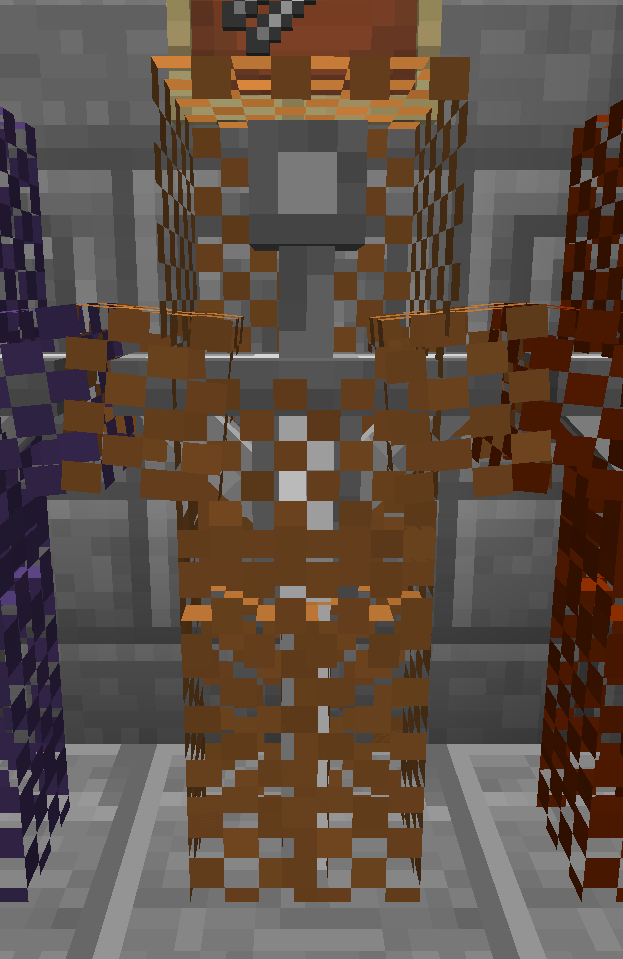
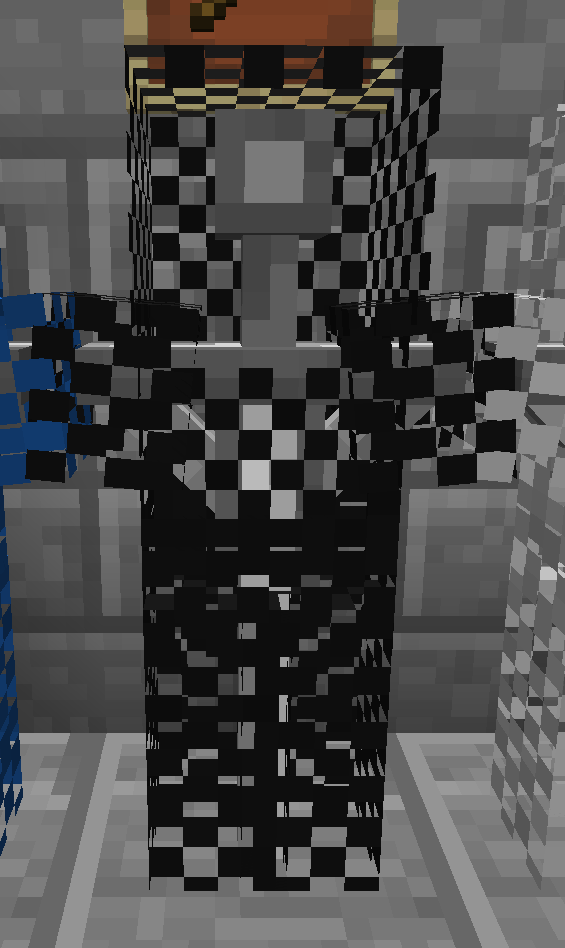
An Example suit:
How can you reach me?
If you are enthusiastic and want to help this project become a reality (even more than it is now) then contact me with some examples of you work on this site, preferably using a personal message of some kind. And we will figure something out from there.
Other Modules for Armory?
Currently there are the following modules for Armory available:
- Armory - Armoring the World.
The core Armory mod, provides all the blocks, mechanics, items and the Vanilla materials for the Armory System. Without this module no other Module will work in your Environment! (Get it Here) - Armory - Weaponry
This module adds the Tinkers Construct metals to Armories Armoring System. (Get it Here)
Quick facts
- Edition: Minecraft Java
- File type: .jar
- How to install: Install the matching mod loader (Forge, Fabric or NeoForge) for your Minecraft version. → Download the .jar. → Put it in the .minecraft/mods folder and launch that loader profile.
- Where to get it: Opens on CurseForge — not every file is mirrored on our own servers.
Install steps are the general flow for this file type — How to install Minecraft Java mods & modpacks walks through it step by step.
File checked by MCModsHub
- Ships as Armory-World-1.0.0-17.jar — drop this file into the mods folder
- Download size: 72 KB
- Download link checked 23 Sept 2026 — working
These come from our own check of the pack file, not from the source page.