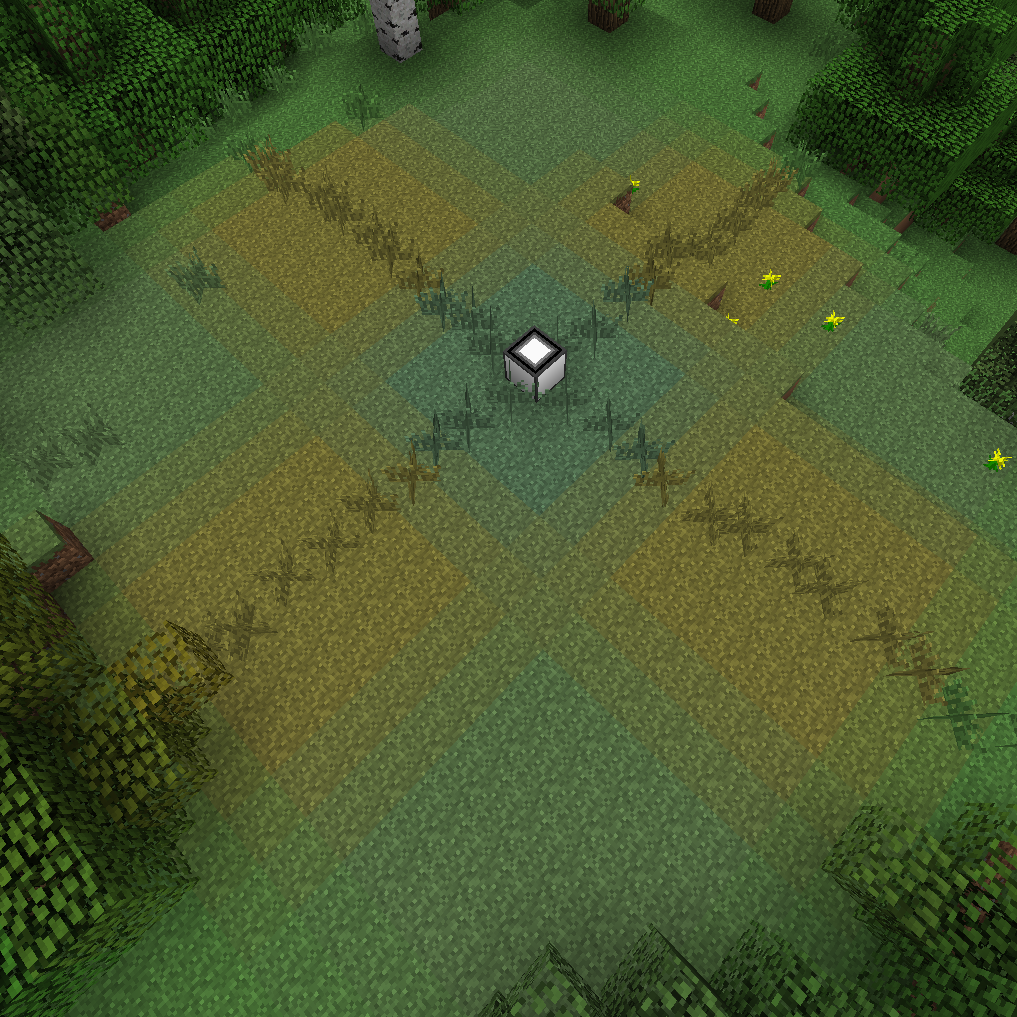
Terraformer
Minecraft Java mod. Downloads from the MC Java Mods app on Android.
⬇ Download on CurseForge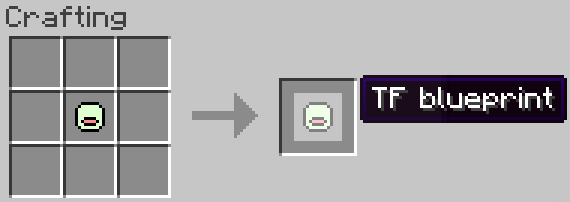
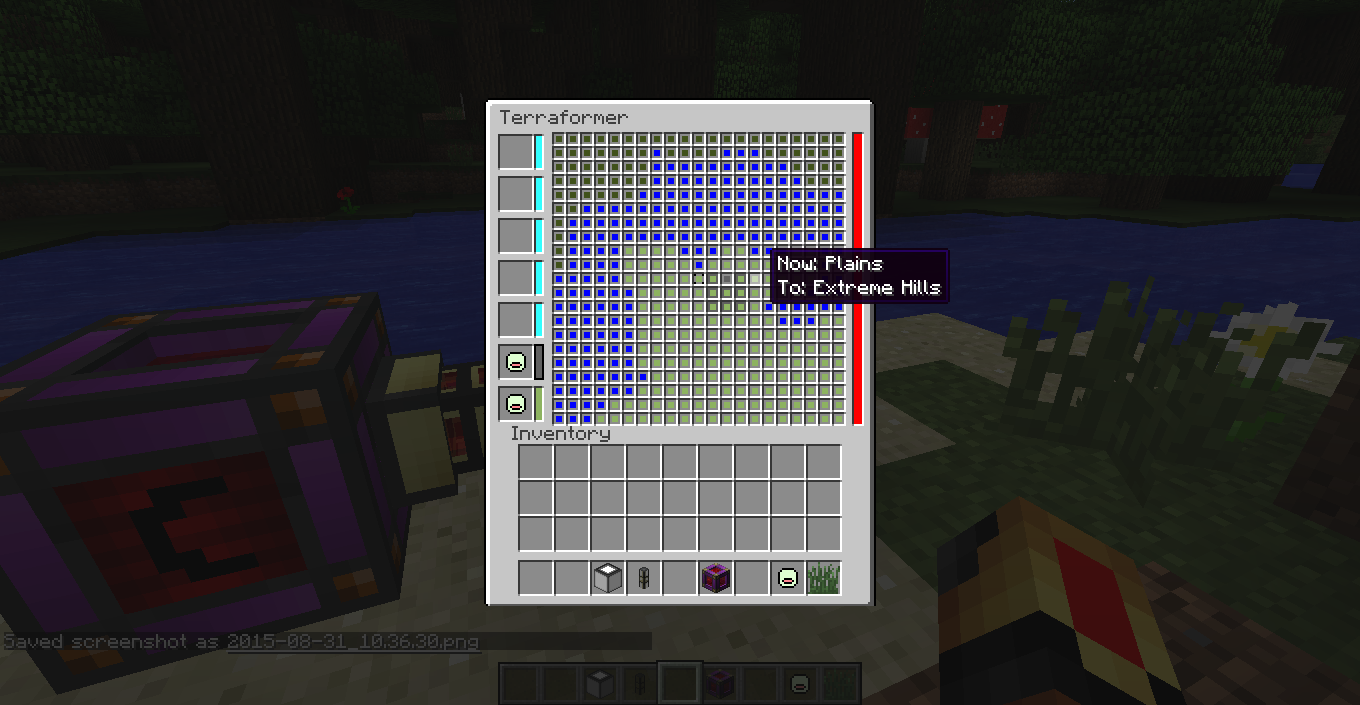
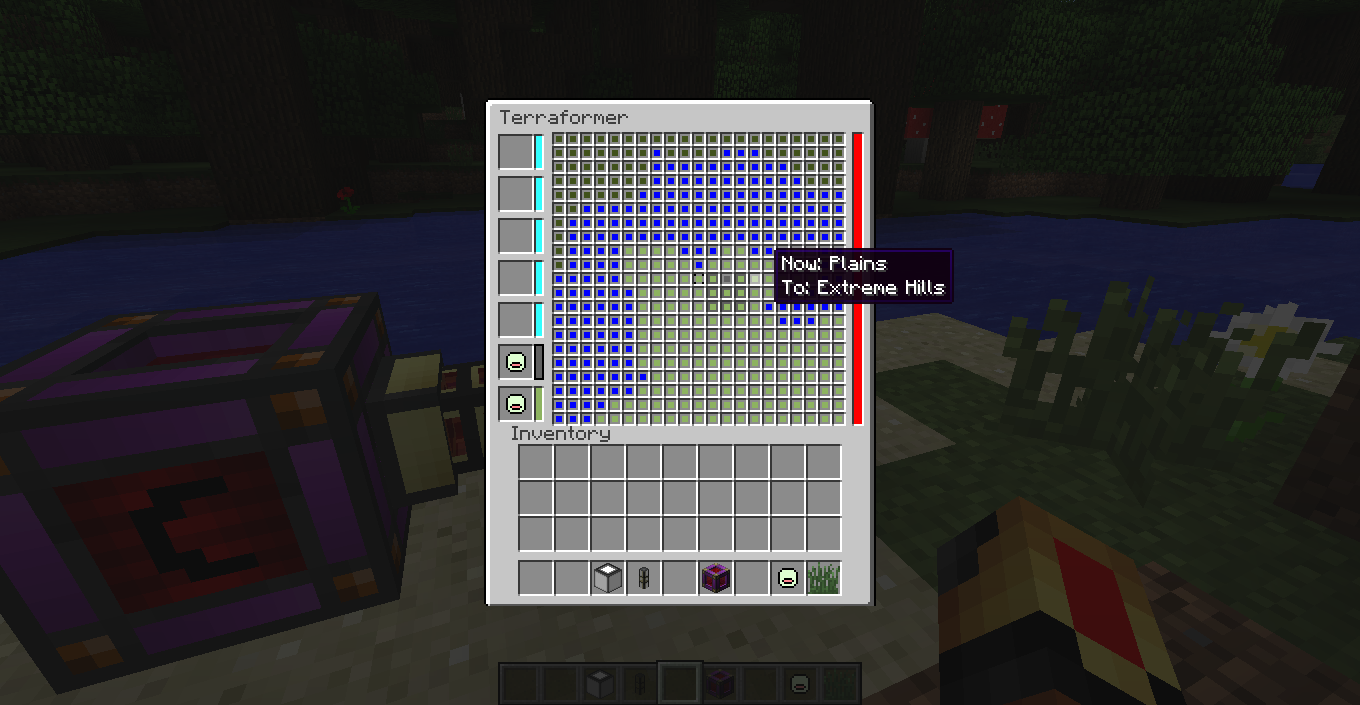
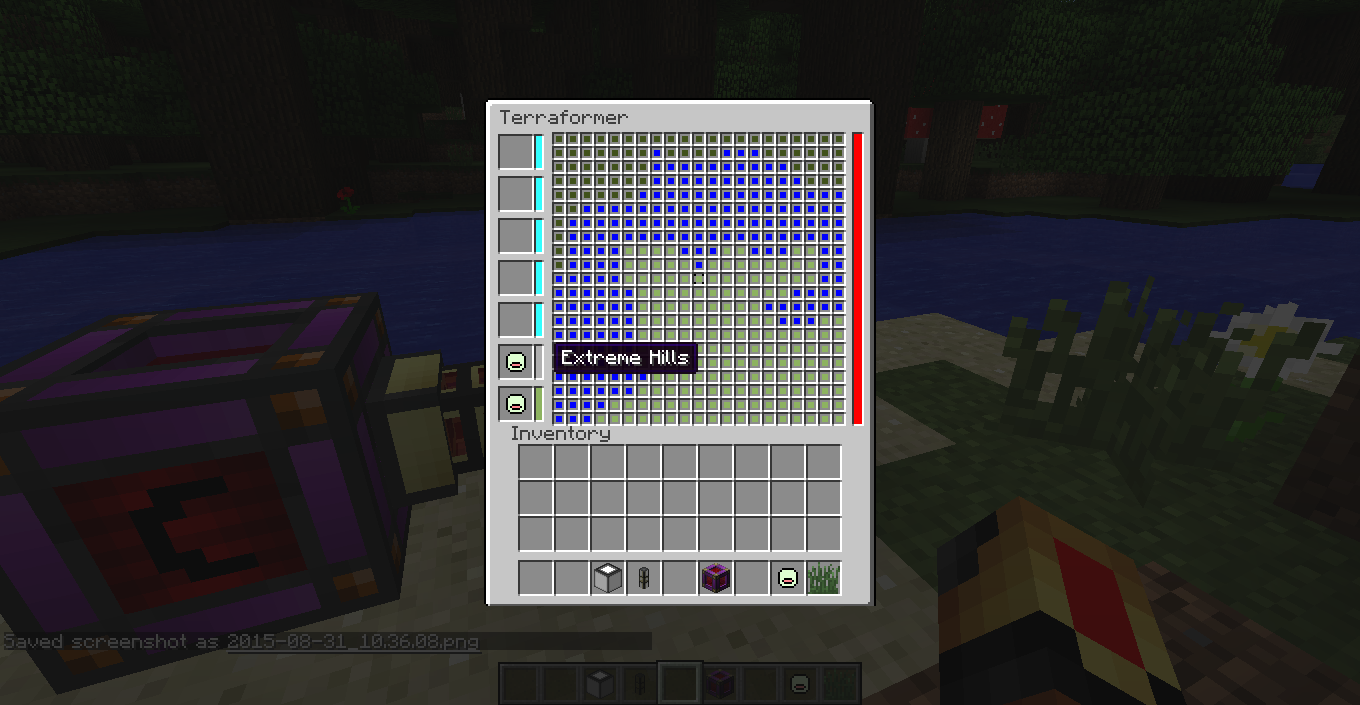
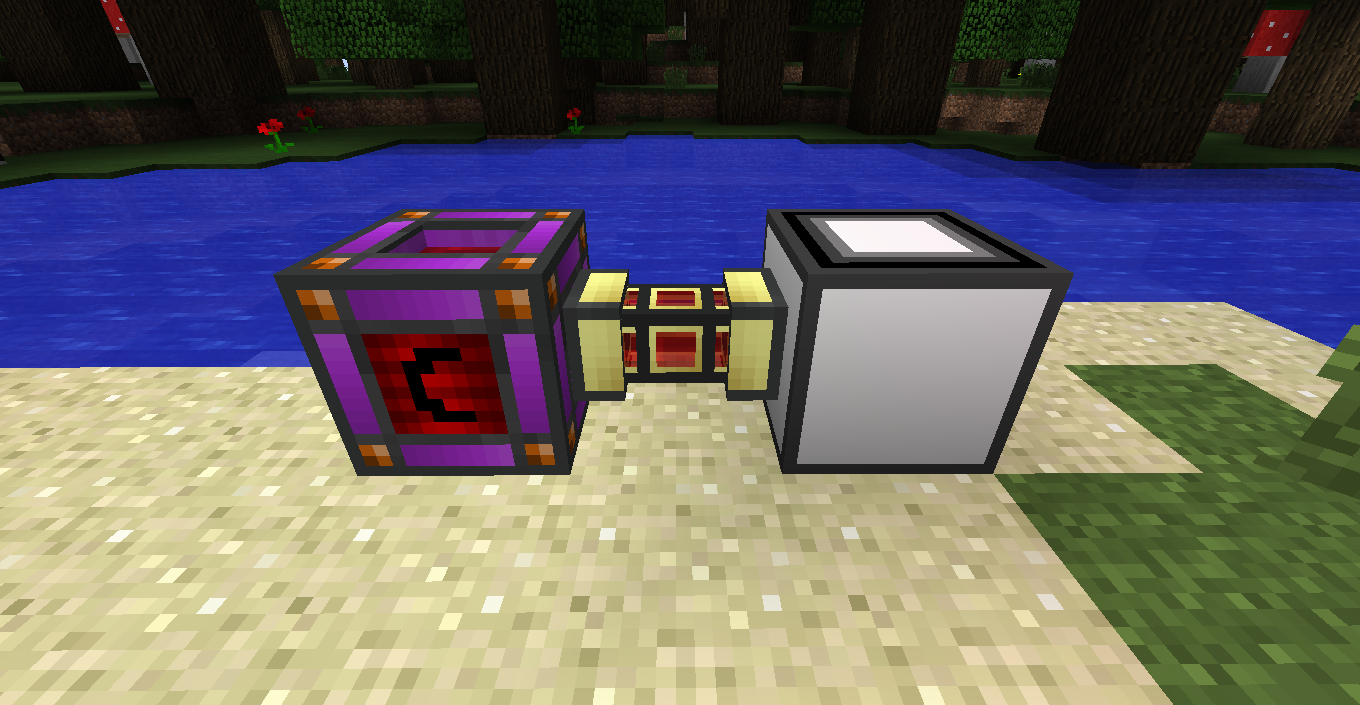
Use Cofhs Redstone Flux to terraform your world (only changing the biome, no blocks are changed yet).
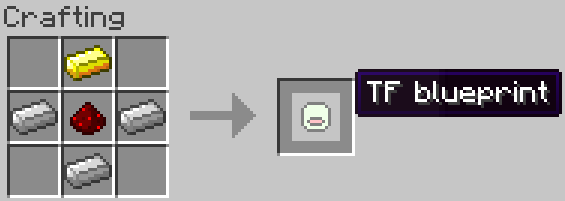
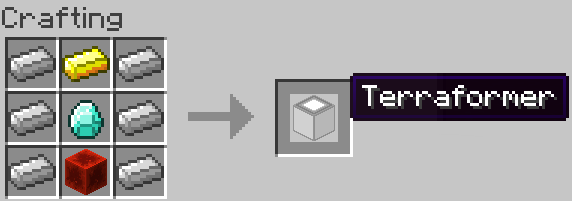
Recipes
The biome hold by the TF blueprint will be the biome you stand in when you craft it.
How to use
Setup
First we need power. So connect a RF power source to one of the sides of the terraformer.
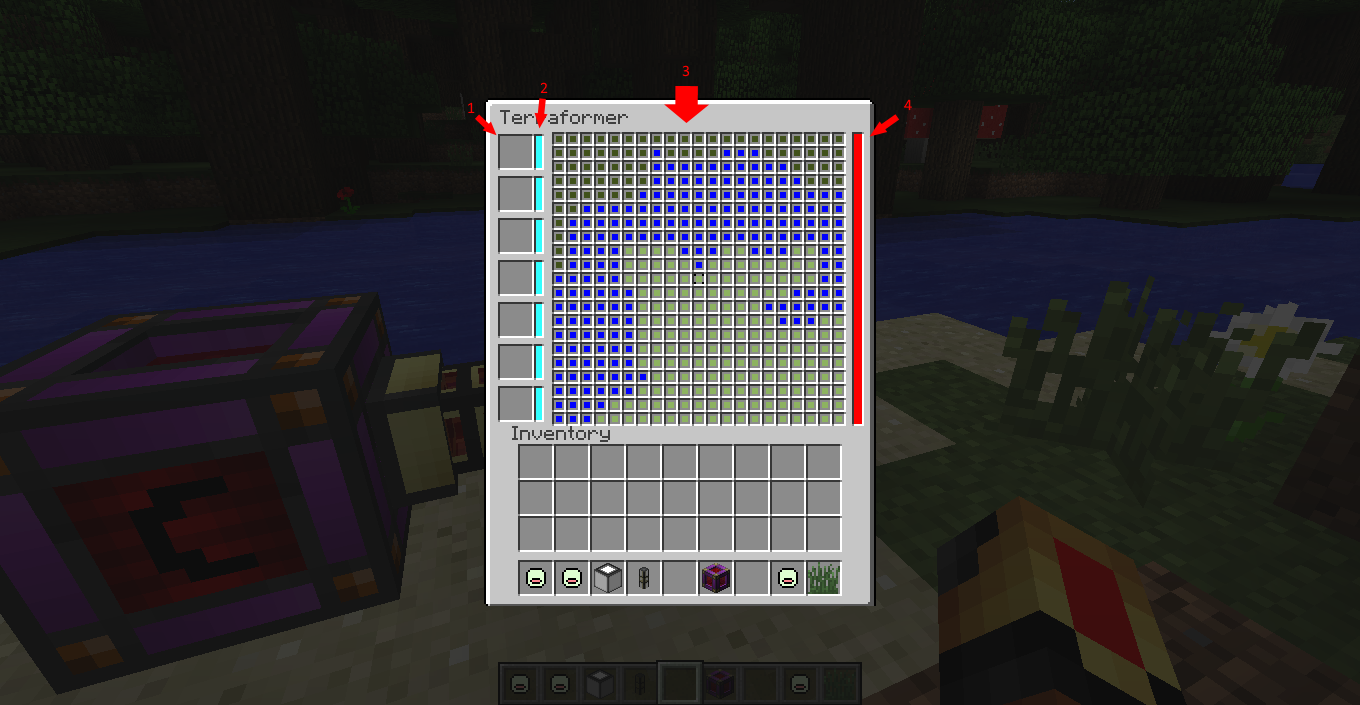
The GUI
Than we can open the GUI and start terraforming
1. TF-blueprint slots
This is the part of the GUI where you can put your TF-blueprints.
2. Colorers
The colors of these boxes will change to the color of the TF-blueprint next to it. Than you can select a color by clicking on it. A black box will appear around the selected color. (Shift right clicking on a colorer will change every block in range to that color, shift left clicking will clear the main screen)
3. Main screen
With the color you selected above you can change the biome of every block around the terraformer seperately. Right click sets the selected block to the selected colorer, left click sets the block to the current biome.
4.Energy bar
This will display how mutch energy is in the terraformer.
- Edition: Minecraft Java
- File type: .jar
- How to install: Install the matching mod loader (Forge, Fabric or NeoForge) for your Minecraft version. → Download the .jar. → Put it in the .minecraft/mods folder and launch that loader profile.
- Where to get it: Opens on CurseForge — not every file is mirrored on our own servers.
Install steps are the general flow for this file type — How to install Minecraft Java mods & modpacks walks through it step by step.
- Ships as terraformer-0.1.1.jar — drop this file into the mods folder
- Download size: 40 KB
- Download link checked 13 Oct 2026 — working
These come from our own check of the pack file, not from the source page.