Atelier Canvas - Custom Paintings
Minecraft Java mod. Downloads from the MC Java Mods app on Android.
⬇ Download on CurseForge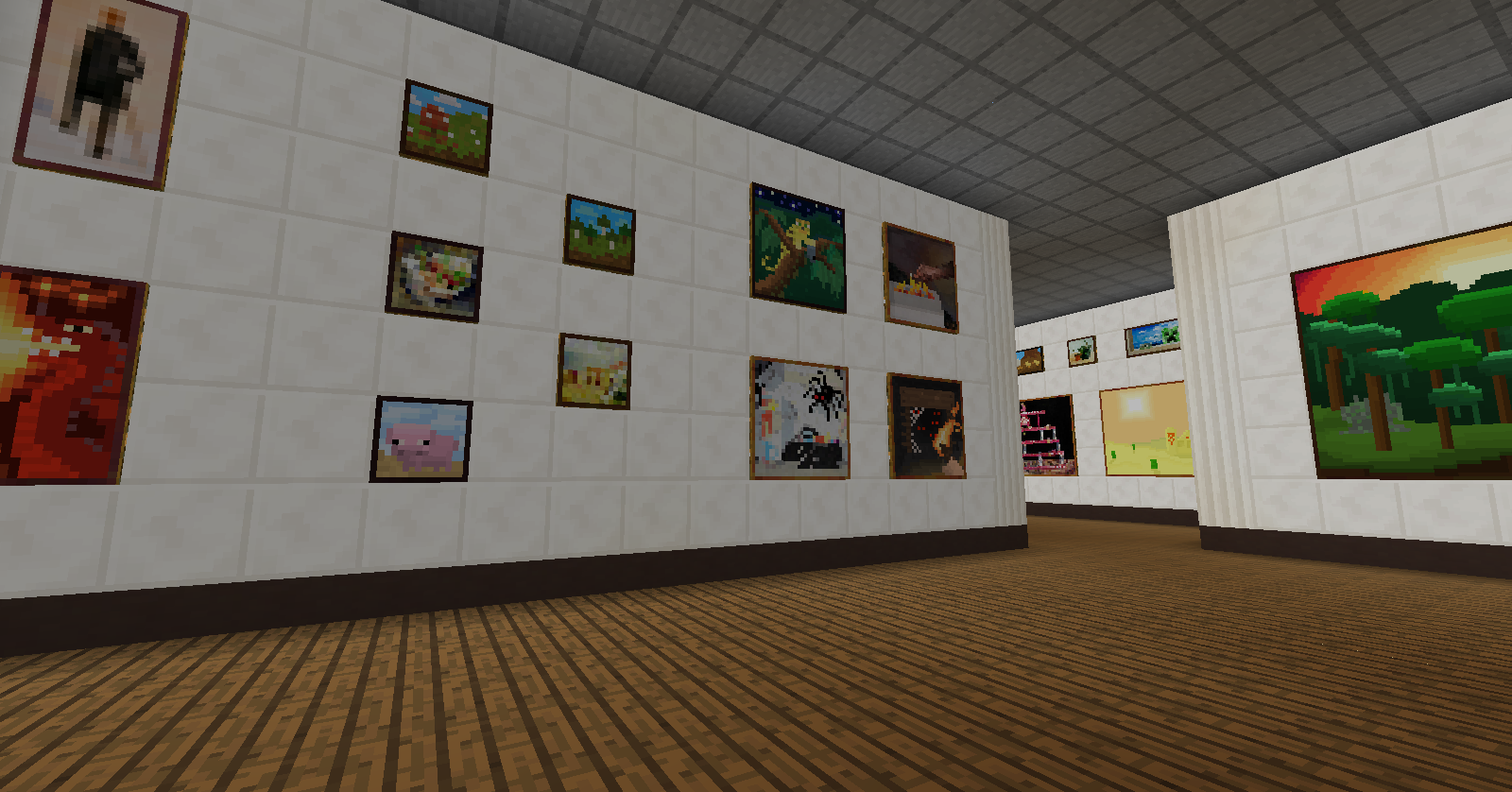

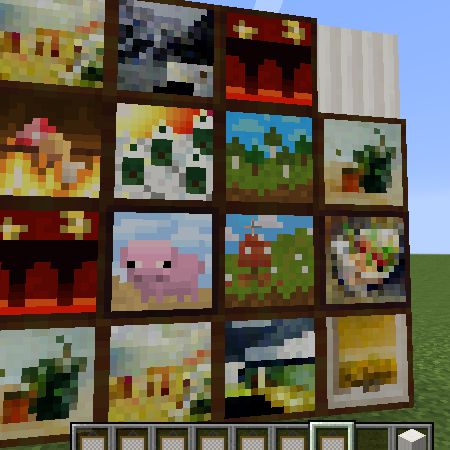
This mod allows players to add any image file they want and make it a painting, to be used in-game. The paintings added in this mod do not replace vanilla paintings, so you can have an art gallery of your own!
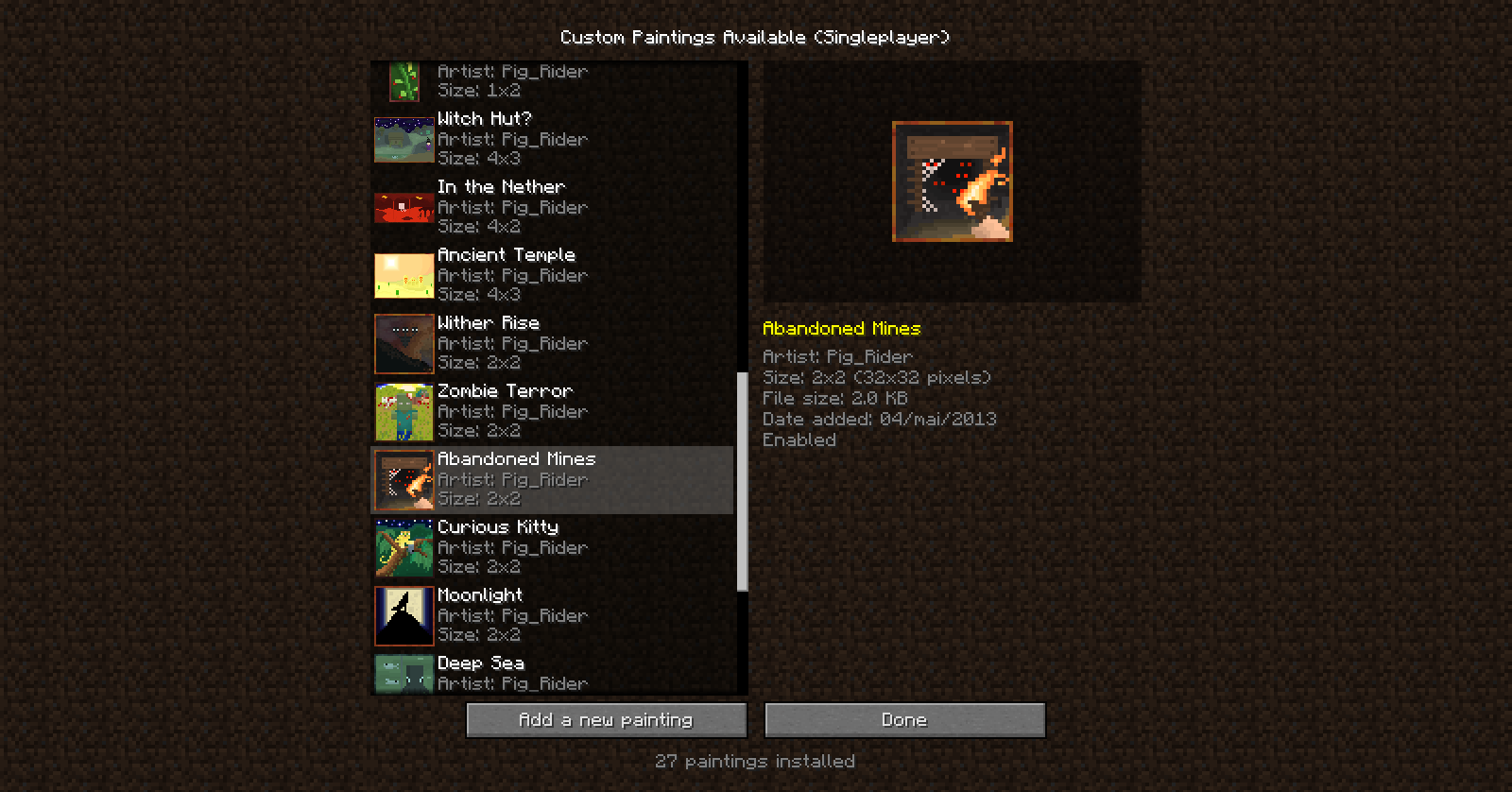
The paintings can be added in the mod config, in-game (click Mods > Atelier Canvas > Import Paintings). The images must be PNG files and can have up to 128x128 pixels.
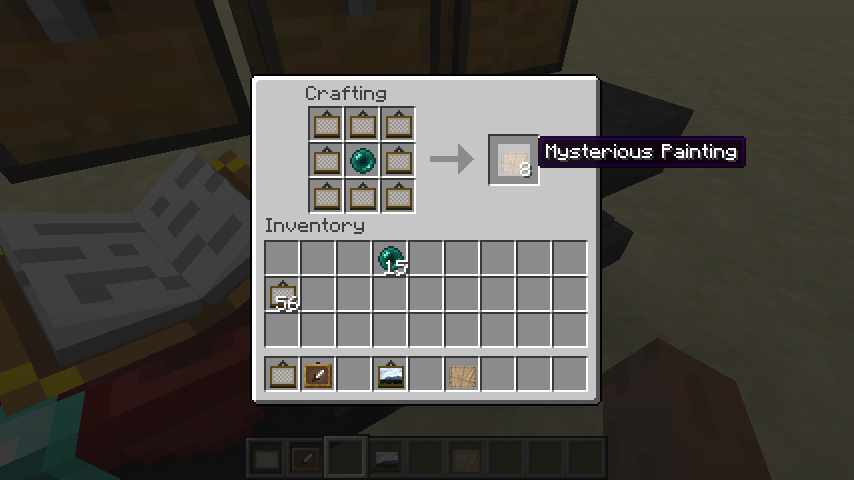
To get the custom paintings you installed, you'll need to craft a Mysterious Painting (recipe in the images). Open the mysterious painting (right-click) and you'll get a random custom painting.
Currentlly the mod is in BETA, so there may be bugs. If you find any, report on GitHub or post on the Minecraft Forums. It should not cause any world corruption, but make backup just in case.
Hope you like it :)
NOTE: The mod does not come with any new paintings by default (yet).
- Edition: Minecraft Java
- File type: .jar
- How to install: Install the matching mod loader (Forge, Fabric or NeoForge) for your Minecraft version. → Download the .jar. → Put it in the .minecraft/mods folder and launch that loader profile.
- Where to get it: Opens on CurseForge — not every file is mirrored on our own servers.
Install steps are the general flow for this file type — How to install Minecraft Java mods & modpacks walks through it step by step.
- Ships as AtelierCanvas[1.7.10]-0.2.0.jar — drop this file into the mods folder
- Download size: 166 KB
- Download link checked 23 Sept 2026 — working
These come from our own check of the pack file, not from the source page.