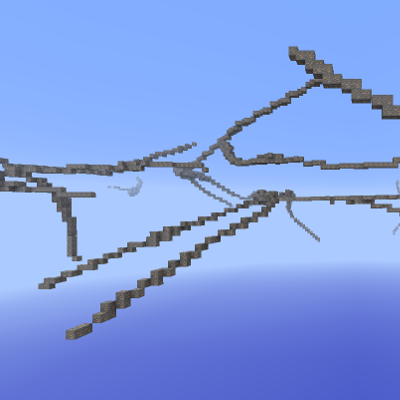
CustomOreGen gives the user control over the placement of ores and other blocks via a sophisticated XML configuration language. Config authors can generate ores according to three main distribution types: veins, clouds and vanilla clusters. They can also substitute any block in the world with another one. The configurations can be parameterized by custom options (such as whether a particular ore should be deposited as a vein or cloud), and the player can configure those options through an in-game GUI during world creation. Default configurations are included for vanilla and most major mods. See the wiki for documentation and the MCF post for more information.
- Edition: Minecraft Java
- File type: .jar
- How to install: Install the matching mod loader (Forge, Fabric or NeoForge) for your Minecraft version. → Download the .jar. → Put it in the .minecraft/mods folder and launch that loader profile.
- Where to get it: Opens on CurseForge — not every file is mirrored on our own servers.
Install steps are the general flow for this file type — How to install Minecraft Java mods & modpacks walks through it step by step.
- Ships as CustomOreGen-1.7.10-1.2.26.jar — drop this file into the mods folder
- Download size: 580 KB
- Download link checked 1 Sept 2026 — working
These come from our own check of the pack file, not from the source page.