
LightsPlus
Minecraft Java mod. Downloads from the MC Java Mods app on Android.
⬇ Download on CurseForge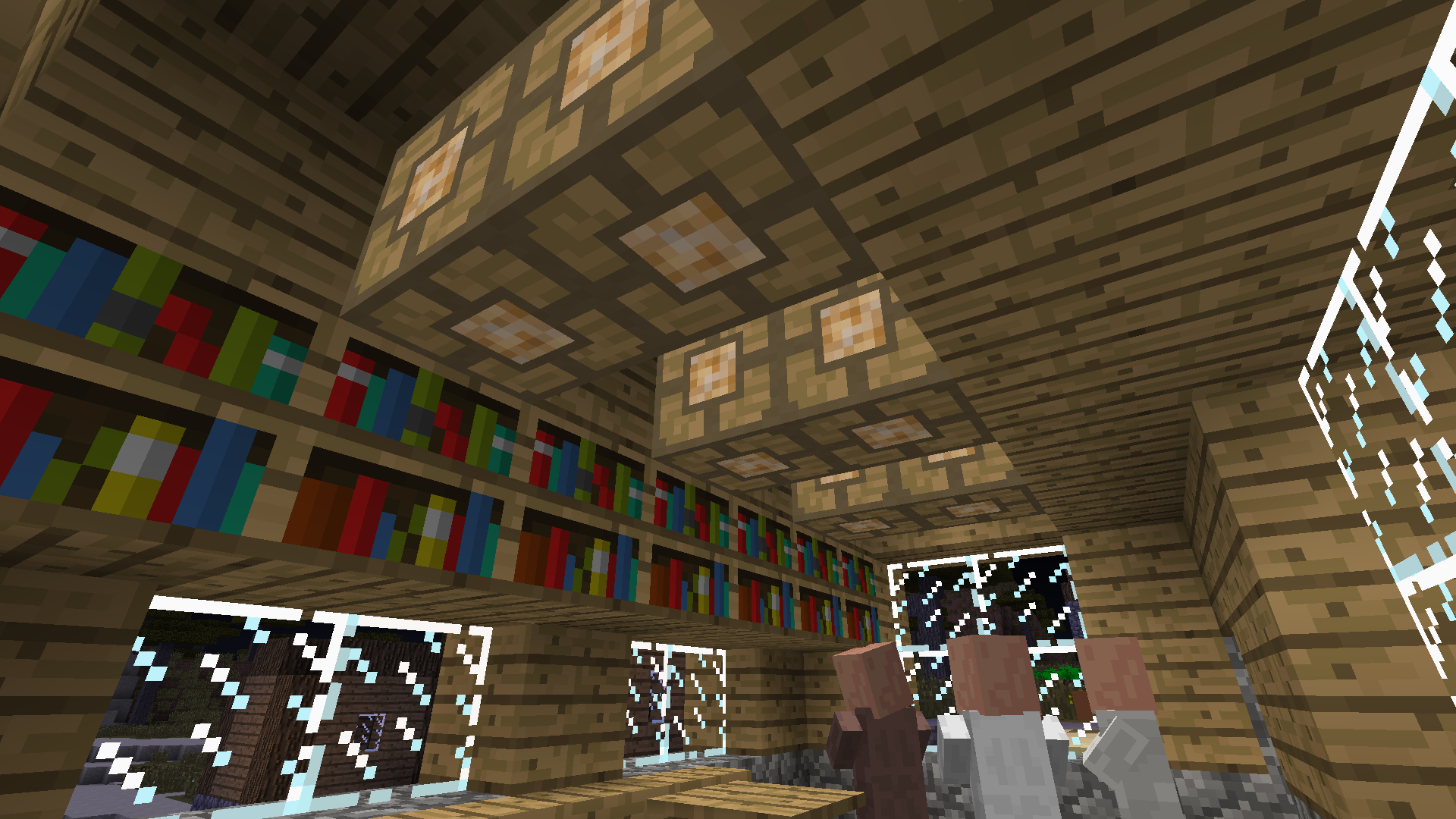

About
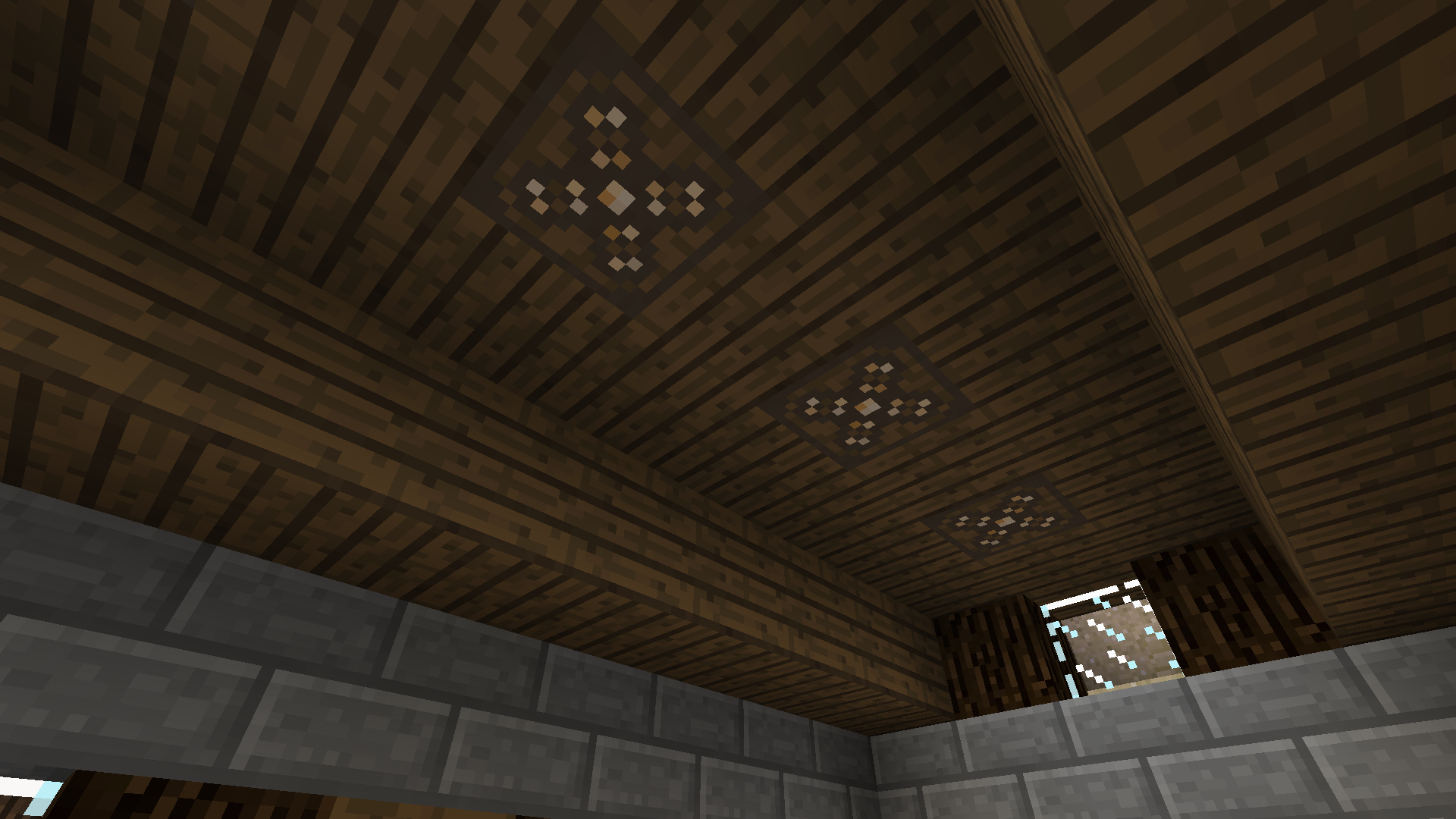
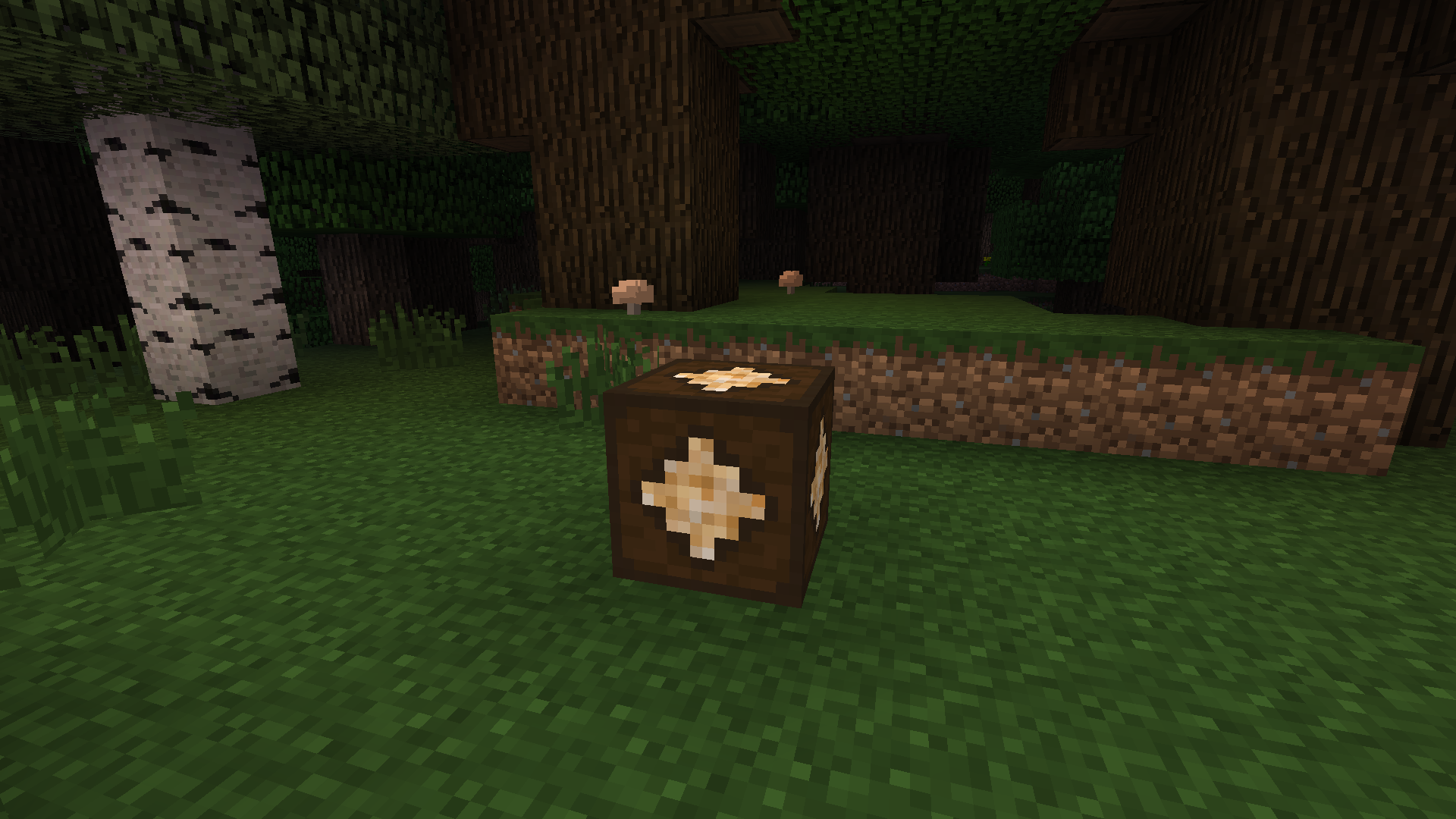
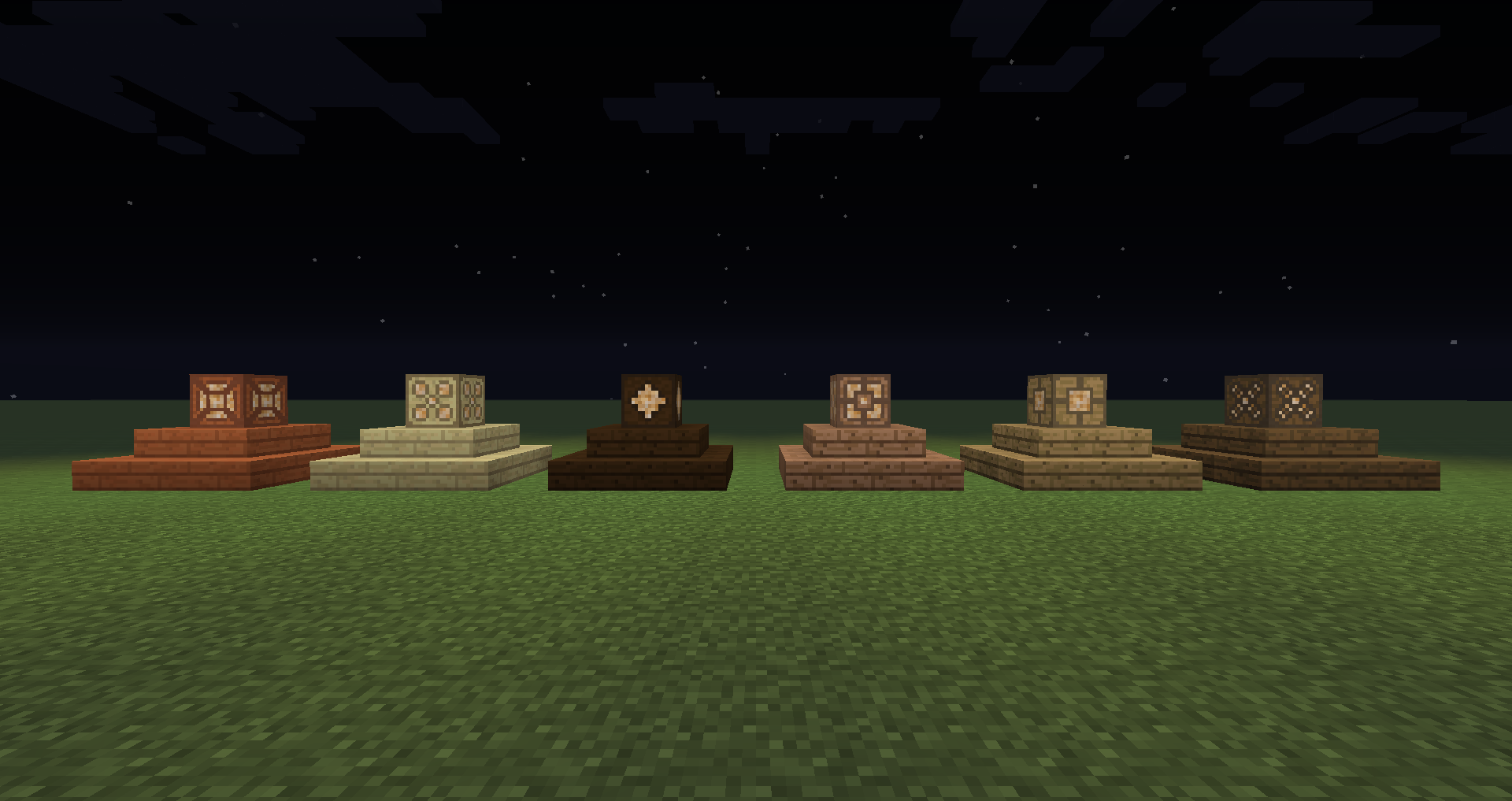
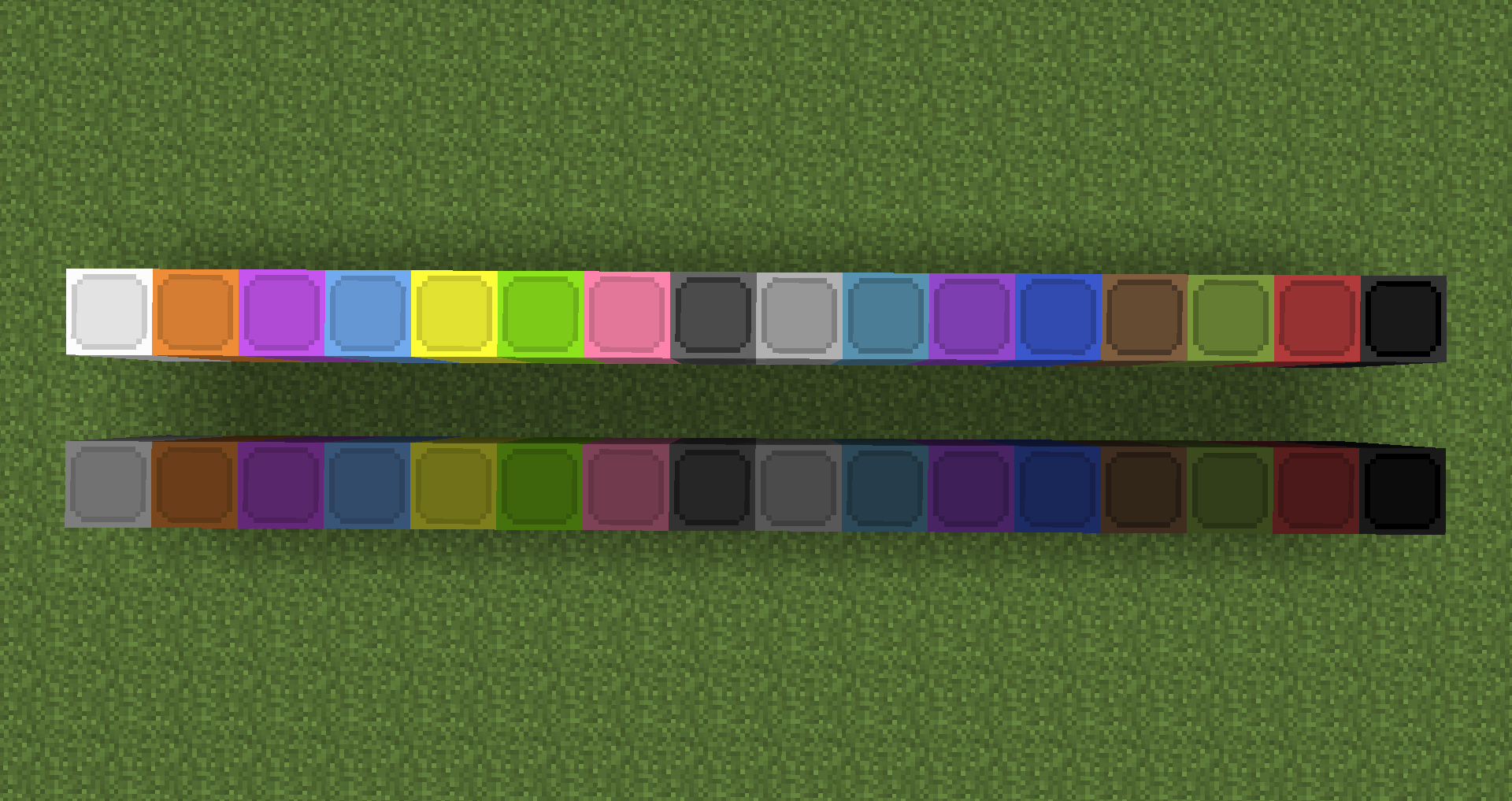
LightsPlus is a mod made by Alazerys for Minecraft 1.7.10 that adds new decorative lighting options into the game. There are currently 16 types of colored glass lamps, one for each of the dye colors and 6 types of wooden lamps, one for each type of wood.
Visit the official page for LightsPlus at alazerys.com/lightsplus!
How to Install
To install LightsPlus, use the following steps.
- Download and install Minecraft Forge. (Version 10.13.4.1448 Recommended)
- Download LightsPlus. (Version 1.0.2)
- Copy or move the LightsPlus .jar file into the “mods” directory in your .minecraft folder.
- Start Minecraft using the appropriate Forge version.
Crafting
Colored lamps are crafted by surrounding a piece of redstone with 8 blocks of a colored glass, as shown below. This yields 8 colored lamp blocks.

Wooden lamps are crafted by surrounding a piece of redstone with 4 wooden planks and 4 glass panes, as shown below. This yields 4 wooden lamp blocks

Planned Features
- More lamp varieties and other lighting options
- Toggle between redstone-controlled and self-powered
- Lamp GUI for controlling settings
- Colored lighting
Screenshots
Click images for full resolution.

Colored lamps

Wooden lamps
GitHub
Visit the GitHub repository for LightsPlus here.
Bug Reporting
If you discover a bug in LightsPlus, please report it to me so I can check it out. You can do this via the GitHub issue tracker, located here. This requires a GitHub account to use. If you do not wish to make an account, please send me an email at alazerys@gmail.com detailing the issue. Please be as descriptive as possible so I can fix the bug as quickly as possible.

LightsPlus by Alazerys is licensed under a Creative Commons Attribution 4.0 International License.
- Edition: Minecraft Java
- File type: .jar
- How to install: Install the matching mod loader (Forge, Fabric or NeoForge) for your Minecraft version. → Download the .jar. → Put it in the .minecraft/mods folder and launch that loader profile.
- Where to get it: Opens on CurseForge — not every file is mirrored on our own servers.
Install steps are the general flow for this file type — How to install Minecraft Java mods & modpacks walks through it step by step.
- Ships as LightsPlus 1.7.10_1.1.0.jar — drop this file into the mods folder
- Download size: 72 KB
- Download link checked 23 Sept 2026 — working
These come from our own check of the pack file, not from the source page.