LiLRichy Mod
Minecraft Java mod. Downloads from the MC Java Mods app on Android.
⬇ Download on CurseForge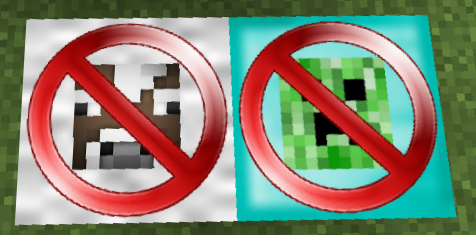

This mod is a collection of blocks and items that I wanted to add to my mod packs. It has no rhyme or reason just things that me and my fellow minecrafters wanted to play with and couldn’t find in other mods.
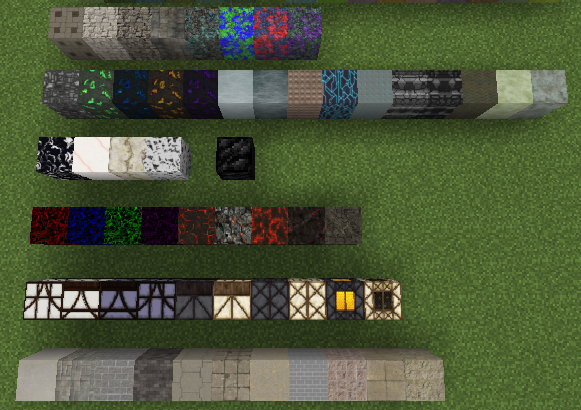
This mod adds over 50 decorative blocks to make your builds more interesting and cool looking.
Block table to create all the decorative blocks and glass.
Currently the modification items to be used in the block table are - Crushed Concrete-”Pulverizer, Sagmill, or break Concrete blocks with a pickaxe”, Stone, Iron Ingot, Netherrack, SandStone, Wood Planks, Essence of Bearded-”drop from Bearded Azalea plant”.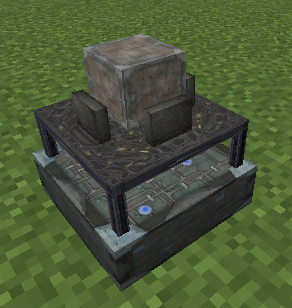
Clear Glass block and in all 16 colors.
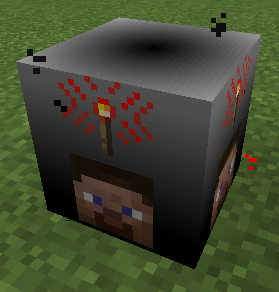
Player detector block that emit a redstone signal when in range of a player. Great for placing under your doors to have automatic doors that only players can activate.
Bearded Azalea is a plant that drops an item that is used to for crafting some of the decorative blocks.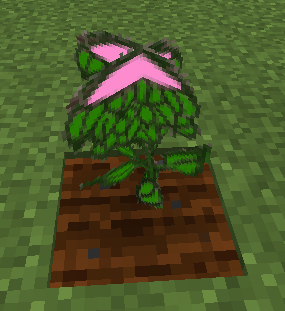
Charcoal block that is crafted from 9 charcoal. Can be used as fuel in Furnaces and can be lit on fire like netherrack.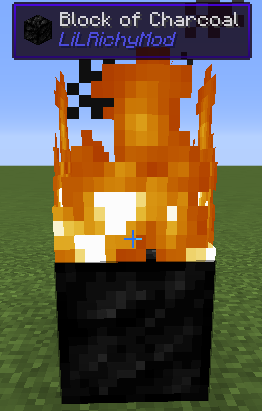
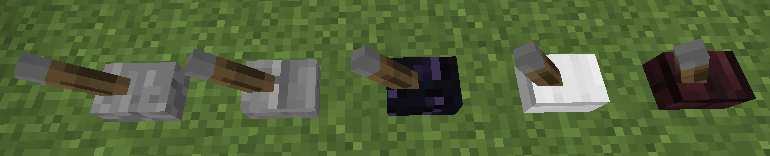
Decorative Levers.
Decorative Walls.
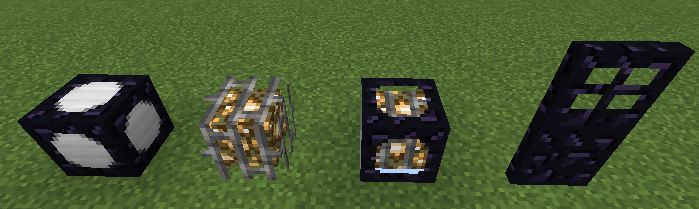
Explosion proof and Wither Boss proof blocks, lamps and door.
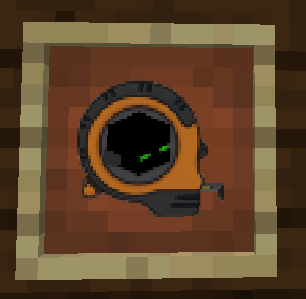
A Tape Measure with 2 different modes to help plan out your builds.
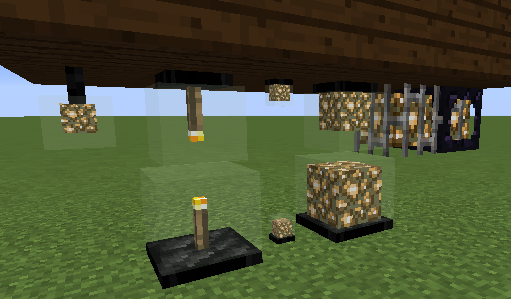
Decorative lamps that can be hung upside down.
Animal & Mob wards that prevent animals or mobs from spawning in a large area around the ward.
This mod makes pulverized coal and charcoal usable as black dye when those items are also installed.
To start off in the mod you need to make Concrete Mix and smelt it to make Concrete.
This is used in the block table to make the decorative blocks.
To get Crushed Concrete just break a Concrete block with a pickaxe.
If you would like to help add blocks to this mod go here: http://www.minecraftforum.net/forums/mapping-and-modding/minecraft-mods/mods-discussion/2571735-need-block-textures
If you would like to help support my efforts please click here to go to my Patreon Page:
https://www.patreon.com/LiLRichy

- Edition: Minecraft Java
- File type: .jar
- How to install: Install the matching mod loader (Forge, Fabric or NeoForge) for your Minecraft version. → Download the .jar. → Put it in the .minecraft/mods folder and launch that loader profile.
- Where to get it: Opens on CurseForge — not every file is mirrored on our own servers.
Install steps are the general flow for this file type — How to install Minecraft Java mods & modpacks walks through it step by step.
- Ships as lilrichymod-4.0.2.jar — drop this file into the mods folder
- Download size: 9.5 MB
- Download link checked 23 Sept 2026 — working
These come from our own check of the pack file, not from the source page.