
OP WOW
Minecraft Java mod. Downloads from the MC Java Mods app on Android.
⬇ Download on CurseForge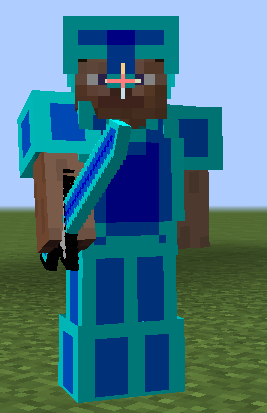
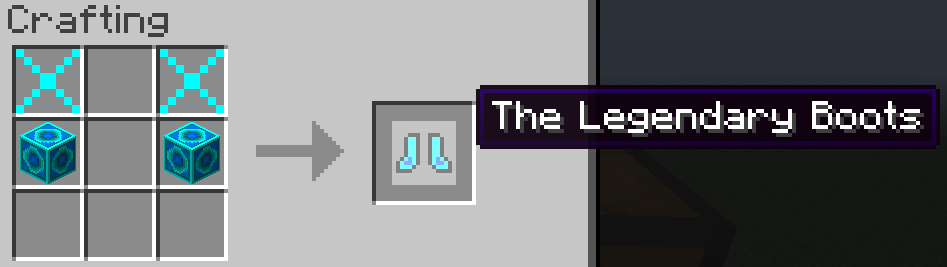
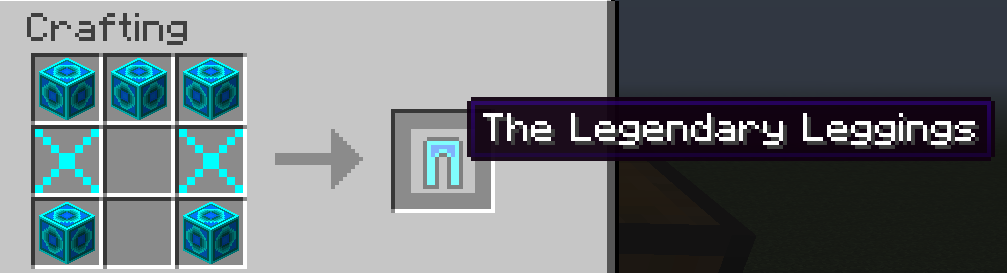
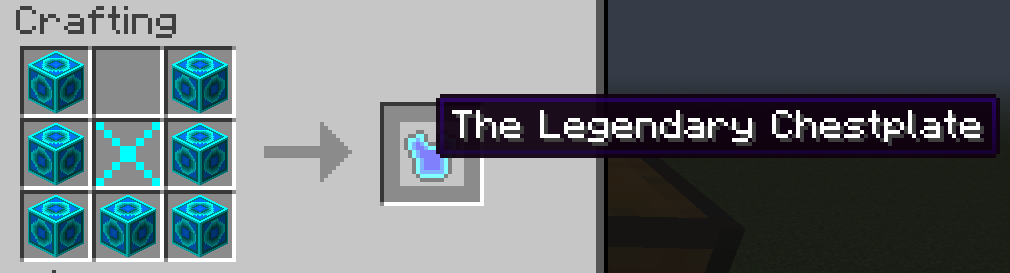
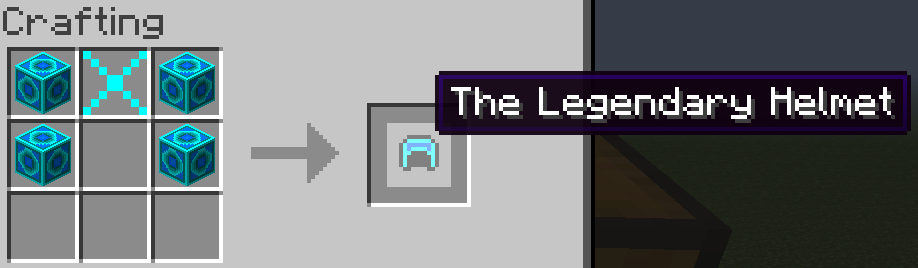

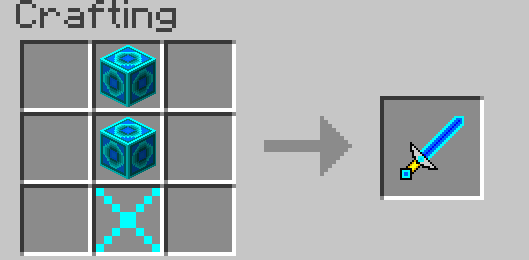
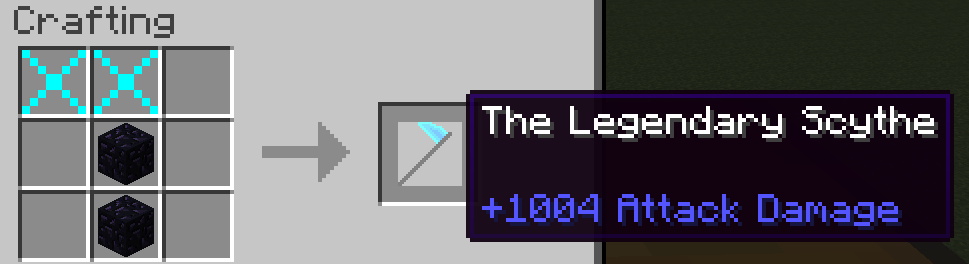
This mod is no longer supported as of 2018. This mod will receive no updates, but will still be available to download. Please do not asks for updates, but comments are still apreciated. This is just a old middle school project.
The only version of this mod is for 1.7.10. Any other versions of the mod from any other site is not guaranteed to be safe and should be avoided. These unsafe sites that are not in any affiliated with me or this mod include 9minecraft.net, openeye.mods.info, and niceminecraft.net to name a few.
This mod adds spawn eggs, custom armor and weapons, and ways to crafted enchanted diamond armor. Please check out the images section for a full view of all the crafting recipes for every item in the game.
Installation
First, make sure you've downloaded, installed, and runned Minecraft Forge 1.7.10. OP WOW MOD .jar file goes in the mods folder inside .minecraft or your server's mods folder. You can access you .minecraft folder open minecraft, go to profile editor, double-click on your forge profile, then click on Open Game Dir.
- Edition: Minecraft Java
- File type: .jar
- How to install: Install the matching mod loader (Forge, Fabric or NeoForge) for your Minecraft version. → Download the .jar. → Put it in the .minecraft/mods folder and launch that loader profile.
- Where to get it: Opens on CurseForge — not every file is mirrored on our own servers.
Install steps are the general flow for this file type — How to install Minecraft Java mods & modpacks walks through it step by step.
- Ships as OP WOW MOD(1.7.10)-1.0.jar — drop this file into the mods folder
- Download size: 102 KB
- Download link checked 13 Oct 2026 — working
These come from our own check of the pack file, not from the source page.