
CustomGUI
Minecraft Java mod. Downloads from the MC Java Mods app on Android.
⬇ Download on CurseForge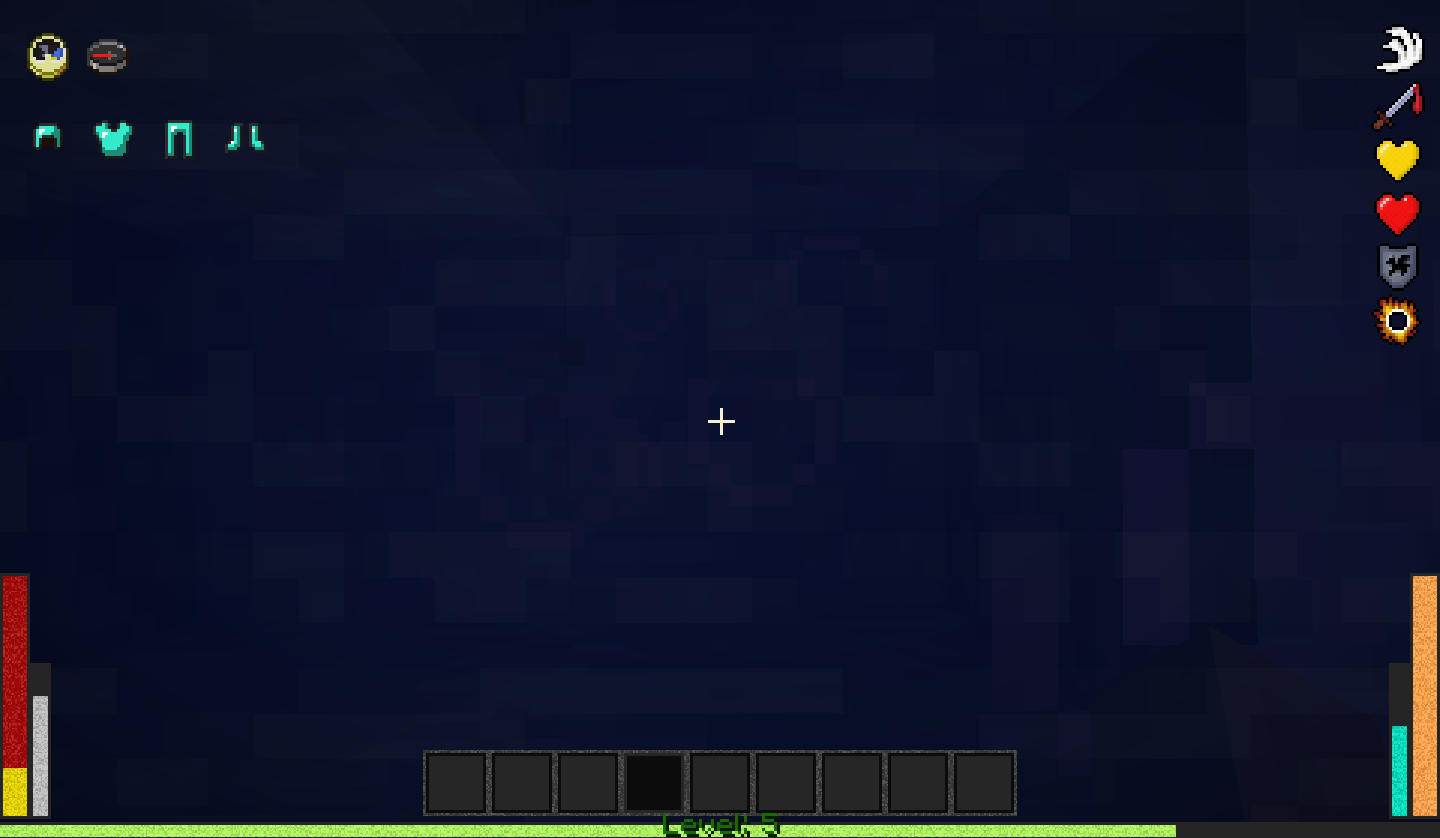
About mod:
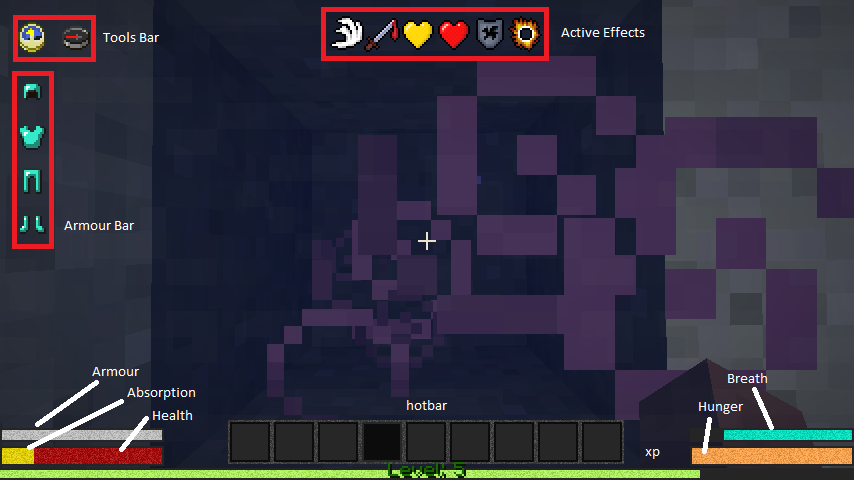
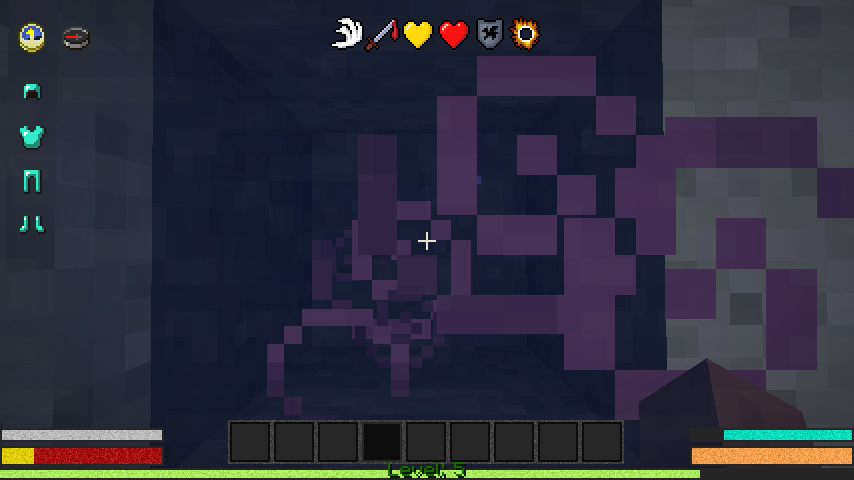
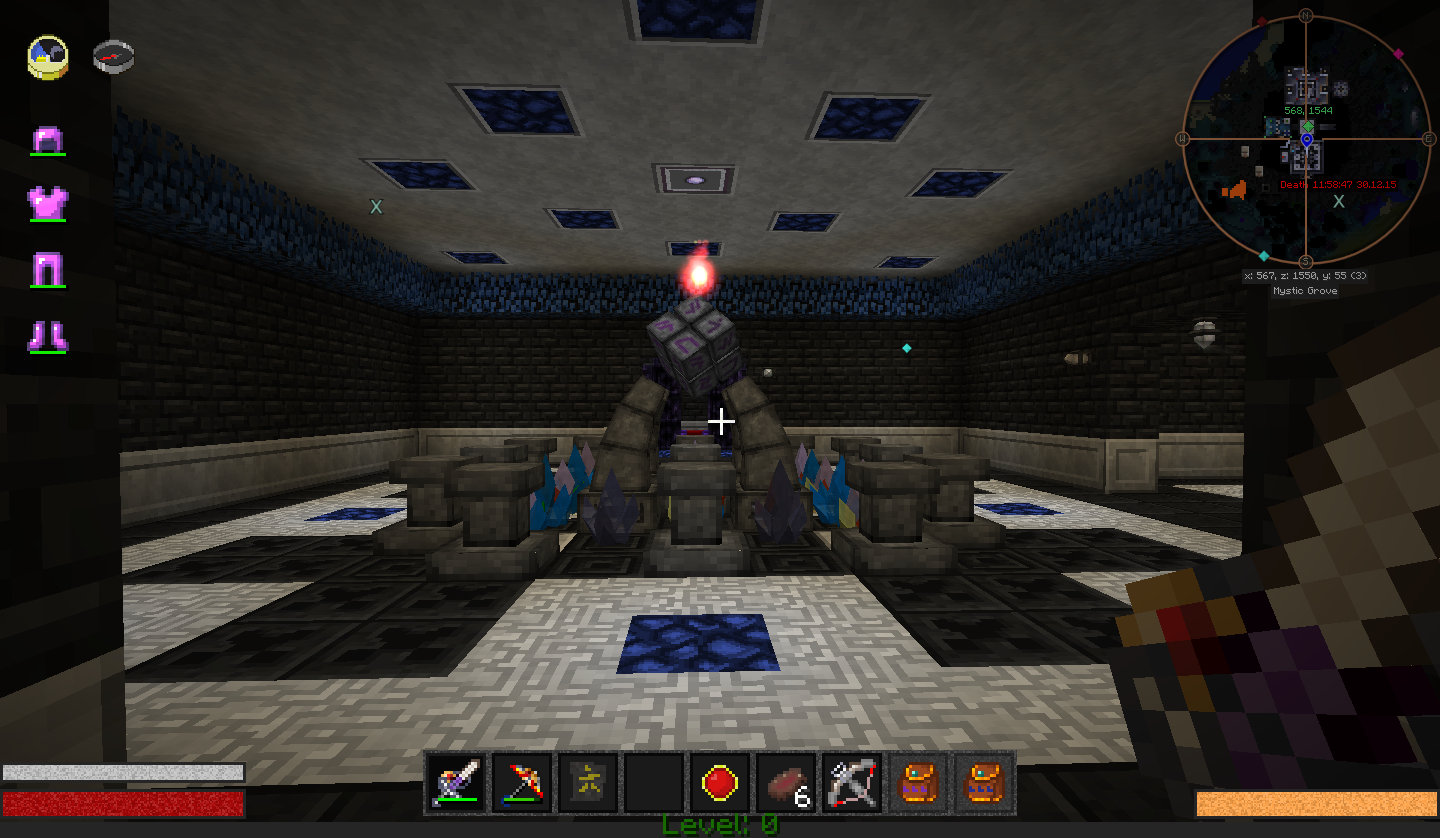
Custom bars for hp, xp, boss health and more.
You can change texture, layout, side, size and position of all bars in config file.
Also added bars that show armor set, compass, clock, and active effects.
Some tricks in config file:
"anchor" meet from which side will be the reference coordinate and affects the layout of the panels (horizontal or vertical). Аllowed values ("top_left", "top_centre", "top_right", "centre_centre", "left_centre", "right_centre", "bottom_left", "bottom_centre", "bottom_right", by default "top_left" )
"Side" meet from what side calculate minimal count. Allowed values ("left", "right", "top", "bottom", by default "left")
"B" - size of border (increase size of background), if value less 0 - background will be removed.
"H" - Height of bar without border
"W" - Width of bar without border
"X" - X offset (if "anchor" contains "right" offset calculated from right to left)
"Y" - Y offset (if "anchor" contains "bottom" offset calculated from bottom to up)
"Textures Domain" - the folder from which take textures, set this to "minecraft" for use textures from minecraft blocks, it also support texturepacks.
In mod added textures, "monochrome" and "noised", you can use them, or vanilla, or you own textures, just change values.
License
The mod is intended for use in modpacks with creative people. Use this for customize your modpacks.
It is forbidden to assign authorship, modify the program code, collect money for the mod.
If you use the mod for modpacks, yutube video, or distribute, just give credit to myself, and link back here.
Everything else is allowed.
Download Mod
Mod in alpha, may cause downing fps, probably contain some non-critical bugs.
if you find a bug in mod, or error in this text, please wrote me feedback.
- Edition: Minecraft Java
- File type: .jar
- How to install: Install the matching mod loader (Forge, Fabric or NeoForge) for your Minecraft version. → Download the .jar. → Put it in the .minecraft/mods folder and launch that loader profile.
- Where to get it: Opens on CurseForge — not every file is mirrored on our own servers.
Install steps are the general flow for this file type — How to install Minecraft Java mods & modpacks walks through it step by step.
- Ships as CustomGui-0.1.jar — drop this file into the mods folder
- Download size: 11.0 MB
- Download link checked 13 Oct 2026 — working
These come from our own check of the pack file, not from the source page.