Extend-A-Hand
Minecraft Java mod. Downloads from the MC Java Mods app on Android.
⬇ Download on CurseForge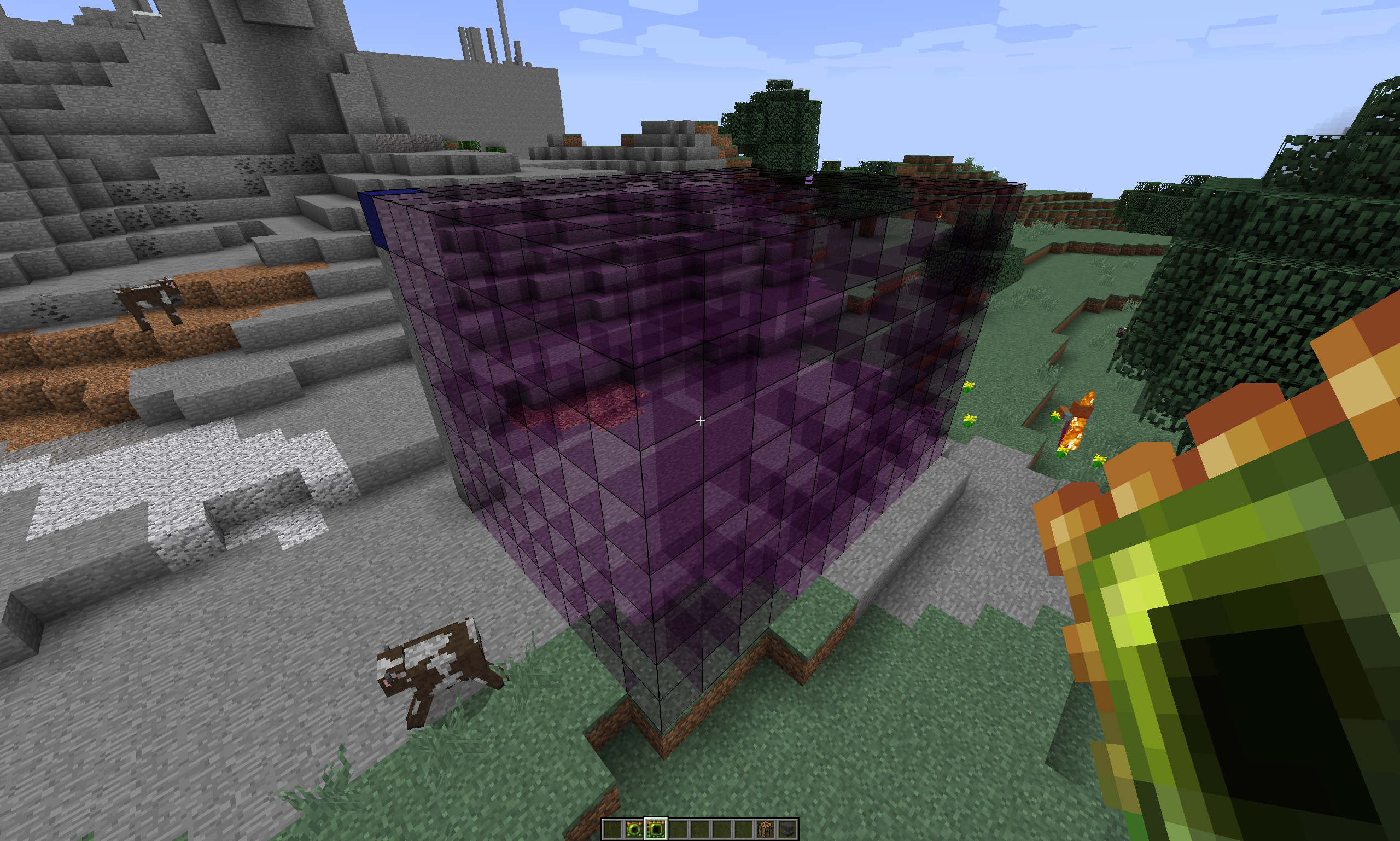
Extend-A-Hand
A minecraft mod with the intent of extending the 'hand' of the player in building. So far, this mod mainly focuses on allowing for distant block placement, and the creation of lines from distant points to the player's position, simply pulling from the player's inventory. More building functionality is planned to come in future versions.

Items So Far
The items used for building are called extendos. All extendos are able to select blocks in the world as their building resource by shift-clicking on them, and the building resource can be unselected by shift-clicking again on the same resource. If a resource is selected, the extendo will attempt to find it in your inventory and use it to build with, and if no resource is selected it will instead try to use whatever block your selection is touching when you right click. Additionally, in creative mode the extendos do not use inventory items and are simply free-build tools.
Handy Extendo
Builds single blocks, but allows placement much further away than normal building.

Extended Extendo
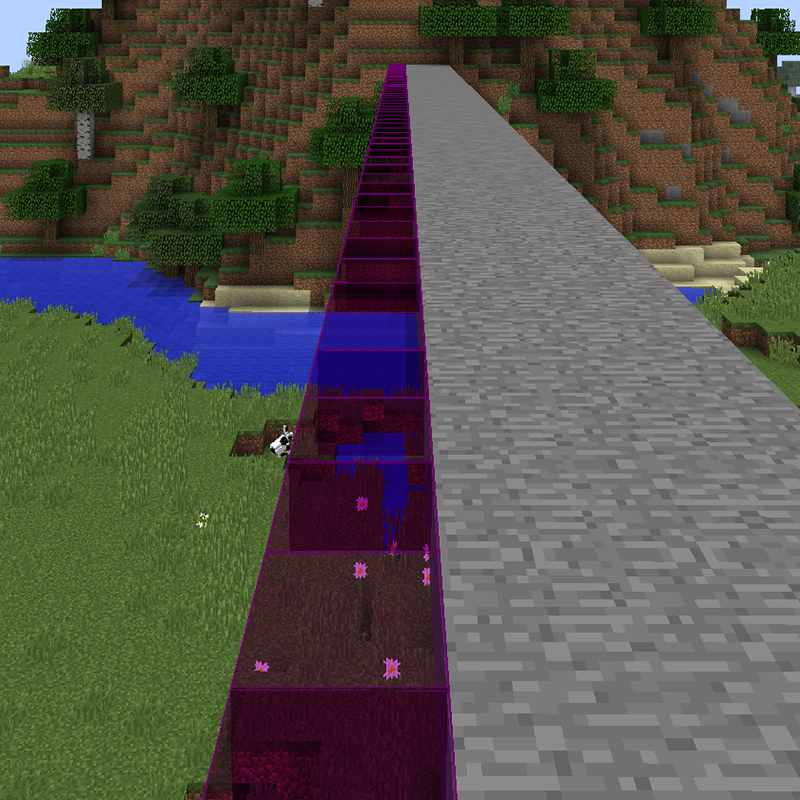
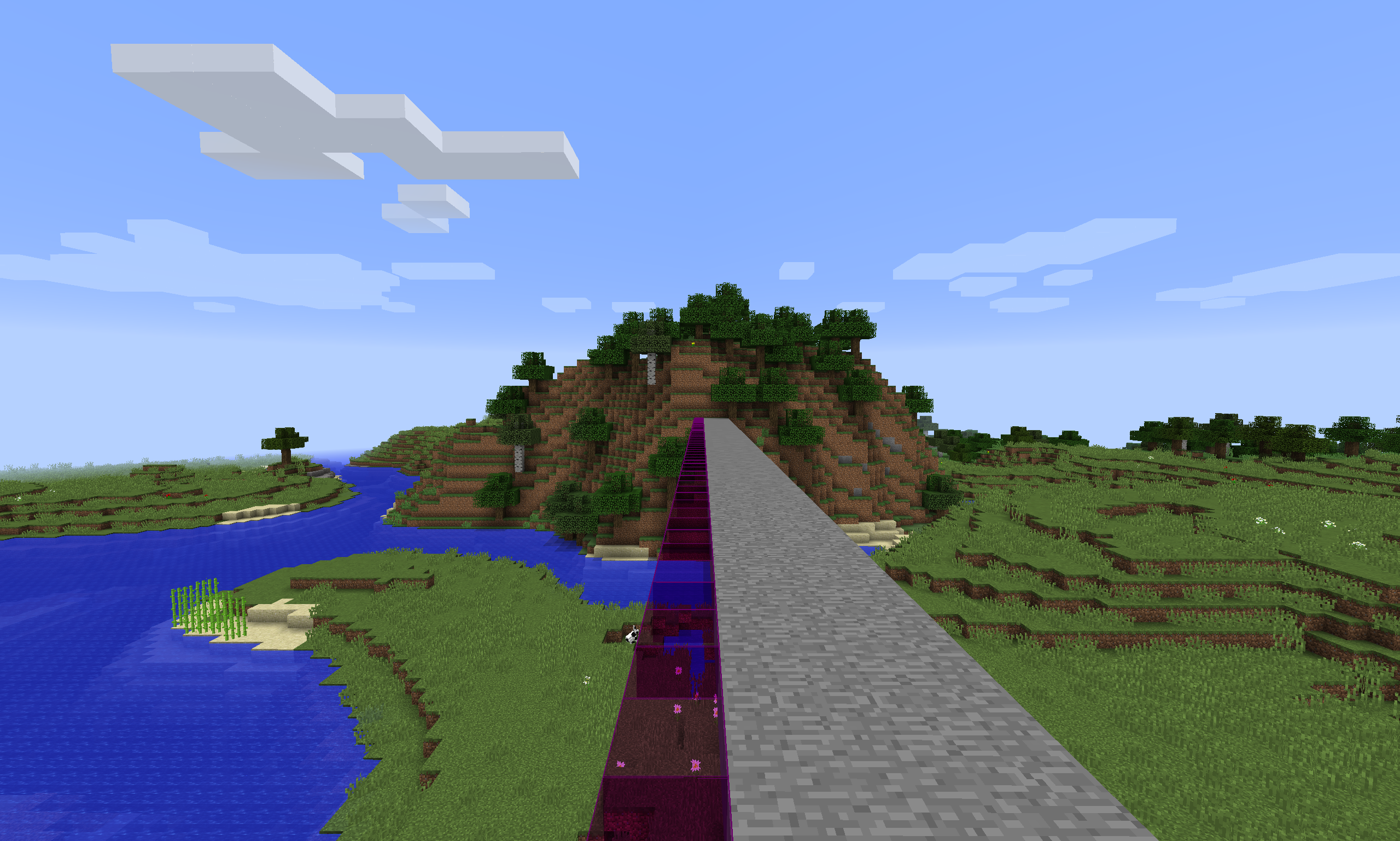
Much like the handy extendo, can build to distances very far away. The huge advantage of this extendo is that it will also build a straight line of blocks from the selected point in the distance, all the way to the player's positions, allowing for quick construction of large areas.

Planar Extendo
Currently the most powerful extendo. Allows for hollow box creation between two selected points. Useful for quickly creating entire rectangular rooms, but can also be used to create 2D planes or even just straight lines between two spots. Simply select two points, then hold shift and click one of the selected two points again to build the box.

The potion seen in this recipe is a regular Potion of Leaping.
Configuration
Each type of extendo can be seperately configured with the following options in the mod config file.
- Maximum Amount of Blocks Built Per Use
- Maximum Distance Reachable
- Item Damage/Durability Toggle and Amount
- Item Cooldown Time
- Creative Only Toggle
Additionally, the planar tool can have a maximum single axis length set as well.
Future Plans
The next planned upcoming feature is 'Undo', which will allow you to undo the last few operations you did with your extendo tools. The amount of undos stored will be configurable.
Additionally, the following points are possible features I plan to look into in the future after undo functionality. These aren't necessarily in order, or have any timeframe attached to them. These are simply ideas and suggestions I have recieved from others, that I am noting down to help map out a bit of a direction for where I want the mod to progress in the future.
- More shapes (like spheres)
- In-game extendo customization
- Visual cooldown indication
- Symmetry mode
- Block replacement
- Possible distant mining
Pictures


Links
Github Source: https://github.com/Arcfalt/ExtendAHand
- Edition: Minecraft Java
- File type: .jar
- How to install: Install the matching mod loader (Forge, Fabric or NeoForge) for your Minecraft version. → Download the .jar. → Put it in the .minecraft/mods folder and launch that loader profile.
- Where to get it: Opens on CurseForge — not every file is mirrored on our own servers.
Install steps are the general flow for this file type — How to install Minecraft Java mods & modpacks walks through it step by step.
- Ships as ExtendAHand-1.8.9-0.2.jar — drop this file into the mods folder
- Download size: 30 KB
- Download link checked 13 Oct 2026 — working
These come from our own check of the pack file, not from the source page.