Biome Height Tweaker
Minecraft Java mod. Downloads from the MC Java Mods app on Android.
⬇ Download on CurseForge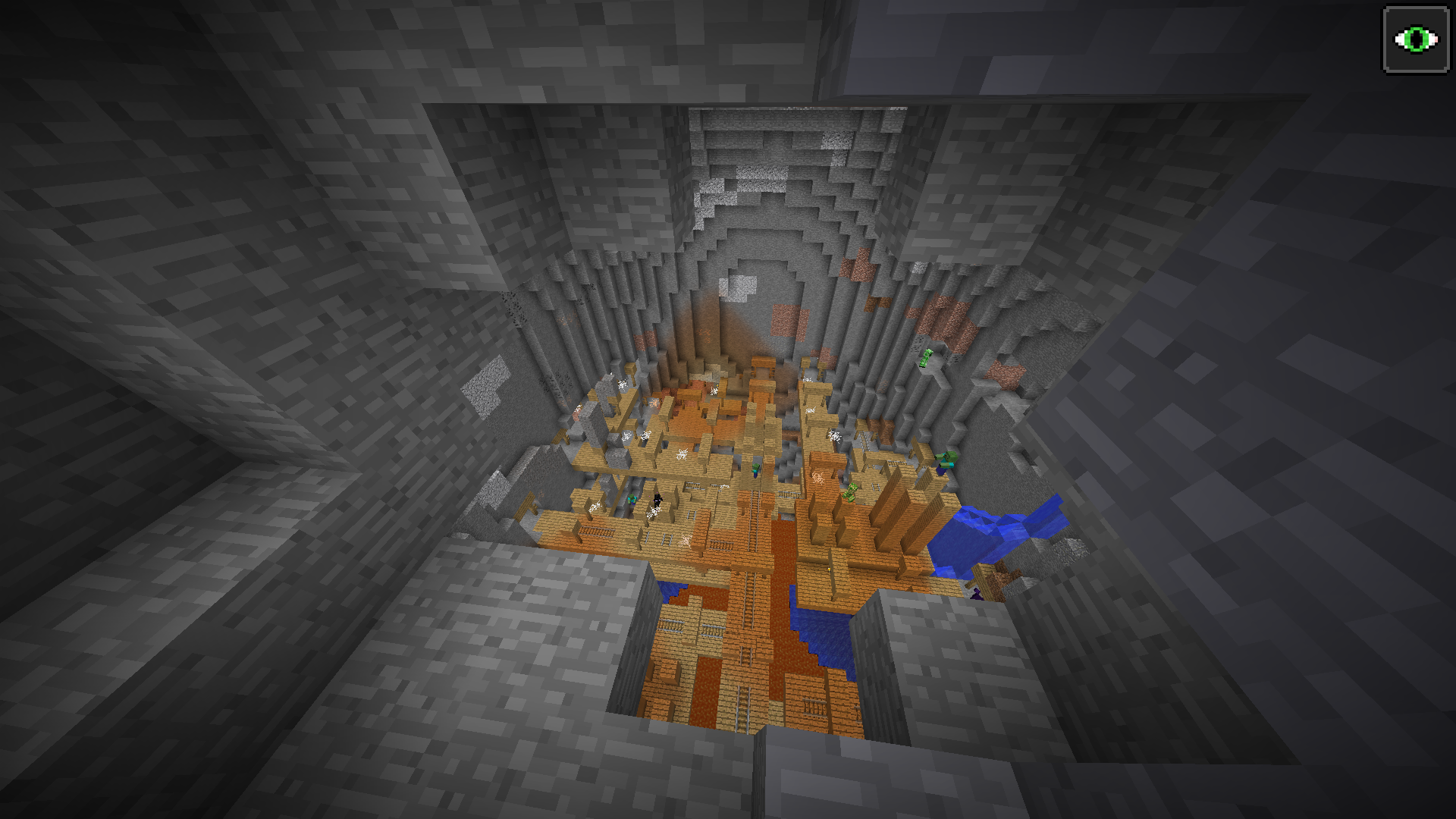
A small mod for adjusting the height and variance of Biomes in the game.
Background
Initially this mod was created as a small addition to my Botanic Adventures Modpack. Allowing me to change the variation of various biomes from on the 1.7.10 Biomes o plenty mod (in addition to vanilla)
Since 1.7.10 I've upgraded to mc1.9.* Here we lost the ability to change biome generation with BoP since that mod is using a custom world gen incompatible with the biome height/variation. However we have gained a in client configuration gui (under the Mods button on the main screen) And alternative cave generation for those that wish for more numerous and larger caves in their world.
Usage
Note: You must configure this mod! If you don't configure it all aspects of world generation will remain the default, thus this mod will not change anything.
Configuration can be done in two places:
A) The in game gui, click on the mods button on the title screen, choose Biome Height Tweaker, then press configure. Here you will have the options to enable/disable villages in the ice plains, enable/disable the alternative over world cave generation. And if you click on any of the listed biomes the ability to change the generation height and variance of those biomes.
B) The Configuration file, While the in game gui is good for many types of tweaks, to copy to other users, and some more programmatic changes it may be useful to edit the config directly. When the mod first runs a configuration file with the system defaults will be generated in the config folder (biomeheighttweaker.cfg) After its generated you can edit it with a text editor to set the configuration of the mod. This is also the file to back up if you want to backup the settings from the in game gui above.
Height ranges:
Regarding the ranges of values: height refers to the average height (-2.0 at bedrock, 0.0 at normal sea level, and 4.0 at build limit) And variation is how far from that point the terrain ought to diverge (size of mountains and hills) and is on the same scale. Note bedrock will always generate so if the local height is <0 you will just see the bedrock without any other blocks. Any area where height is >4 will cause the world to plateau at build limit.
Extra Features
Spruce Villages in the Ice Plains:
This mod has an option to enable Spruce villages in the Ice Plains biomes, by default this is disabled but by changing the config these will generate in your world
Alternative Cave Gen: (added in v1.9.4-0.4)
This mod has an alternative cave generation system. This makes caves more numerous, and lager particularly in the size of the underground pockets that will generate in the overworld. Note this will only replace cave gen for dimensions using the default (and "customized") world types, or modded world types that use the default generation as its chunk provider. As such expect most modded dimensions/world types to use standard cave generation. (v1.12 adds support for "lost cities" as well)
Example Configurations
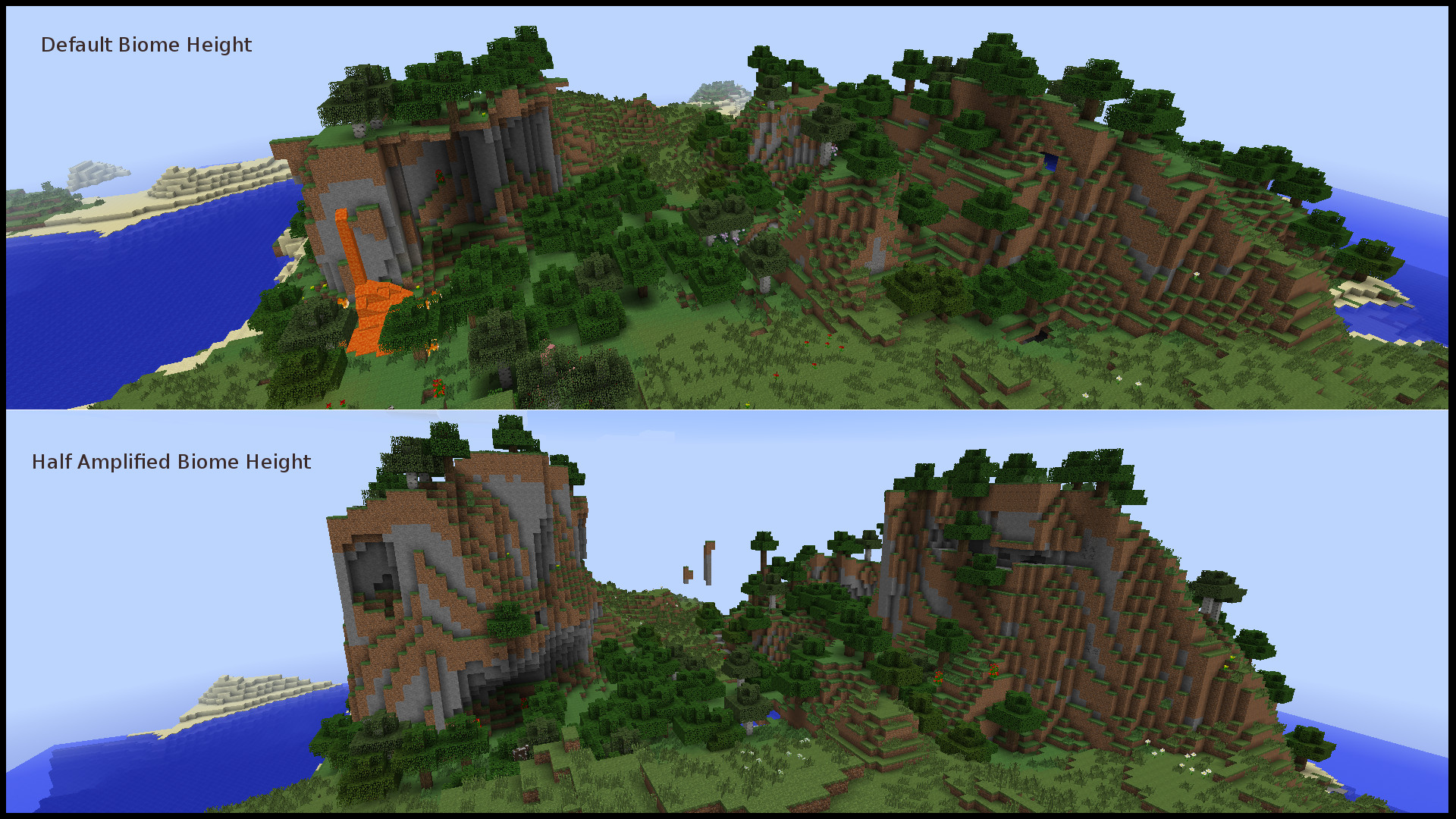
* Half Amplified: http://minecraft.curseforge.com/projects/half-amplified-world-gen
Final Note this mod is not related to, nor intended to be a replacement for the BiomeTweaker mod. As this mod is intended to make it easy to customize (and see the defaults) of two specific parameters of biomes and not every property.
- Edition: Minecraft Java
- File type: .jar
- How to install: Install the matching mod loader (Forge, Fabric or NeoForge) for your Minecraft version. → Download the .jar. → Put it in the .minecraft/mods folder and launch that loader profile.
- Where to get it: Opens on CurseForge — not every file is mirrored on our own servers.
Install steps are the general flow for this file type — How to install Minecraft Java mods & modpacks walks through it step by step.
- Ships as biomeheighttweaker-1.9.4-0.4.jar — drop this file into the mods folder
- Download size: 45 KB
- Download link checked 13 Oct 2026 — working
These come from our own check of the pack file, not from the source page.