Custom Pets
Minecraft Java mod. Downloads from the MC Java Mods app on Android.
⬇ Download on CurseForge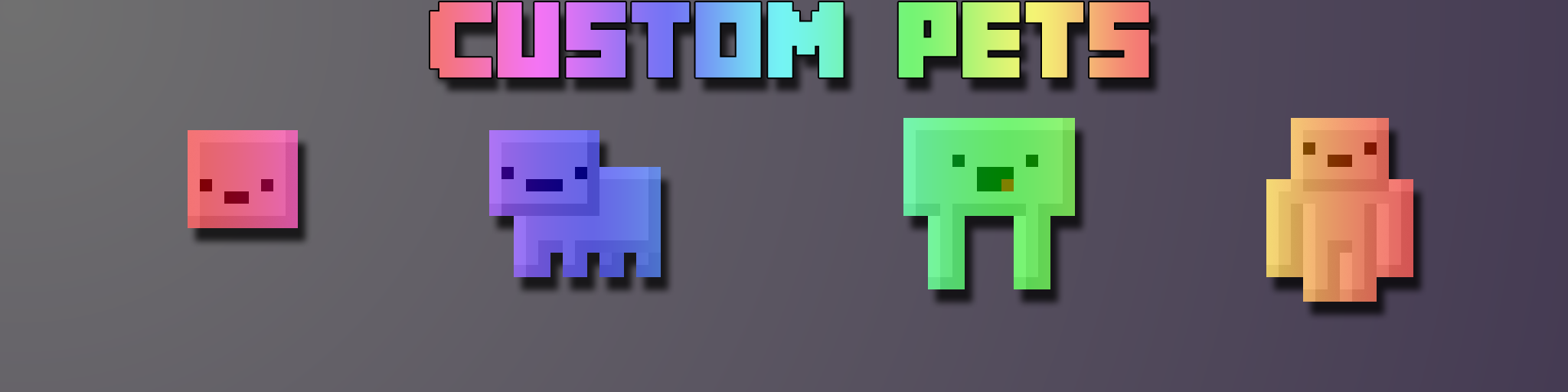
Custom Pets - 1.0.5 version for Forge 1.7.10
If you find any bugs, please report them and help to make this mod better!
Known issues can be found here: https://github.com/capnkirok/Custom-Pets/issues
Support Voxels! Become a Patreon!

One Pet to Rule Them All!
- Make your own Custom Inventory Pets!
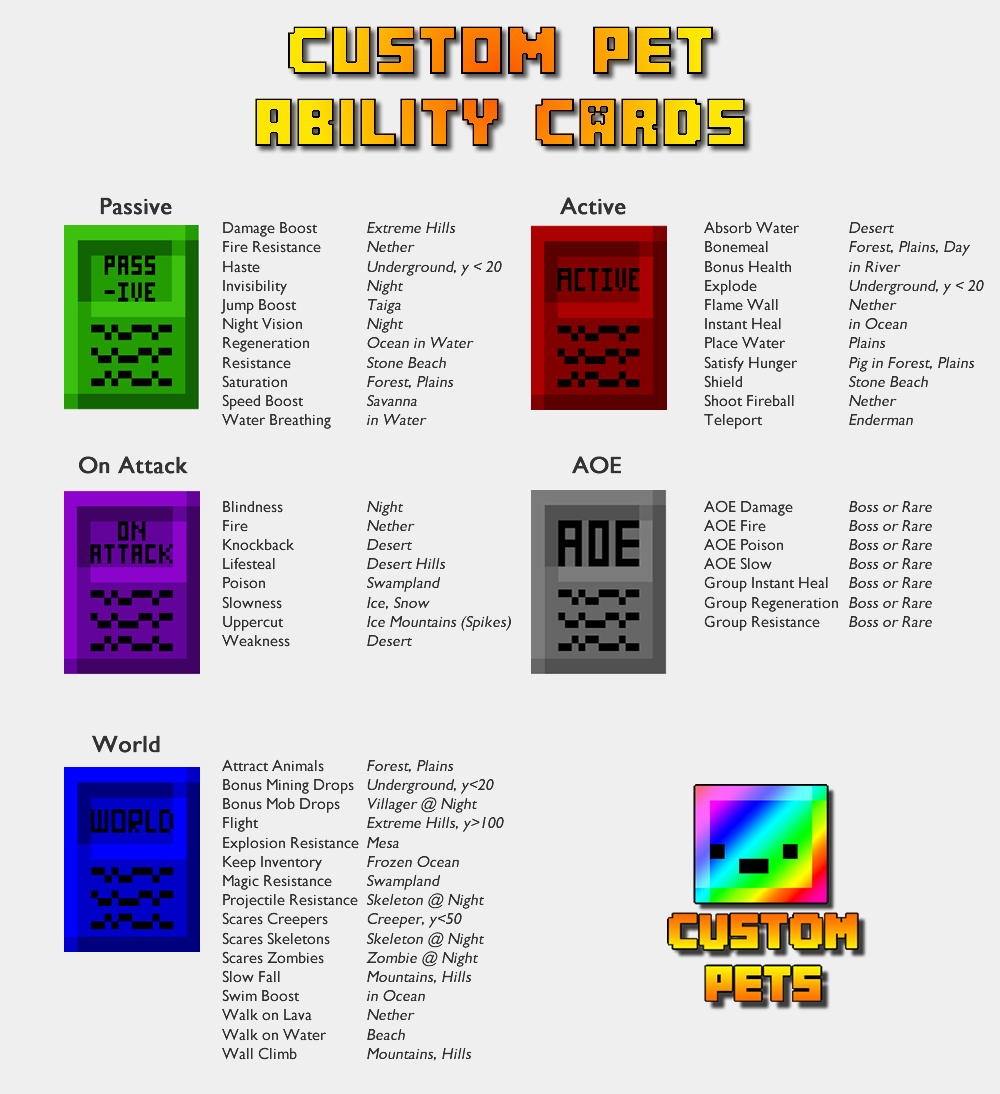
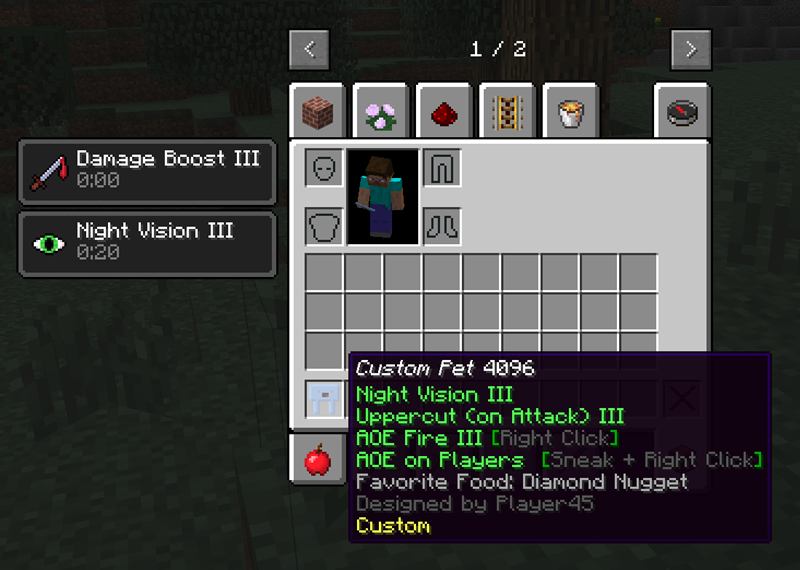
- Gather Ability Cards from killing mobs (see Card Locations below) to learn new abilities. Stronger mobs drop rarer cards.
- NEW: Pet-O-Meter item added in 1.0.4 to help you find Ability Cards in game
- Over 50 in-game abilities to chose from, including Passive, On Attack, World, Active, and Area of Effect
- Level Up your Custom Pets to make your abilities stronger
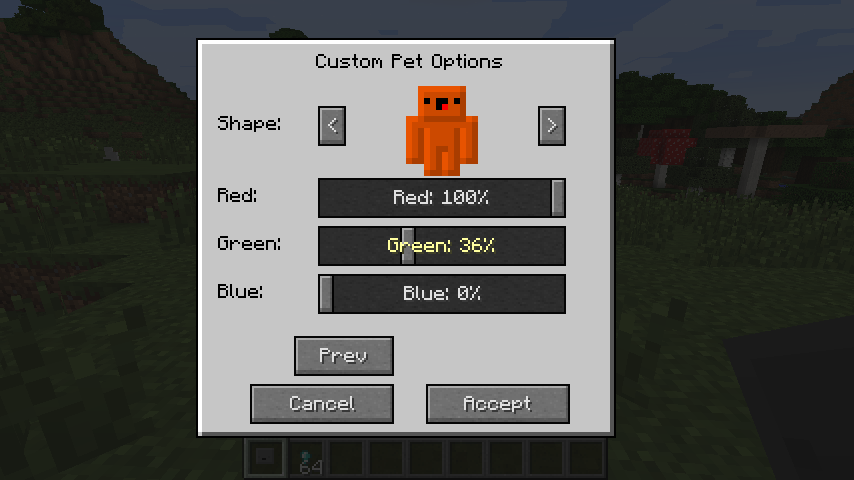
- Choose your shape from a given set of Pet Templates, then choose your Colors.
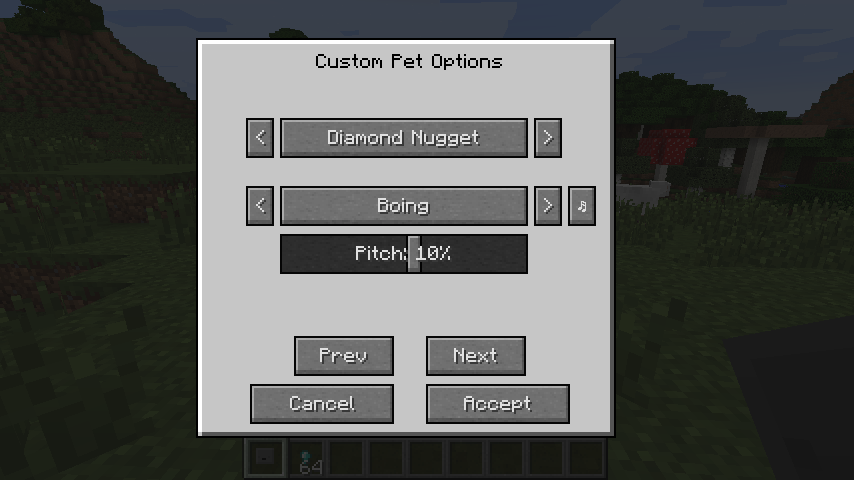
- Choose the food your pet will eat
- Choose the sound your pet makes when it is hungry
- All abilities, textures, colors, eating, and sounds are LIVE, DYNAMIC, and IN-GAME
- If you use Optifine, please update to the latest version
- DOES NOT REQUIRE INVENTORY PETS
Powerful Config
- Choose the Drop Rate of Cards (easy, normal, or hard)
- Choose Card Drop Types (biome-based, or mob health based)
- Determine the difficulty of Upgrades (easy, normal, or hard)
- Determine the difficulty of foods (nuggets or whole items)
- Choose to have negative AOE effects affect other players (for PVP)
- Choose to not use Ability Cards at all, and play the game with all abilities available
- More!
The Randomizer (in game fun)
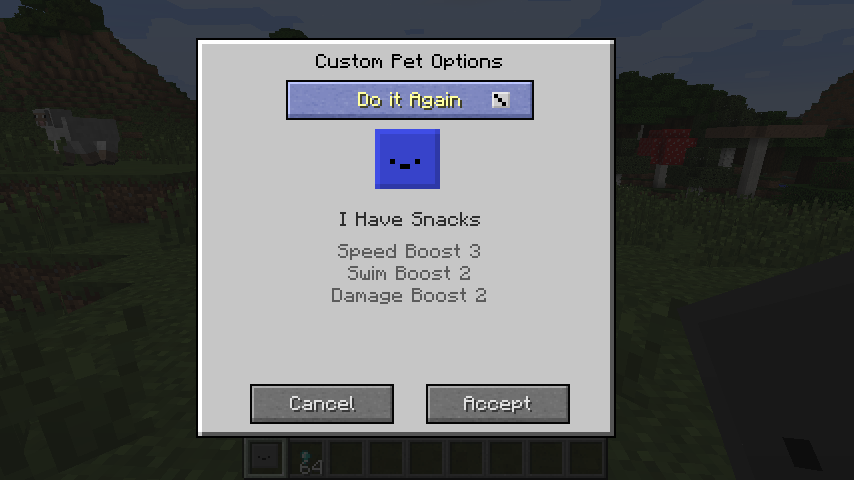
- Gives you a random name, texture, colors, food, and sounds
- Win prizes for rare combinations
To access your Custom Pet GUI, simply press G
Besides gathering ability cards from killing mobs, abilities are fully unlocked in Creative Mode, or if you disable ability cards in the config.
Showcases:
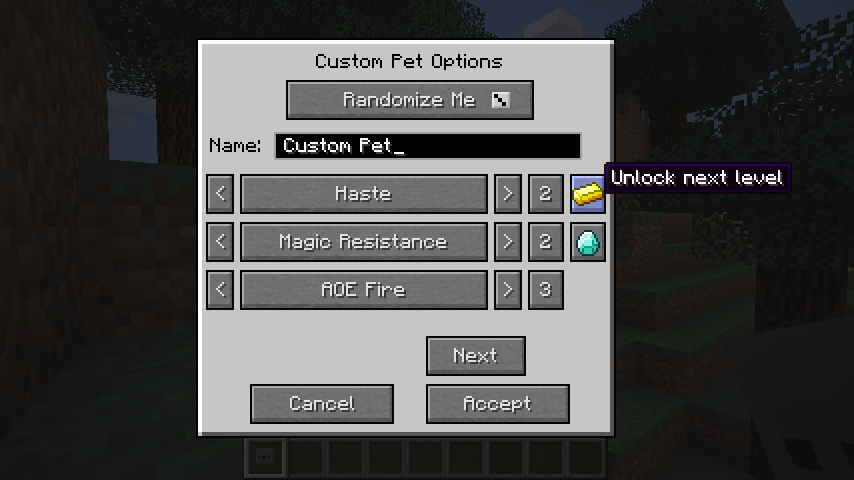
1. Choose your Name and Abilities!
2. Choose your pet Food and Sound!
3. Choose your pet Texture and Colors!
4. Randomize your pet for fun and prizes
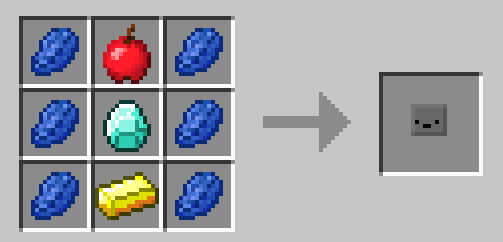
5. Custom Pet recipe
- Edition: Minecraft Java
- File type: .jar
- How to install: Install the matching mod loader (Forge, Fabric or NeoForge) for your Minecraft version. → Download the .jar. → Put it in the .minecraft/mods folder and launch that loader profile.
- Where to get it: Opens on CurseForge — not every file is mirrored on our own servers.
Install steps are the general flow for this file type — How to install Minecraft Java mods & modpacks walks through it step by step.
- Ships as custompets-1.7.10-0.9.9A-universal.jar — drop this file into the mods folder
- Download size: 3.3 MB
- Download link checked 13 Oct 2026 — working
These come from our own check of the pack file, not from the source page.