Caveworld 2
Minecraft Java mod. Downloads from the MC Java Mods app on Android.
⬇ Download on CurseForge
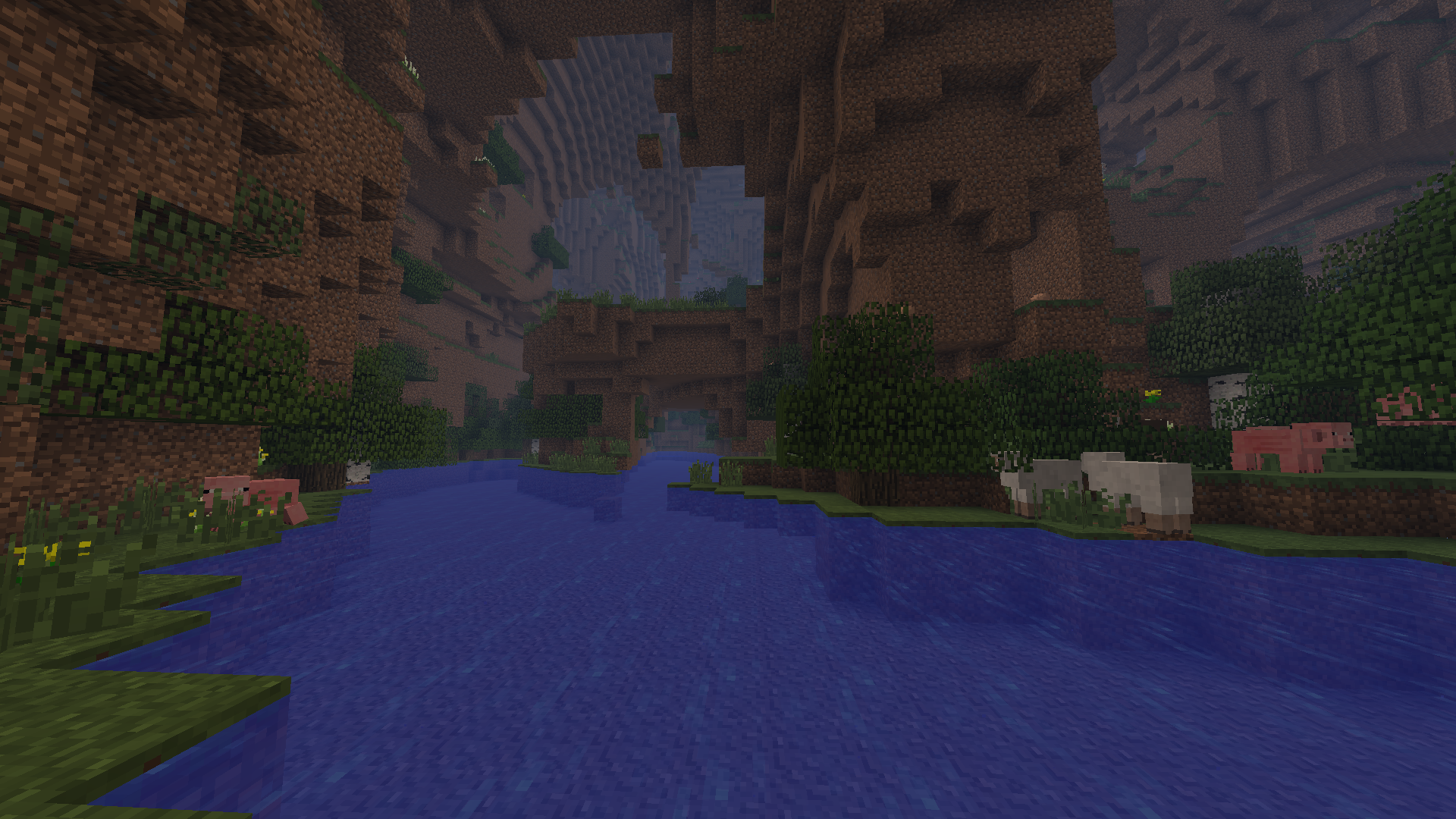
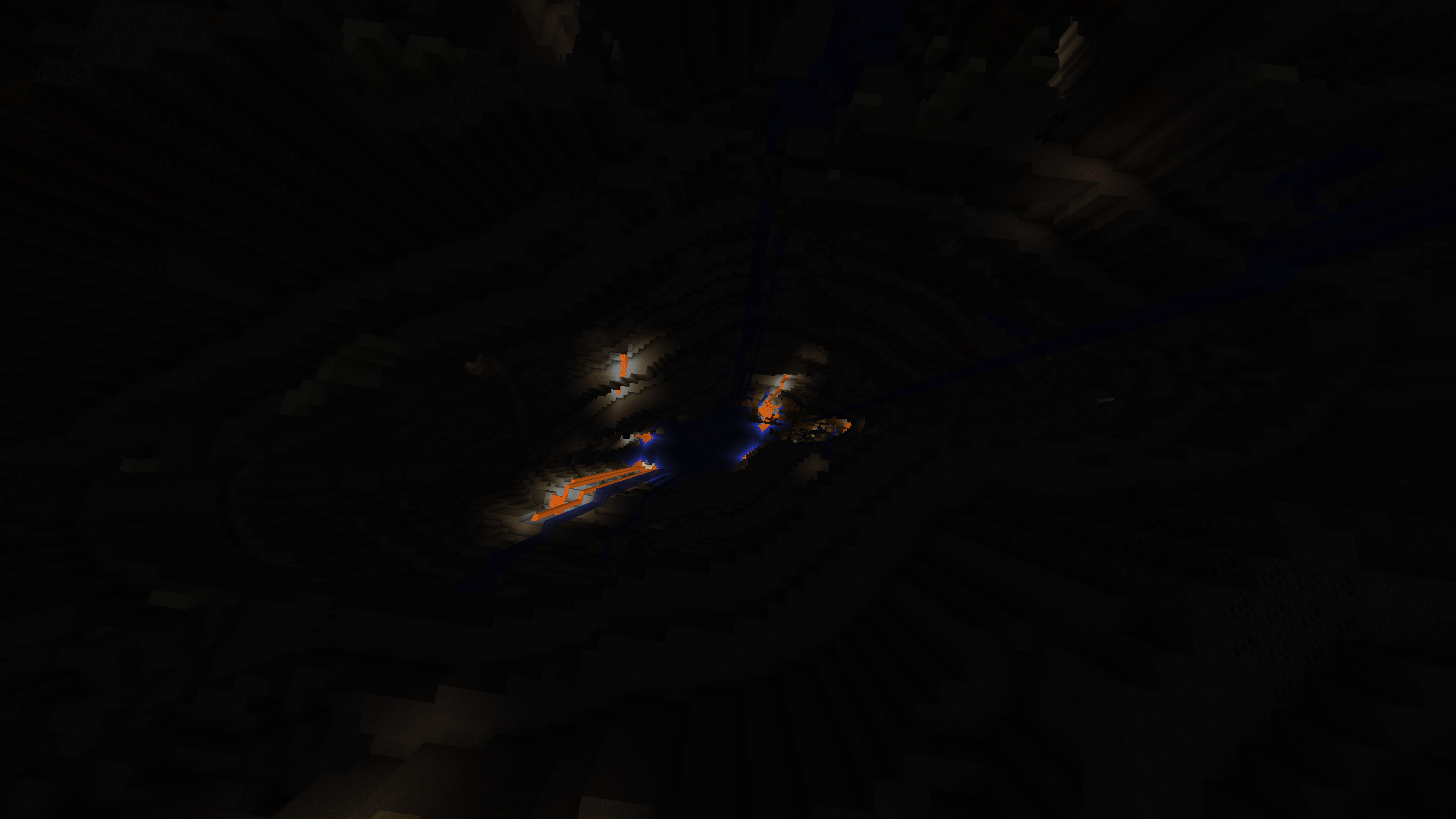
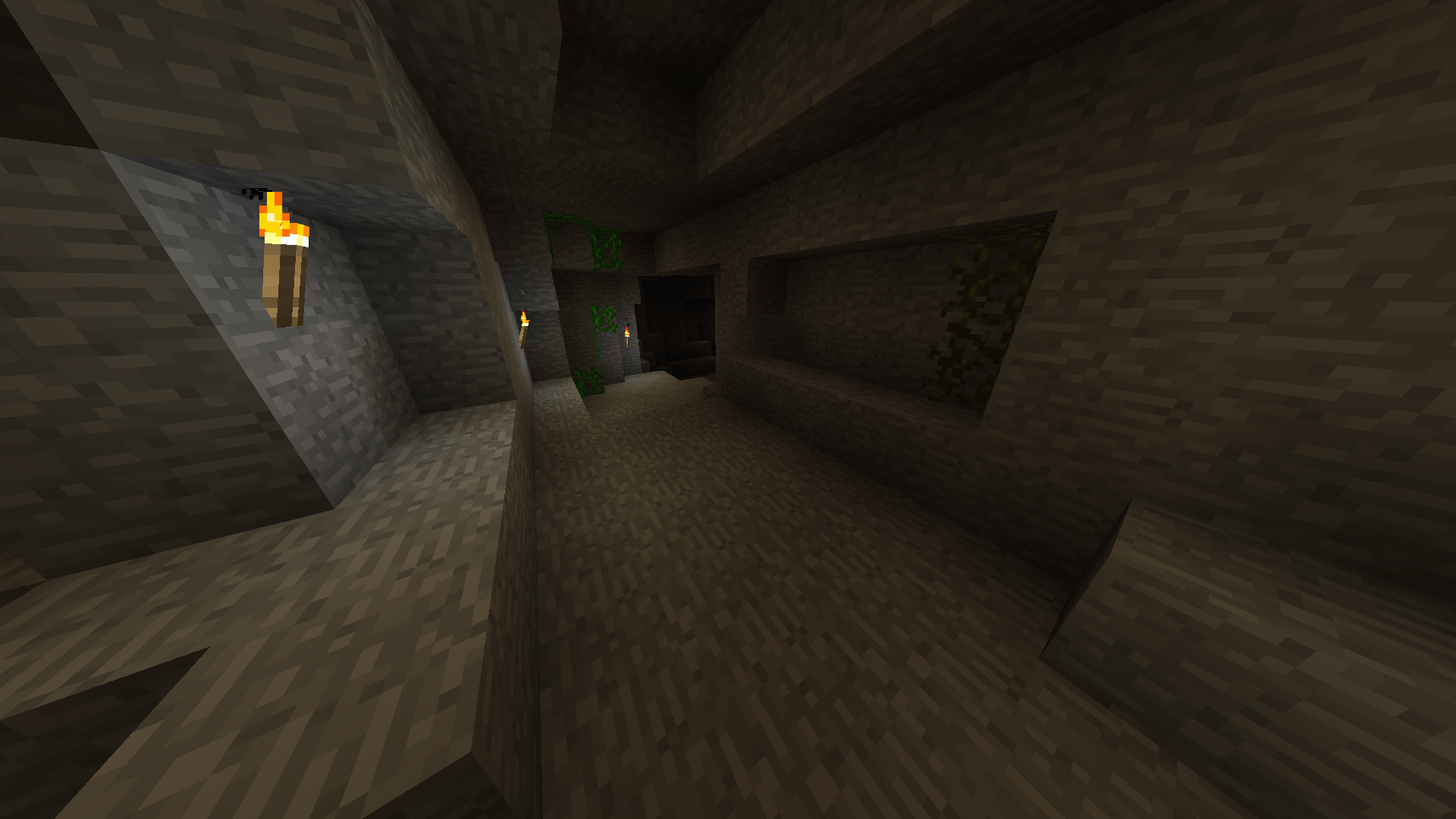
For Minecraft 1.12.2: Cavern II
For Minecraft 1.9: Cavern
Description
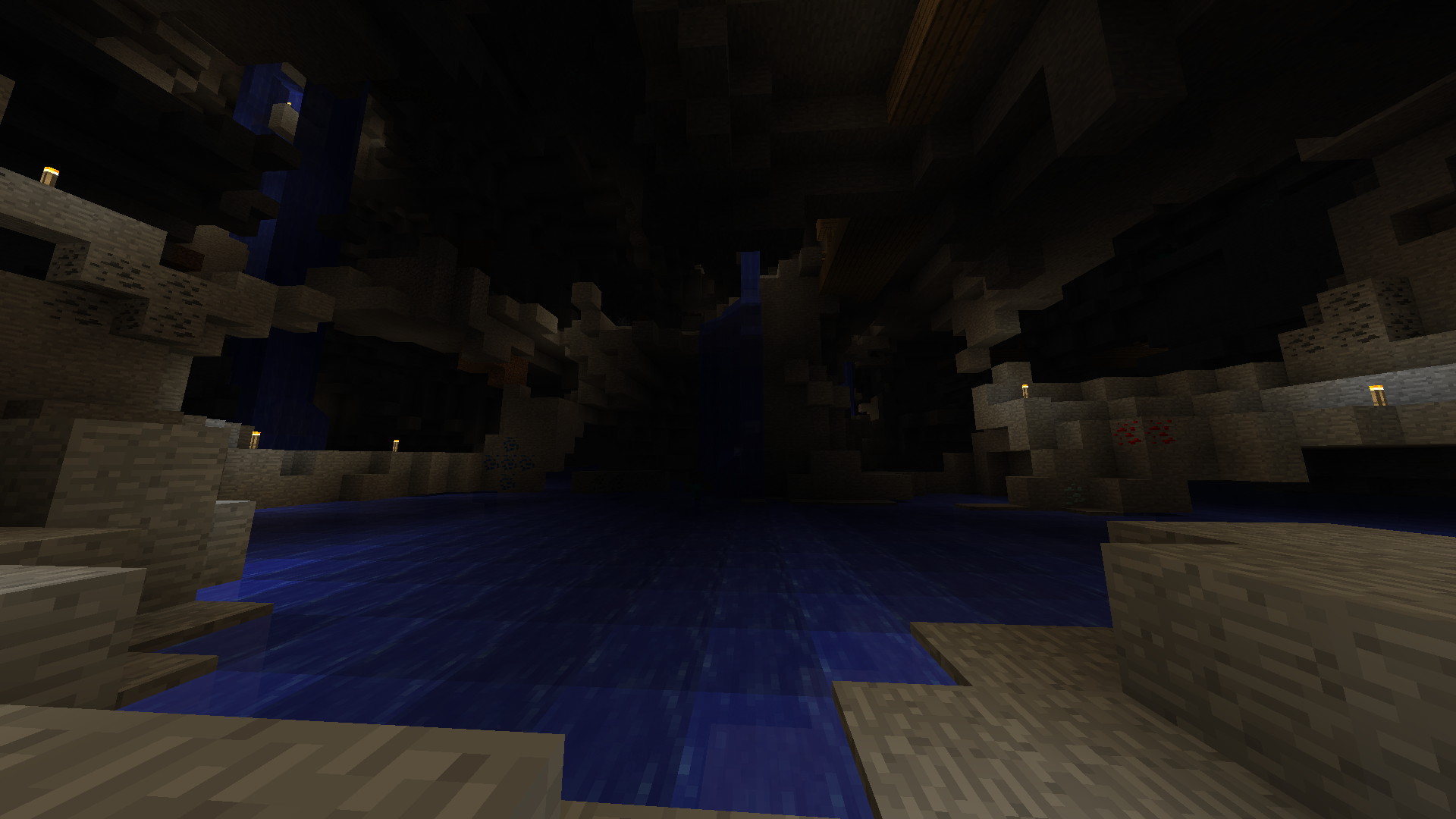
Adds more new cave dimensions!
And some blocks, items, mobs, bosses, and optional recipes.
Configuration
This mod is recommends you to change config settings in the GUI.
- Click Mods on the main Minecraft menu and click "Caveworld 2" mod entry in the list.
- Click Config and change the this mod config settings.
Cave Portals
- Build the portal frame of Moss Stone or Mossy Stone Bricks (4x5 minimum, 23x23 maximum).
- Place the Ender Chest into the portal frame. (for Caveworld dimension)
Place the Emerald into the portal frame. (for Cavern dimension)
Place the Aquamarine into the portal frame. (for Aqua Cavern dimension)
Place the Cavenium into the portal frame. (for Caveland dimension)
Place the Refined Cavenium into the portal frame. (for Cavenia dimension) - Walk inside your portal. Stand into the portal frame and wait.
- Enjoy the cave dimension!
Mining Point / Miner Rank
Mining points can get when mining ores in the cave dimensions.
Miner rank will promote when the mining points has accumulated.
You can get some benefits according to your miner rank.
For example: If your rank is Aqua Miner or better, even though you are in the water, you can mine with ease.
Mining points and miner rank will display ingame screen corner while you hold a pickaxe.
- Edition: Minecraft Java
- File type: .jar
- How to install: Install the matching mod loader (Forge, Fabric or NeoForge) for your Minecraft version. → Download the .jar. → Put it in the .minecraft/mods folder and launch that loader profile.
- Where to get it: Opens on CurseForge — not every file is mirrored on our own servers.
Install steps are the general flow for this file type — How to install Minecraft Java mods & modpacks walks through it step by step.
- Ships as Caveworld_1.7.10-v2.3.3.jar — drop this file into the mods folder
- Download size: 10.8 MB
- Download link checked 13 Oct 2026 — working
These come from our own check of the pack file, not from the source page.