GUI Decorations
Minecraft Java mod. Downloads from the MC Java Mods app on Android.
⬇ Download on CurseForge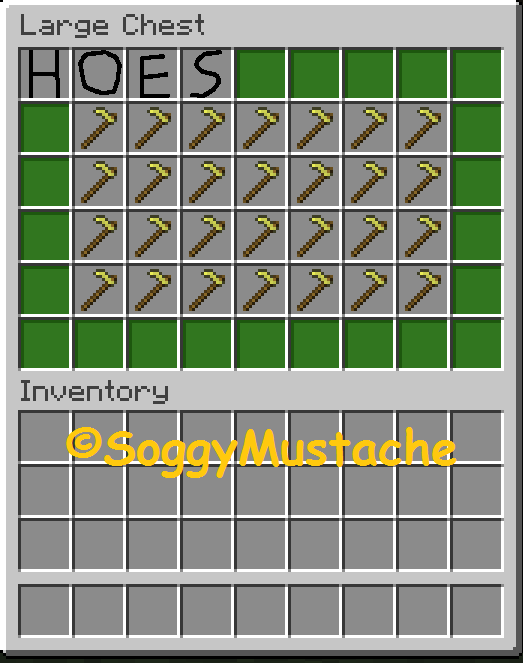
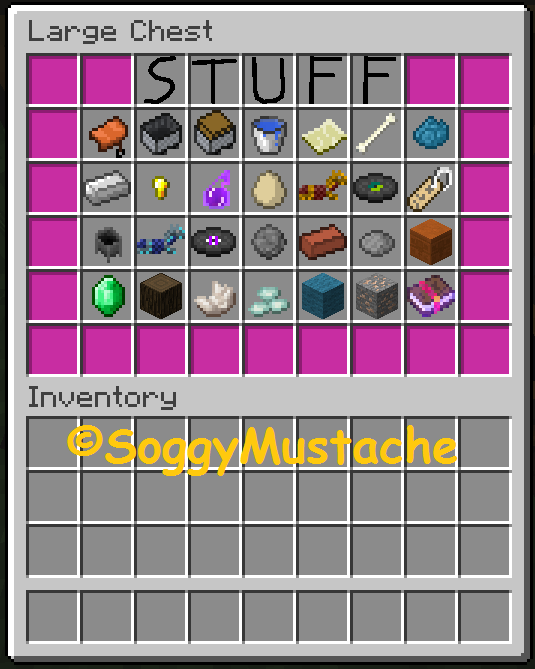
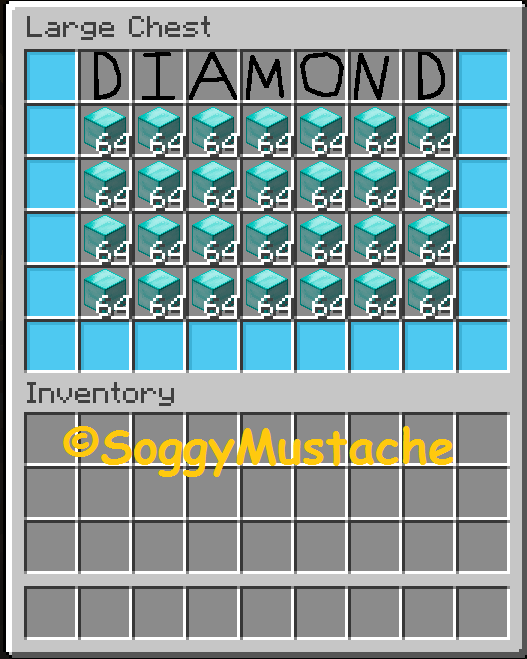
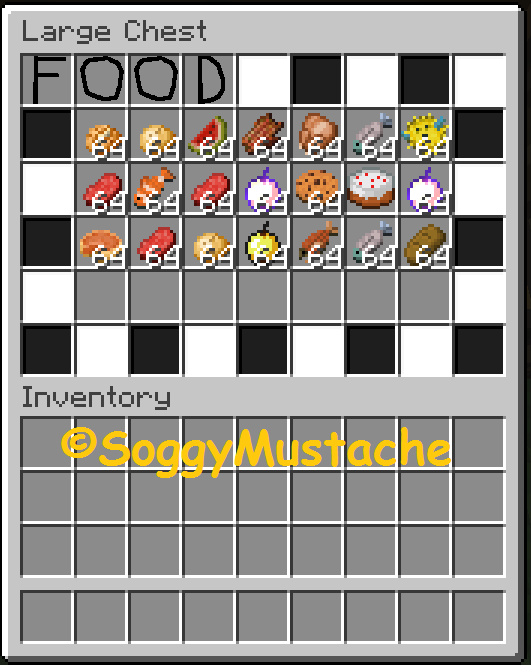
After downloading and installing my mod GUI Decorations you will have a lot of new Items in the game. The items are different squares used to change how chests and other GUIs look as well as how you have the entire alphabet which can be used to name chests for their purpose.
DISTRIBUTING THIS MOD ON ANY OTHER WEBSITE IS AGAINST THE USAGE OF THIS MOD AND YOU WILL FACE THE CONSEQUENCES UNLESS YOU HAVE MY PERMISSION TO GET PERMISSION TO USE IT EMAIL ME AT soggymustacheofficialmods@gmail.com
THIS MOD WAS MADE BY Soggy_Mustache All Rights Reserved ©Soggy_Mustache
My in game name is SoggyMustache
check out my other mods=http://minecraft.curseforge.com/mc-mods/232515-crossy-road-mod
- Edition: Minecraft Java
- File type: .jar
- How to install: Install the matching mod loader (Forge, Fabric or NeoForge) for your Minecraft version. → Download the .jar. → Put it in the .minecraft/mods folder and launch that loader profile.
- Where to get it: Opens on CurseForge — not every file is mirrored on our own servers.
Install steps are the general flow for this file type — How to install Minecraft Java mods & modpacks walks through it step by step.
- Ships as GUIDeco - 1.0 (1.8.9).jar — drop this file into the mods folder
- Download size: 134 KB
- Download link checked 13 Oct 2026 — working
These come from our own check of the pack file, not from the source page.