Additional Loot Tables
Minecraft Java mod. Downloads from the MC Java Mods app on Android.
⬇ Download on CurseForge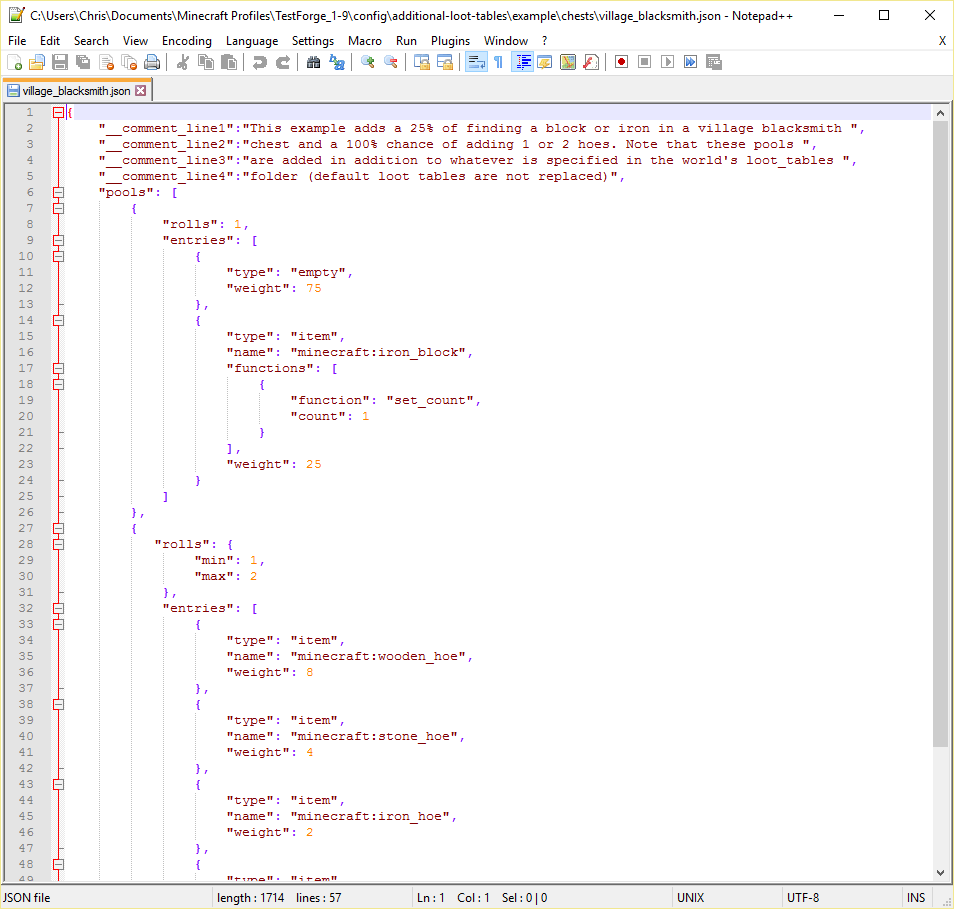
Additional Loot Tables
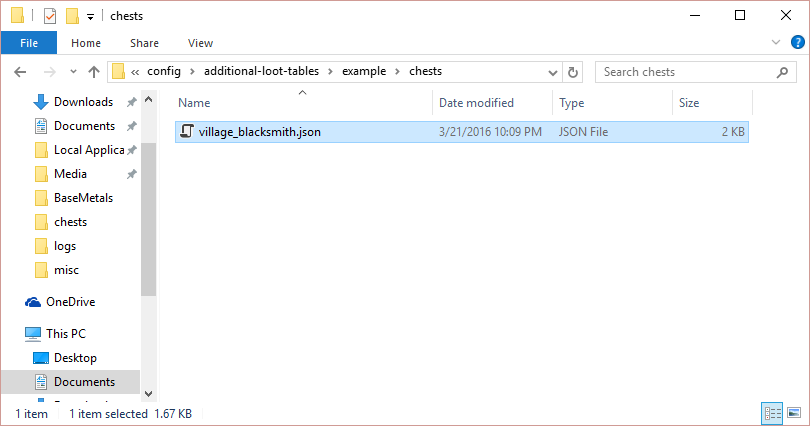
This simple mod loads loot tables from the config/additional-loot-tables folder. The loot table definitions must be stored in the format config/additional-loot-tables/MODID/XXX/YYY.json where MODID is the mod ID or name, XXX is the loot event type (either chests or entities), and YYY is the loot category (e.g. simple_dungeon.json). You can also add custom loot tables this way by using any folder name in the place of MODID.
How it works
When this mod is installed, it will create a folder in the config folder called additional-loot-tables. You (or your mod) can place folders in additional-loot-tables that contain loot table definitions.
For example, ModX wants to make dungeon chests contain a jetpack as treasure. To do this, ModX creates the file config/additional-loot-tables/modx/chests/simple_dungeon.json. This file contains the loot table definition for spawning a jetpack. When a player with ModX and AdditionalLootTables installed creates or loads a world, AdditionalLootTables automatically detects the files in config/additional-loot-tables and merges them with the default (or manually added) Minecraft loot tables.
Talk to the dev on discord: here
- Edition: Minecraft Java
- File type: .jar
- How to install: Install the matching mod loader (Forge, Fabric or NeoForge) for your Minecraft version. → Download the .jar. → Put it in the .minecraft/mods folder and launch that loader profile.
- Where to get it: Opens on CurseForge — not every file is mirrored on our own servers.
Install steps are the general flow for this file type — How to install Minecraft Java mods & modpacks walks through it step by step.
- Ships as AdditionalLootTables-1.11-2.0.3.39.jar — drop this file into the mods folder
- Download size: 29 KB
- Download link checked 13 Oct 2026 — working
These come from our own check of the pack file, not from the source page.