Custom Banner Loader
Minecraft Java mod. Downloads from the MC Java Mods app on Android.
⬇ Download on CurseForge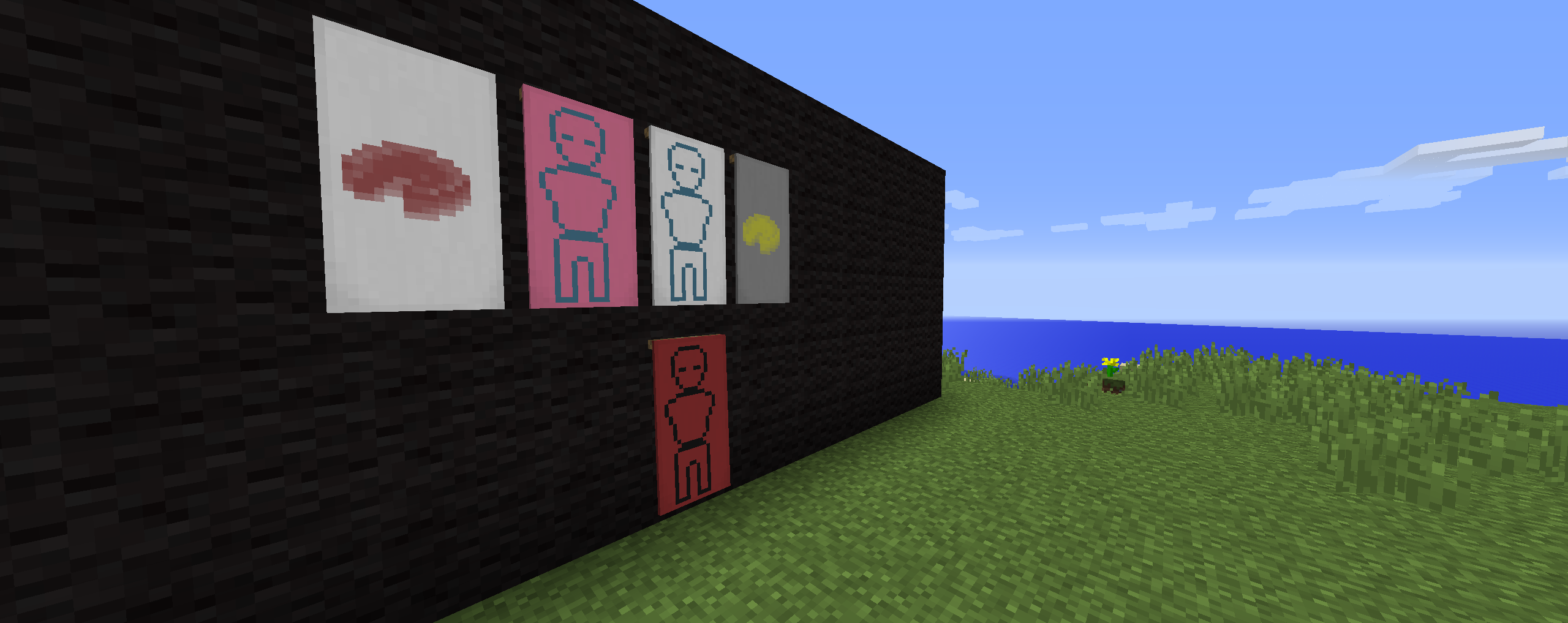
Minecraft officially introduced banners in 1.8 . After seeing the generic designs that were added in, banners didn't seem any fun anymore. But now, with the advent of Custom Banner Loader, everything changes! Create a simple black/white image, a .json file and bam! New banner and shield types. This mod automatically loads localization and adds in the crafting recipe.
Anyone who makes a design and would like to show it off, send it to me and I'll consider posting it as an example.
Thanks to Vazkii for inspiring this mod. If it wasn't for the introduction of Custom Banners in the mod Quark, I'd never have made this.
Basics of creating a banner:
Important Folders:
JSONs and Banner images go into the .../entity/banner folder. Shield images go into the .../entity/shield folder.
Clients and Servers need the JSONs. Images are only required on the Client side, however it will not crash a server if they are included in the config folder.
Json Format:
{
  "item": "minecraft:Item_Needed_To_Create_Design",
  "name": "Name_of_PNG_file",
  "id": "ID",
  "localized": "Engilsh_Name_of_Design"
}
- The item field is the name of the item, identical to using the /give command
- The IDs should all be unique, and are registered with "bl_" before them. IDs should be only 1-4 letters.
- Localized is the English name given to the design. If the banner was of a ball, localized should be "Ball". Localized is used in the tooltip to describe the design
- Name is the PNG file without the suffix .png . If this is not properly set, the textures will fail to load.
- Edition: Minecraft Java
- File type: .jar
- How to install: Install the matching mod loader (Forge, Fabric or NeoForge) for your Minecraft version. → Download the .jar. → Put it in the .minecraft/mods folder and launch that loader profile.
- Where to get it: Opens on CurseForge — not every file is mirrored on our own servers.
Install steps are the general flow for this file type — How to install Minecraft Java mods & modpacks walks through it step by step.
- Ships as bannerloader-1.9-1.0.0.jar — drop this file into the mods folder
- Download size: 14 KB
- Download link checked 13 Oct 2026 — working
These come from our own check of the pack file, not from the source page.