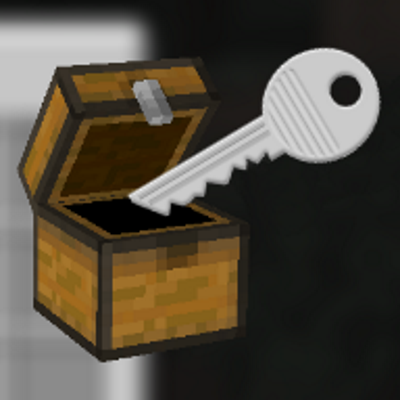
ChestLock - Protect your chests!
Minecraft Java mod. Downloads from the MC Java Mods app on Android.
⬇ Download on CurseForge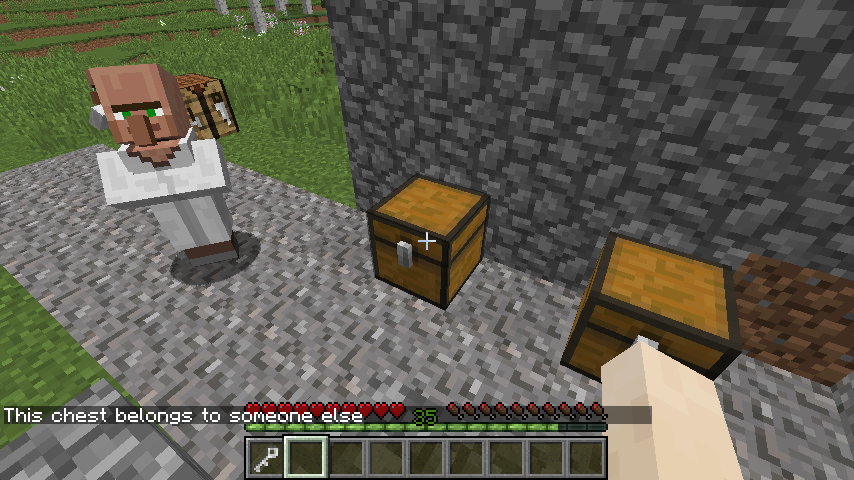

What it does?
With this mod you can lock your chest and no one but you is able to open it. Keep all your stuff safe of thieves and robbers.
How it works?
Depends on what way of protection you choose. You can change that by editing the config file (.minecraft/config):
- PlayerMatters: (activated per default)
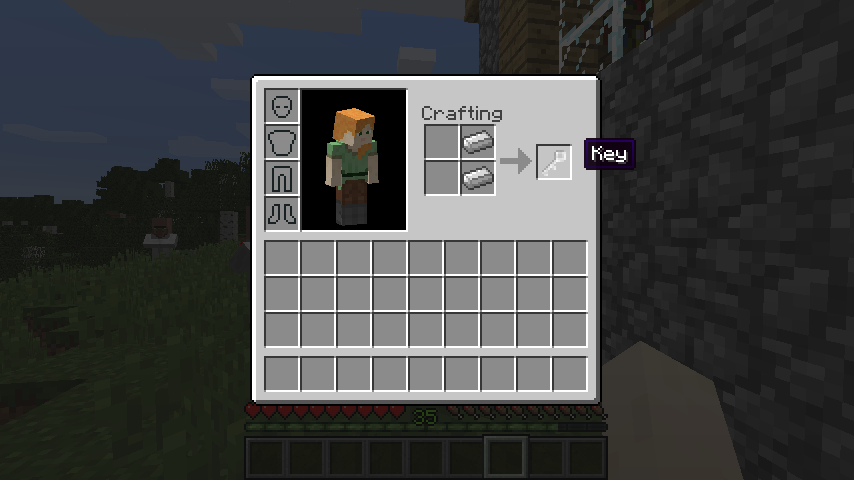
- Craft a key (2 iron ingots on top of each other)
- Shift-right click with this key on a chest
- It’ s locked!
- To open it click again with the key
- This way only the Player who locked it can open it
- KeyMatters:
- Craft a key (2 iron ingots on top of each other)
- Rename it at the anvil!
- Shift-right click with this key on a chest
- It’ s locked!
- To open it click again with the key
- This way everyone can open the chest, if they have the right named key
- (If you don't rename it, the chest can be opend with every unnamed key)
Furthermore you can only break a chest when you're the owner! (You can turn off this feature in the config)
Is this mod multiplayer compatible?
Why should you use this mod in singleplayer? 
As long as both – Client and Server – have installed it, this mod should run without a problem on your forge server.
How to install it?
1) Download and install Forge.(make sure you use 1.10.2)
2) Download this mod and place the .jar into your Mods Directory (.minecraft\mods).
For installing a Forge Server follow one of the countless tutorials, please.
Note: If you have any problems, questions, suggestions, cookies or whatever, feel free to write down your thoughts in the comments 
Fave fun
- Edition: Minecraft Java
- File type: .jar
- How to install: Install the matching mod loader (Forge, Fabric or NeoForge) for your Minecraft version. → Download the .jar. → Put it in the .minecraft/mods folder and launch that loader profile.
- Where to get it: Opens on CurseForge — not every file is mirrored on our own servers.
Install steps are the general flow for this file type — How to install Minecraft Java mods & modpacks walks through it step by step.
- Ships as tobymodchest-1.2.jar — drop this file into the mods folder
- Download size: 13 KB
- Download link checked 13 Oct 2026 — working
These come from our own check of the pack file, not from the source page.