
EZ Extended
Minecraft Java mod. Downloads from the MC Java Mods app on Android.
⬇ Download on CurseForge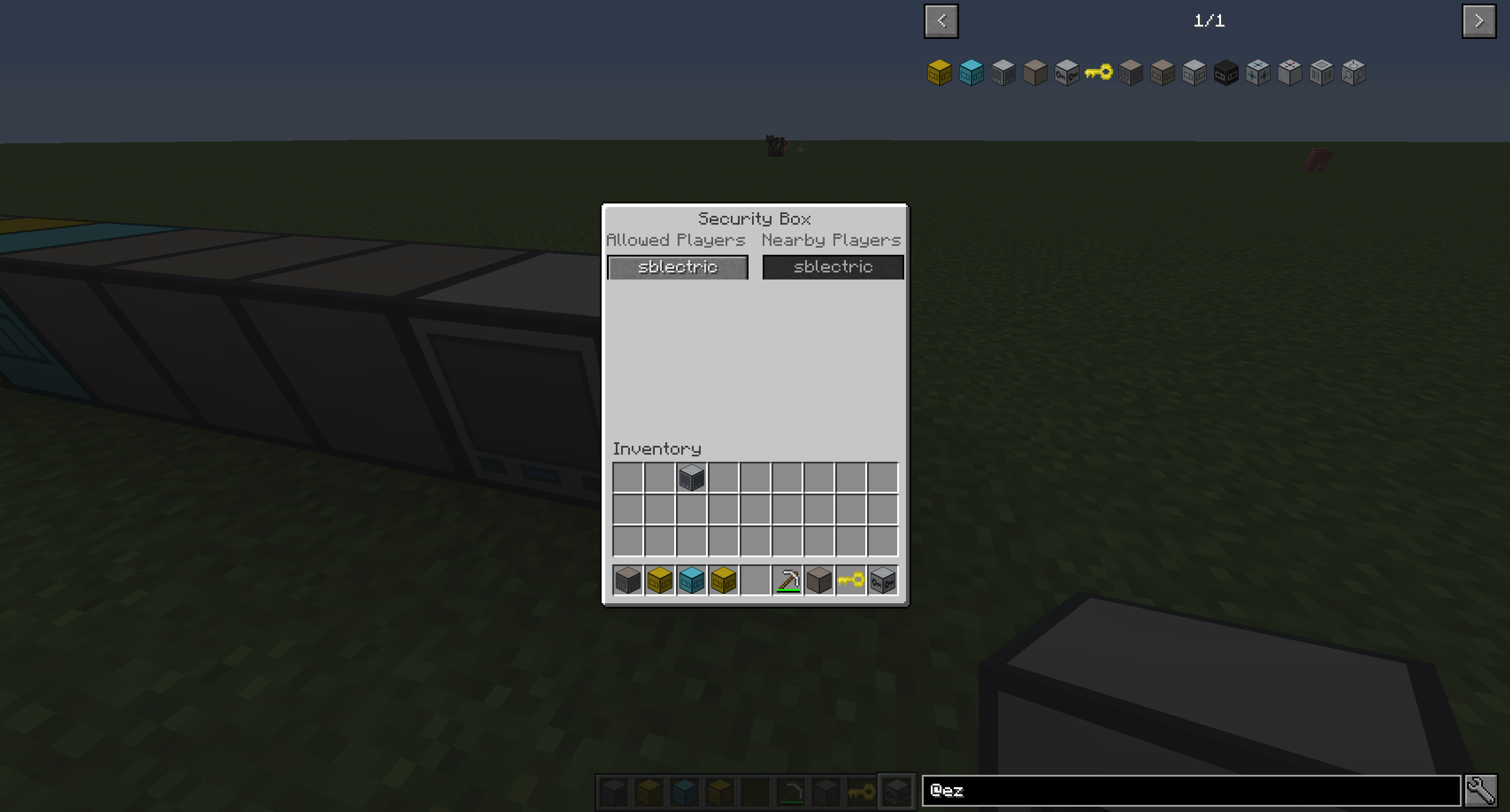

EZ Extended is an addon for EZ Storage by zero__fall that has some neat stuff. It has access terminals which allow you to access your storage core from any point on the system, extra storage box sizes, blank boxes for simple extension, and the ability to secure your storage system against unwanted access on servers and shared worlds.
All aspects of the mod are configurable, too.
EZ Storage 2 is here for 1.9.4 and 1.10.X with these additions and more, so check it out!
Take a look!
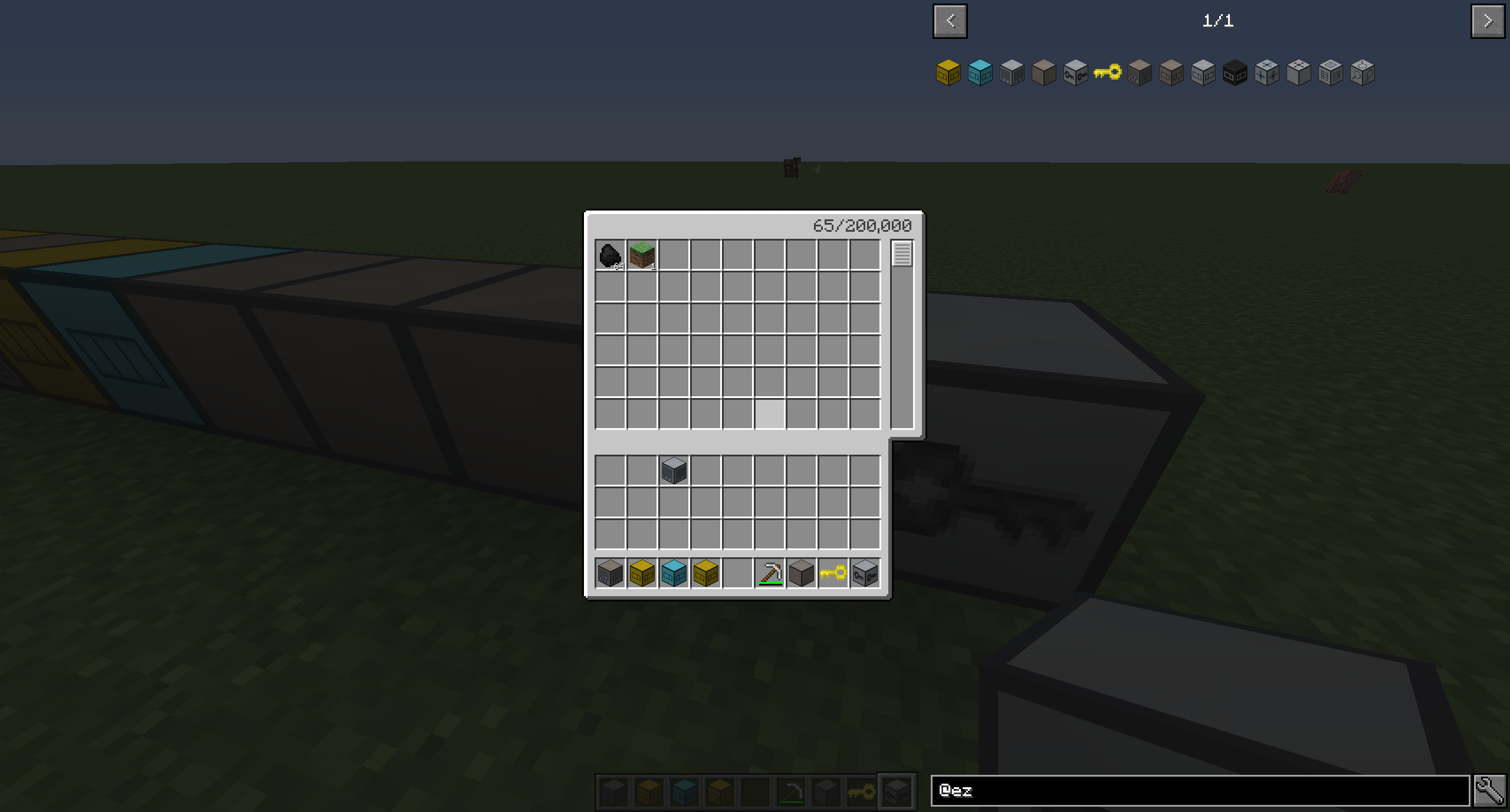
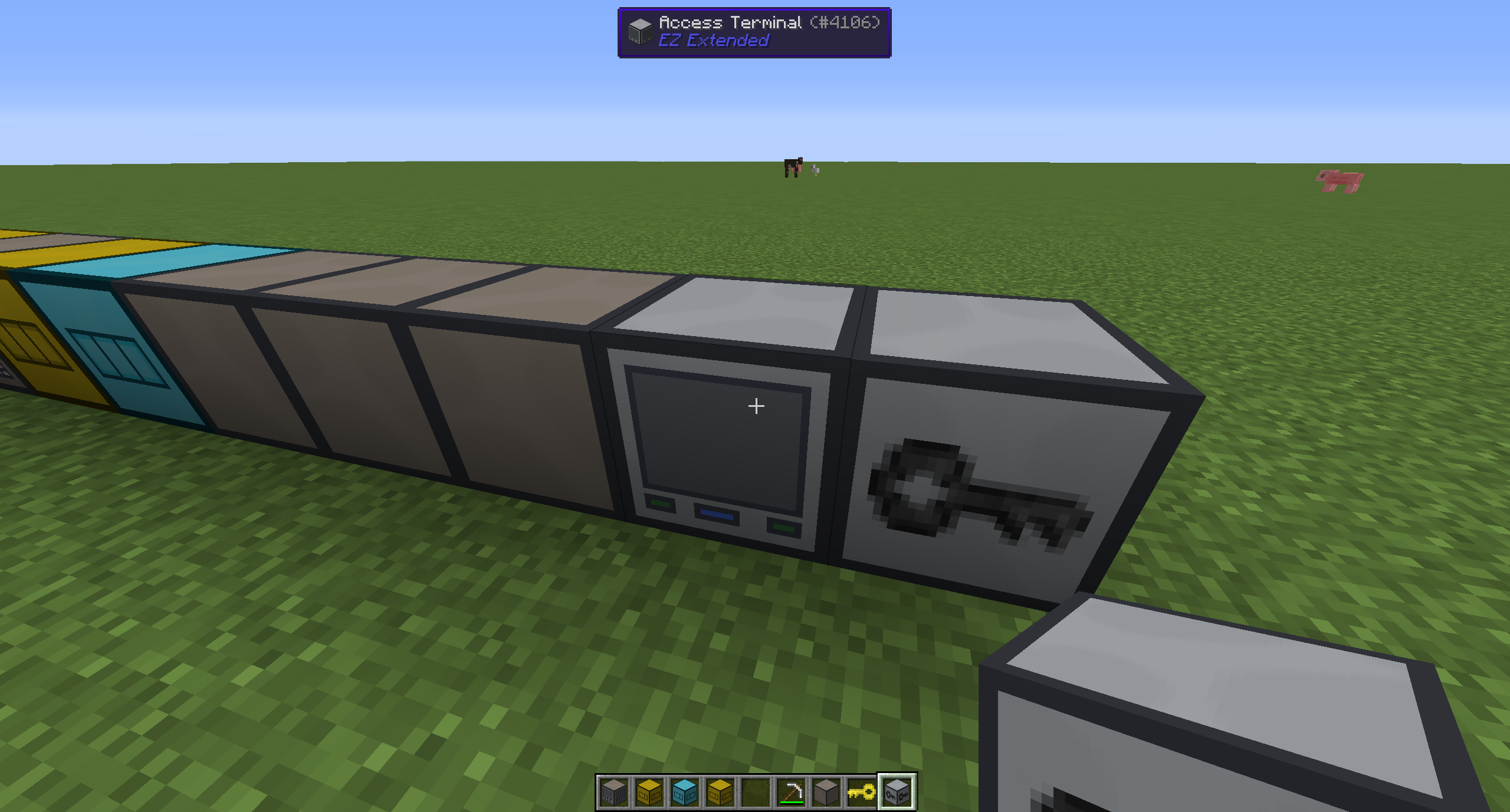
The access terminal:
Right clicking it will make it as if you were right at the core!
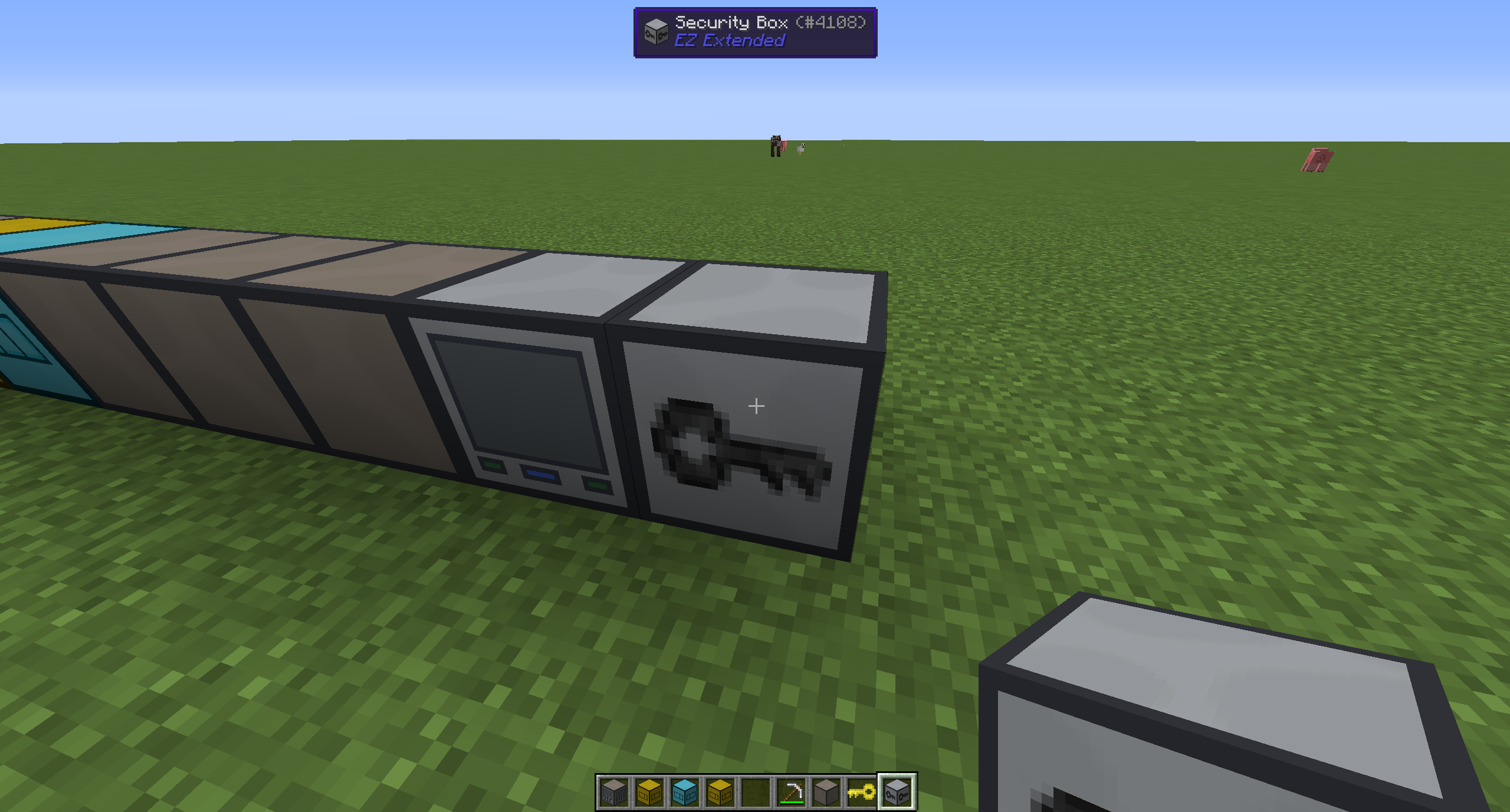
The security box:
The GUI allows you to click to add/remove whitelisted players that can use the system. Players that aren't on the whitelist will not be able to interact with the entire system in any way.
To remove the security box, simply right click it with the EZ key.
Enjoy the mod!
If you enjoy this mod, be sure to check out my other projects here.
Also consider donating above.
- Edition: Minecraft Java
- File type: .jar
- How to install: Install the matching mod loader (Forge, Fabric or NeoForge) for your Minecraft version. → Download the .jar. → Put it in the .minecraft/mods folder and launch that loader profile.
- Where to get it: Opens on CurseForge — not every file is mirrored on our own servers.
Install steps are the general flow for this file type — How to install Minecraft Java mods & modpacks walks through it step by step.
- Ships as ezextended-1.0.0-[1.9].jar — drop this file into the mods folder
- Download size: 55 KB
- Download link checked 13 Oct 2026 — working
These come from our own check of the pack file, not from the source page.