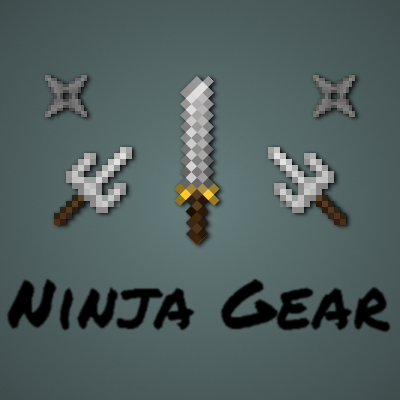
NinjaGear
Java mod listed for Minecraft 1.16–1.18. Downloads from the MC Java Mods app on Android.
I don't know my version or loader
NinjaGear
Ninja Gear is a Minecraft mod for 1,9 which adds a set of ninja themed items and blocks for all your ninja desires. This mod was made with role playing options in the back of the head, and is the first in a series of small, themed mods.
Content
All items and blocks in this mod have an extensive tool tip indicating their purpose and how they are used as well as advantages and disadvantes. You can either use these, or, if you prefer to look online on some forum, read about the content here.
Ninja armor set
This armor set, when fully equipped, will make you run and attack slightly faster. Its main feature however is that it allows you to hide from mobs and players when it's dark enough. To hide, simply sneak (default: shift), if you are hidden a status effect will be rendered on your HUD indicating that you are indeed hidden. Note that equipping an item will reveal you. There are exceptions to this: most ninja gear items can be equipped without revealing the ninja.
When you attack from hiding, your attack will inflict a critical hit (amount can be configured). However you will also be revealed. When revealed, you can not hide for a short period of time. While you are revealed, there will also be a status effect HUD icon indicating you are revealed.
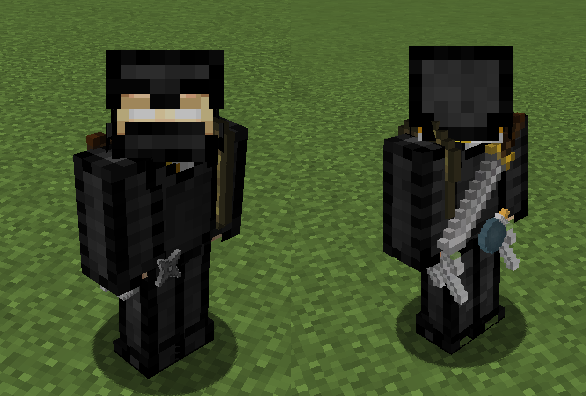
The screenshot below shows the ninja set in all its glory. While wearing the ninja armor set chest piece, all the ninja weapons and tools you have in your inventory (unless you have them equipped) will be rendered on your player model.
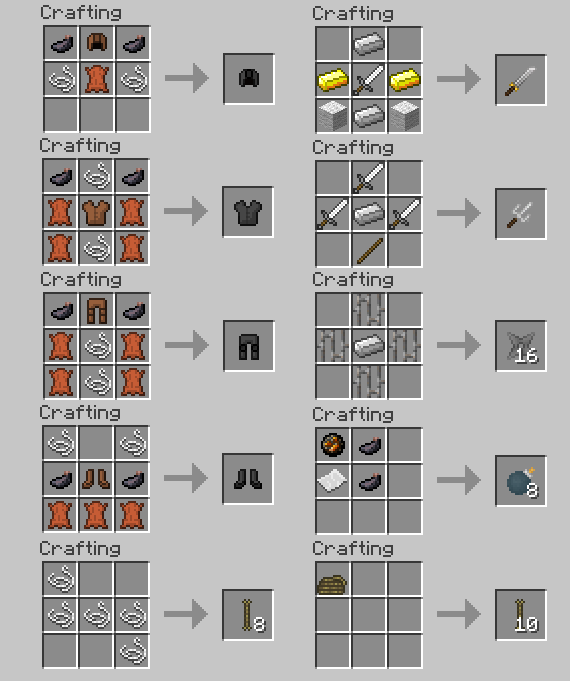
The recipes to craft each armor piece are shown in JEI, as well as on the picture in the spoiler below.

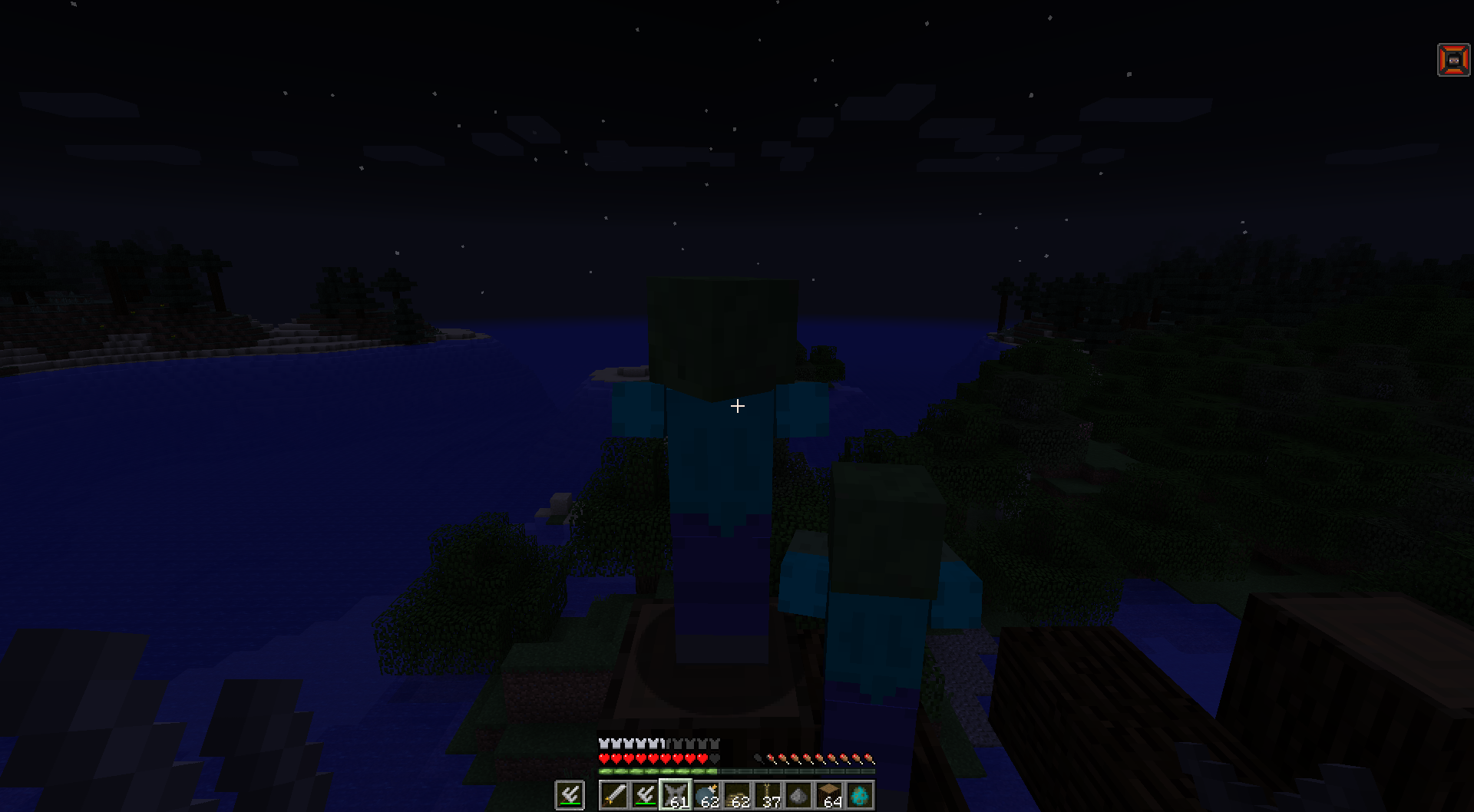
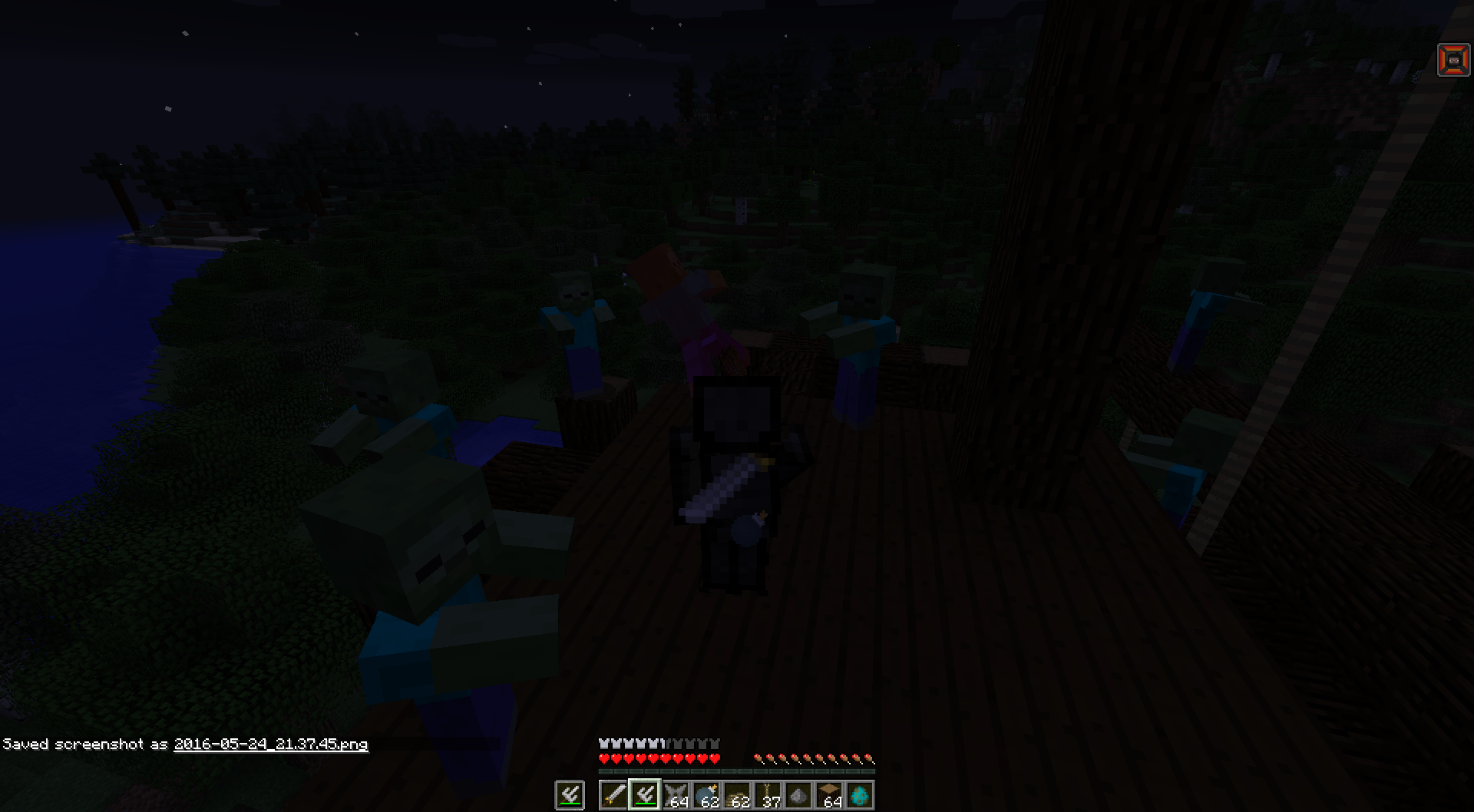
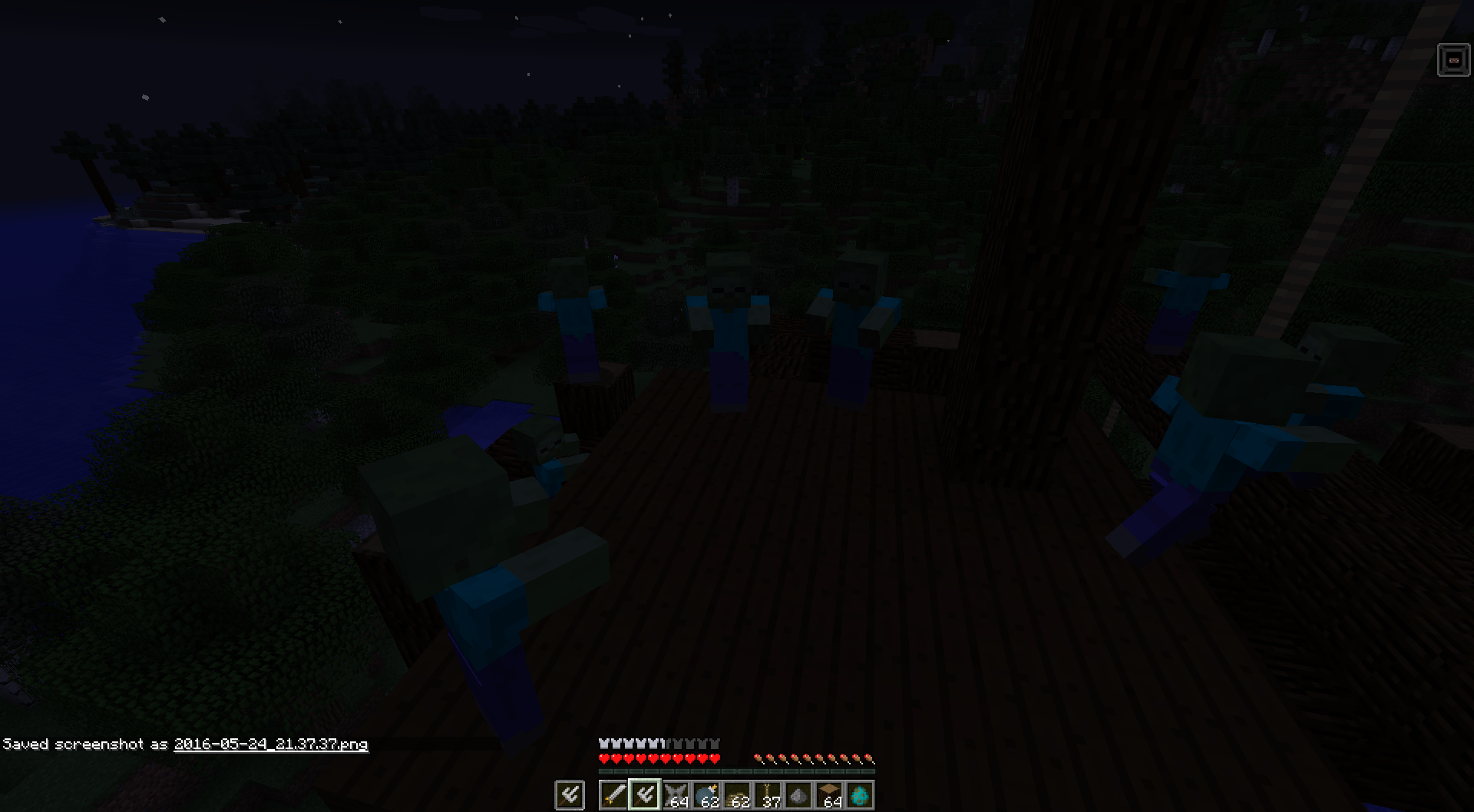
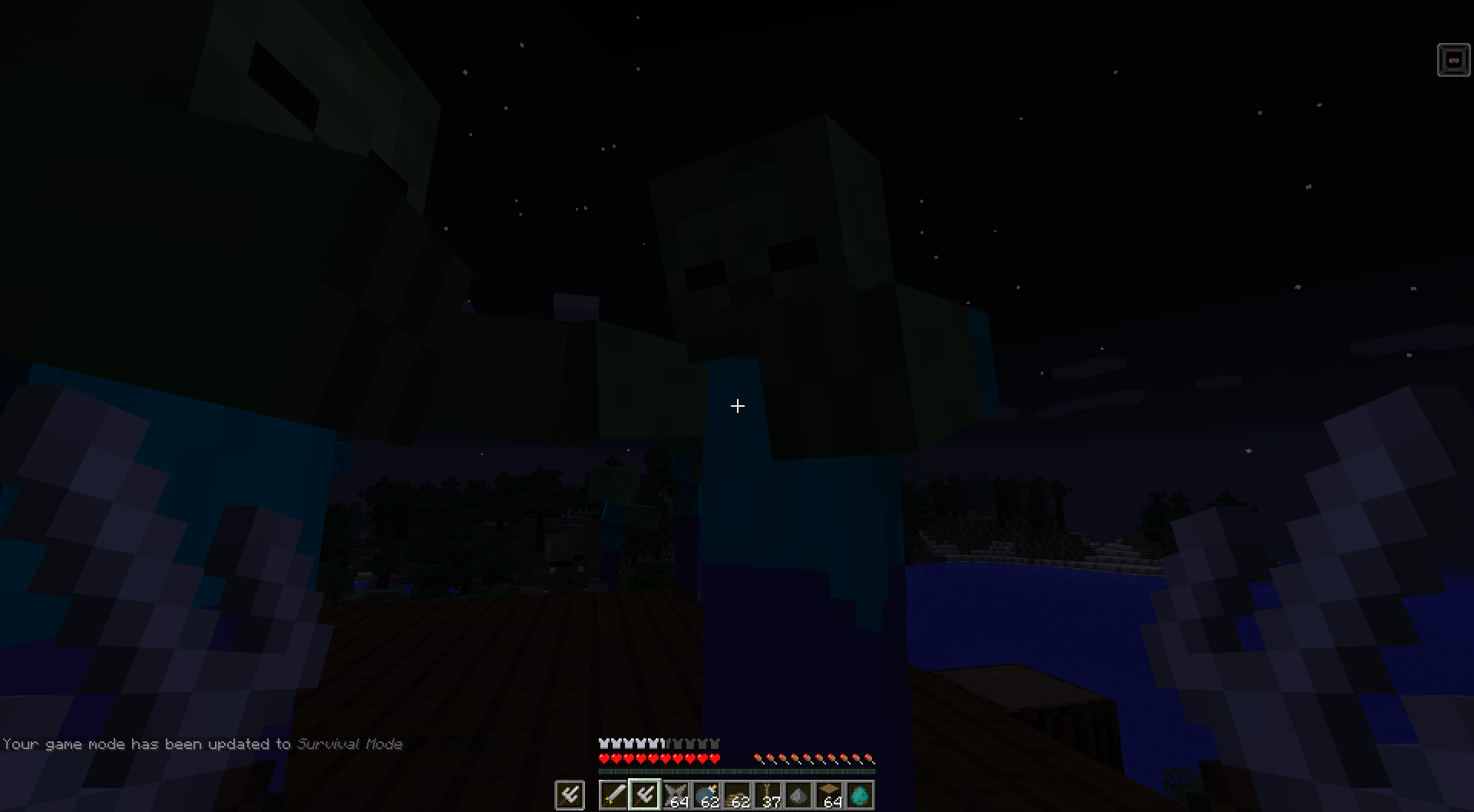
Finally a couple of screenshots showing the ninja gear in action


Ninja weapons
]Foremost, the ninja is a master of stealth, but is also no stranger to combat. The ninja has some weapons of preference
Katana
The first weapon is the Katana, it deals more damage and is faster than a regular sword, however it requires two hands to wield. You will notice that using the katana while having an item equipped in the offhand is unwieldy: you attack slower and deal less damage. Note that equipping a katana will reveal you from hiding. The katana is the ninja's back up when stealth is no longer an option.
It is crafted with this recipe:
Sai
The sai are one of the ninja's signature weapons. They are smaller than the katana and can be equipped when hidden without revealing the ninja. However they require one in each hand, if you are only using one, you will notice you deal less damage.
one piece of the sai is crafted with the following recipe:
Shuriken
Sometimes the ninja wants to take out a target it can not reach. The ninja's answer to this is the shuriken. While shurikens have a shorter range than bow and arrow, they can be thrown in quick succession.
Their recipe is as follows:
Ninja tools
The ninja also uses some tools to help him in certain situations. The most common tools are listed below
Smoke bomb
When the ninja has no place to hide or has to make a quick escape, he can throw a smoke bombs. Smoke bombs will create a smoke cloud effectively creating a dark spot. This dark spot will linger for a while, but eventually will disperse and dissappear.
Smoke bombs are crafted using this recipe:
Below are some screenshots of the smoke bomb being used.


Rope
This mod also adds rope, a rope can be attached at the bottom of blocks with a solid bottom face. Ropes can also be attached to other ropes or certain anchor points. By clicking a rope with a rope, the rope is extended downwards by one. Clicking a segment of a rope will break the rope and the rope segments below it. Shift clicking a rope will break the entire rope.
Rope is crafted as follows:
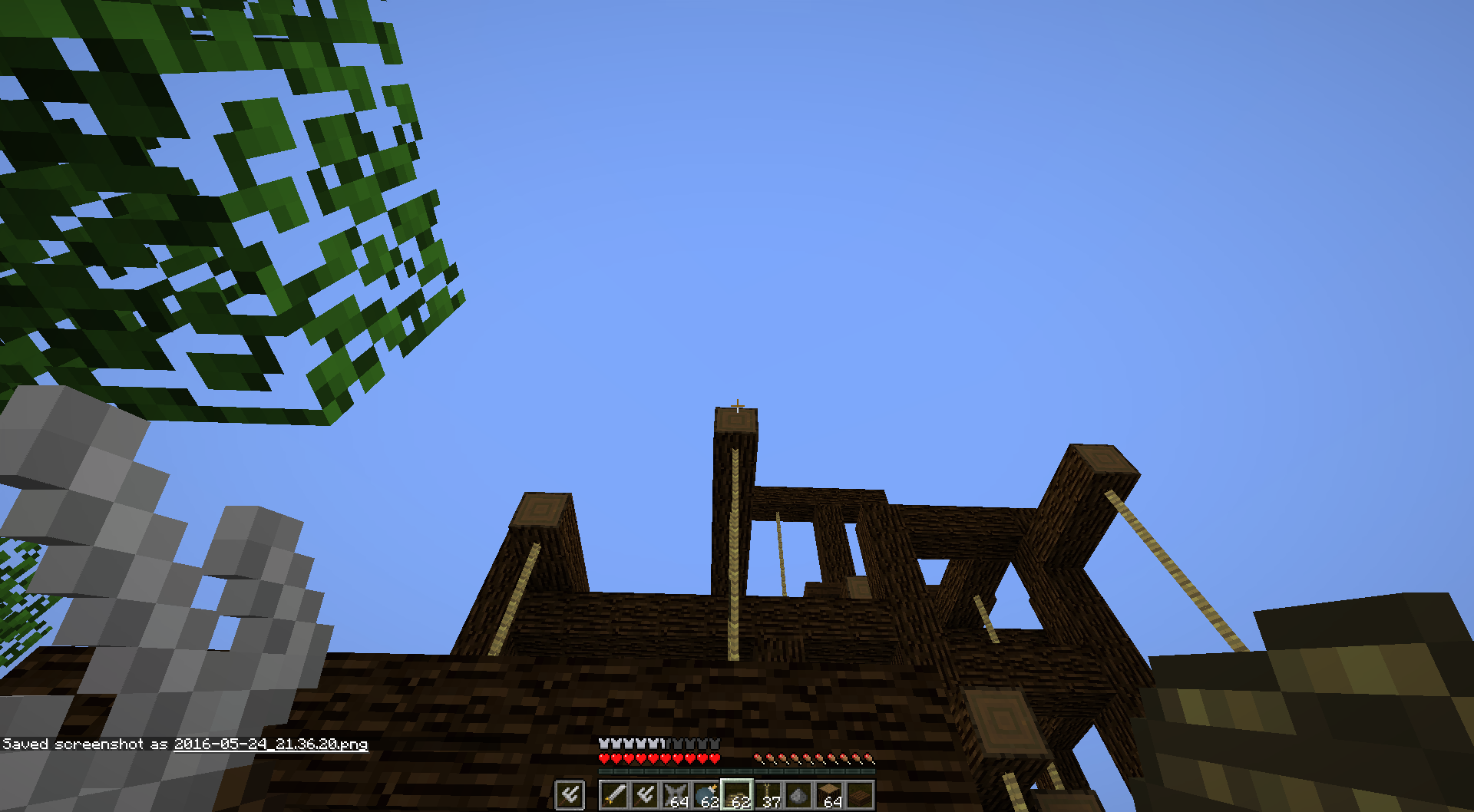
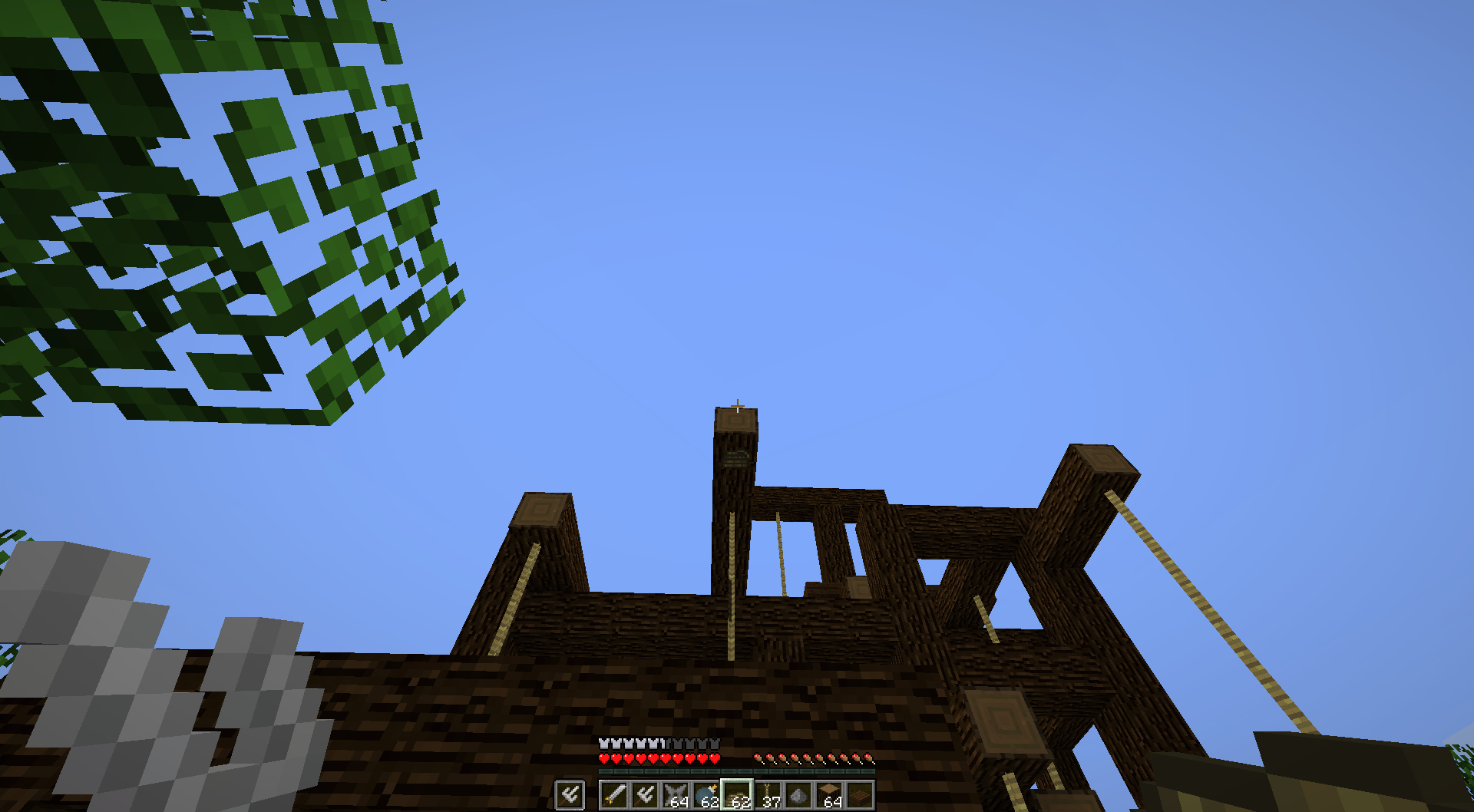
Below are some screenshots of a construction using ropes


Rope coil
It often occurs that a ninja wants to climb to a higher spot, but there is no route to it. Therefore the ninja can tie together some ropes (read shift+right click) to form a rope coil. This rope coil can then be thrown to create a 10 block long (can be configured) rope. Rope coils can also be thrown to existing ropes, this will extend the rope. Any ropes that are left over after the rope touches the ground are returned to the ninja's inventory.
The ninja can also use the following crafting recipe to convert a rope coil back into individual ropes:
Finally here are some screenshots of rope coils being thrown


Source code
As with all my mods, the code is and will always be open source.
Source code can be found on GitHub
Special thanks to
SkeletonPunk for providing the textures
- Edition: Minecraft Java
- File type: .jar
- Minecraft versions listed: 1.18.2, 1.16.5, 1.16.4
- How to install: Install the matching mod loader (Forge, Fabric or NeoForge) for your Minecraft version. → Download the .jar. → Put it in the .minecraft/mods folder and launch that loader profile.
- Where to get it: Opens on CurseForge — not every file is mirrored on our own servers.
Install steps are the general flow for this file type — How to install Minecraft Java mods & modpacks walks through it step by step.
- Ships as ninjagear-0.0.2.jar — drop this file into the mods folder
- Download size: 184 KB
- Download link checked 13 Oct 2026 — working
These come from our own check of the pack file, not from the source page.