Simply Caterpillar
Java mod listed for Minecraft 1.18–1.20. Downloads from the MC Java Mods app on Android.
I don't know my version or loader
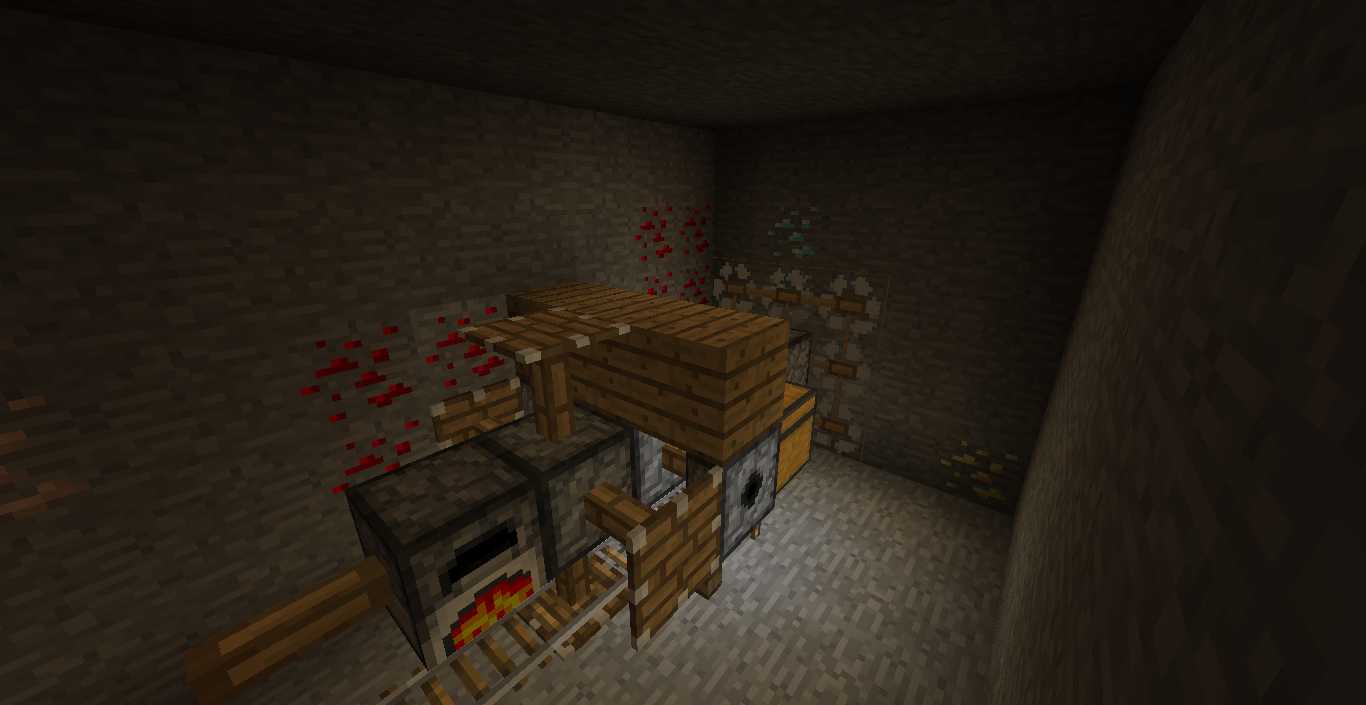
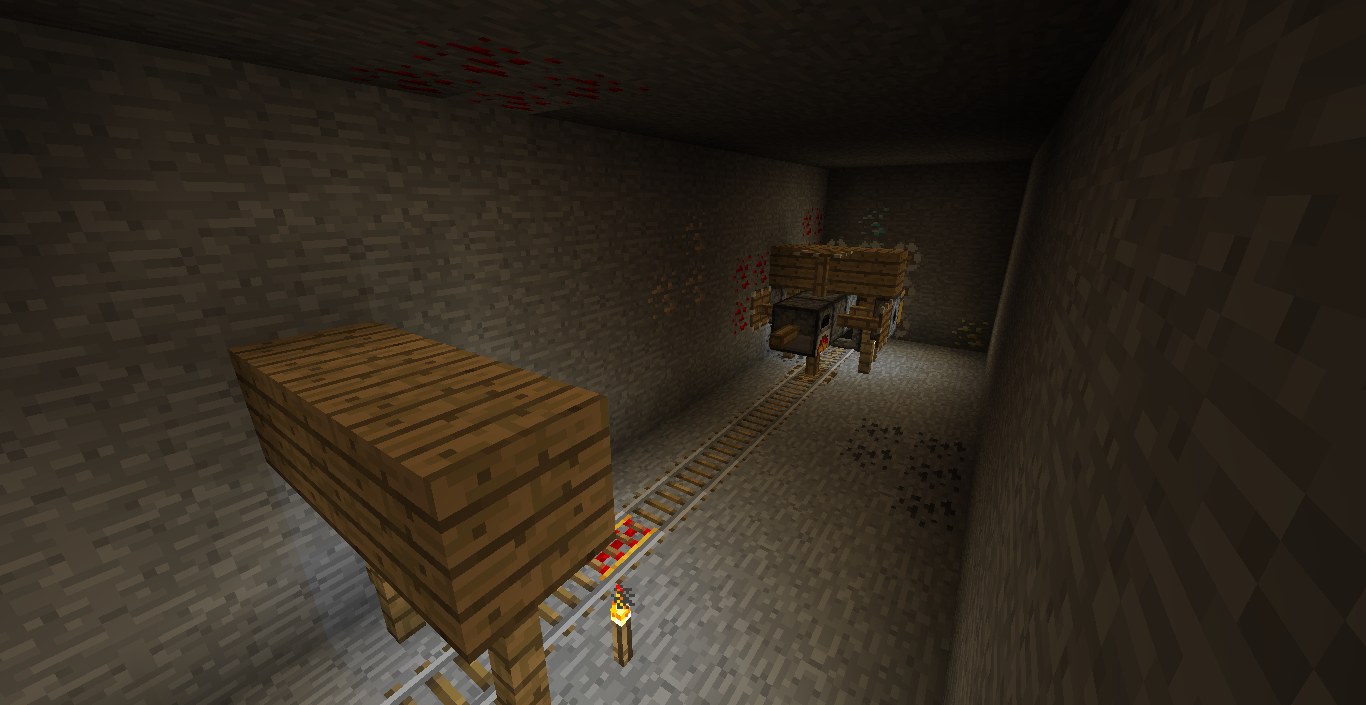
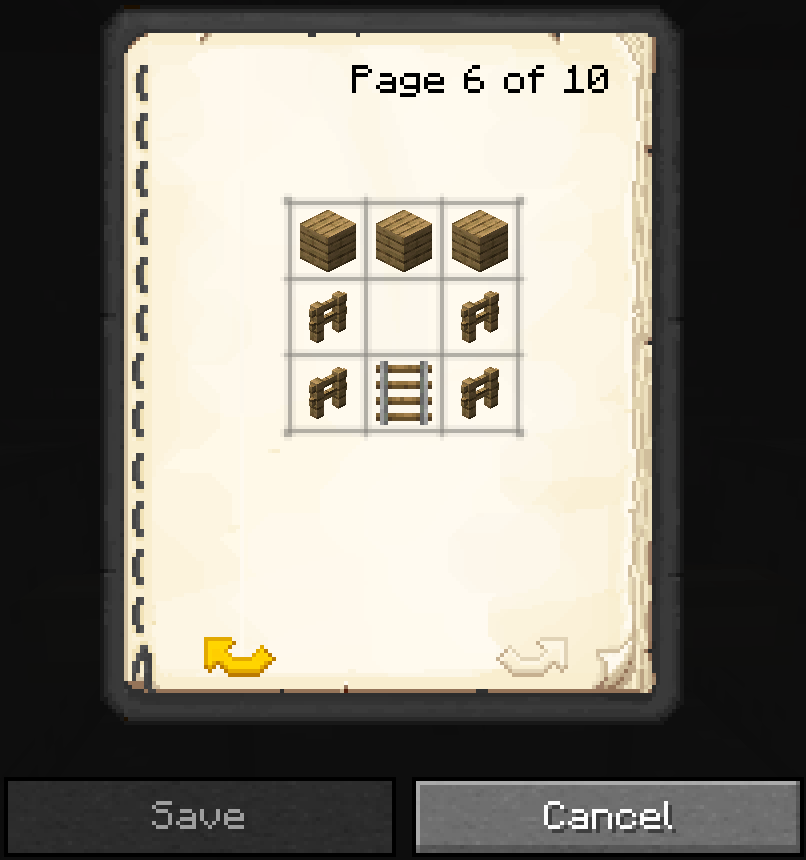


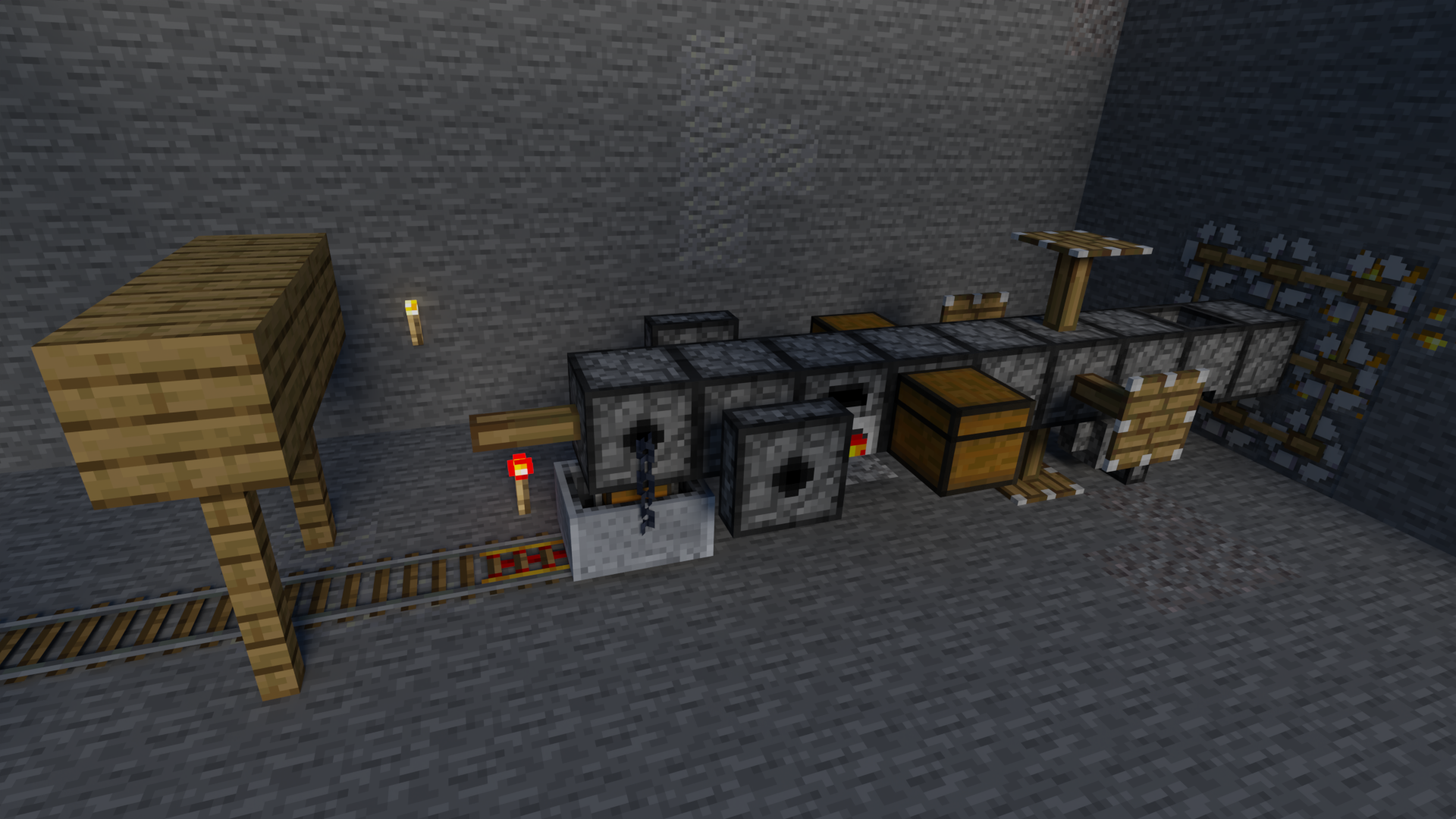
Simply Caterpillar adds a drill that makes 3x3 mineshafts for you.
Features
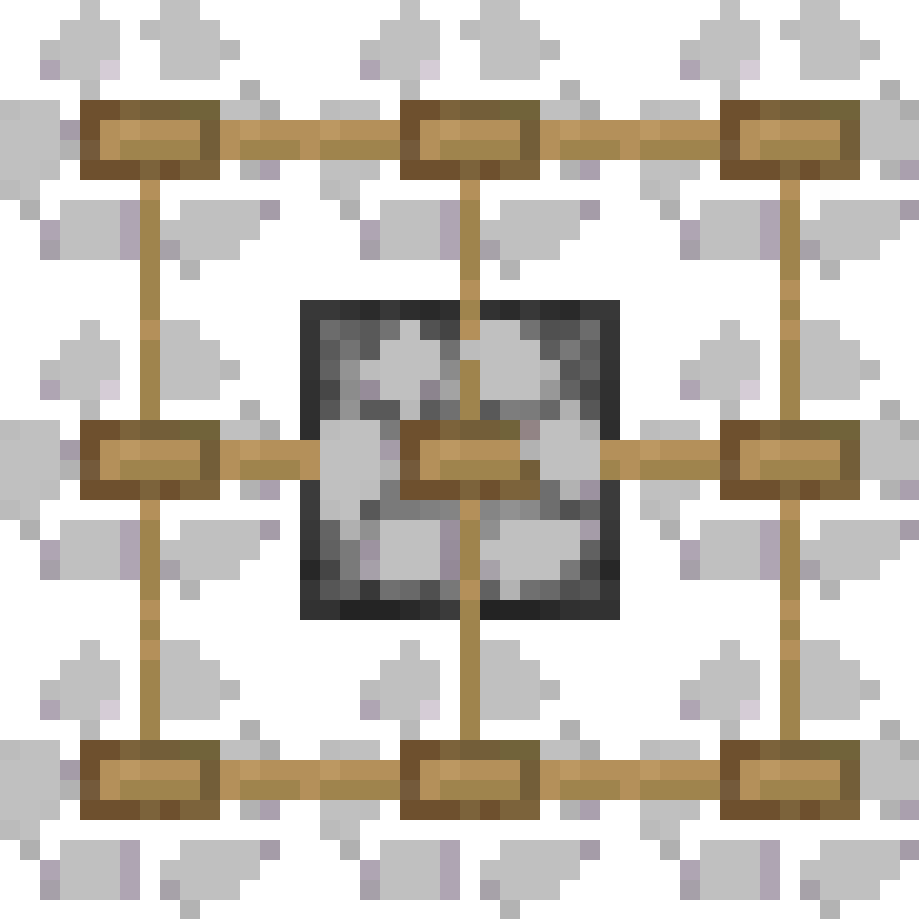
You can add or not add any part to customize your drill.
⚠️ Longer the drill is more fuel it will consume.
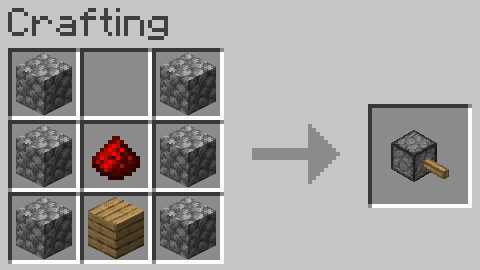
Basic Drill Segment
This is the drill base, it's used for all parts.
Recipe
Drill Head
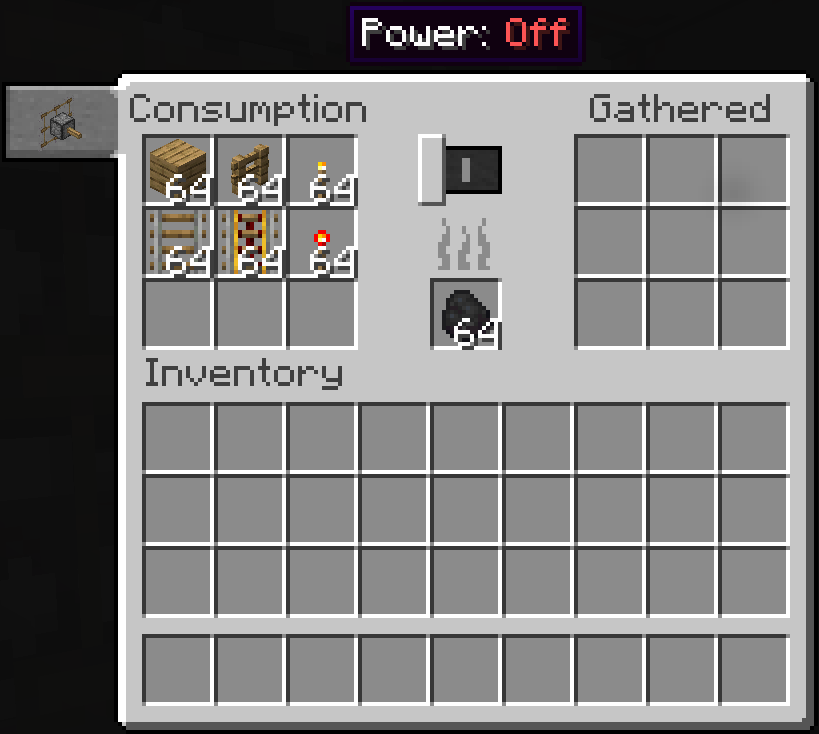
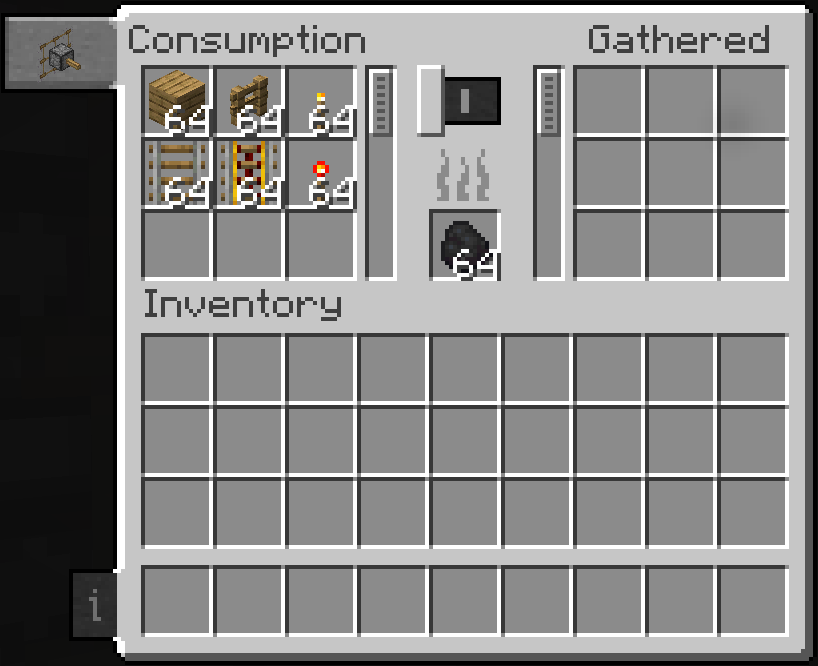
This is the main part of the drill, it's used to drill and has the inventory for the drill.
Screen
It has 18 slots of storage built in, and a fuel slot. Power can be toggled in the gui, and fuel consumption will pause when the caterpillar is turned off.
Recipe

Drill Seat
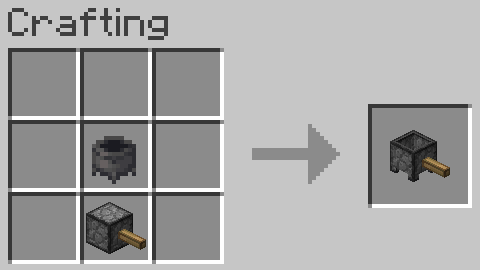
This is the part that allows you to ride the drill.
Recipe
Item Collector
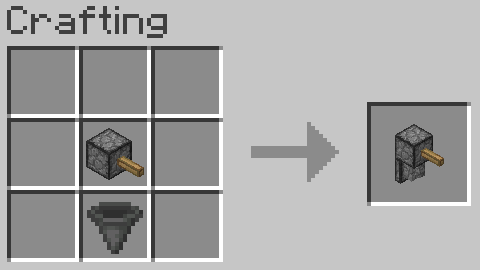
Collects fallen items as it moves, and puts them in the caterpillar's inventory. Pretty useful if you don't want to manually pick up all blocks the drill breaks.
Recipe
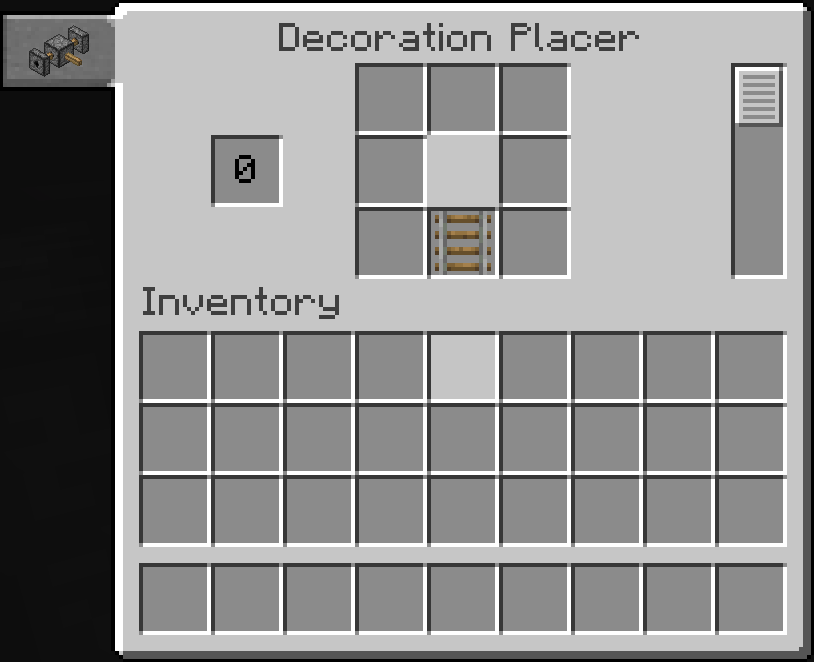
Decoration Placer
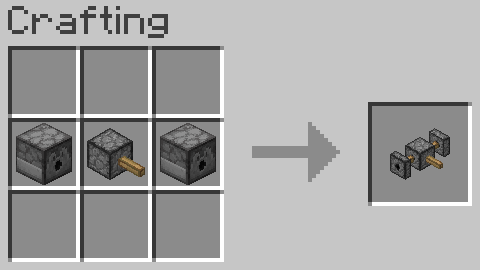
Builds the inside of the mineshaft.
Screen
This is where you edit the decorations to be placed. By default, it places them similarly to the vanilla mineshafts.

Recipe
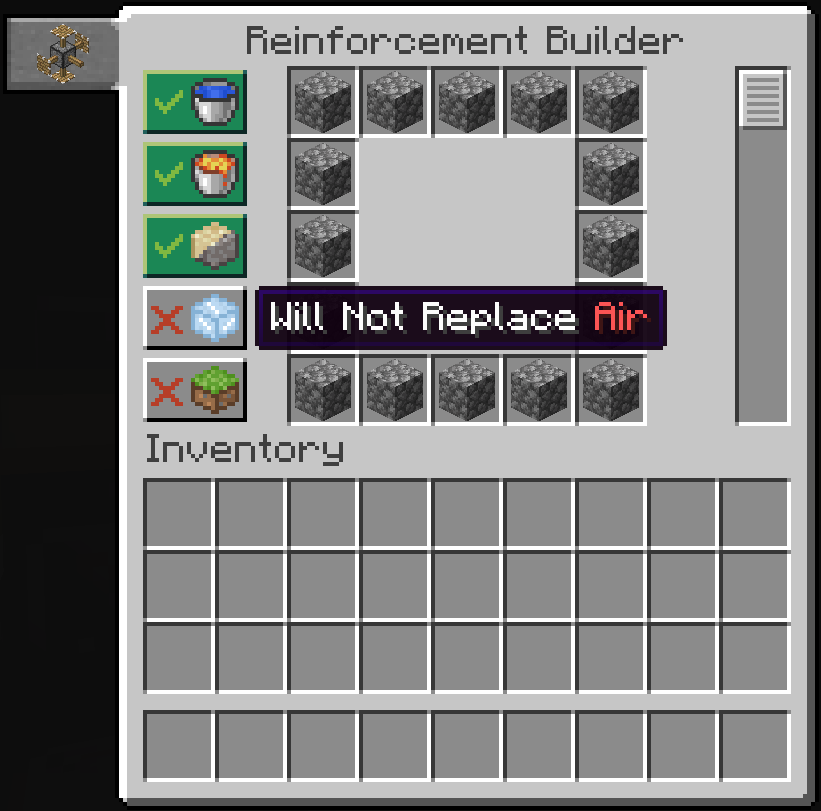
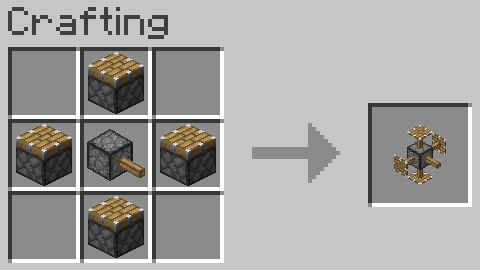
Reinforcement Builder
Replaces gravel/sand, lava, water, and air in the square surrounding the mineshaft with the block of your choice.
Screen
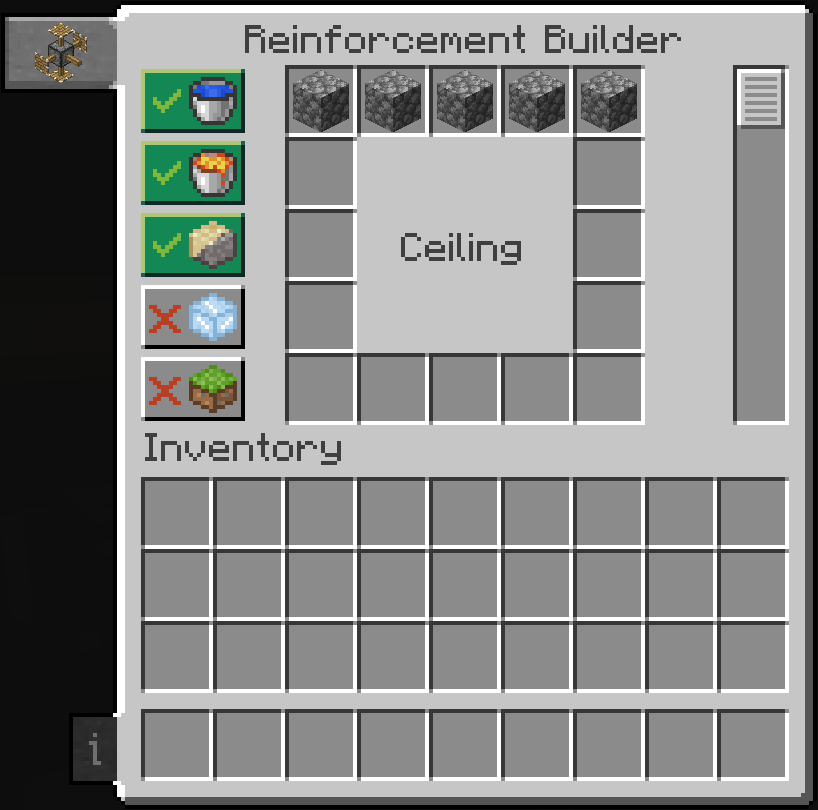
Recipe
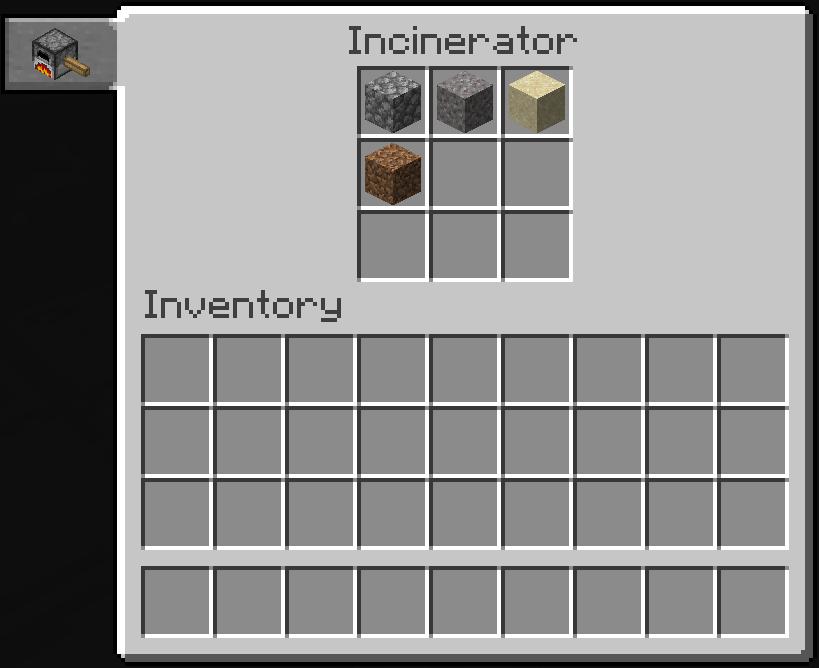
Incinerator
Screen
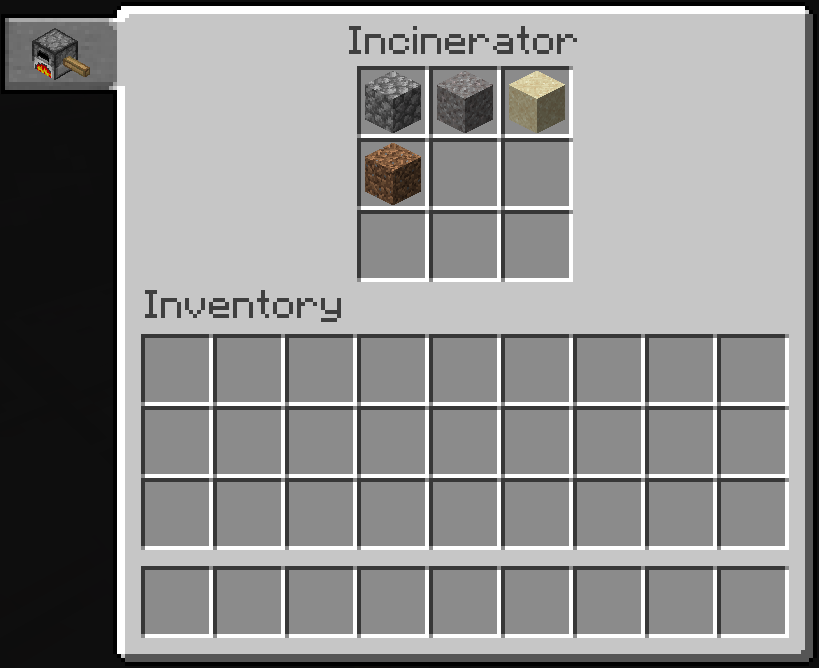
Recipe
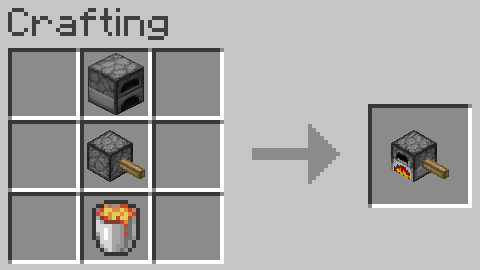
Drill Storage
Recipe
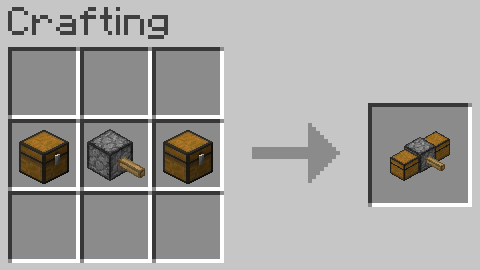
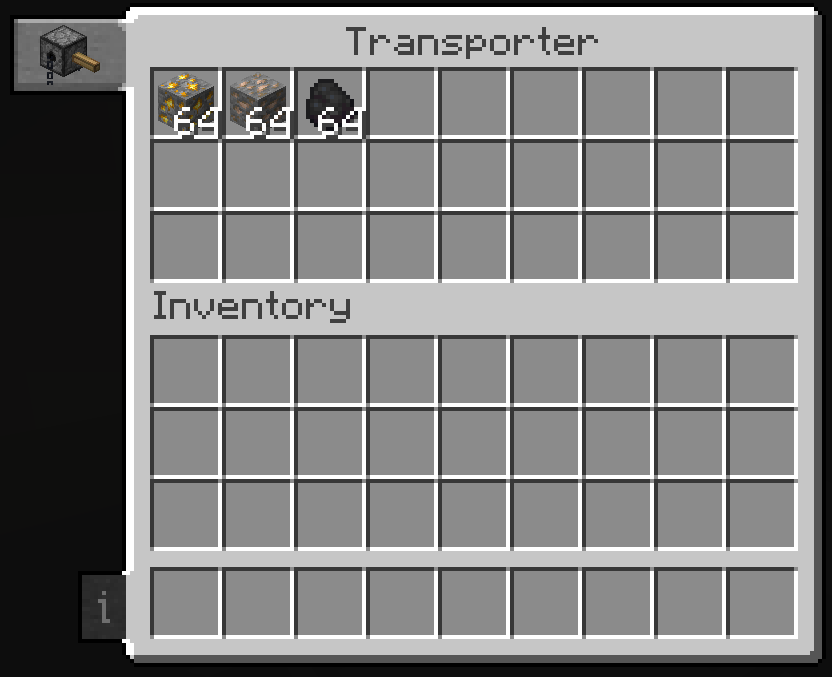
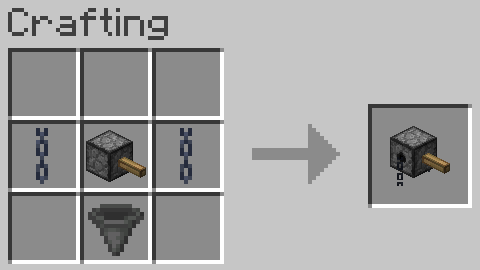
Transporter
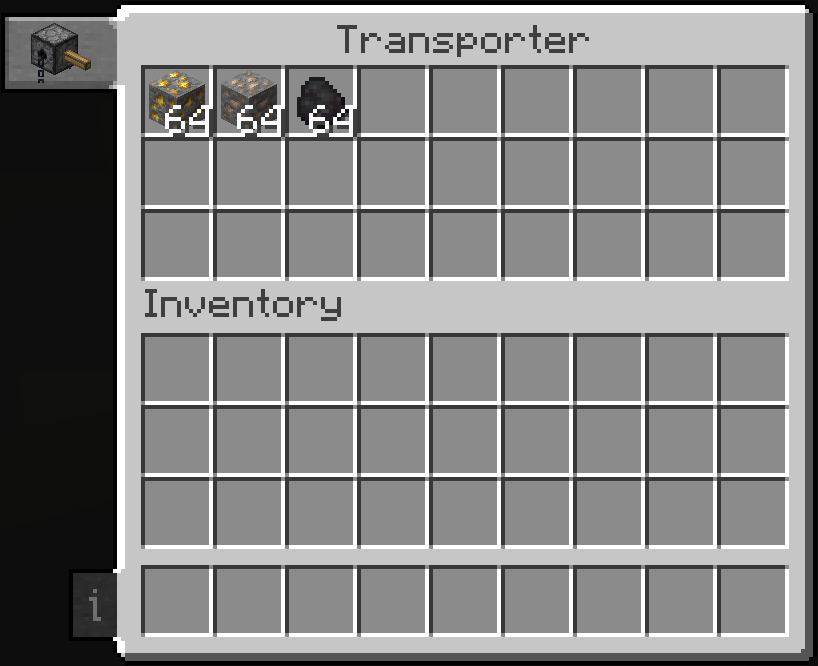
Screen
Recipe
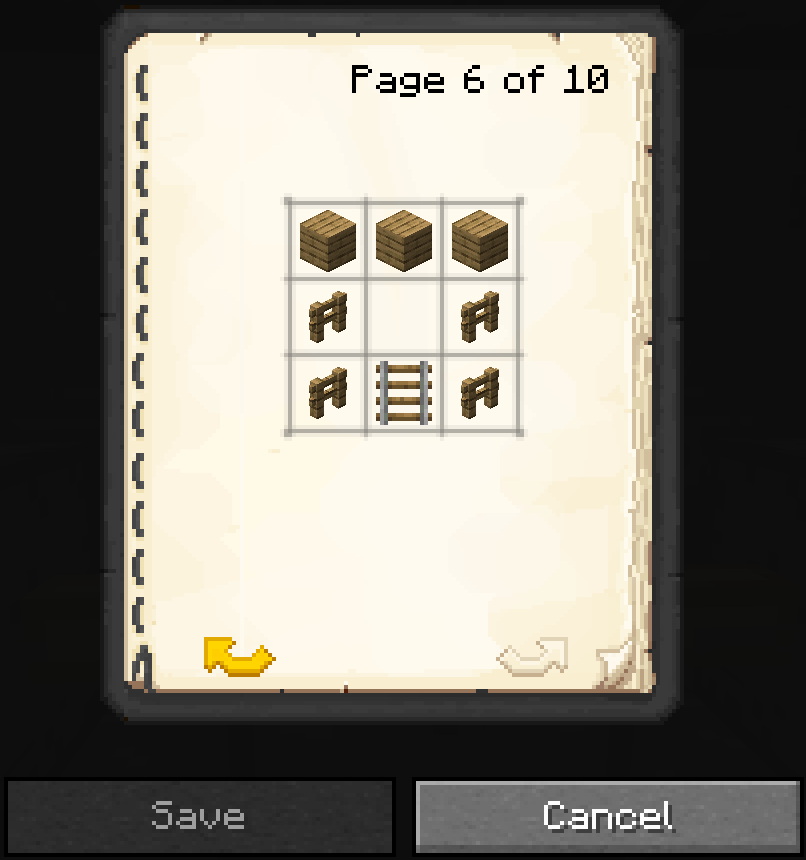
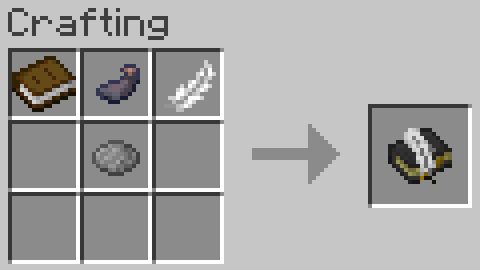
Pattern Book
Transfer patterns between decoration blocks.
Screen
Recipe
Credits
- Daniel-Mendes currently maintains the mod.
- The_Fireplace (Twitter | Discord | CurseForge) previously maintained the mod.
- Caterpillar mod by freethemice for the original idea.
- Patchouli mod by Vazkii for the book texture.
- Reijvi (Twitter | CurseForge) for the incinerator texture commissioned by Daniel-Mendes.
- Edition: Minecraft Java
- File type: .jar
- Minecraft versions listed: 1.20.1, 1.19.4, 1.19.3
- How to install: Install the matching mod loader (Forge, Fabric or NeoForge) for your Minecraft version. → Download the .jar. → Put it in the .minecraft/mods folder and launch that loader profile.
- Where to get it: Opens on CurseForge — not every file is mirrored on our own servers.
Install steps are the general flow for this file type — How to install Minecraft Java mods & modpacks walks through it step by step.
- Ships as SimplyCaterpillar-6.0.0.18.jar — drop this file into the mods folder
- Download size: 158 KB
- Download link checked 23 Sept 2026 — working
These come from our own check of the pack file, not from the source page.