
Minecraft Mechanics
Java modpack listed for Minecraft 1.18. Downloads from the MC Java Mods app on Android.
I don't know my version or loader
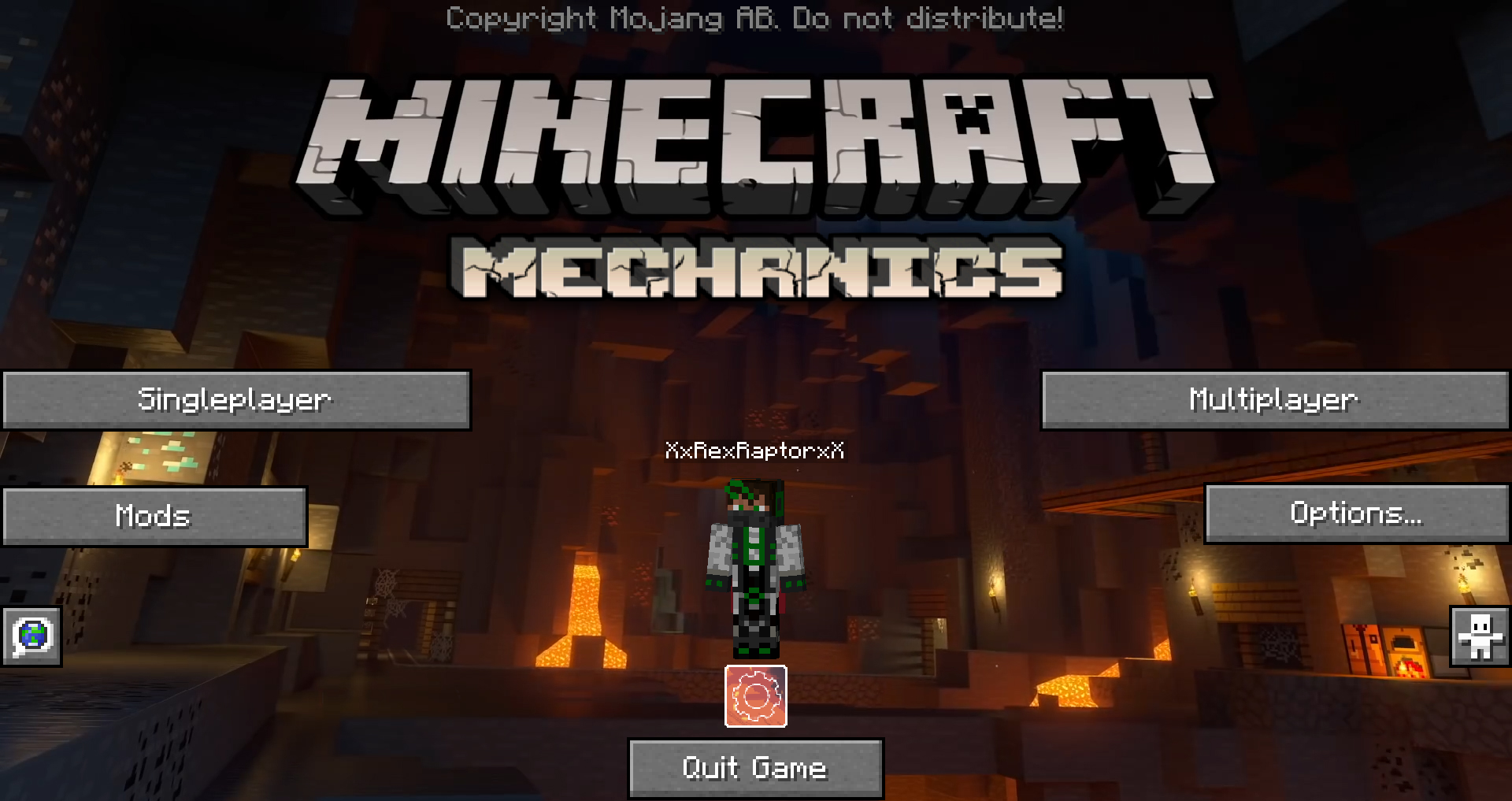



Minecraft Mechanics is a big technic and exploration modpack, it adds around 100 mods and resource packs with a lot of new content, challenges and dangers. In addition, several mods are included that give the game a nice new look!
Please install Optifine with this pack
This pack includes:
> around 100 mods
> a few resource packs
> shaders (Optifine required)
> edited config files
> edited keybindings
> edited game & mod settings
> custom menus


SETUP & INSTALLATION
Automatic Install (recommended):
Download the Curseforge launcher here https://curseforge.overwolf.com/
This is the easiest way to install the modpack. Link your Minecraft game, go to browse modpacks, find Minecraft Mechanics and install, click play, that's it!
I suggest yout to give the game more RAM (~6GB) and use the Optifine mod for more performance :D



- Edition: Minecraft Java
- File type: .jar
- Minecraft versions listed: 1.18.2, 1.18.1, 1.18
- How to install: Install the matching mod loader (Forge, Fabric or NeoForge) for your Minecraft version. → Download the .jar. → Put it in the .minecraft/mods folder and launch that loader profile.
- Where to get it: Opens on CurseForge — not every file is mirrored on our own servers.
Install steps are the general flow for this file type — How to install Minecraft Java mods & modpacks walks through it step by step.
- Downloads as Mechanics-v.0.1.zip
- Download size: 283.5 MB
- Download link checked 13 Oct 2026 — working
These come from our own check of the pack file, not from the source page.