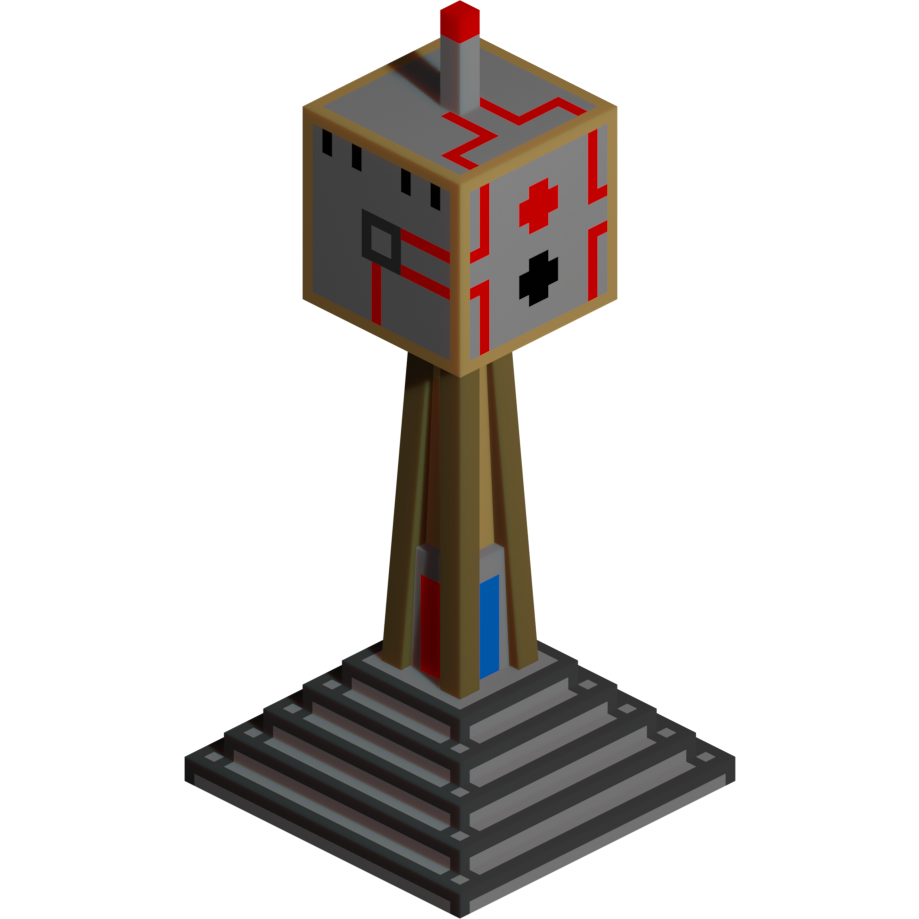
Turret Mod Rebirth
Minecraft Java mod. Downloads from the MC Java Mods app on Android.
⬇ Download on CurseForge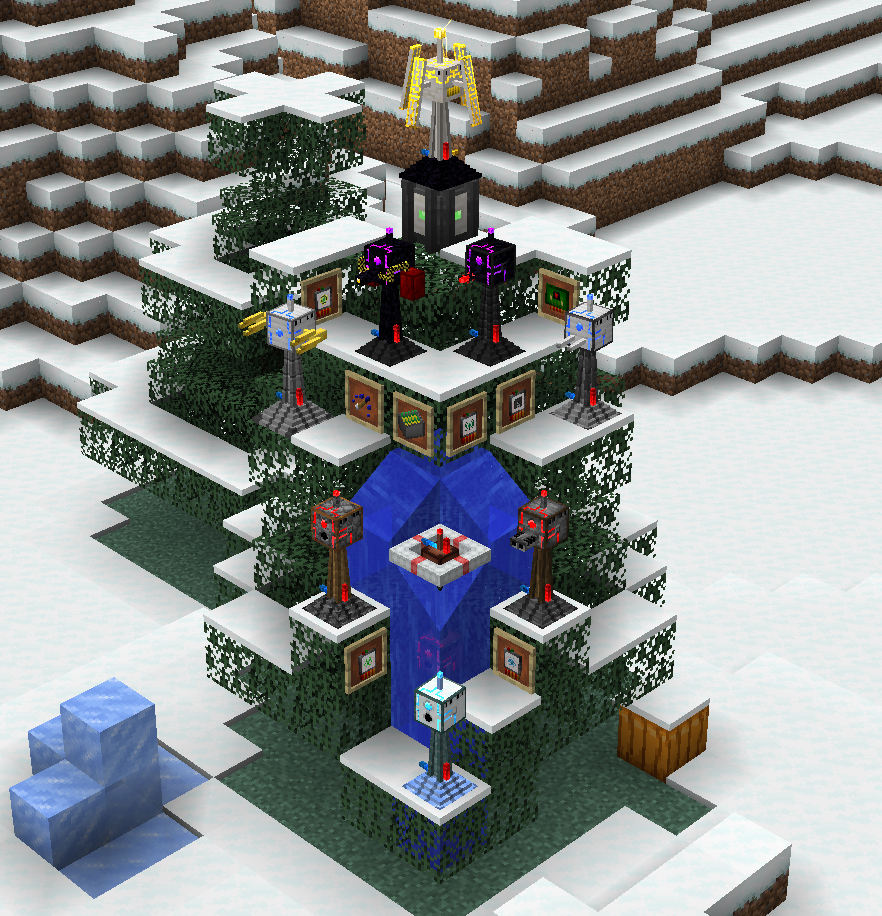

Requires SanLib (Make sure to get it for your Minecraft version!): https://minecraft.curseforge.com/projects/sanlib
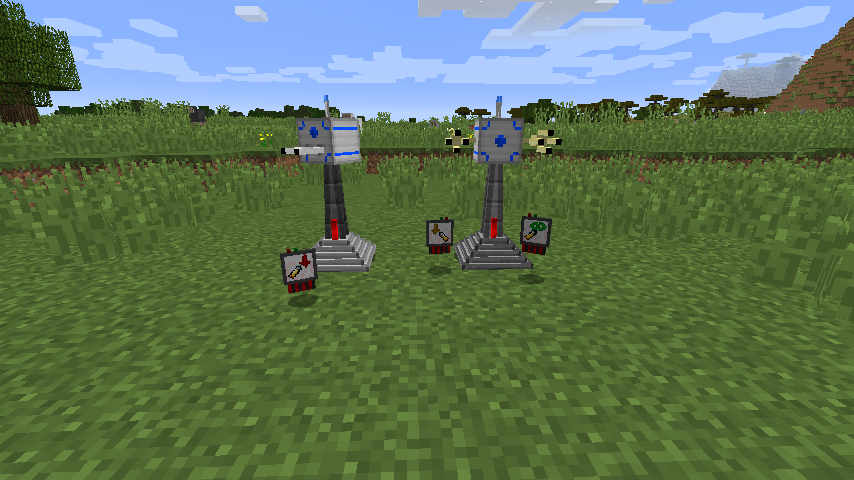
This Minecraft mod adds defense turrets that can protect you and your base from enemies.
To start, you need to craft the Turret Assembly Table, in which you can create anything related to this mod.
Recipes not only require items for the craft, but also consume power. Either you already have a compatible power system you can hook the table up to (Forge Energy and systems related to that are supported), or you can craft the Electrolyte Generator, which you can place right next to it and insert organic matter (potatoes, apples, etc.).
For more information on this mod, you can take a look into the in-game documentation (the "Turret Lexicon") - if you have Patchouli installed as well - or read the wiki (comin soon™).
Things to know:
- Right-clicking a turret with ammunition loads it up; with a repair kit you can heal it.
- You want to move your turret? The "Turret Control Unit" (TCU) lets you dismantle it! You'll need a "Turret Crate" (or a chest on older versions) in your inventory for that, though.
- You can place turrets only on solid ground. Basically any full cube or on top half slabs. Some can only be placed in water.
- Upgrades can be given via right-clicking on a turret or using the TCU, within the upgrades tab. To take them out use the TCU (or dismantle it).
- Some turrets have multiple types of ammo. If a turret is loaded with one type of ammo, right-clicking it with a different type will load it up with the new one and give you the previous one back.
- The Turret Assembly Table and the Electrolyte Generator can be accessed via external means, like hoppers or pipes. Input to the (lower) sides, output from the bottom. Energy is flowing everywhere except the top part of the generator.
Issue tracker (for issues and suggestions): https://github.com/SanAndreaP/TurretModRebirth/issues
This mod is in beta! Content may be missing and stuff may change later on!
- Edition: Minecraft Java
- File type: .jar
- How to install: Install the matching mod loader (Forge, Fabric or NeoForge) for your Minecraft version. → Download the .jar. → Put it in the .minecraft/mods folder and launch that loader profile.
- Where to get it: Opens on CurseForge — not every file is mirrored on our own servers.
Install steps are the general flow for this file type — How to install Minecraft Java mods & modpacks walks through it step by step.
- Ships as TurretMod-1.10-4.0.0-alpha.5.jar — drop this file into the mods folder
- Download size: 1.7 MB
- Download link checked 13 Oct 2026 — working
These come from our own check of the pack file, not from the source page.