Realism Mod Reborn
Java mod listed for Minecraft 1.19–1.21. Downloads from the MC Java Mods app on Android.
I don't know my version or loader
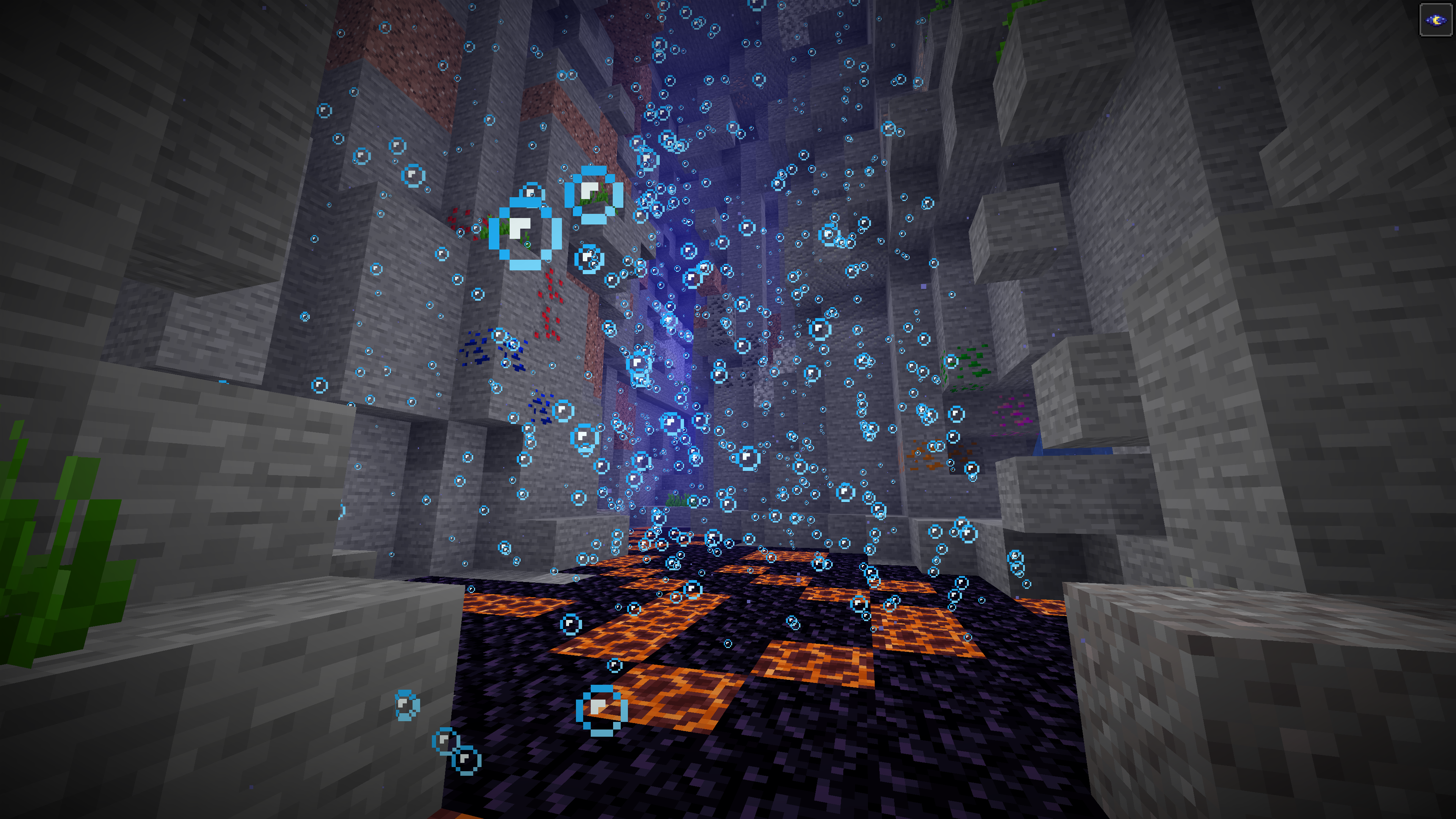
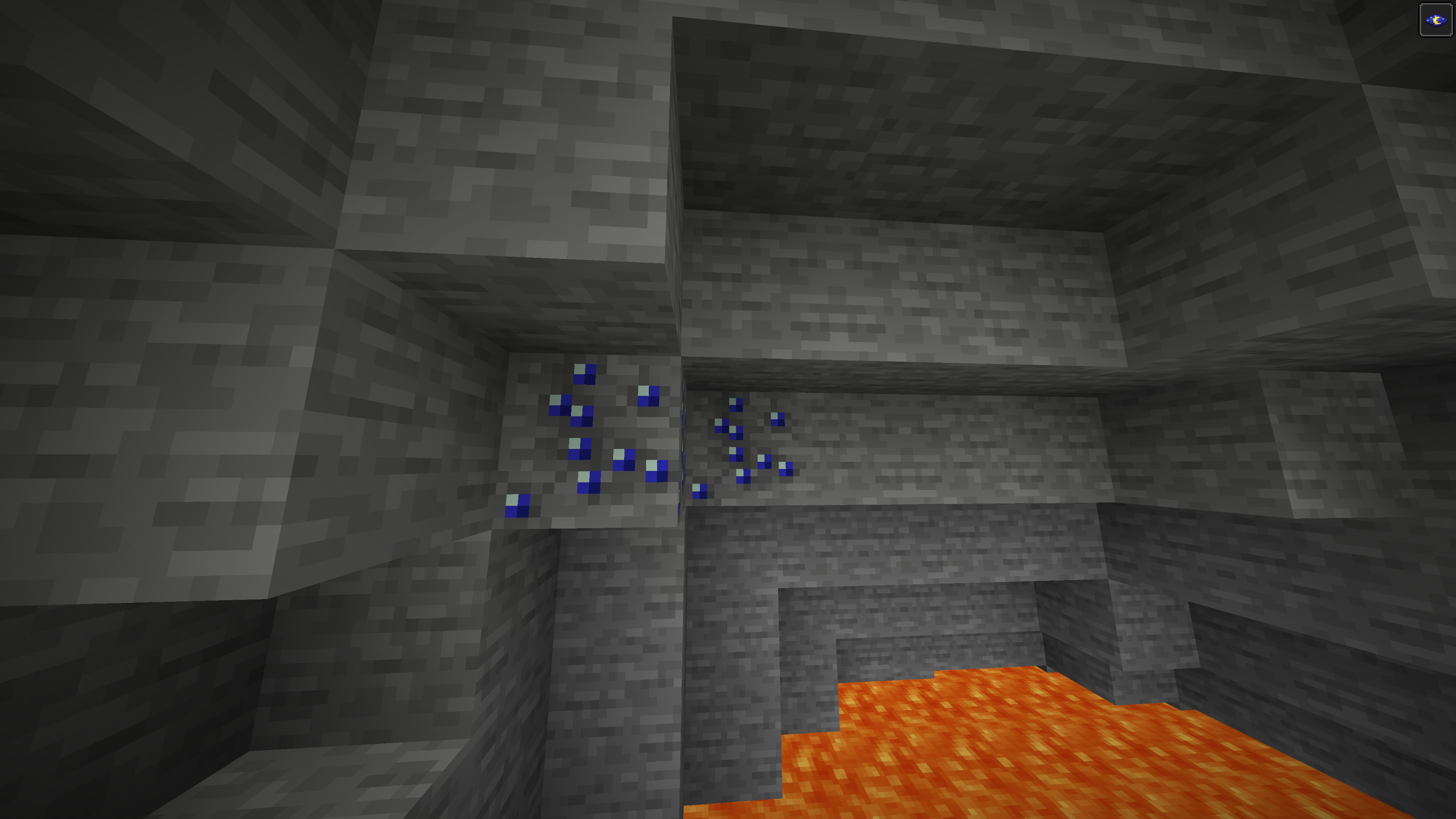
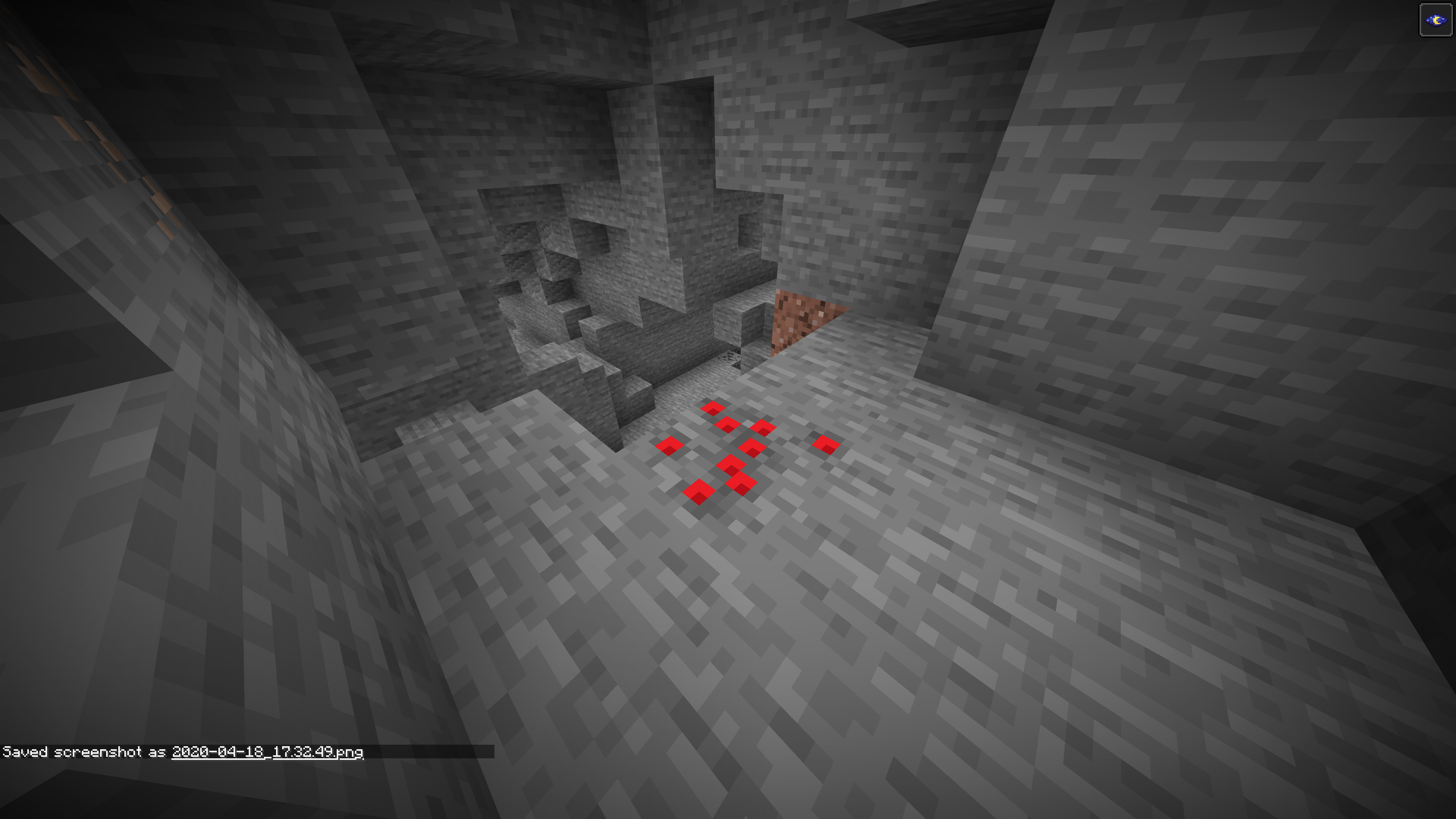
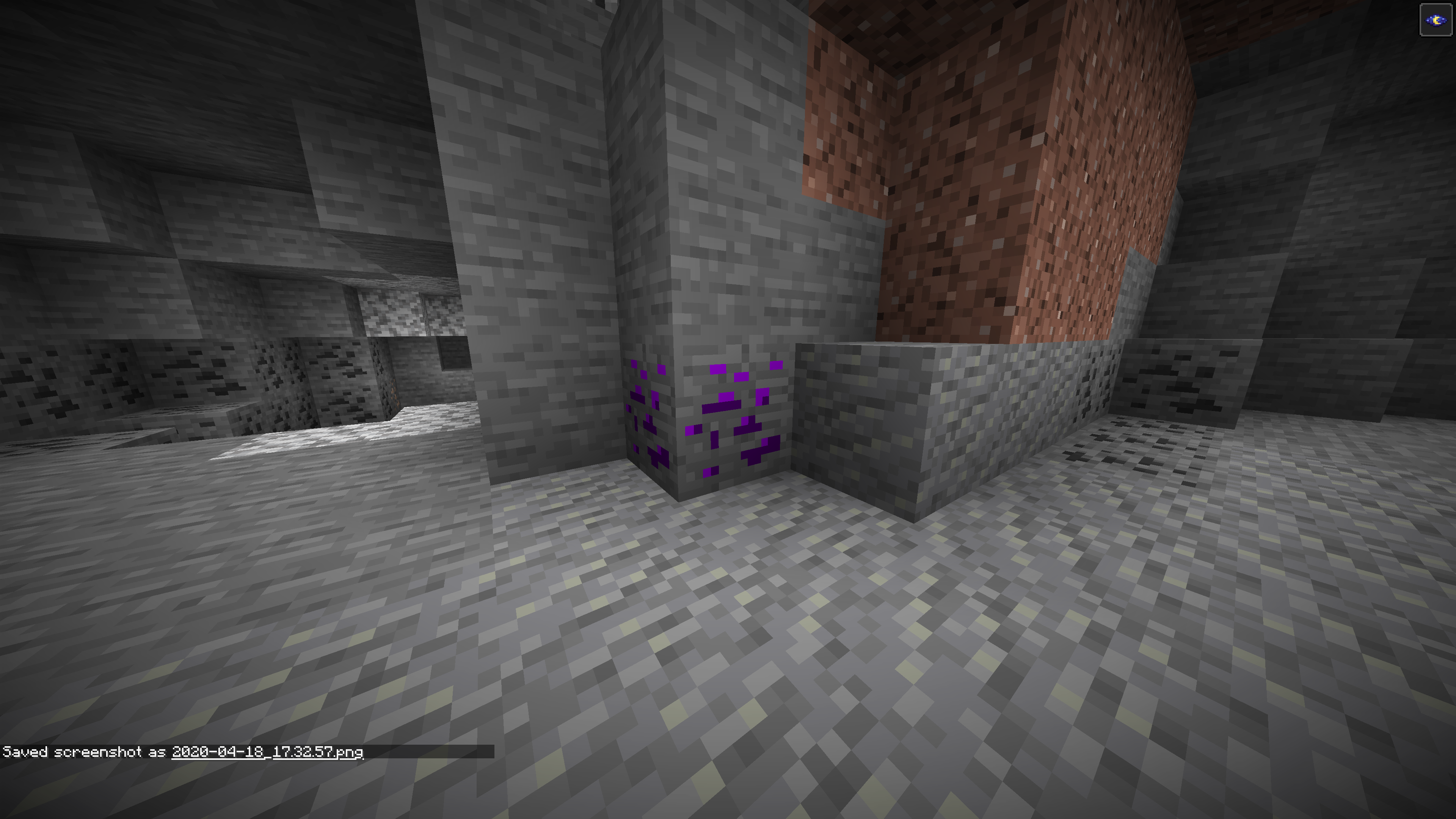
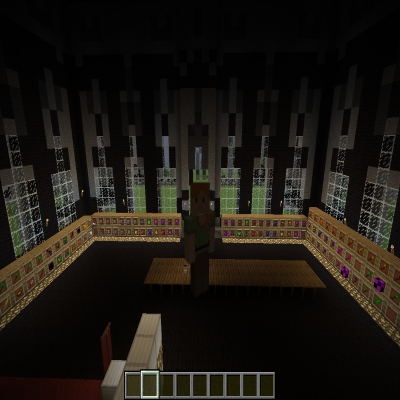
Realistic Mod Reborn - A New Era of Minecraft Realism
updated to 1.21.11, working on refactoring code for a 26.1.2 rerelease.
Introduction Welcome to "Realistic Mod Reborn," the much-anticipated evolution of the original More Realistic Mod. Tailored for Minecraft version 1.21.11, this mod is a completely rewritten masterpiece, meticulously crafted to reintroduce beloved features from the original, alongside a host of exciting new enhancements.
Ongoing Development "Realistic Mod Reborn" is a living project, constantly evolving with regular updates. While this new version takes center stage, we've kept the previous version accessible for those who wish to revisit the classic experience.
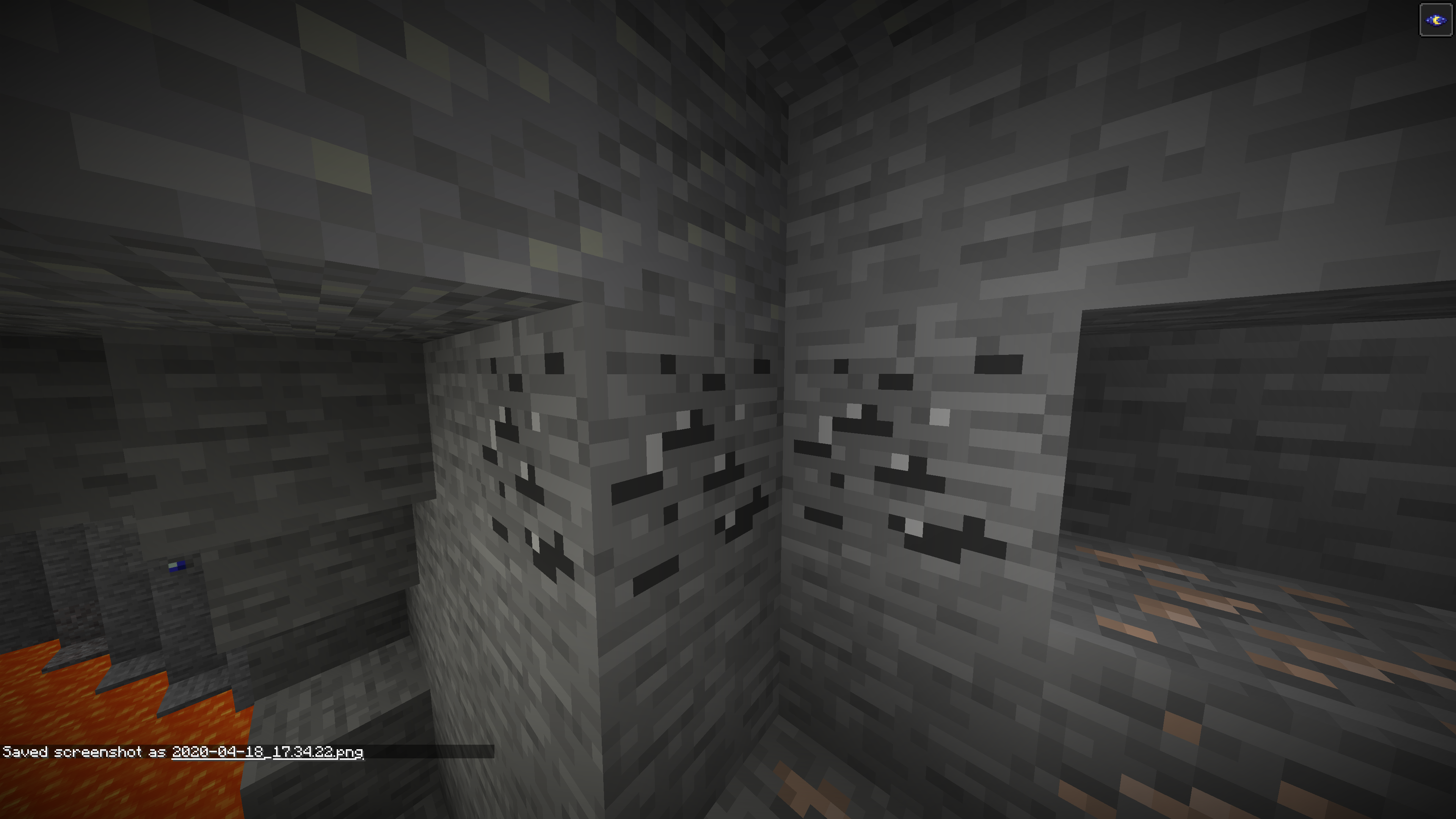
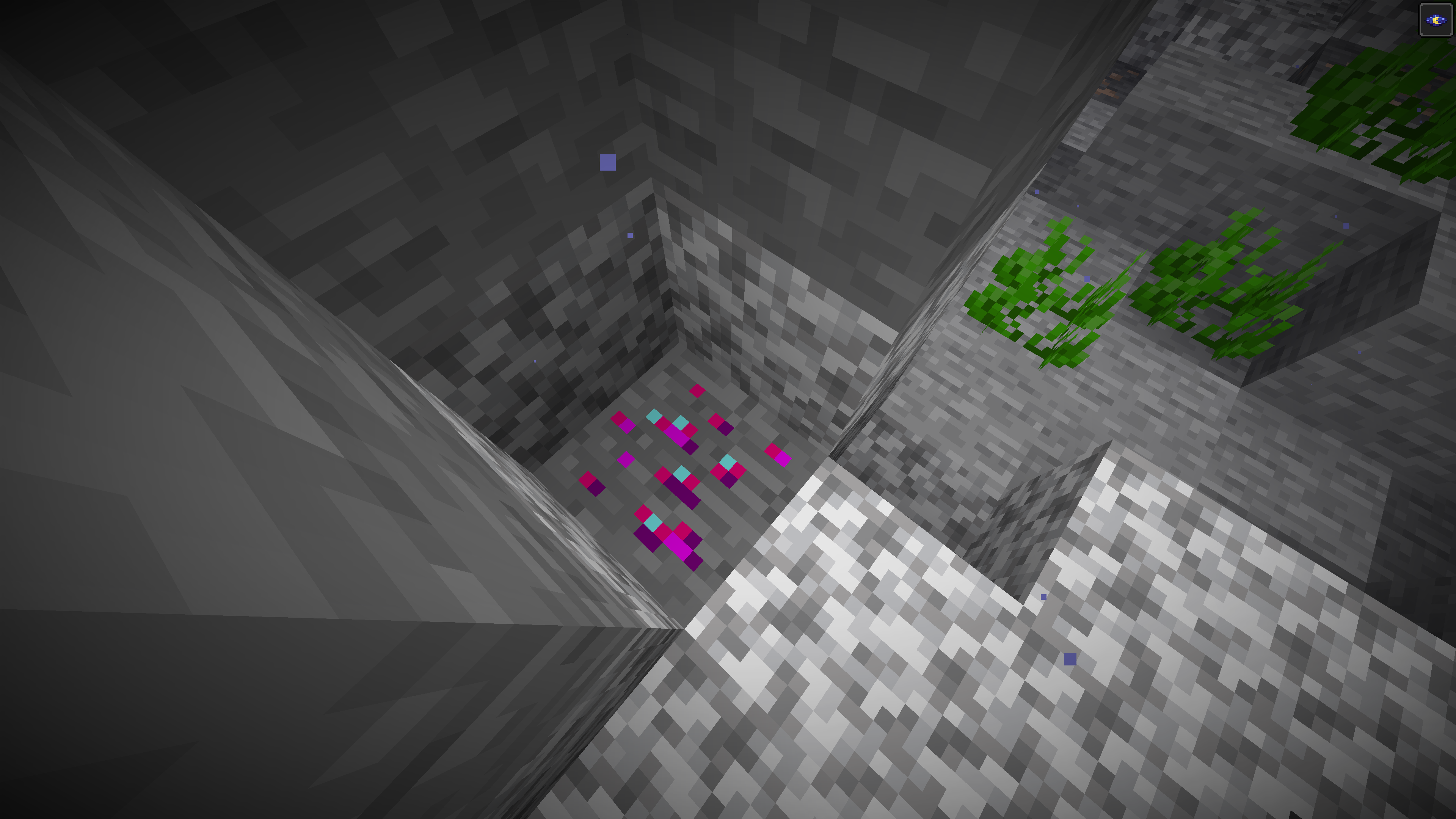
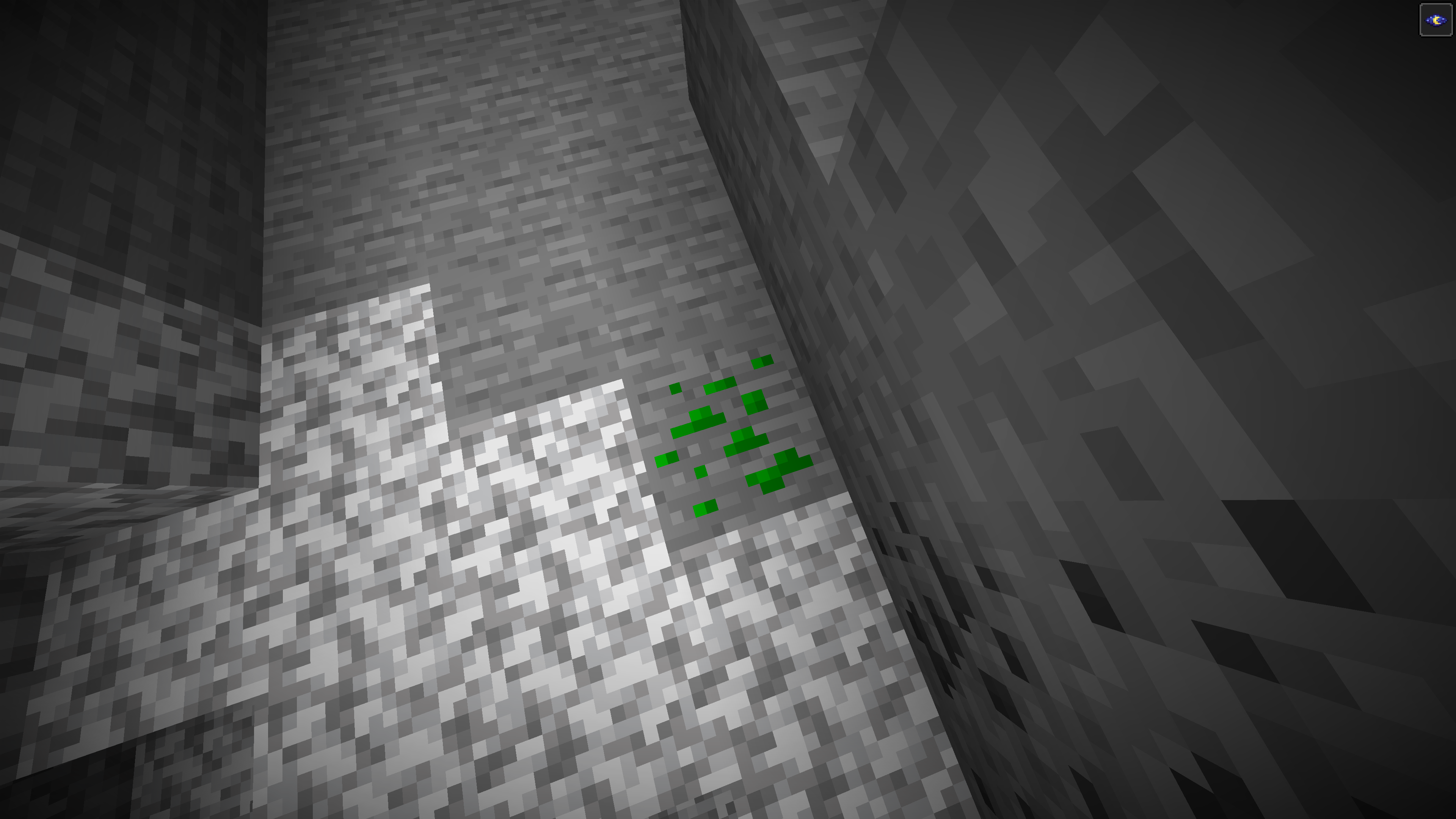
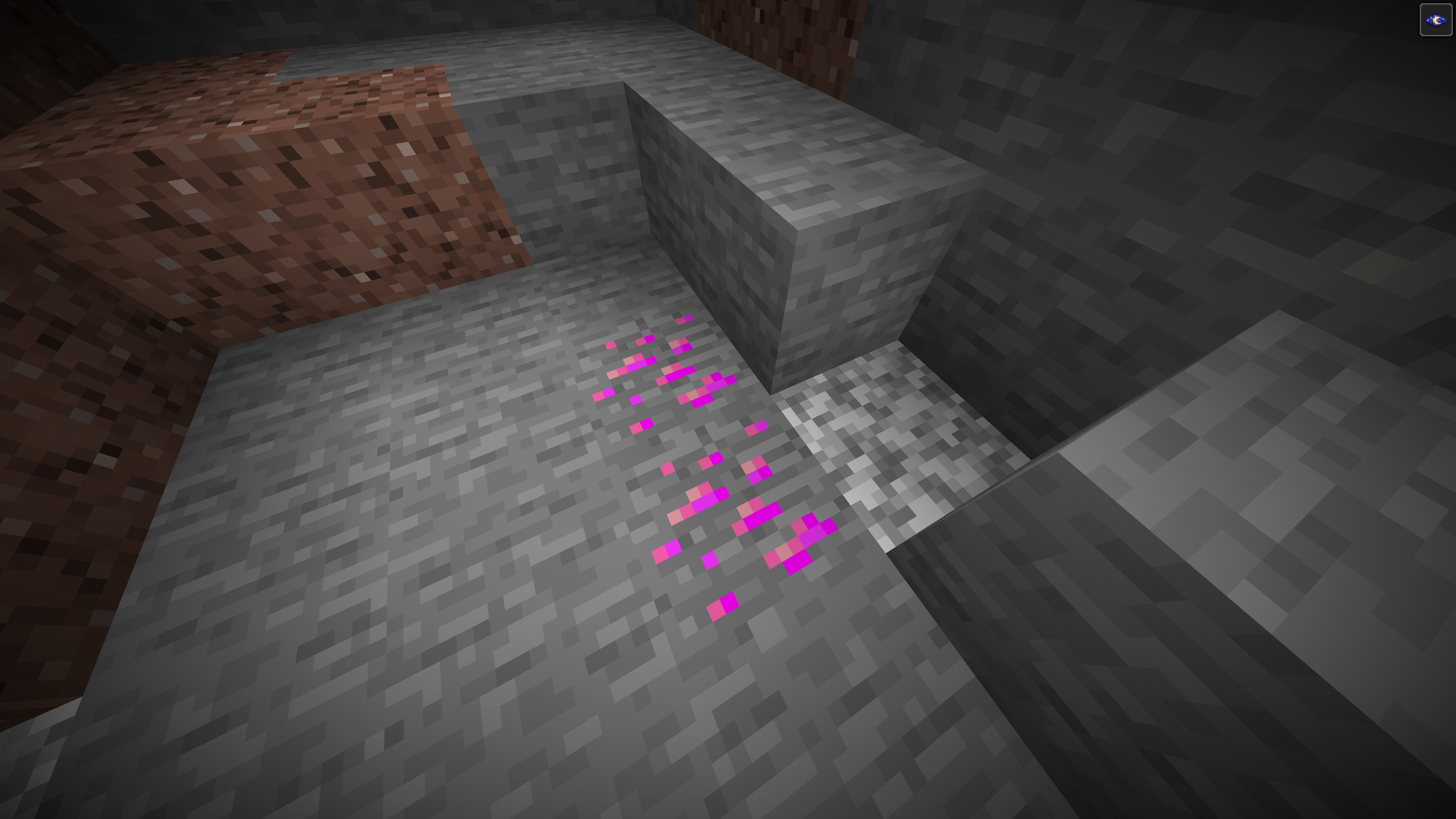
Features Embark on a mining adventure like no other, enriched with an array of new ores that bring a vibrant depth to your gameplay. Discover:
- Seven distinct new diamond colors
- Exquisite rubies and sapphires
- The captivating peridot
- The enigmatic plutonium
- And many more hidden treasures!
Each addition is designed to integrate seamlessly into the Minecraft world, offering new challenges and rewards for both seasoned players and newcomers alike.
Installation Guide
- Install Minecraft Forge.
- Download "Realistic Mod Reborn" through the Forge Launcher or manually.
- Locate your .minecraft folder.
- Download the mod version compatible with your Forge setup and place the .jar file in .minecraft/mods.
- Launch Minecraft and dive into a rejuvenated world!
Support Our Journey Your enjoyment and feedback are the driving forces behind "Realistic Mod Reborn." If you find joy in our creation and wish to support our ongoing development, consider a donation via PayPal (currently unavailable). Your support is invaluable and greatly appreciated!
- Edition: Minecraft Java
- File type: .jar
- Minecraft versions listed: 1.21.11, 1.20.1, 1.19.4
- How to install: Install the matching mod loader (Forge, Fabric or NeoForge) for your Minecraft version. → Download the .jar. → Put it in the .minecraft/mods folder and launch that loader profile.
- Where to get it: Opens on CurseForge — not every file is mirrored on our own servers.
Install steps are the general flow for this file type — How to install Minecraft Java mods & modpacks walks through it step by step.
- Ships as Realism Mod 1.3.2.jar — drop this file into the mods folder
- Download size: 513 KB
- Download link checked 13 Oct 2026 — working
These come from our own check of the pack file, not from the source page.