
Souls
Minecraft Java mod. Downloads from the MC Java Mods app on Android.
⬇ Download on CurseForge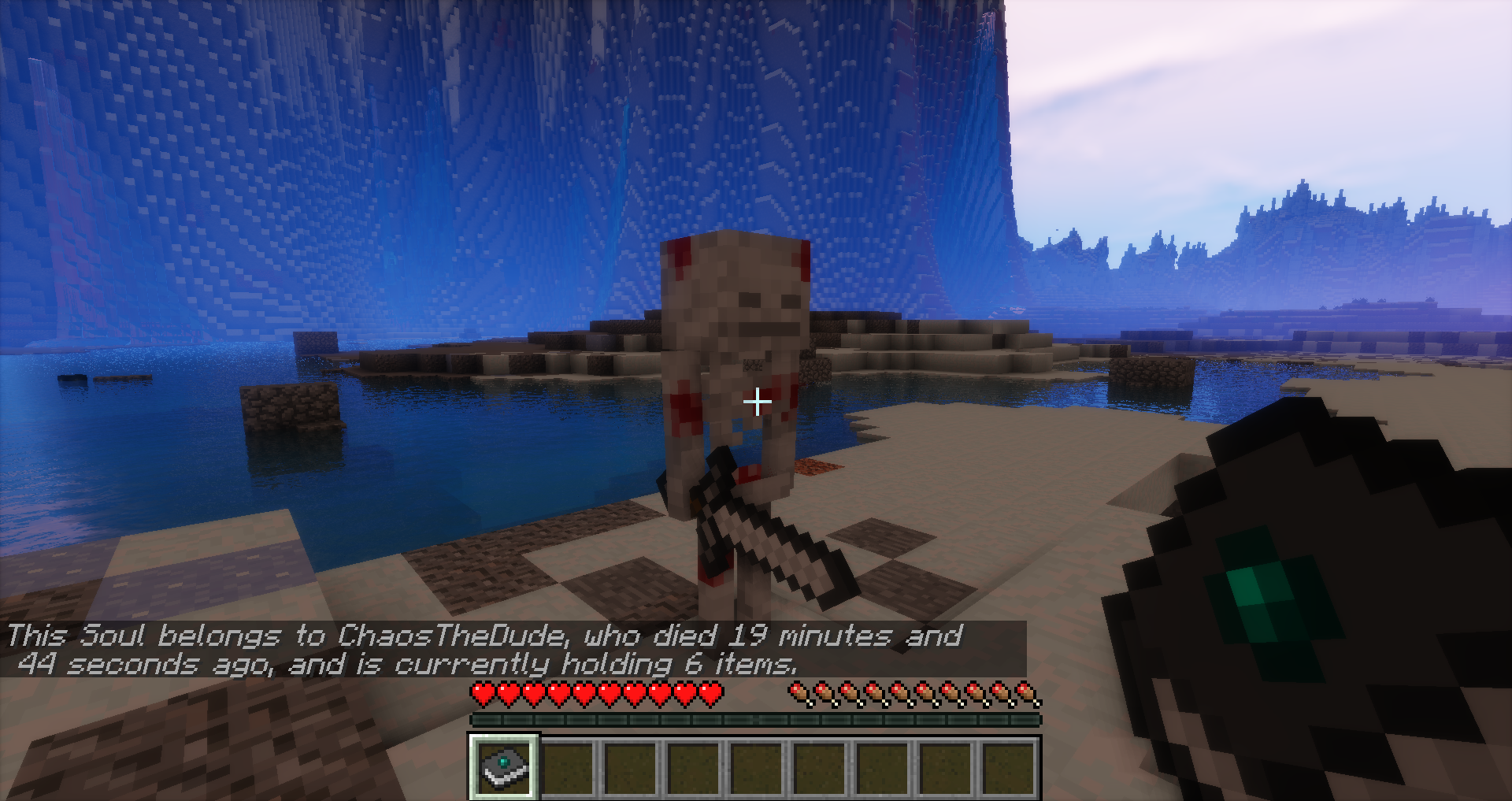
Souls
Minecraft Forum - Source Code - Issue Tracker
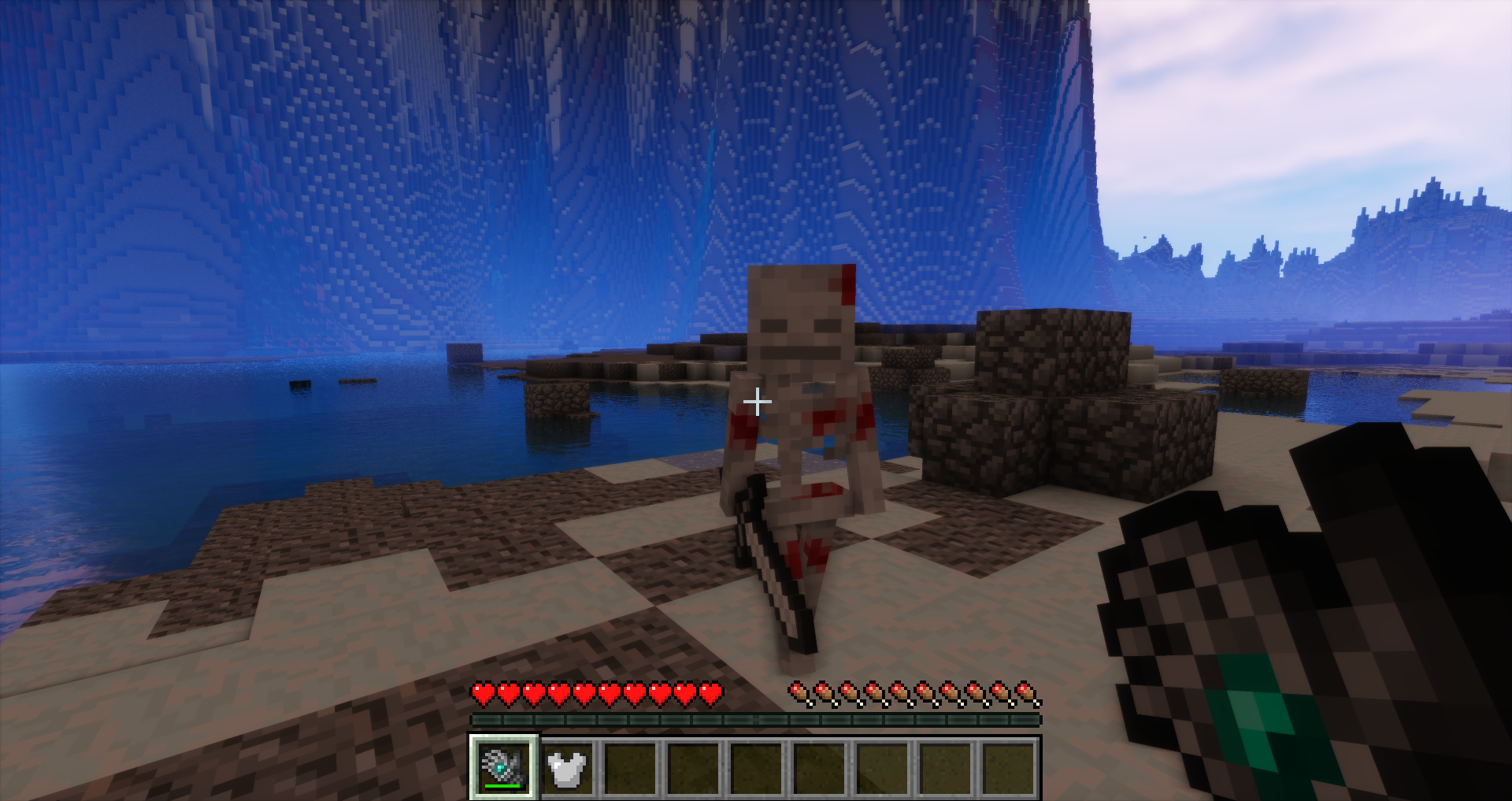
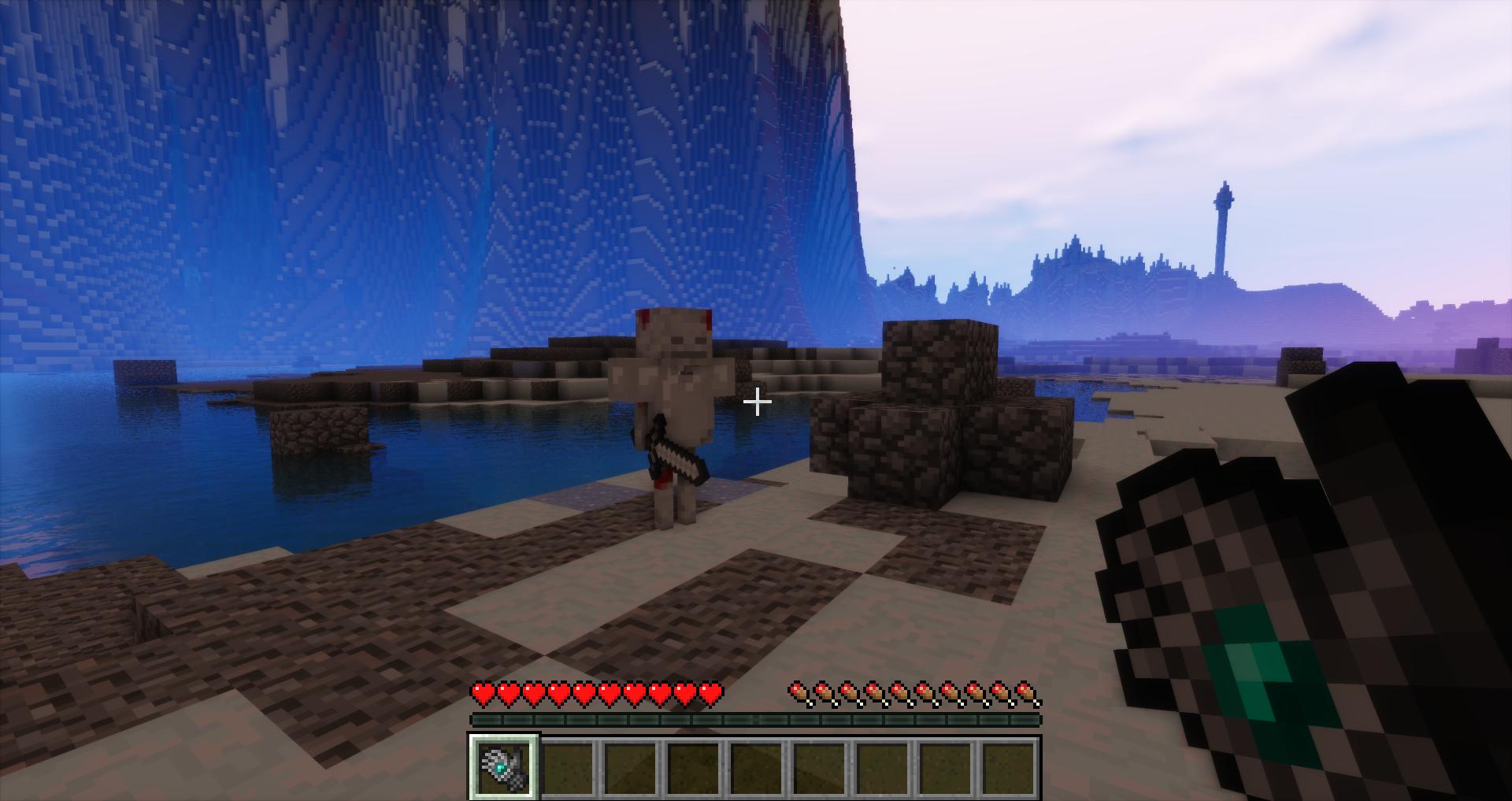
Souls is a hardcore post-death inventory storage mod. After you die, an angry Soul that holds your inventory will spawn. Good luck!
Features
- When you die, a Soul spawns. It will hold your items and equip your armor if any are available. You must kill the Soul to get your items back, or you can use the Pickpocket's Gauntlet to try to steal them back.
- Souls will fight back if you attack them but will de-aggro after you die.
- A Soul Identifier can be used to view information about a Soul, including the name of the Soul's owner, the amount of time since they died, and the number of items being held. The Identifier can be crafted with a Book and an Ender Pearl.
- The Pickpocket's Gauntlet can be used to attempt to steal items from a Soul. If the thief fails, however, the Soul will attack. By default, the Pickpocket's Gauntlet has a 10% success rate and 16 charges that can be refilled using Ender Pearls. The Gauntlet can be found in village blacksmith chests.
- Souls is highly configurable in order to provide the level of difficulty that you want; you can change anything from making Souls equip the best weapons and armor in their inventory to making Souls completely passive.
Modpacks
Yes, you can use this mod in your modpack.
Support
If you enjoy the mod and would like to support the project, feel free to leave a donation on PayPal. Support is greatly appreciated!
Sponsor
This project is sponsored by BisectHosting. If you're looking for a server, check out their hosting plans and use the promo code Chaos at checkout to get 25% off your first month!

- Edition: Minecraft Java
- File type: .jar
- How to install: Install the matching mod loader (Forge, Fabric or NeoForge) for your Minecraft version. → Download the .jar. → Put it in the .minecraft/mods folder and launch that loader profile.
- Where to get it: Opens on CurseForge — not every file is mirrored on our own servers.
Install steps are the general flow for this file type — How to install Minecraft Java mods & modpacks walks through it step by step.
- Ships as Souls-1.12.2-3.0.1.jar — drop this file into the mods folder
- Download size: 103 KB
- Download link checked 13 Oct 2026 — working
These come from our own check of the pack file, not from the source page.