
OptionSync
Minecraft Java mod. Downloads from the MC Java Mods app on Android.
⬇ Download on CurseForge
OptionSync allows you to synchronize multiple Options profiles between different Minecraft instances on one Computer saving both Video Settings and both vanilla and modded Keybindings!
The way it works is simple: Go to your options menu and you will find an OptionSync button at the bottom left. Once clicking it, the OptionSync menu will open.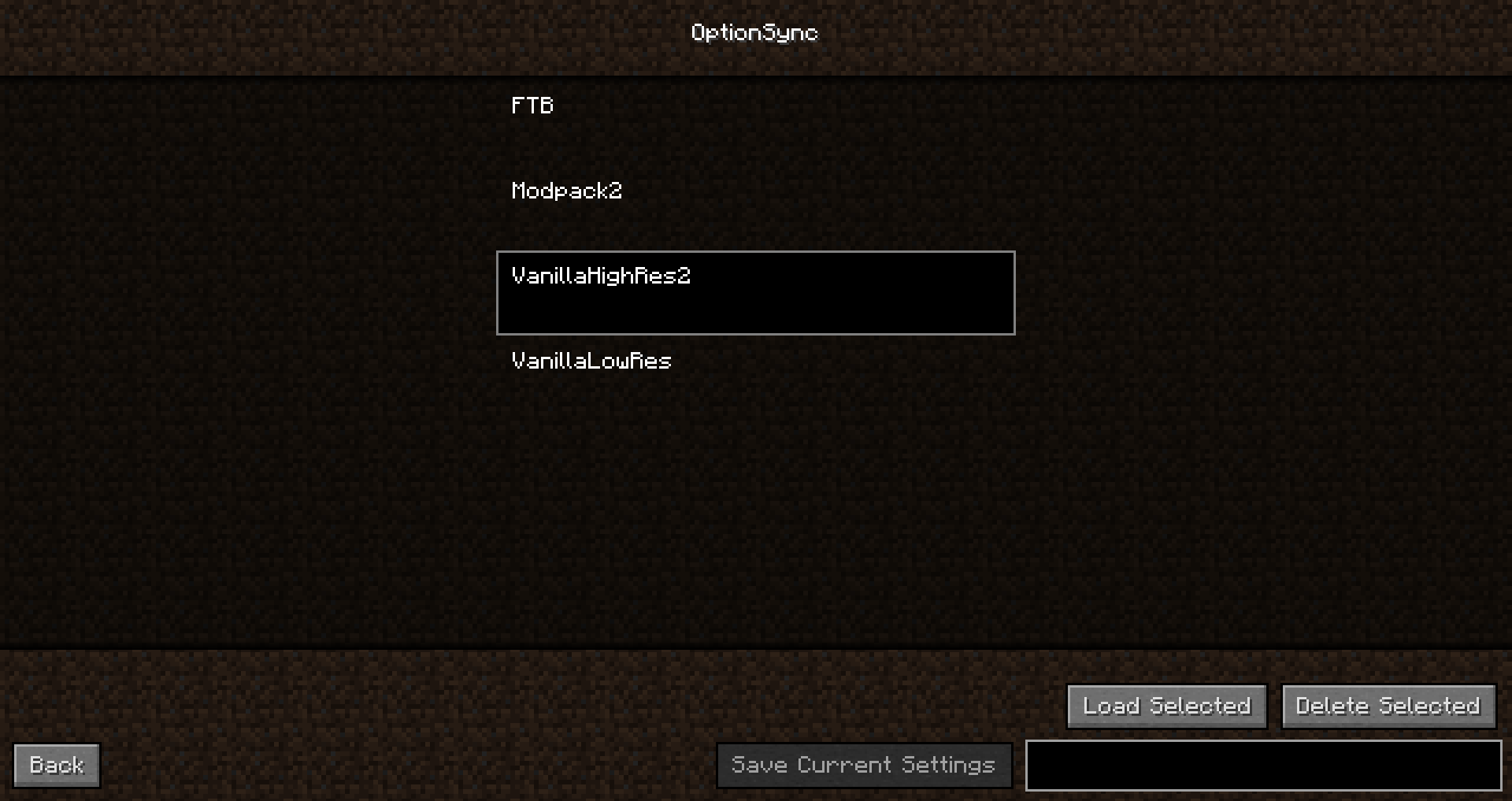
Inside the menu, you can save your current configuration by typing in a name and then clicking the save button.
If you want to load a configuration, select it in the menu and click the load button.
And if you were wondering, the different option files are being saved in .minecraft/OptionSync no matter where your Minecraft instance is stored.
Super simple, right?
And really useful if you have multiple Modpacks or Minecraft instances that have lots of Keybindings you would normally have to rebind all the time.
Like the mod? Why don't support me on Patreon?
- Edition: Minecraft Java
- File type: .jar
- How to install: Install the matching mod loader (Forge, Fabric or NeoForge) for your Minecraft version. → Download the .jar. → Put it in the .minecraft/mods folder and launch that loader profile.
- Where to get it: Opens on CurseForge — not every file is mirrored on our own servers.
Install steps are the general flow for this file type — How to install Minecraft Java mods & modpacks walks through it step by step.
- Ships as OptionSync-1.10.2-r1.jar — drop this file into the mods folder
- Download size: 15 KB
- Download link checked 13 Oct 2026 — working
These come from our own check of the pack file, not from the source page.