Daedalus' Labyrinth
Minecraft Java mod. Downloads from the MC Java Mods app on Android.
⬇ Download on CurseForge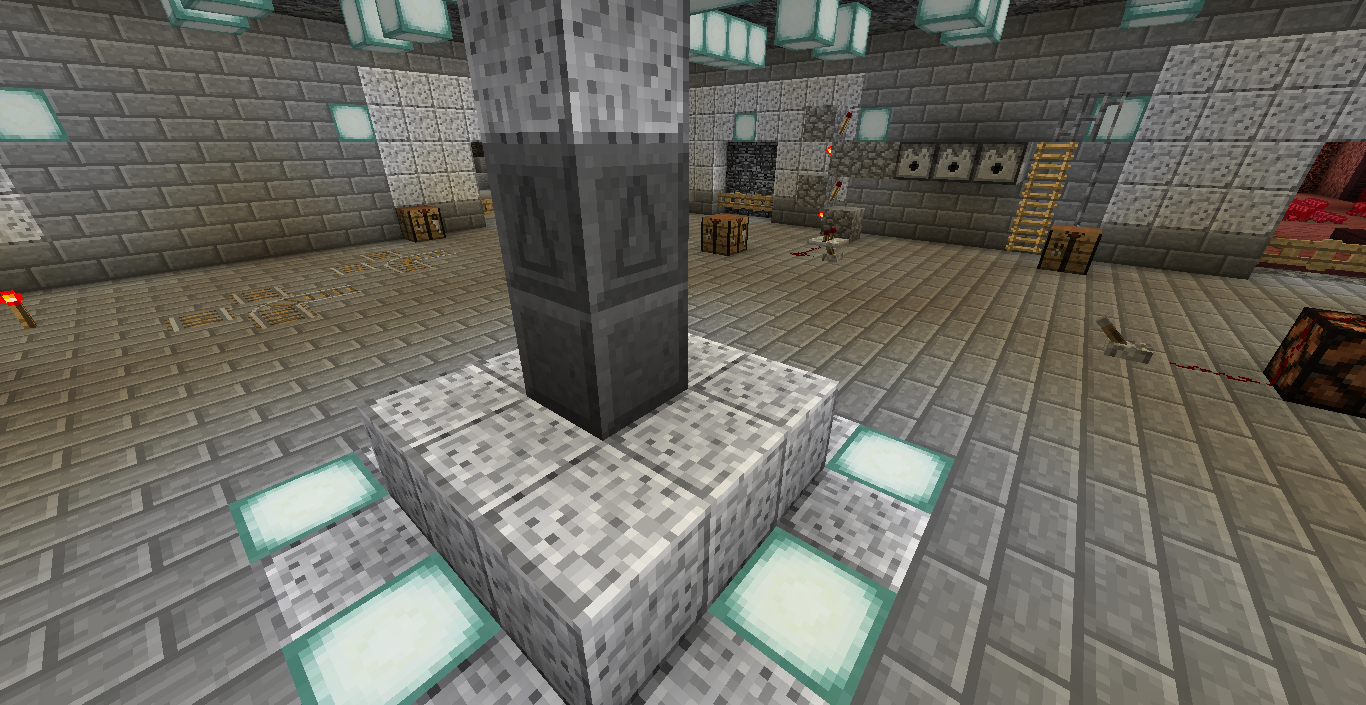
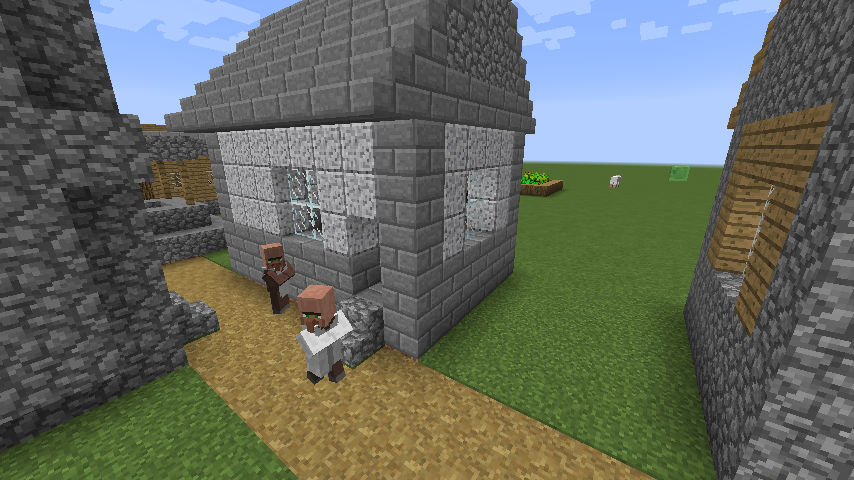
Daedalus' Labyrinth adds a new dimension for you to explore. To enter the labyrinth look for one of Daedalus' abandoned workshops in villages, they contain a portal. One like this:
A portal looks like this:
Right click the top block and it will open up the portal.
Going through a portal does not create a second portal in the other dimension. A portal closes again after some time and it is not fixed to a position on the other side. Going through a portal today might drop you off somewhere else than going through it tomorrow. If you plan to explore the labyrinth with friends make sure to enter the portal together so that you spawn as a group in the labyrinth.
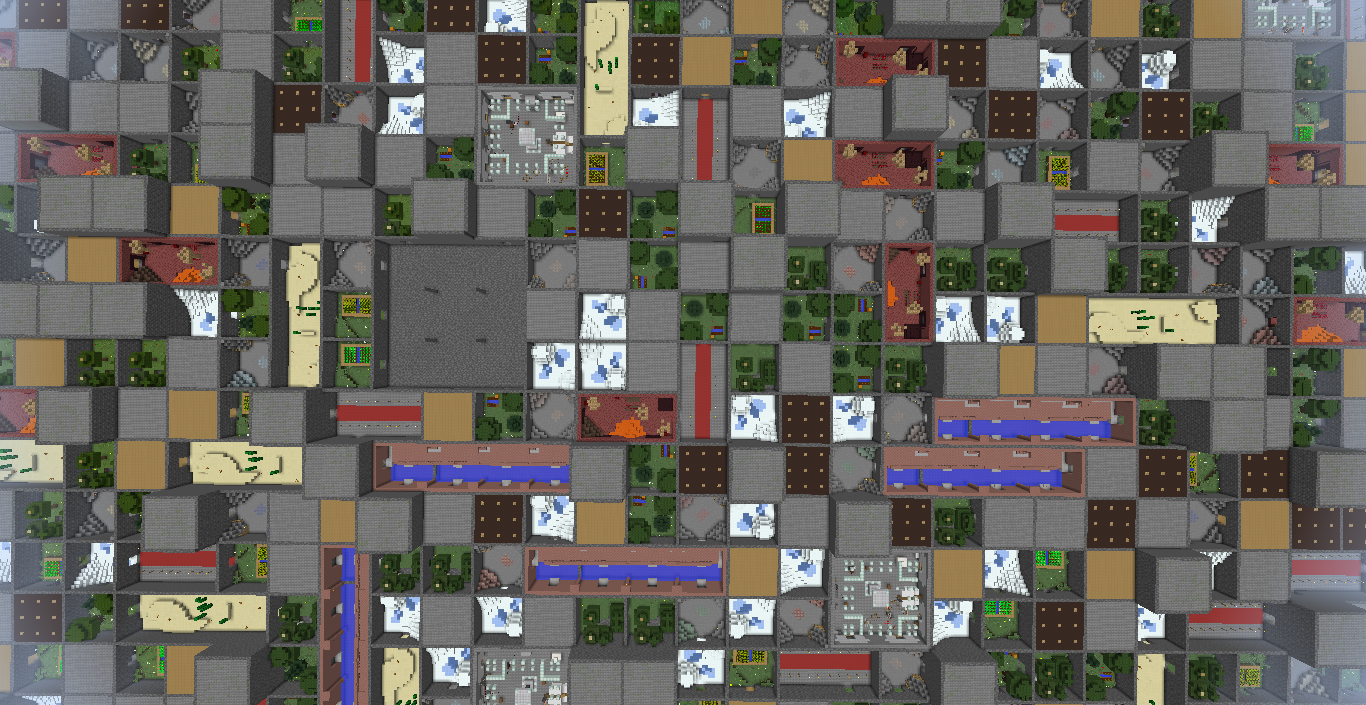
Inside the labyrinth you can find rooms that include many different resources; but beware the monsters that spawn there.
To get back out, find one of Daedalus' workshops inside the labyrinth which contain a portal back to the overworld (like in the image above).
Pack makers can add custom rooms (instructions) and remove rooms via config.
The mod adds multiple commands (creative only):
- /labyrinth tp-in: Teleports you into the labyrinth.
- /labyrinth tp-out: Teleports you back to the overworld.
- /labyrinth chunk-info: Gives you info about the part of the labyrinth you are currently in.
- /labyrinth spawn-room: Spawns a room in the chunk you currently are in; for testing purposes.
- /labyrinth spawn-mini: Spawns a miniature version of the labyrinth in the world.
- /labyrinth save-template: For saving a template (structure) like with a structure block just without the 32x32x32 max size.
If you've made it this far, one last tip: Bring torches. Lots and lots of torches.
Modpack Policy
You can use Daedalus' Labyrinth in your modpack, but monetization (apart from Curse rewards program) is not allowed.
- Edition: Minecraft Java
- File type: .jar
- How to install: Install the matching mod loader (Forge, Fabric or NeoForge) for your Minecraft version. → Download the .jar. → Put it in the .minecraft/mods folder and launch that loader profile.
- Where to get it: Opens on CurseForge — not every file is mirrored on our own servers.
Install steps are the general flow for this file type — How to install Minecraft Java mods & modpacks walks through it step by step.
- Ships as labyrinth-1.0.jar — drop this file into the mods folder
- Download size: 123 KB
- Download link checked 13 Oct 2026 — working
These come from our own check of the pack file, not from the source page.