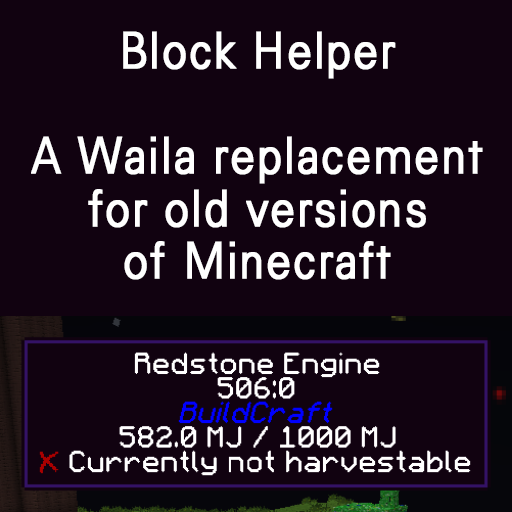
Block Helper
Minecraft Java mod. Downloads from the MC Java Mods app on Android.
⬇ Download on CurseForge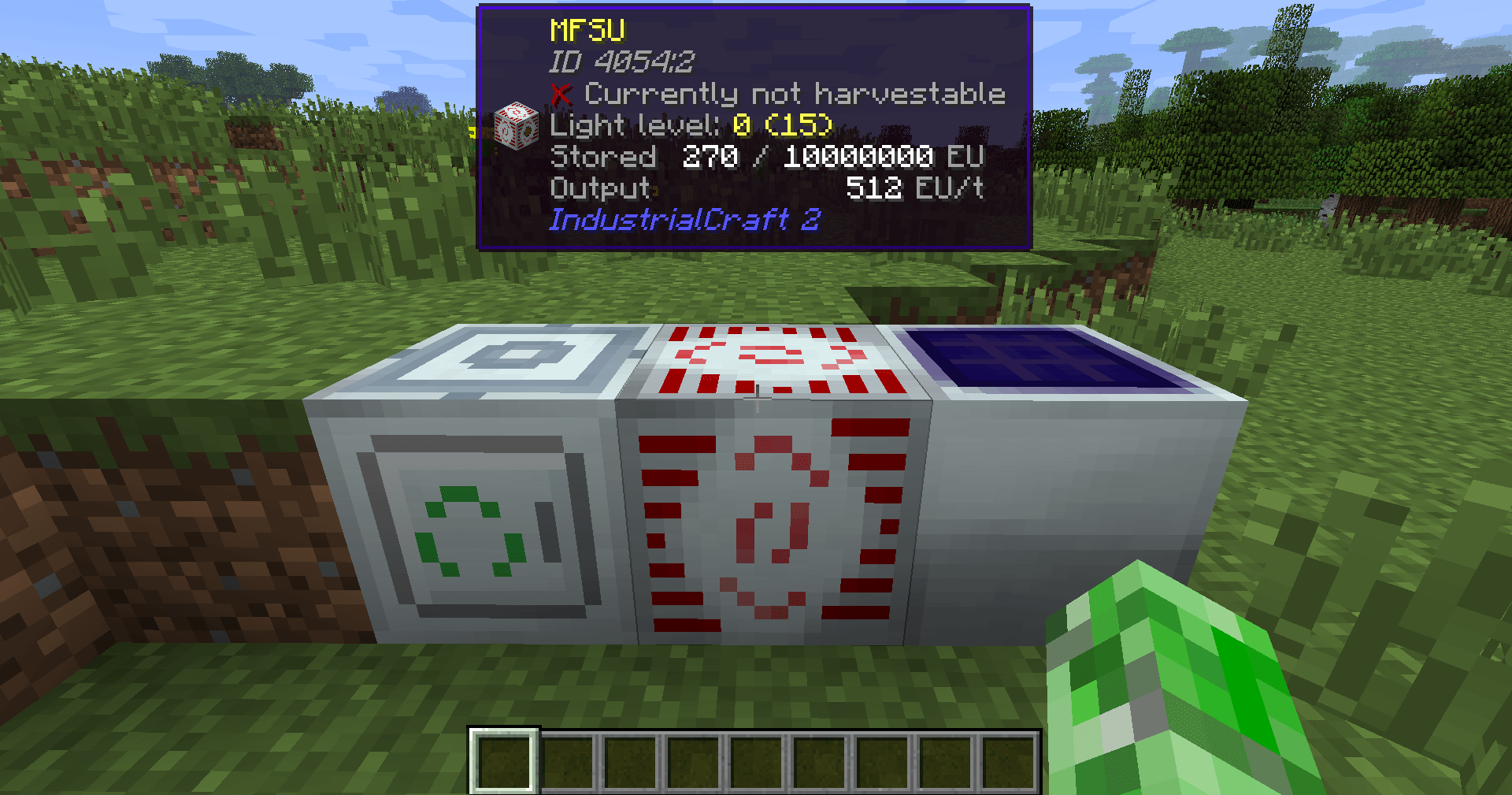
Block Helper
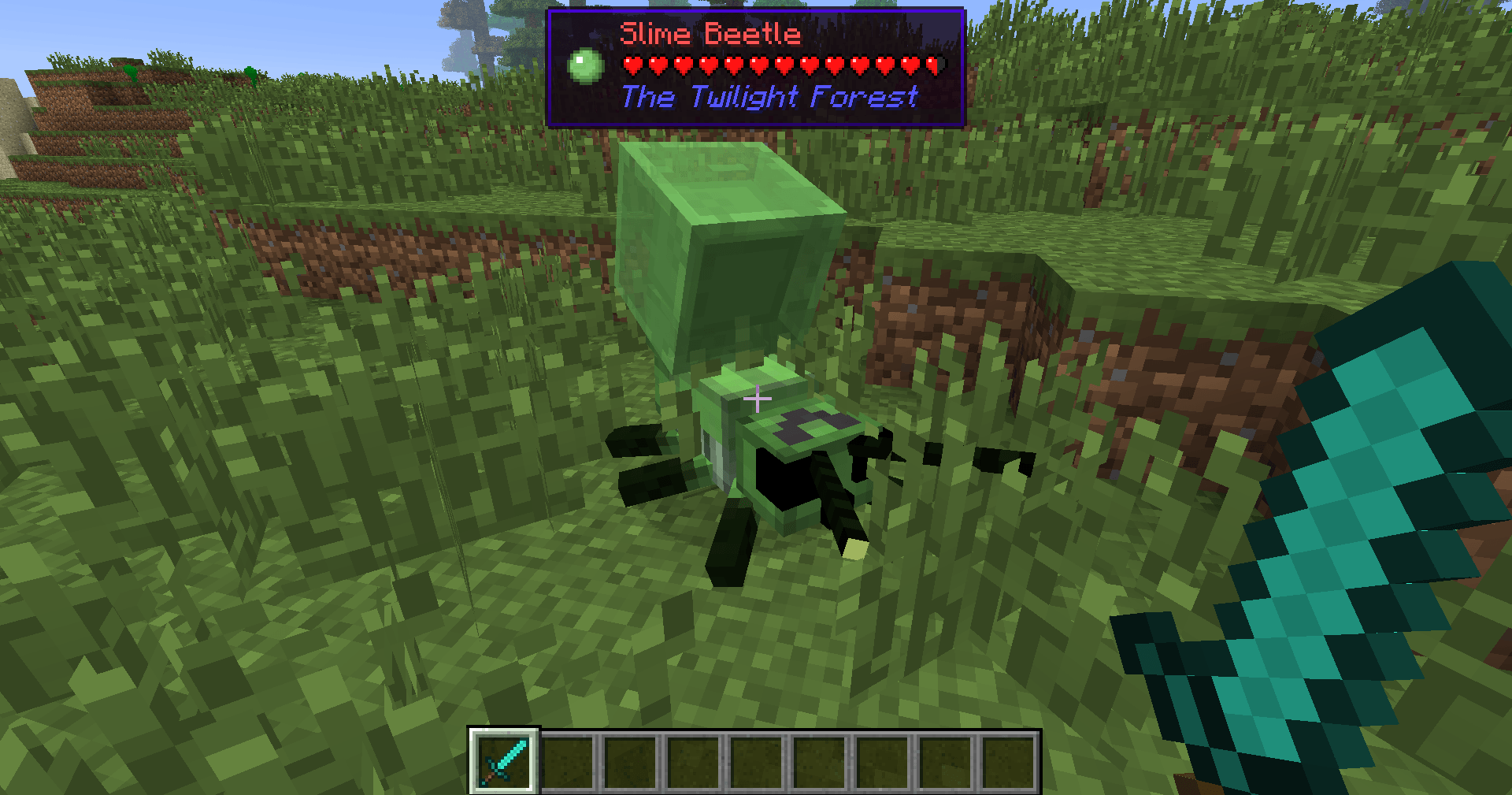
A direct WAILA port for old versions of Minecraft, with almost the same API and many, many additional fixes!
Fixers
Some Minecraft versions have bugs. That's normal. In order to fix some of them, you can install the following fixers:
Old source code
This repository hosts the source code for BlockHelper versions 2.x and onwards.
The source code for older versions (0.x and 1.x), has moved here.
Installation
Forge (all versions) / ModLoaderMP (≤ 1.2.3)
Client
Just drop the mod into the mods folder. Done! :)
Server
If you are running a server on MC 1.3.x or newer, just copy the Block Helper jar file into the mods folder.
On older versions, you need to download the dedicated server build of the mod. It can be found under "Additional files" both on Modrinth and CurseForge.
In MC b1.5_02 and older, you need to copy all the files from this jar into the server jar.
In all newer versions, it is sufficient to just copy the jar file into the mods folder.
MCPC+/Cauldron/Bukkit
If you are running a server on MC 1.3.x or newer, just copy the Block Helper jar file into the mods folder.
On older versions, you need to download the dedicated Bukkit/MCPC+ build of the mod. It can be found under "Additional files" both on Modrinth and CurseForge.
In MC b1.7.3 and older, you need to copy all the files from this jar into the Bukkit jar.
In all newer versions, it is sufficient to just copy the jar file into the mods folder.
Fabric
Drop the mod into the mods folder and install Apron or BetaLoader (for b1.7.3) or Fabricated Forge (for 1.3.2+).
Features
Mod Compatibility
Next to Vanilla blocks, integration modules for the following mods are in place (list updated only irregularly!):
- Advanced Machines
- Advanced Solar Panels
- Applied Energistics 1
- Barrels
- BuildCraft 2 and 3
- ChickenChunks
- Ender Storage
- Equivalent Exchange 1, 2 and 3
- Factorization
- Falling Meteors
- Flora & Soma / Natura
- Forestry
- Forge Multipart
- GregTech
- IC²
- Immibis's Microblocks
- IndustrialCraft
- InfiCraft
- NEI
- Pam's Mods
- Project Zulu
- Railcraft
- Red Power
- Thaumcraft
- Thermal Expansion
- Total Panels
- Twilight Forest
Some of these mods still host downloads to this day. If you cannot find downloads for some of these, chances are that they are still downloadable via MCModArchive.
API
Block Helper features WAILA's API (with minimal changes) from version 2.x onwards. Since there are many resources online on how to use the API, I will keep this as simple as possible here and just list a few "good" examples:
Just try to follow these examples and you will succeed. To safely register your plugin, use the code snippet from the JavaDoc of the mod_BlockHelper#registerPlugin function.
Other features
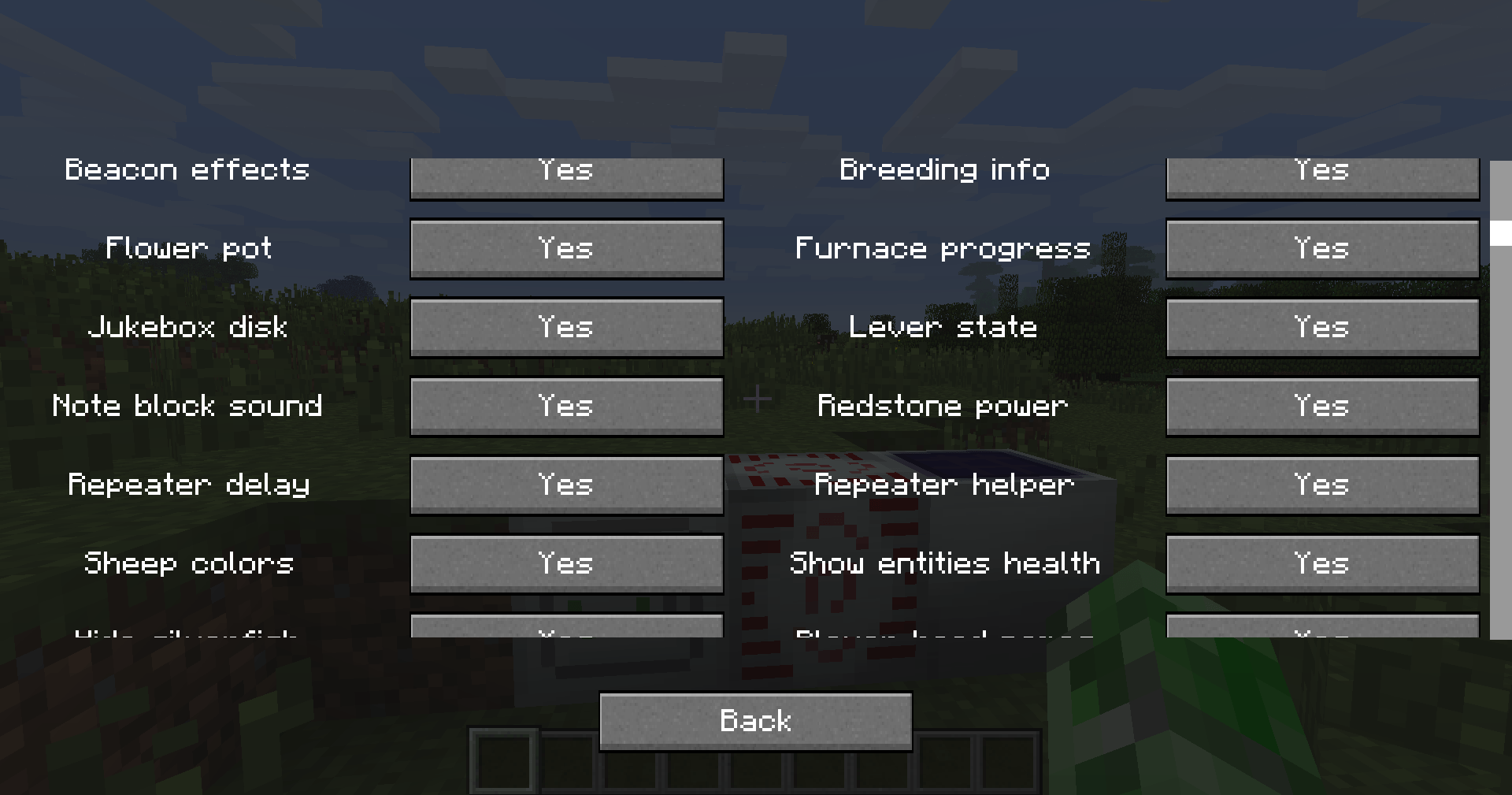
Yes, Block Helper has a few additional features and integrations you probably have not seen before :)
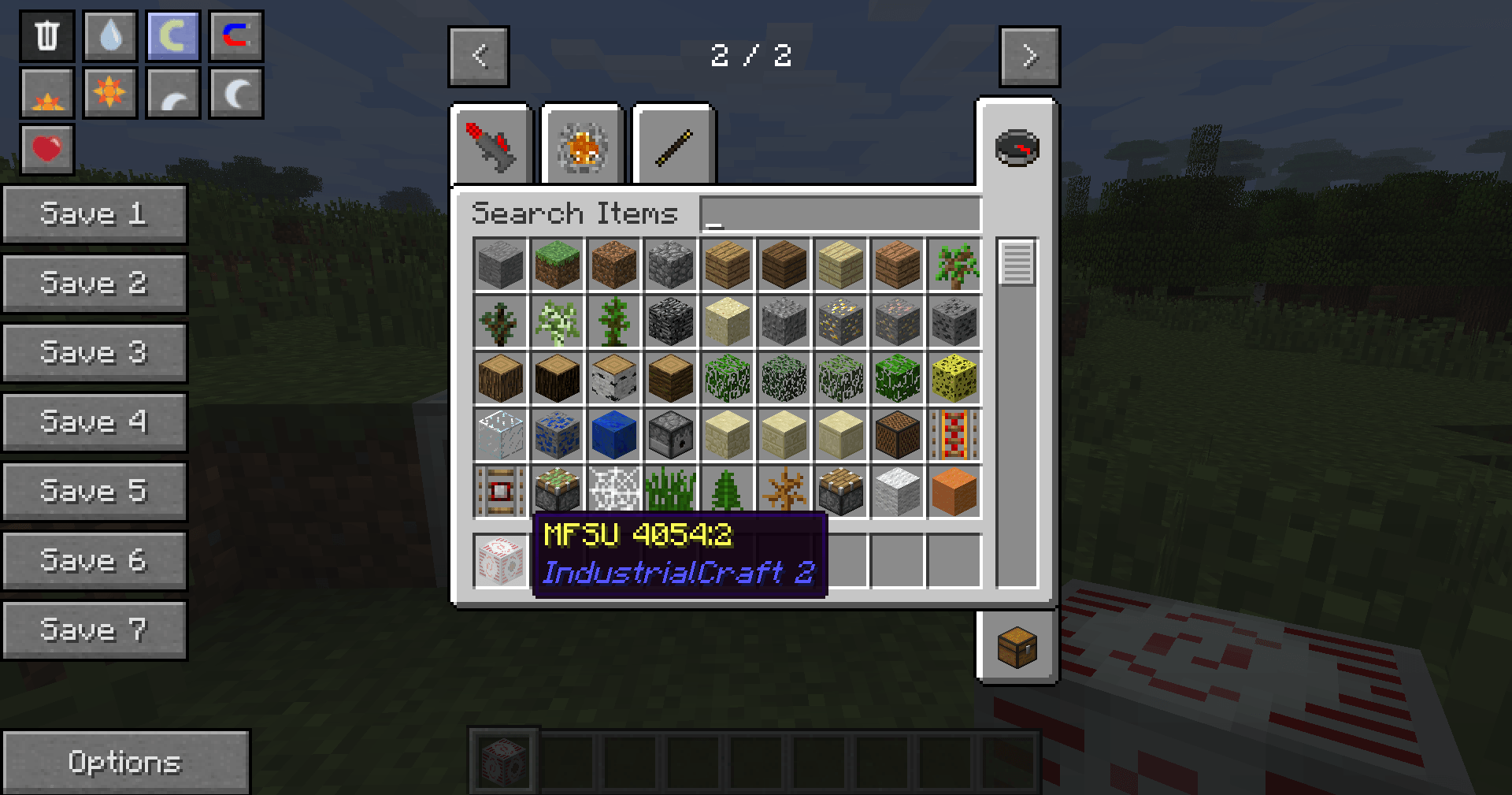
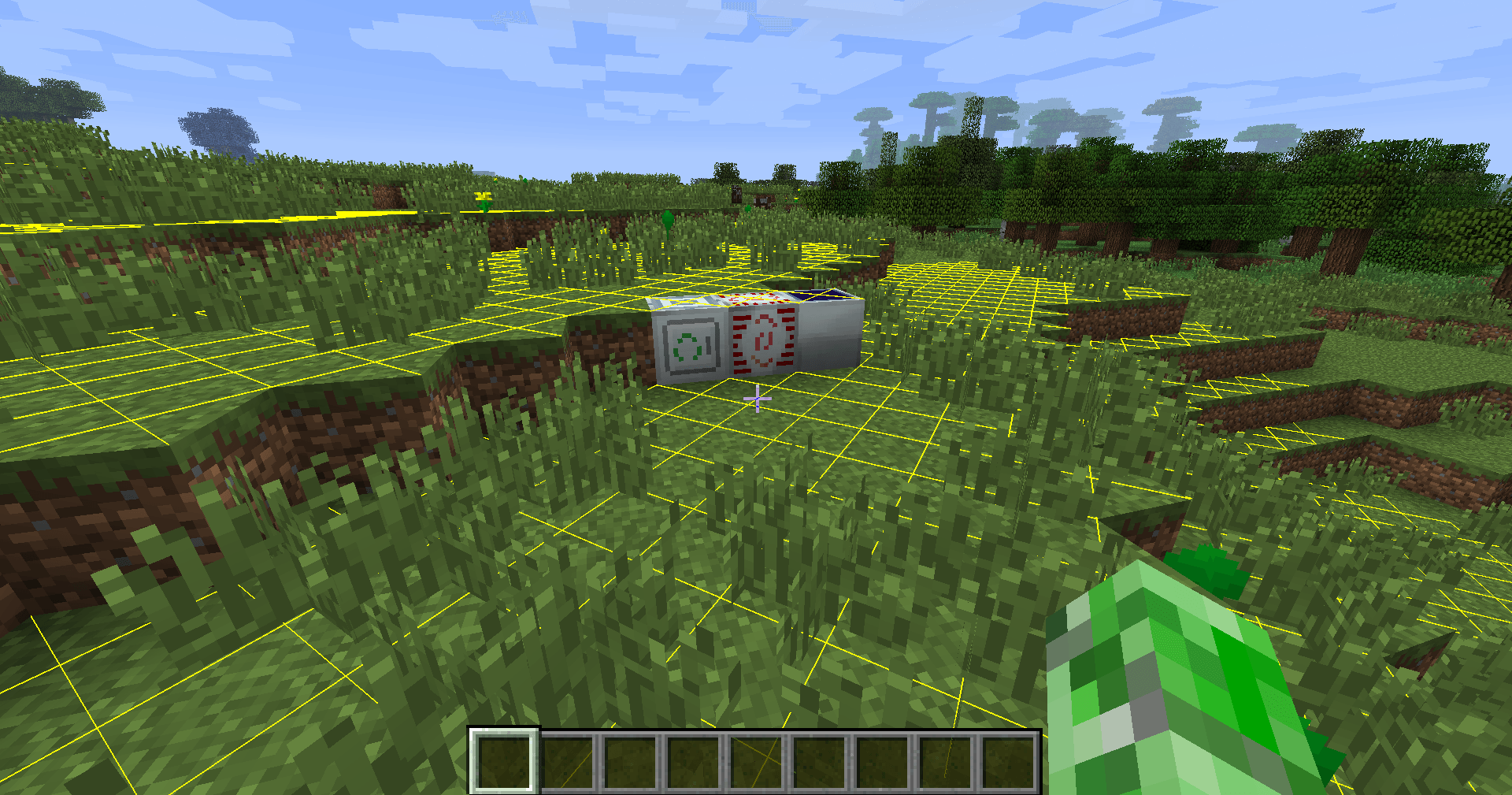
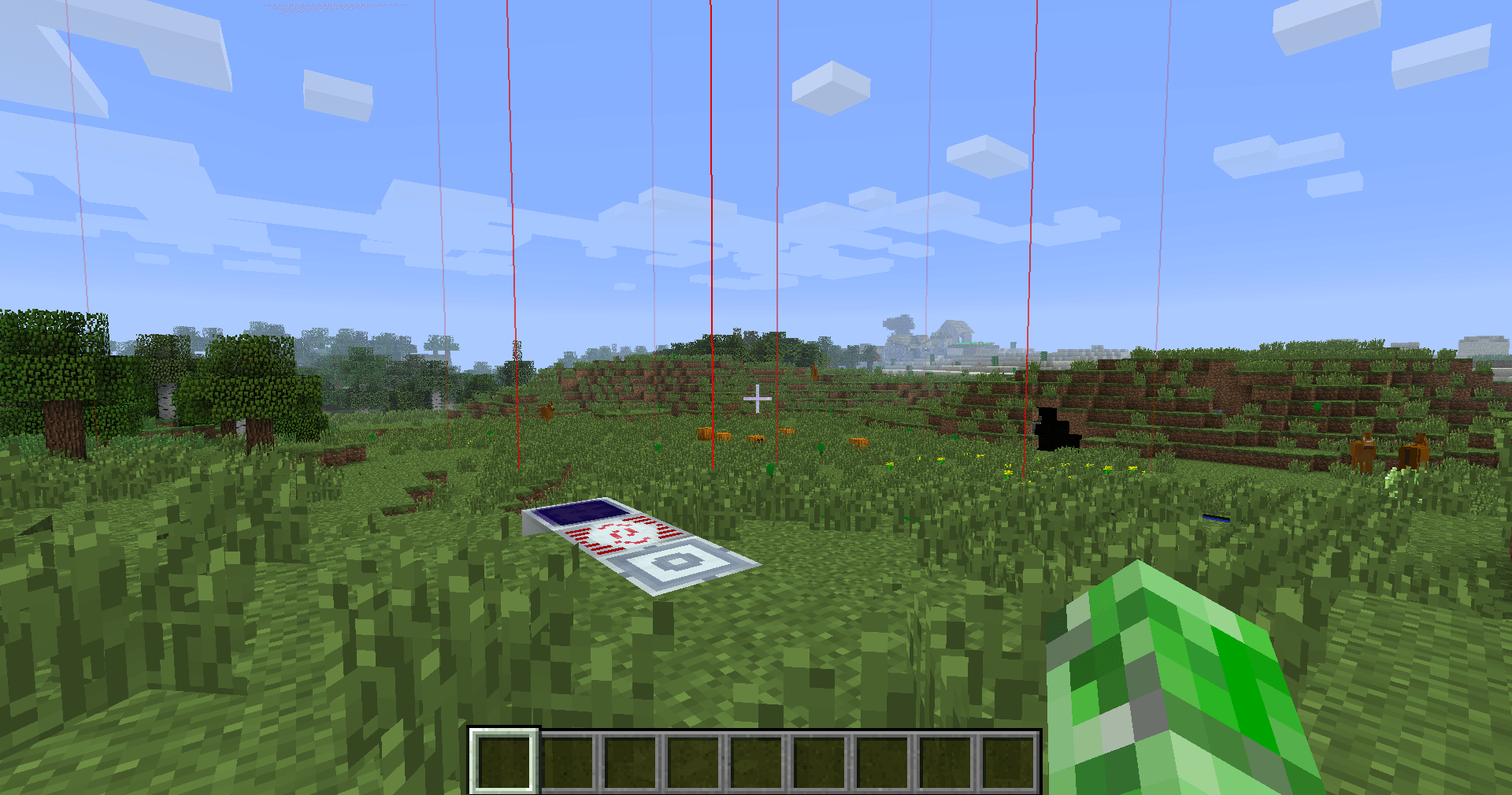
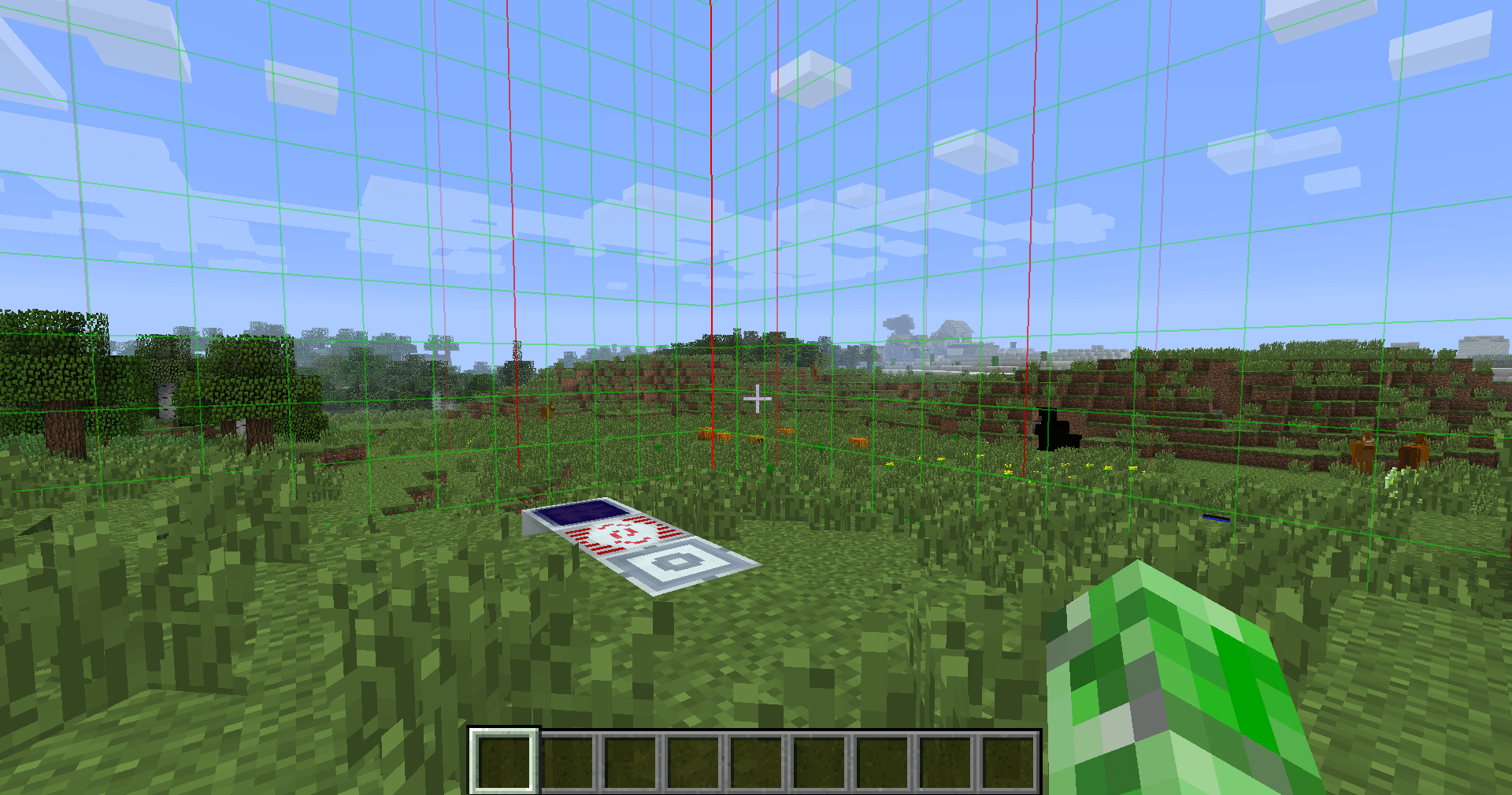
On the Modrinth and CurseForge page, there are a few images of most of these features in action!
Please note that not every feature is available for every Minecraft version due to modding limitations.
NEI/AMI/HMI integration
- Two new keybinds (default:
NUM3andNUM4), which show all the recipes for or using the block currently looked at - Show the mod an item is from in the item's tooltip [this also works without NEI/AMI/HMI in Apron]
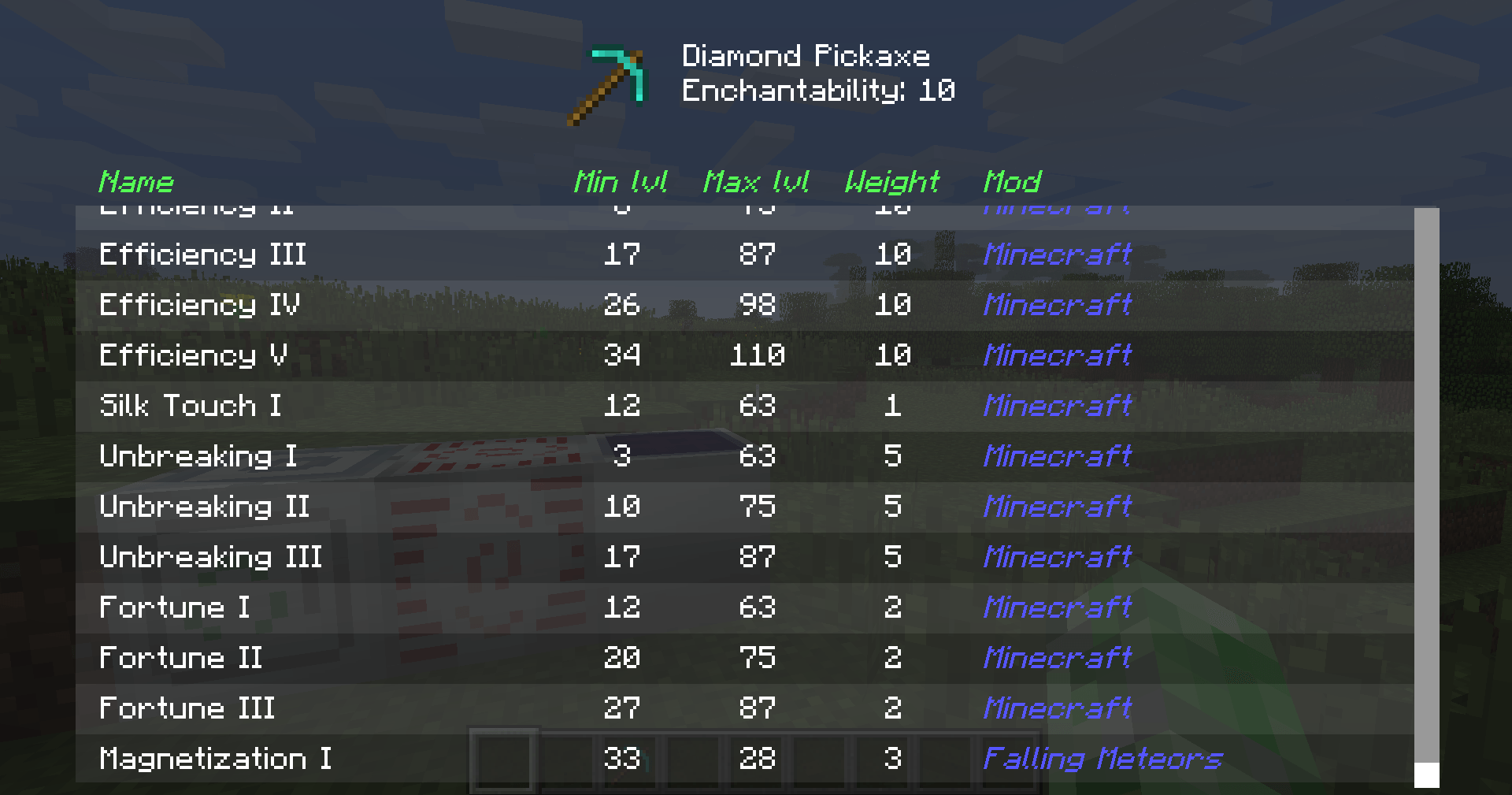
- Another keybind specific for NEI (default:
I), which shows all the applicable enchantments for the currently highlighted item in the inventory
World Overlays
Just like NEI in MC 1.4.7 and onwards, Block Helper features a light level overlay and chunk border overlay. The default keybinds for these are F7 and F9, respectively.
Source Code
Block Helper is being developed for:
- Edition: Minecraft Java
- File type: .jar
- How to install: Install the matching mod loader (Forge, Fabric or NeoForge) for your Minecraft version. → Download the .jar. → Put it in the .minecraft/mods folder and launch that loader profile.
- Where to get it: Opens on CurseForge — not every file is mirrored on our own servers.
Install steps are the general flow for this file type — How to install Minecraft Java mods & modpacks walks through it step by step.
- Downloads as BlockHelper-0.0.2.zip
- Download size: 7 KB
- Download link checked 13 Oct 2026 — working
These come from our own check of the pack file, not from the source page.