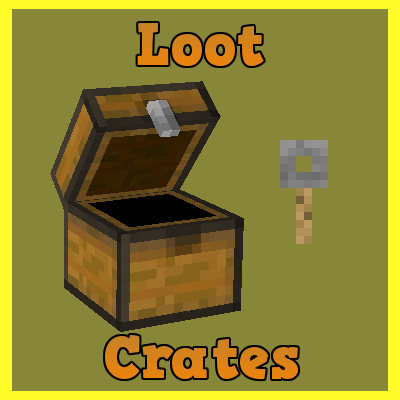
Loot Crates
Minecraft Java mod. Downloads from the MC Java Mods app on Android.
⬇ Download on CurseForgeThis mod adds in the ability to make inventories which give random sets of items, based on the name of the inventory.
To make a crate you must first make the crate name in the .xml which is defaulted to TestCrate1, Then use an anvil ingame to rename a crate to the exact same name TestCrate1
This entire server side utility requires you to make all your edits in the xml provided in the config folder labeled lootcrate.xml
This is a cutdown version for my example.
Heres how to add custom number of items:
<Crates>
    <Crate name="TestCrate1">
        <Key id="minecraft:stick" color="red" name="NameHere">
            <Tag>{display:{Lore:["LoreHere"]}}</Tag>
        </Key>
        <Reward r="10">
            <Item id="minecraft:redstone" n="10"/>
            <Item id="minecraft:emerald"/>
        </Reward>
Here is how you determine % chance of getting item:
        <Reward r="10">
            <Item id="minecraft:emerald"/>
        </Reward>
        <Reward r="10">
            <Item id="minecraft:emerald"/>
        </Reward>
        <Reward r="5">
            <Item id="minecraft:emerald"/>
        </Reward>
        <Reward r="5">
            <Item id="minecraft:emerald"/>
        </Reward>
This is how the % works out:
r=10 = 30%
r=10 = 30%
r=5   = 15%
r=5   = 15%
Total of 100%
Commands:
/lc reload (can edit the .xml and /lc reload ingame without restarting server!)
/lckey player TestCrate1 (For config example above)
- Edition: Minecraft Java
- File type: .jar
- How to install: Install the matching mod loader (Forge, Fabric or NeoForge) for your Minecraft version. → Download the .jar. → Put it in the .minecraft/mods folder and launch that loader profile.
- Where to get it: Opens on CurseForge — not every file is mirrored on our own servers.
Install steps are the general flow for this file type — How to install Minecraft Java mods & modpacks walks through it step by step.
- Ships as loot-crates-1.15.2-2.1.0.jar — drop this file into the mods folder
- Download size: 42 KB
- Download link checked 13 Oct 2026 — working
These come from our own check of the pack file, not from the source page.