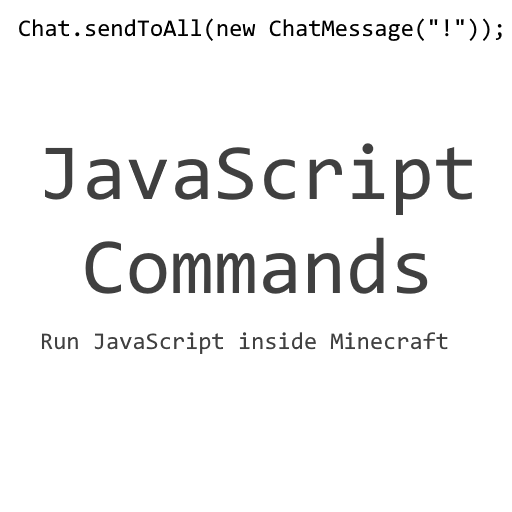
JavaScript Commands
Minecraft Java mod. Downloads from the MC Java Mods app on Android.
⬇ Download on CurseForgeJavaScript Commands
This is a small lightweight mod that uses the JsCraft API to allow JavaScript code to be run ingame using a command. This is fully compatible with command blocks, meaning that more complex mechanisms can be created with greater ease.
How to use it
To use JavaScript ingame, the '/javascript' command can be used; anything after it will be executed. It makes use of the JsCraft API, meaning that full wrappers around many of the things in Minecraft are provided. Documentation for the API can be found here.
Installation
To install this mod, you'll need JsCraft. Once you have that installed, you simply need to extract the 'Javascript Commands' folder from inside the ZIP provided and place it in the 'js/mods' directory in your '.minecraft' folder:

- Edition: Minecraft Java
- File type: .jar
- How to install: Install the matching mod loader (Forge, Fabric or NeoForge) for your Minecraft version. → Download the .jar. → Put it in the .minecraft/mods folder and launch that loader profile.
- Where to get it: Opens on CurseForge — not every file is mirrored on our own servers.
Install steps are the general flow for this file type — How to install Minecraft Java mods & modpacks walks through it step by step.
- Downloads as Javascript Commands.zip
- Download size: 1 KB
- Download link checked 23 Sept 2026 — working
These come from our own check of the pack file, not from the source page.